
Heads up: This post is more than 2 years old, so some of it may be out-of-date.
I've recently found myself going to the GitHub website multiple times a day to gather context on the code I'm looking at in my code editor.
I looked at some VS Code extensions which allow you to view a "git blame" inside VS Code but I didn't really like any of the ones I tried.... so I thought it'd be a fun evening project to build one.
Introducing "Simple Git Blame". Install it, go to a file, select a line (or multiple) and summon the action. The "Blame" page will open in your browser.
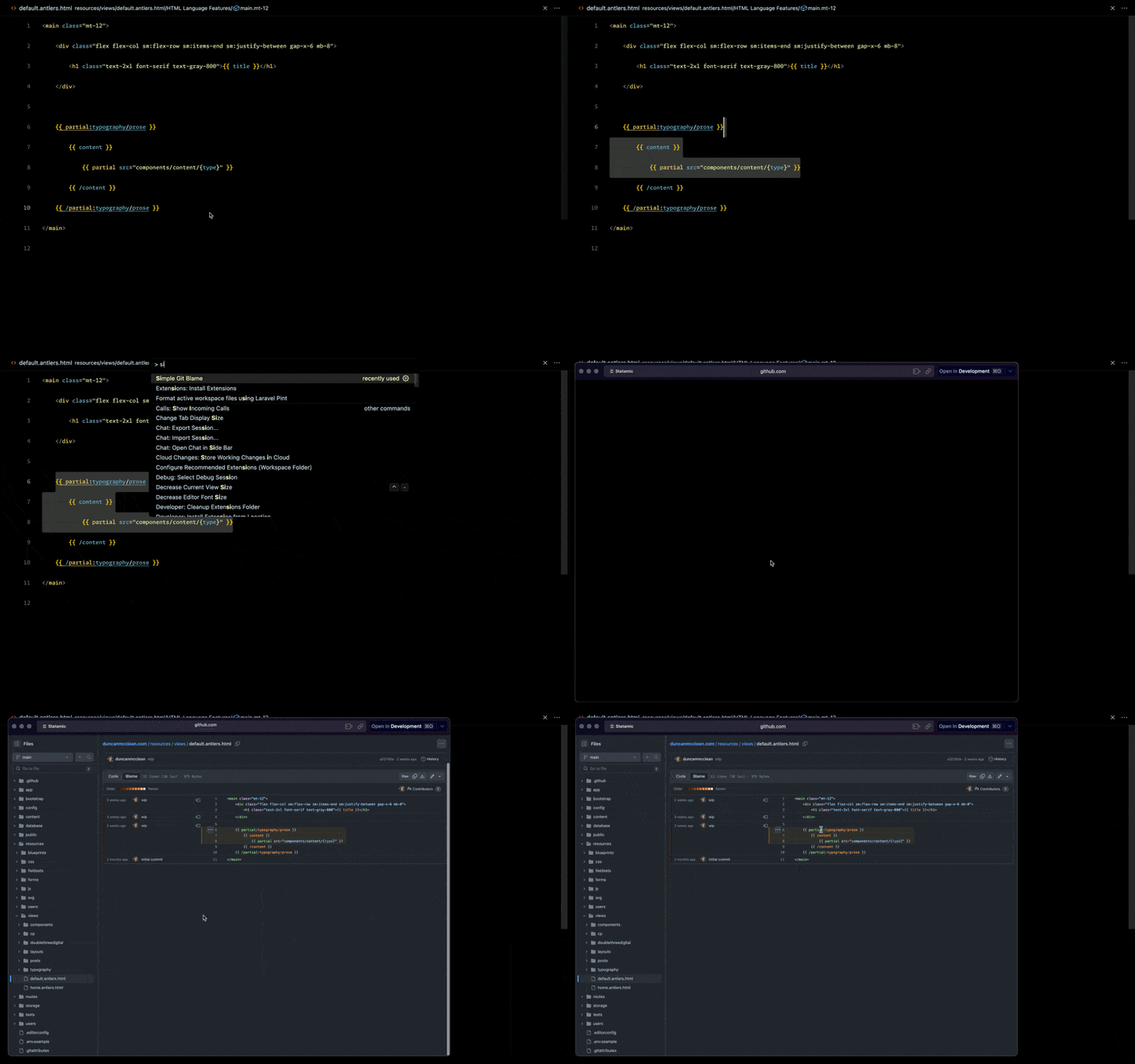
You can view the source code here.
Comments
Nothing yet. Say the first thing.
Sign in to join the conversation.