
We are honored to count you among the >600.000 readers of “DIGITAL STORM weekly”. Please help grow our community by inviting your friends.
You have the complete manual - not just the basics. The next ten steps turn Claude from a clever chat box into a system built around your work

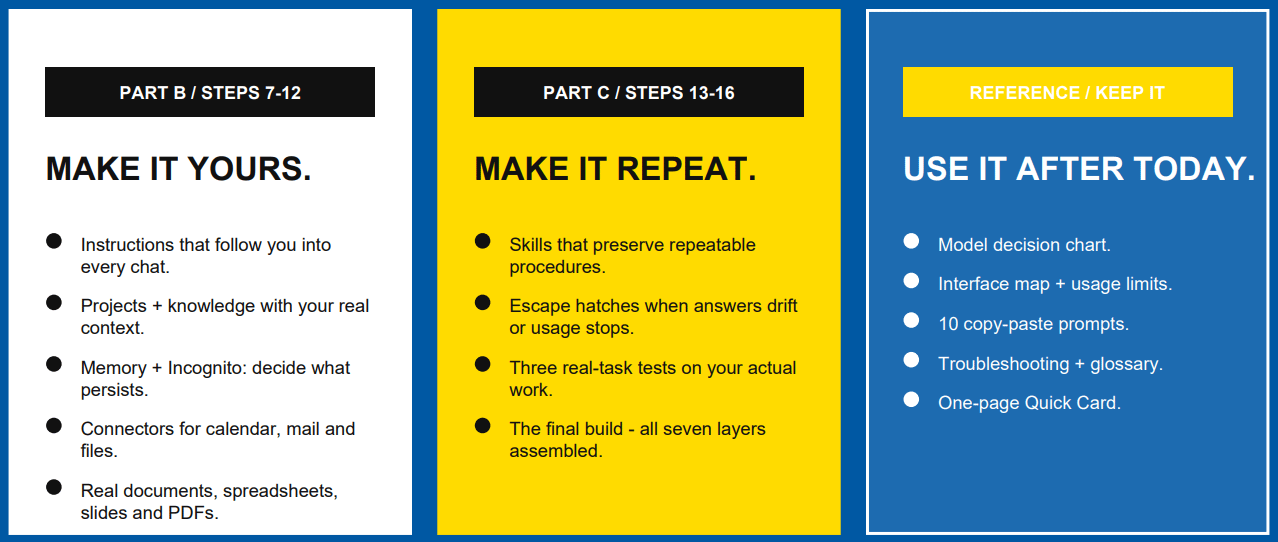

Part A · The basics - Step 7 of 16 · Part B: make it yours
One field. Loaded into every conversation you ever have, everywhere. This is the single highest-leverage box in the entire product, and most accounts leave it empty.
Click your initials, bottom left → Settings.
Find Instructions for Claude. If you set your account up a while ago, this field used to be called Profile.
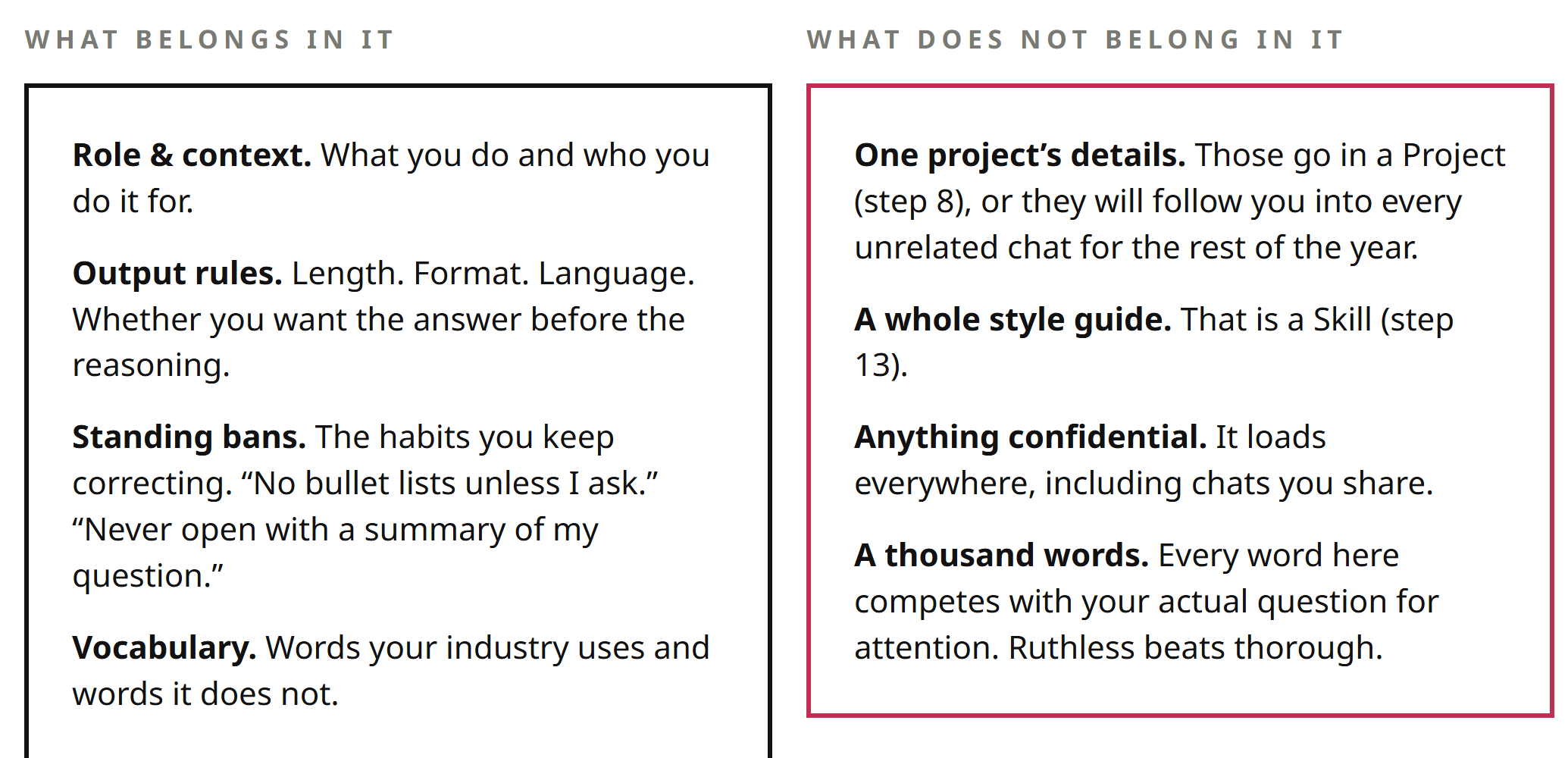
Write four things: who you are, who you serve, how you want answers, and what you never want.
Save. Open a new chat and ask something ordinary. It should already sound closer to right.
Copy · paste — let Claude write it for you
Interview me for ten minutes about my role, my clients, my goals, the formats I produce most, and how I like things done. Then write my “Instructions for Claude” field for me, under 200 words, in the second person. Ask me questions first.
Also worth knowing
Styles sit next to this and do a different job: they change tone for one conversation without touching your standing instructions. There are built-in ones, and you can build a style from samples of your own writing. Use instructions for what is always true, styles for what changes.
→Say it once. Then never type it again.
Part B · Make it yours - Step 8 of 16

Comments
Nothing yet. Say the first thing.
Sign in to join the conversation.