
Tiny housekeeping note: This 10-part series, Email Accessibility: How To Open Your Inbox To Everyone, will be worth it for email creators. Join me!
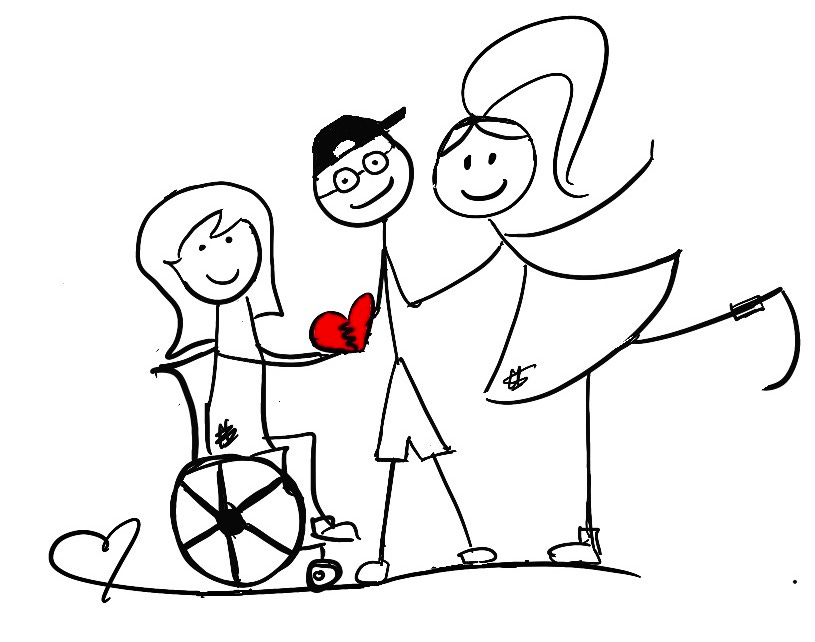
Hey, you beaming disability-inclusive soul.
Is your email easy to explore with just a few taps?
You see, when we talk about email accessibility, what we’re really talking about is people and how we can make their reading experience a little easier, a little kinder.
So today, let’s focus on designing emails that work for people with physical disabilities.
Physical disabilities can show up in lots of ways: tremors, joint pain, paralysis, and more.
And, for some readers, a mouse isn’t an option because they’re navigating with a keyboard, a mouth stick, or assistive technology.
So, how can we help?
Let’s take a look.
Every clickable part of your email should be easy to use with just a keyboard, so your readers get the same smooth experience as everyone else.
If you can click it, you should be able to tab to it, so create logical tab orders so that buttons and links are easy to access.
When people tab through your content, the focus should flow in a natural order from top to bottom, left to right.
Be clear about where you’re sending people. This means your links and buttons should tell people exactly what happens when they click.
If a button or link is going to do something, like take your reader to a new page, make sure it says exactly that.
Good: Get your Accessibility Checklist (takes you to an accessibility checklist)
Not so good: Click here or Visit now (vague and confusing)
It’s easy to get excited and send that email, but pausing for a quick me-check makes a huge difference.
Double-check compatibility with screen readers and make sure all elements are reachable via keyboard navigation.
Let the tools catch the technical stuff, and trust yourself to catch the human stuff.
It’s a small step that makes your email more thoughtful and inclusive.
Designing emails for keyboard navigation isn’t just another step; it’s kindness.
Take a moment to slow down, double-check, and make sure your email is compatible and truly works for everyone.
Because you’re not just sending content, you’re sending care.
Stay bright. ☀️
Lia
PS Now is a good time to learn more about How To Create Image Descriptions And Get Your Content Seen.
Do you have any questions or suggestions? I'd love to hear from you. Just reply to my email and I'll get back to you.
No posts
Comments
Nothing yet. Say the first thing.
Sign in to join the conversation.