
I just aced three Kubernetes certifications in 50 days after posting it! Many people asked me how I achieved it.
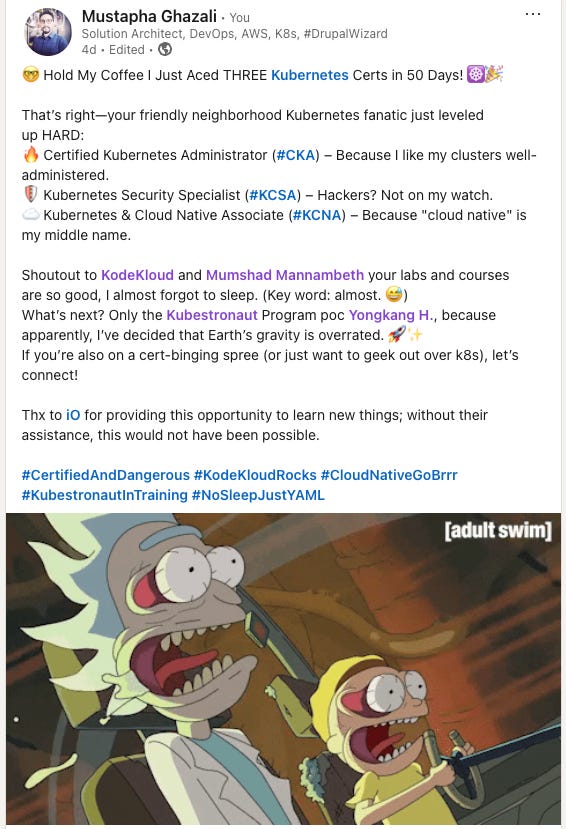
short answer is : It was not easy .
Rick&Morty pictures is self explanatory
So, you’ve decided to take the Certified Kubernetes Administrator (CKA) exam? Congrats! You’re about to enter a world of YAML, kubectl commands, and the occasional existential crisis when your pod keeps crashing. But fear not! With the right strategy (and maybe a little caffeine), you can crush this exam like a misbehaving pod under high CPU pressure.
Here’s your no-BS, fun, and simple guide to acing the CKA.

If you haven’t heard of KodeKloud CKA Courses or Mumshad Mannambeth, you’re either living under a rock or you’re still stuck debugging a CrashLoopBackOff. Their labs and courses are gold for the CKA. The hands-on labs mimic the real exam, so you’ll feel like you’ve cheated (but legally).
Pro Tip: If you can finish Mumshad’s mock exams without crying, you’re ready.

The exam allows you to access the official Kubernetes documentation. This is like having an open-book test where the book is written by the gods of Kubernetes.
But beware: If you don’t know how to navigate it quickly, you’ll waste precious time. Practice searching for things like:
"How to create a PersistentVolume"
"kubectl cheat sheet"
"Why is my node NotReady?" (You’ll need this one.)

The CKA is performance-based, meaning you’ll be doing real tasks under time pressure.
Skip the hard questions first (flag them and come back).
Don’t over-troubleshoot—if a command fails, check syntax and move on.
Use
kubectl --helplike it’s your therapist.
You must write YAML files from scratch. If you rely on copy-paste, you’re in for a world of pain.
How to practice?
Write Deployments, Services, PVCs daily until you dream in YAML.
Use
kubectl run --dry-run=client -o yamlto generate templates.Learn to fix indentation errors before they fix you.

Your pods will crash. Your nodes will fail. Your kubelet will misbehave. Stay calm.
Key commands:
kubectl describe pod <name>→ "Why are you like this?"kubectl logs <pod> --previous→ "What did you do before you died?"journalctl -u kubelet→ "Show me your darkest secrets."


Panic leads to mistakes. Mistakes lead to Error: unknown command.
Breathe.
Read questions carefully.
Double-check syntax (
--restart=Alwaysvs--restart-always).
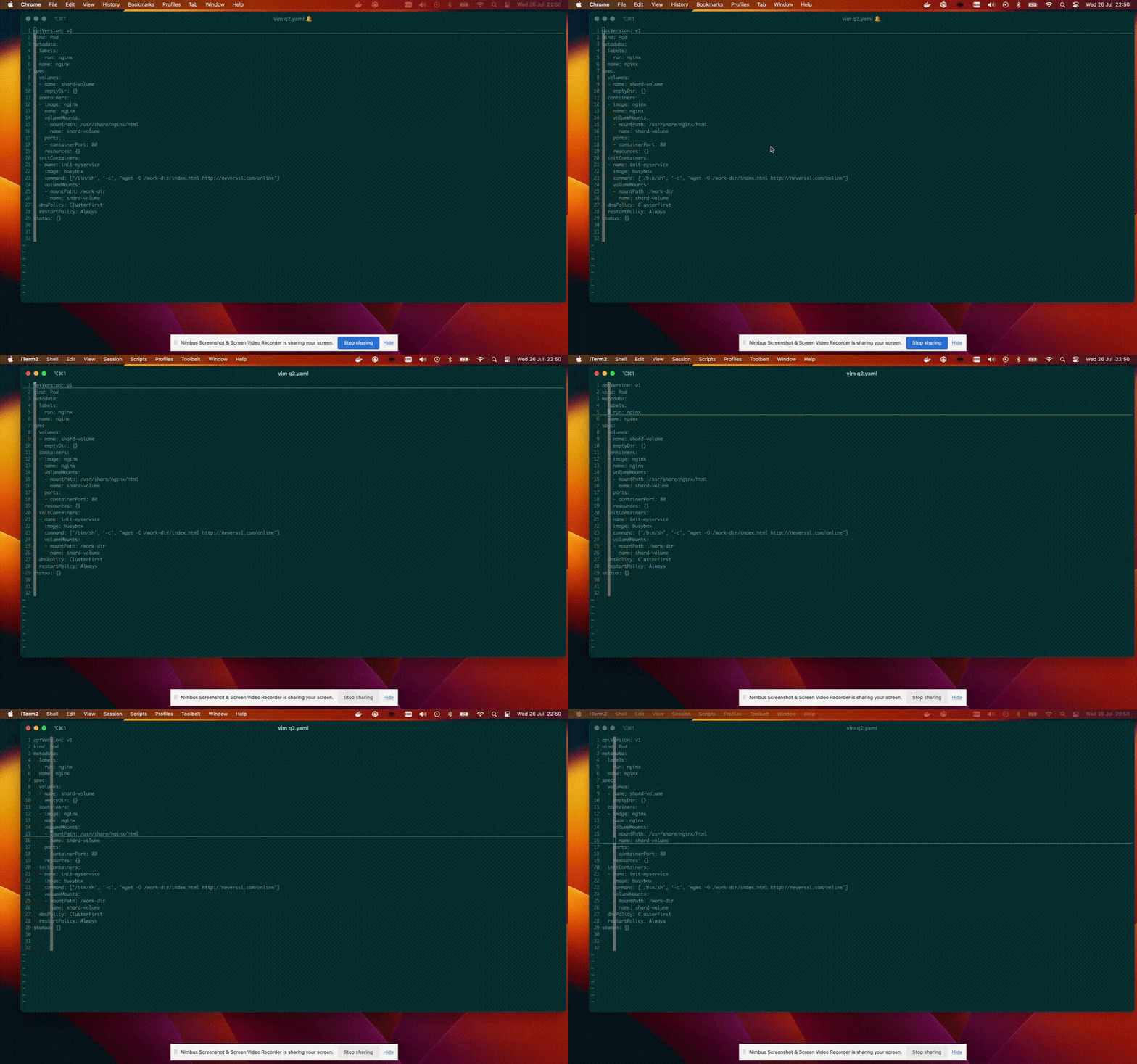
You must use Vim (or Nano, but let’s be real—Vim is faster).
for more usability change add this line to the .vimrc
set expandtab
set ts=2 sts=2 sw=2 et nu ai cuc cul
set paste
The exam will ask you to fix or set up a cluster. Practice:
Initializing a cluster with
kubeadm initJoining nodes with
kubeadm joinResetting with
kubeadm reset(for when you break everything)
Reading won’t save you. Doing will.
Break clusters on purpose, then fix them.
Simulate exam scenarios under time pressure.
If you can automate it in your sleep, you’re ready.
setup ur cluster using https://github.com/mmumshad/kubernetes-the-hard-way

The CKA isn’t about memorization—it’s about speed, accuracy, and troubleshooting under pressure. If you can:
Write YAML without crying
Fix a broken
kubeletin under 5 minutesNavigate the K8s docs like a ninja
…then you’ll destroy this exam.
Now go forth, kubectl everything, and may your pods always be Running. 🚀
Good luck! (You’ve got this.)

Some resources :
My CKA certification guide: https://github.com/ninjadrupal/cka-certification-guide
Mock-exam: https://learn.kodekloud.com/courses/ultimate-certified-kubernetes-administrator-cka-mock-exam-series
kubernetes-the-hard-way: https://github.com/mmumshad/kubernetes-the-hard-way
All nots from kodekloud CKA: https://notes.kodekloud.com/docs/CKA-Certification-Course-Certified-Kubernetes-Administrator/Introduction/Course-Introduction
No posts
Comments
Nothing yet. Say the first thing.
Sign in to join the conversation.