Show RDP connections with credentials in PowerShell
Connecting: or with without querying the password: and then or with a single string: or without UI:

A software developer's blog
Connecting: or with without querying the password: and then or with a single string: or without UI:
The code below does not compile in C++: MSVC error: The code below compiles with MSVC: but GCC fails to compile this code with the following error:
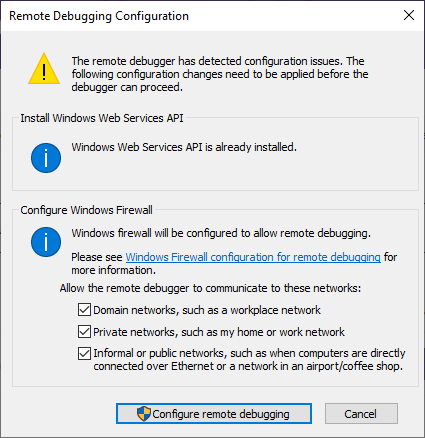
I installed Remote Tools for Visual Studio 2022 and run: Started Remote Debugger as administrator on the remote machine: Visual Studio 2022 asked for credentials: and displayed the list of the processes: I built the project with static runtime: Visual Studio displayed my DLL as a module and I was able to set a breakpoint: but it did not trigger when I entered a wrong password and tried to login. I…
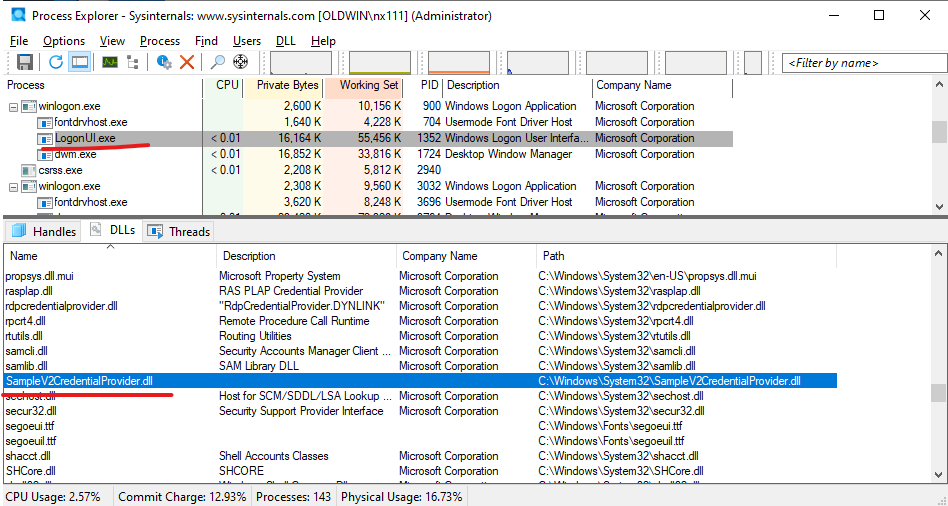
I registered a sample Credential Provider with the following .reg file: and it appeared in the registry: DLL was loaded into LogonUI.exe: and logon screen displayed this:
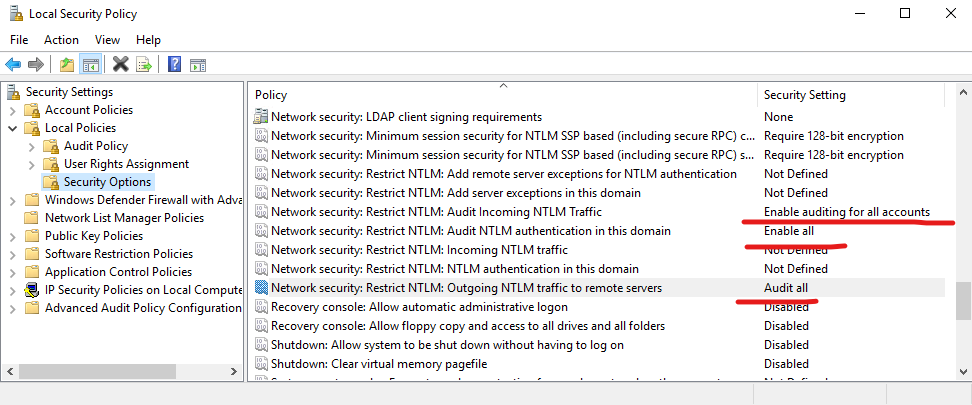
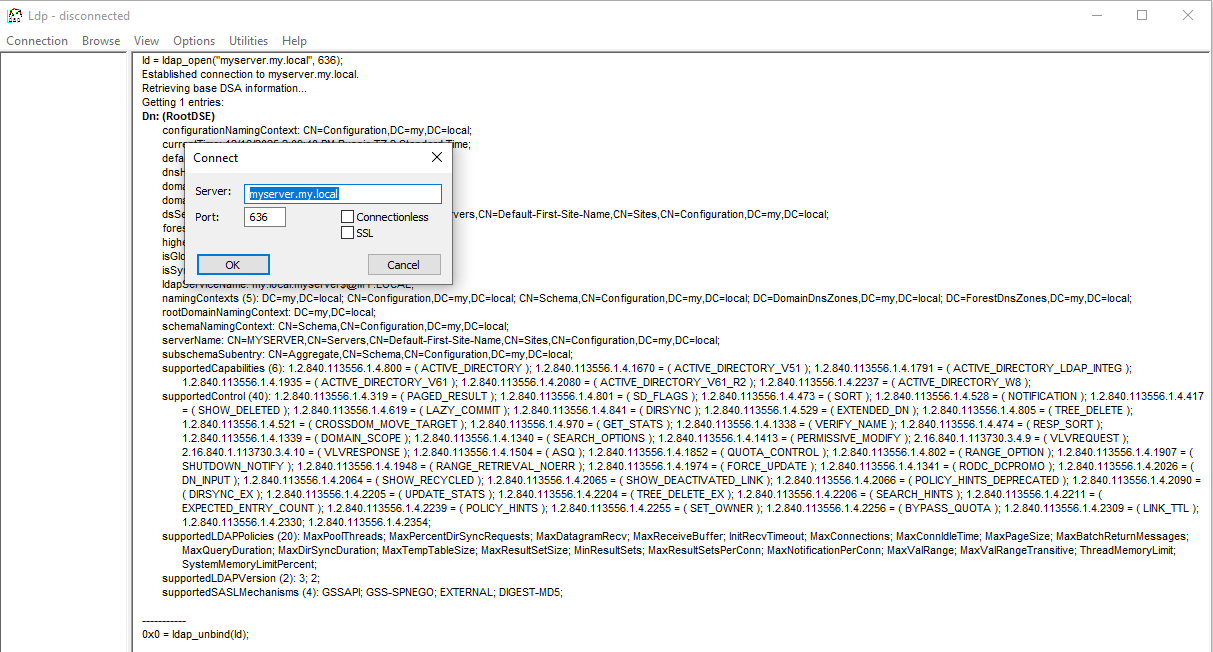
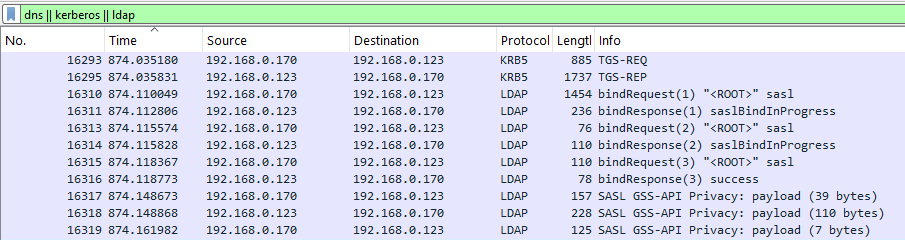
On DC with IP address 192.168.0.123: From another Windows machine: On DC: does not show any events. Configuring Security Options on DC From another Windows machine: On DC: The command still gives nothing. Default Domain Controllers Policy It displays the same settings: Using ldp.exe WireShark on DC: Opening a Share Opened DC share from another Windows machine: WireShark on DC:
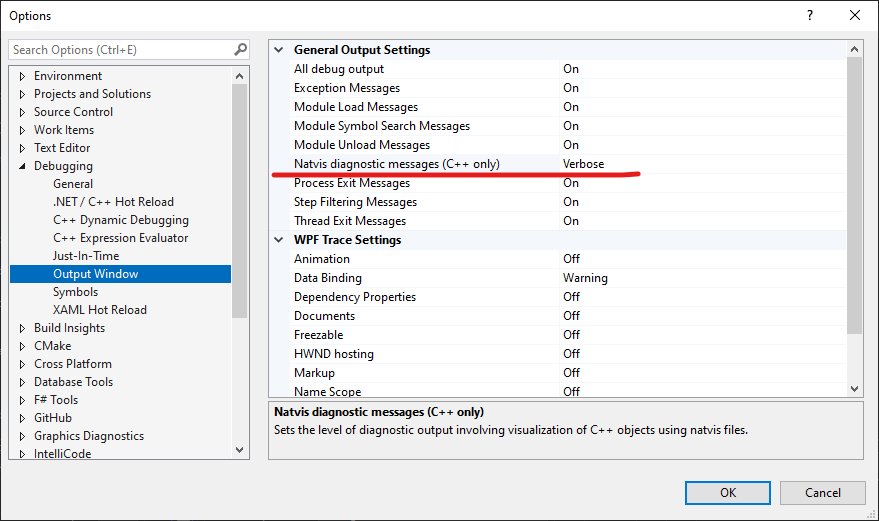
Tools- Options: ConsoleApp.natvis: ConsoleApp.vcxproj: A visualizer for awl::decimal
I realized that my LDAPS certificate is not trusted with the following command in PowerShell: I installed ca_root.crt and got this: I added root certificates: and got this: With openssl on MinGW I got this: but was able to connect to DC via ldp.exe:
C++ coroutines and const reference parameters A coroutine func accepts a parameter by const reference in the code below: The code is well-formed and outputs the following: until we change caller_func() as follows: The lifetime of a temporary used as a function argument is extended to that of the full expression containing the function call, so Param(15) is destroyed at semicolon and the coroutine…
Added the following to the common section of CMake: and the following to the project section: and the following to C++ code: and the following code started to compile:
SASL I configured Kerberos on Ubuntu 24.04 WSL and was able to run the following command: that produced the following output: WireShark: I set the both options to none: and tried again, but there still were SASL GSSAPI Privacy in WireShark: Simple Bind