
One thing I was still missing a little bit after switching from IntelliJ to Vim was being able to quickly switch
between the file I am working in and the related test file. Or, if there is no test file yet, create it easily.
In IntelliJ this is as easy as hitting <S-CMD-t> on mac.
With Vim we can recreate that with vim-projectionist, which is a plugin to
"provide[s] granular project configuration".
Setup
Add the plugin to .vimrc with your plugin manager or directly.
Plug 'tpope/vim-projectionist'Add some nice shortcut to execute the :A alternate command.
" go test
nnoremap <Leader>gt :A<CR>
Add a .projections.json config file to your project root. Mine is as simple as:
{
  "src/*.tsx": {
    "alternate": "src/{}.test.tsx"
  },
  "src/*.test.tsx": {
    "alternate": "src/{}.tsx"
  },
  "src/*.ts": {
    "alternate": "src/{}.test.ts"
  },
  "src/*.test.ts": {
    "alternate": "src/{}.ts"
  },
}
This specifies for which matching files alternates can be found, and at what path they can be found in.
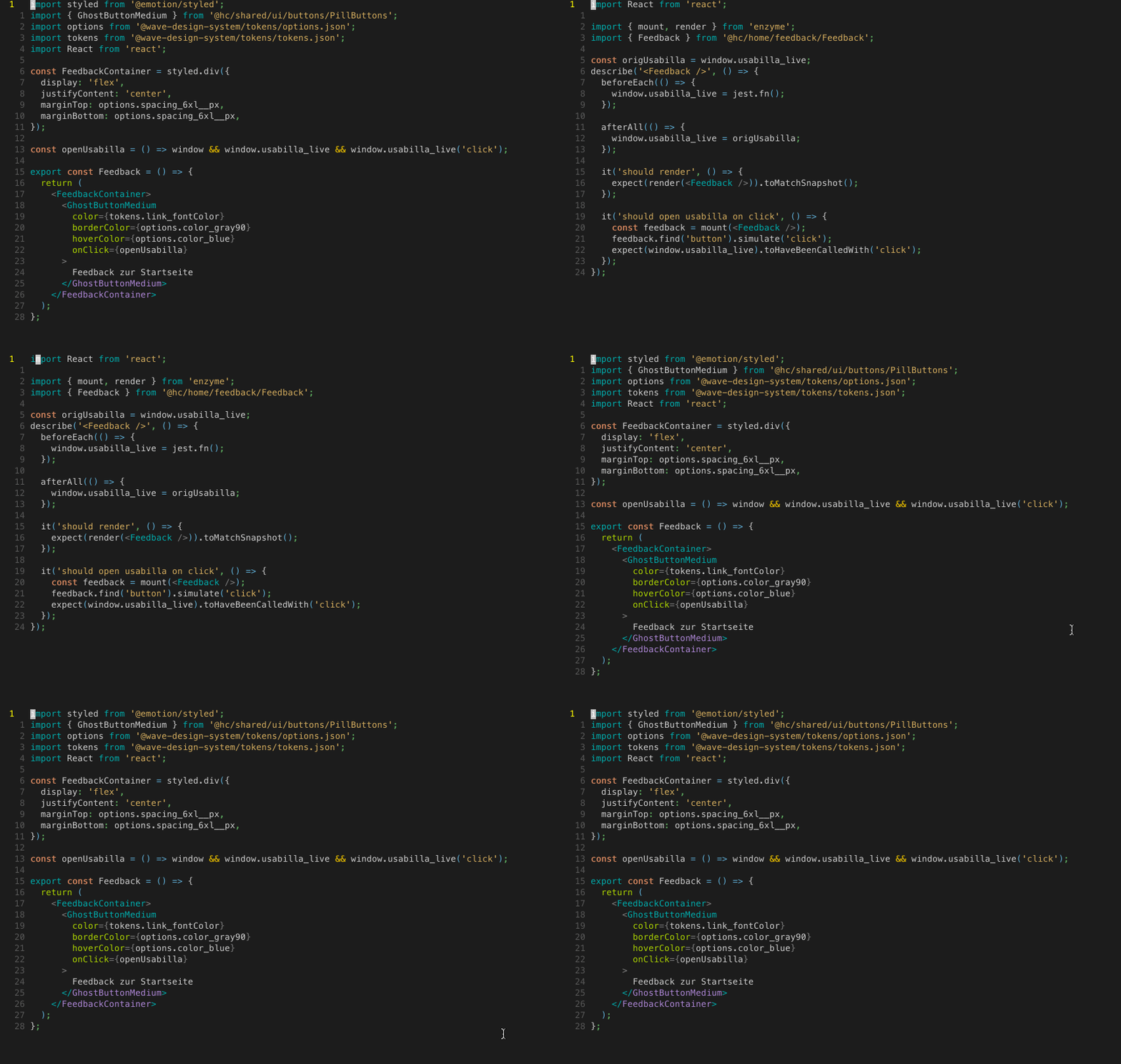
keystrokes: <leader>gt
And if it does not exist yet, it prompts you to create the file. This works in both directions.
Comments
Nothing yet. Say the first thing.
Sign in to join the conversation.