
The Building Blocks By Eunji Jeong | Issue No. 2
Okay, I’m a designer –
I’ve spent years translating a fuzzy idea into something real that others can see, use, and feel. I sell my vision and ideas to my team members, leadership, and customers all day long, yet the moment I open an AI tool, something strange happens.
My brain goes quiet, and instead of tackling the execution of my vision, I find myself waiting for AI to tell me what I should build. I give it enough context, set expectations, watch what it suggests that will complete my idea, and think that I’ll give it a try. It never works because it doesn’t feel like my idea anymore, but I keep doing it over and over again.
Perhaps the problem is that I want to brainstorm and ideate with AI when I shouldn’t consider it as a colleague or a partner. But there’s something about working with AI that makes it hard to think clearly first. I know I’m not the only one out there who experiences this.
That’s what brought us to last week’s workshop: transferring a vision into an AI deliverable.
The question
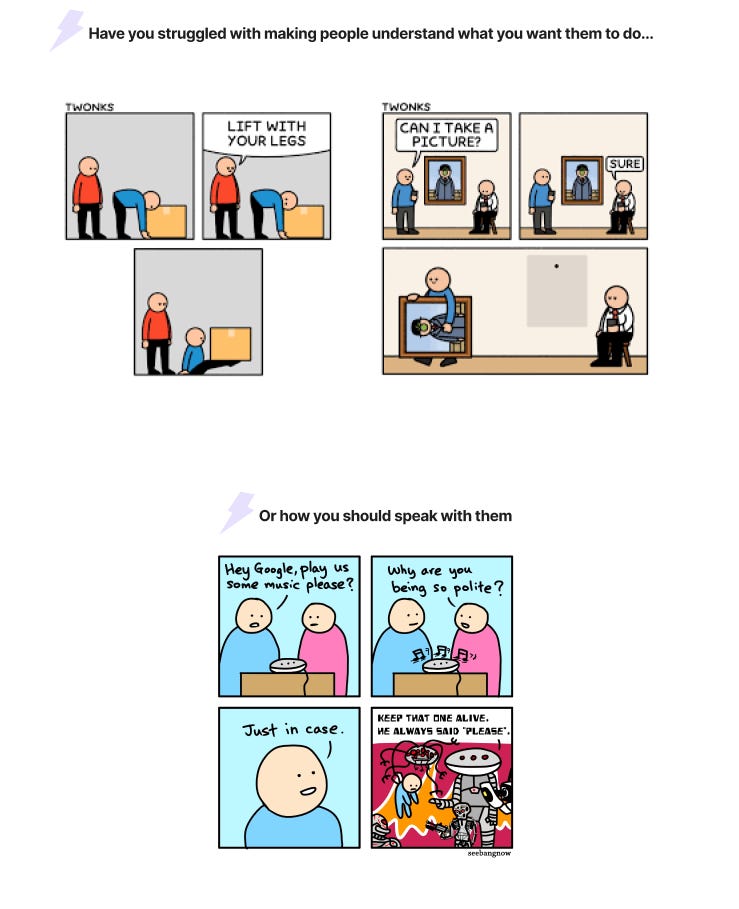
Last Thursday, 30 designers gathered for the second session of our AI for Designers series: Design How You Interact with AI — Prompt Writing for Designers.
The title sounds technical. The session wasn’t. It kept circling back to one question:
Why are designers, of all people, struggling to get AI to produce work that actually looks and feels like them?
One pattern kept surfacing. Designers have a higher bar for what’s “acceptable.” Many of us can tell what’s good design vs. not, yet we sit down with an AI tool without a clear vision — and reach for the tool to provide one.
AI will always give you something. It will never say, “I don’t know what you want.” It fills the gap with the most expected response it can produce. Confident, polished, and completely disconnected from what you can accept as an option.
When the output feels generic or flat, it’s worth asking: Did I arrive with a vision, or was I waiting for one?
The experiment
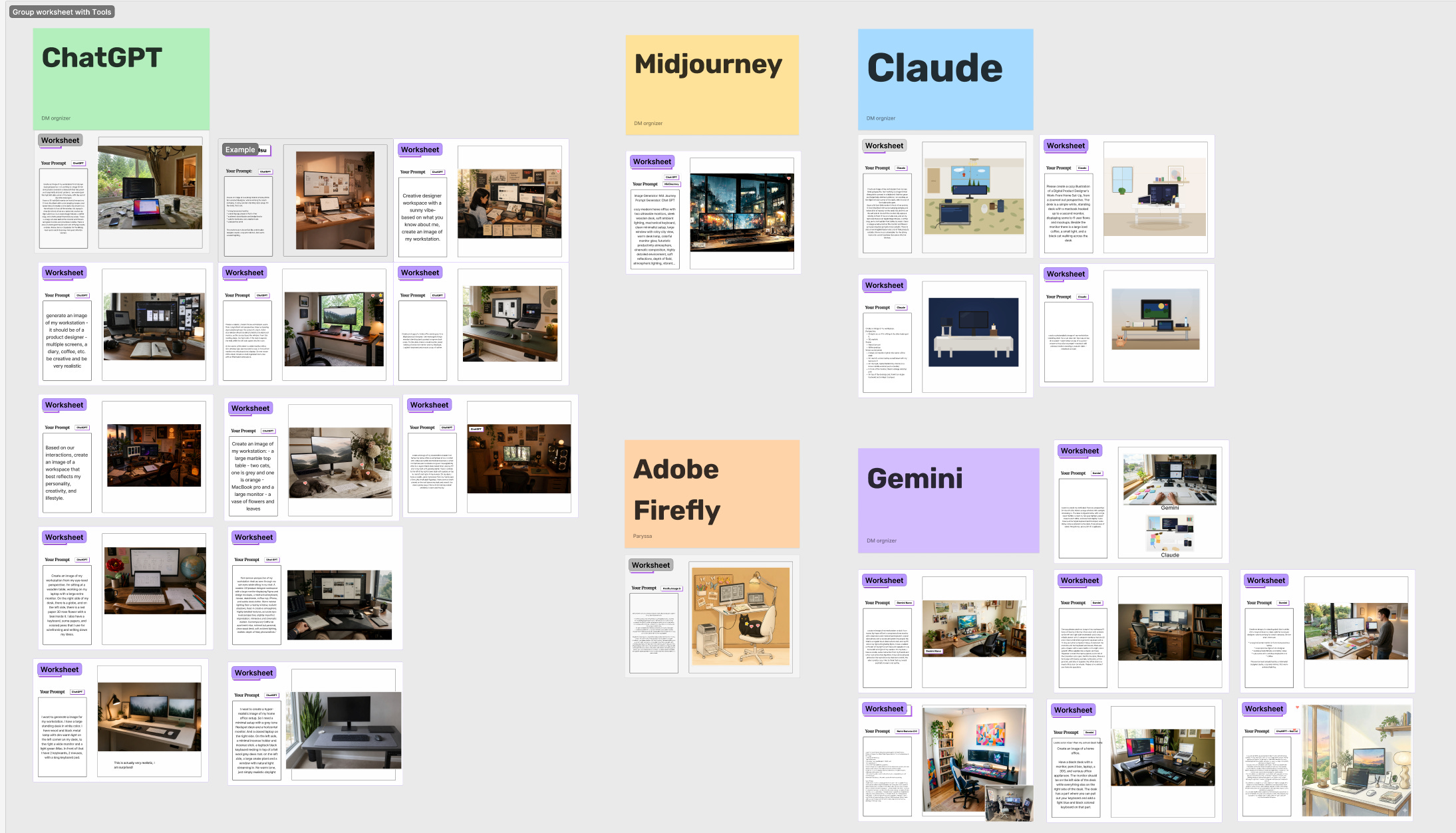
The workshop opened with a simple challenge. Everyone used their AI tool of choice to generate an image of their workstation — exactly as they see it from where they’re sitting.
To describe your workstation accurately, you have to see it first. The way the light hits the window. Where the coffee mug lives. The specific tangle of cables you’ve stopped noticing. You need a picture in your head before you can put one on the screen.
Some participants wrote bullet points. Others spoke their prompt out loud using a voice-to-text tool. One person fed the tool context she had already saved from a previous conversation — her portfolio, her background — and asked it to generate a workspace that felt like her. Another sent a literal photo of his room alongside his prompt.
The outputs were different — not just because the tools were different, but because the prompts were different. The more specific the vision going in, the closer the output came to what the person actually had in mind.
In the second round, everyone iterated. Look at what AI gave you. Annotate what’s wrong. Feed those annotations back as a new reference. One host sketched a rough layout change on paper, photographed it, and dropped it into the chat. The result was close to what she had in mind.
Designers don’t communicate with words alone. We use sketches, wireframes, moodboards, and prototypes to make thinking visible. When you give AI a visual reference — even a rough one — instead of only describing it in text, the gap between what’s in your head and what appears on screen tends to get smaller.
The observation
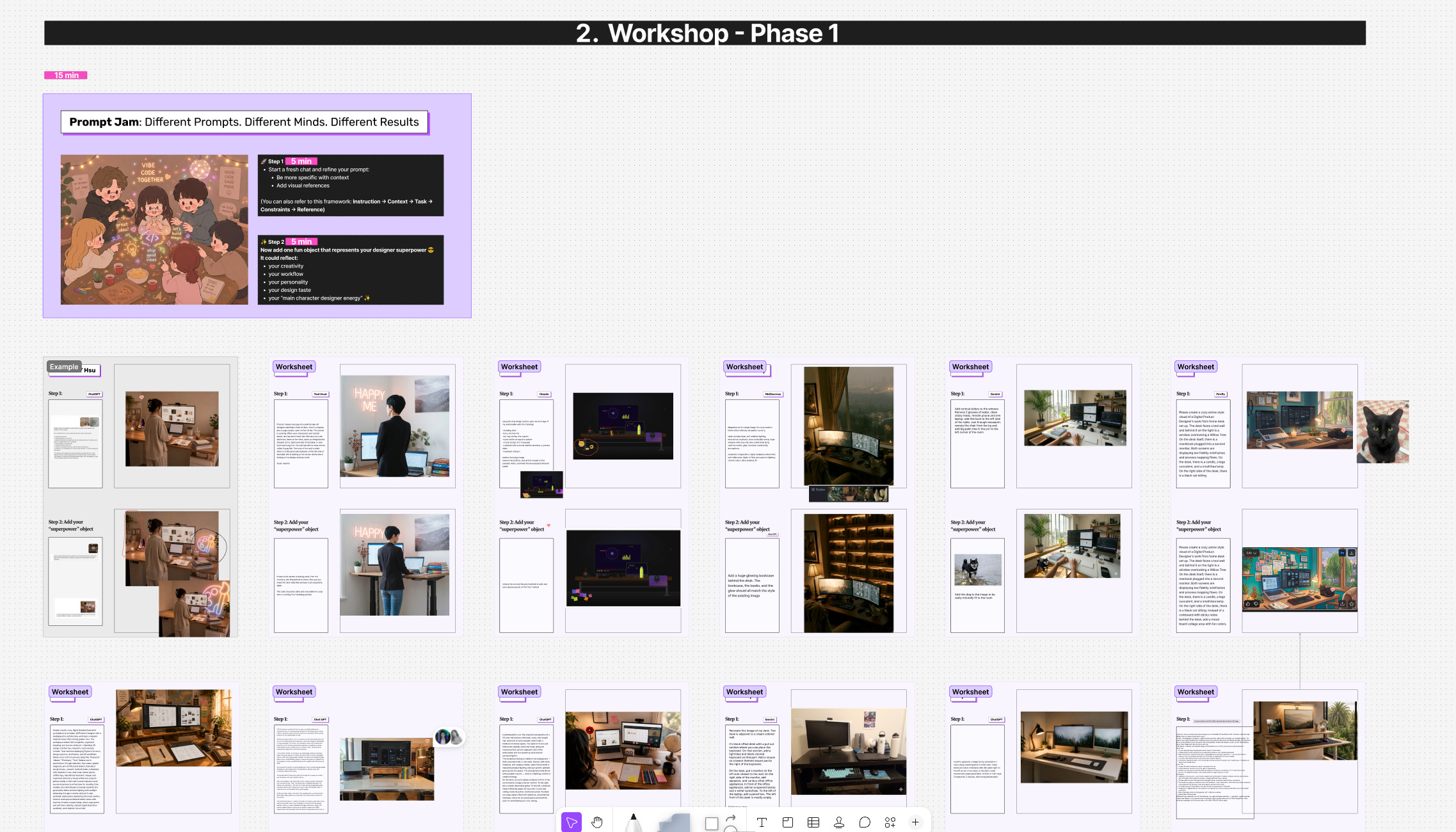
In the breakout groups, a few things kept coming up:
Specificity matters more than length. A long prompt full of vague ideas and language still produces a vague output.
AI picks up on some words and ignores others. The only way to learn which is which is to compare outputs over time and pay attention to the patterns.
Asking AI to improve your own prompt works. Tell it what you’re trying to make, ask what it needs to know, and let it help you structure the ask.
Visual references help across everything. A sketch, an annotated screenshot, a moodboard, a document of user research quotes — anything that makes your thinking visible helps AI understand your direction faster than words alone.
One participant put it plainly: “I realized I was trying to talk to AI like it was a person, instead of using it as a tool to help me make what I needed.”
Learnings
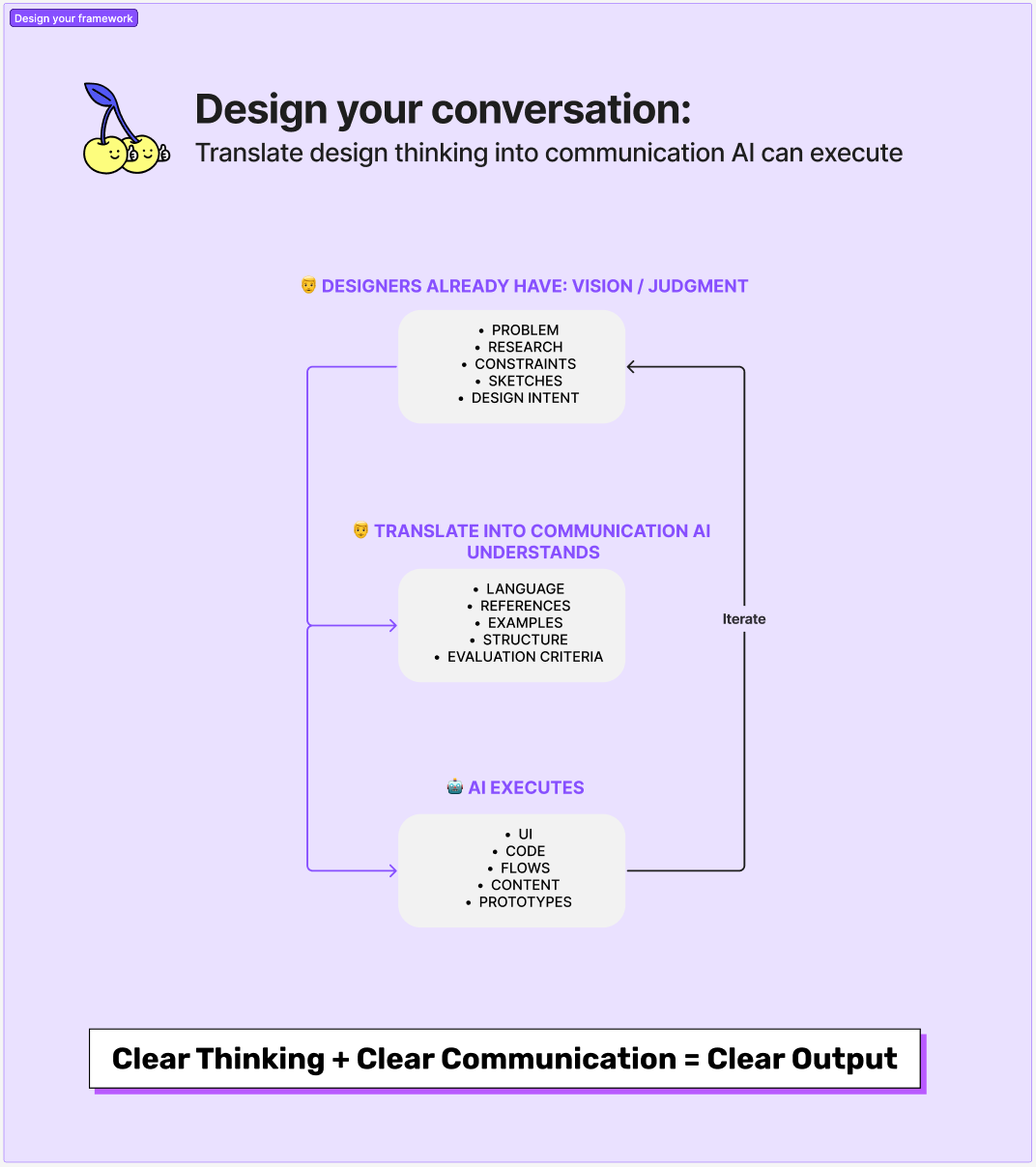
The practice isn’t really about finding the right prompt. It’s about arriving at the tool with an idea already formed — a direction, a feeling, a rough sketch, being the designer first. Using AI to execute what you already know you want.
Clear thinking. Clear communication. Clear output.
What’s next?
Parys will lead the next workshop, How AI Changes the Designer Role & Process. We’ll explore how the designer’s role and process are shifting alongside AI, and what it actually means to adapt.
Help Parys design the next AI workshop tailored to your needs by filling out this 5-minute survey: https://forms.gle/JuPcdHkQFhRRqzae8
If you haven’t joined the AI for Designers workshops yet, this is a good one to start with. And if you were at the workshop last week, bring a friend who would find this useful!
— Eunji
Comments
Nothing yet. Say the first thing.
Sign in to join the conversation.