
Being a designer in 2026 is a lot. You’re the researcher, the systems thinker, and the one responsible for getting it all across the finish line. Between AI tools, evolving workflows, and more expected of you than ever, here are some tips to help you work smarter.
This newsletter is brought to you by Wonder (+ one month of Pro free for you)
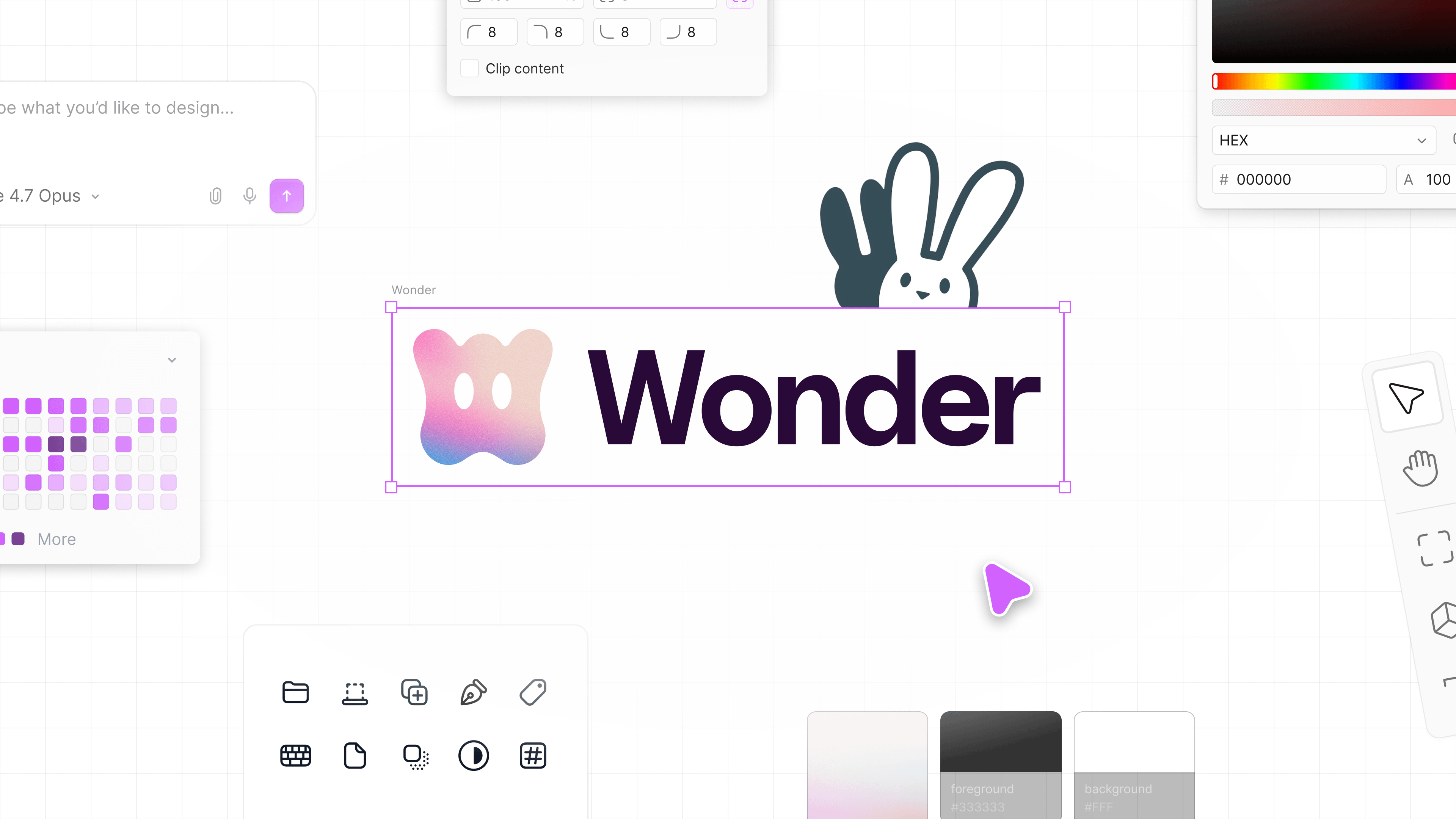
Wonder is a new design tool that finally closes the gap between design and production. Generate designs with the latest models, edit with Figma-level precision, and connect your code context all on the same canvas. Wonder launched one month ago and is already used by 600+ companies to ideate and move to production faster.
Wonder Pro gives you 3,000 credits/month, unlimited projects, unlimited MCP tool calls, and priority support. Everything you need to actually move fast. Use code DB2026 in Wonder to get your first month of Pro free.
The blank canvas is the hardest part. Describe what you’re designing, ask for three layout directions, and pick the one that feels closest. You’re not using it to finish the work. You’re using it to skip the part where you’re staring at nothing. From there, your taste and your judgment can take over and you can make it to the finish line quicker
It’s impossible to know if a layout actually works until the words feel real. Use AI to generate realistic copy for your designs before you get too far in. It doesn’t have to be perfect. It just has to be real enough to design around. You’ll make better decisions about spacing, hierarchy, and layout when the words feel like the actual product.
Fake the copy before you commit to the layout!
If you don’t set boundaries on what a project includes, it will expand forever. Before starting anything, note a few things things: what’s in scope, what’s explicitly out of scope, and what done looks like. Share it with whoever you’re working with. It feels like extra work upfront but it is the thing that stops a “quick ask” turning into a weeks long project.
Before sharing your designs to the world, drop your design into an AI tool and ask it for feedback. What edge cases did you miss? What happens when the user’s name is 40 characters long? What does the empty state look like? You’ll catch things you’d otherwise hear in the review. Walking into a critique having already addressed the obvious objections makes you look a lot more thorough than you are.
When you’re stuck on a pattern, you need to be able to find something fast without falling down a two-hour rabbit hole. Pick one place and stick to it. A dedicated Figma file, a folder in your notes app, a simple saved collection. Every time you see something that solves a problem well, drop it in. Tag it loosely so you can find it later. Spend five seconds saving something so you can spend five seconds finding it when you need it.
When you’re deep in a design, it’s hard to see past the direction you’re already in. Use AI to quickly spin up alternative layouts, copy variations, or different approaches to the same screen based on what you’ve already built. You’re not starting over, but rather, you’re using what you have to see more options faster. It’s the fastest way to test a vision without spending a week on explorations that might not go anywhere.
Online event: Design feedback Fridays, every friday at 11 am pacific time on our Discord
San Francisco (Fri June 26, 9 am): Config 2026 Wind-down Picnic RSVP
Los Angeles (Sat Jul 18): Worlds in Action Hack [02-LA]: SIGGRAPH EDITION, stay tuned on Discord for RSVP link + opportunity to be flown here from SF
20% off for Mobbin, the world’s largest library of real-world design inspiration! https://mobbin.com/designbuddies
$10 free Replit credits for you to build + new designer mode launched
Design Buddies is a community where you level up your design career. Land jobs, improve your design skills, and make friends. We have resources, events, design challenges, job boards, fun perks, and more.
👋 Visit our website and hop into our Discord community.
💖 Partner with us, or share your resources in our newsletter (email grace@designbuddies.community)
🌟 Watch our past events and connect with us on Instagram, Twitter, and LinkedIn for more fun!
Got anything else you’d like to see in our newsletter and community? Please email grace@designbuddies.community
No posts
Comments
Nothing yet. Say the first thing.
Sign in to join the conversation.