
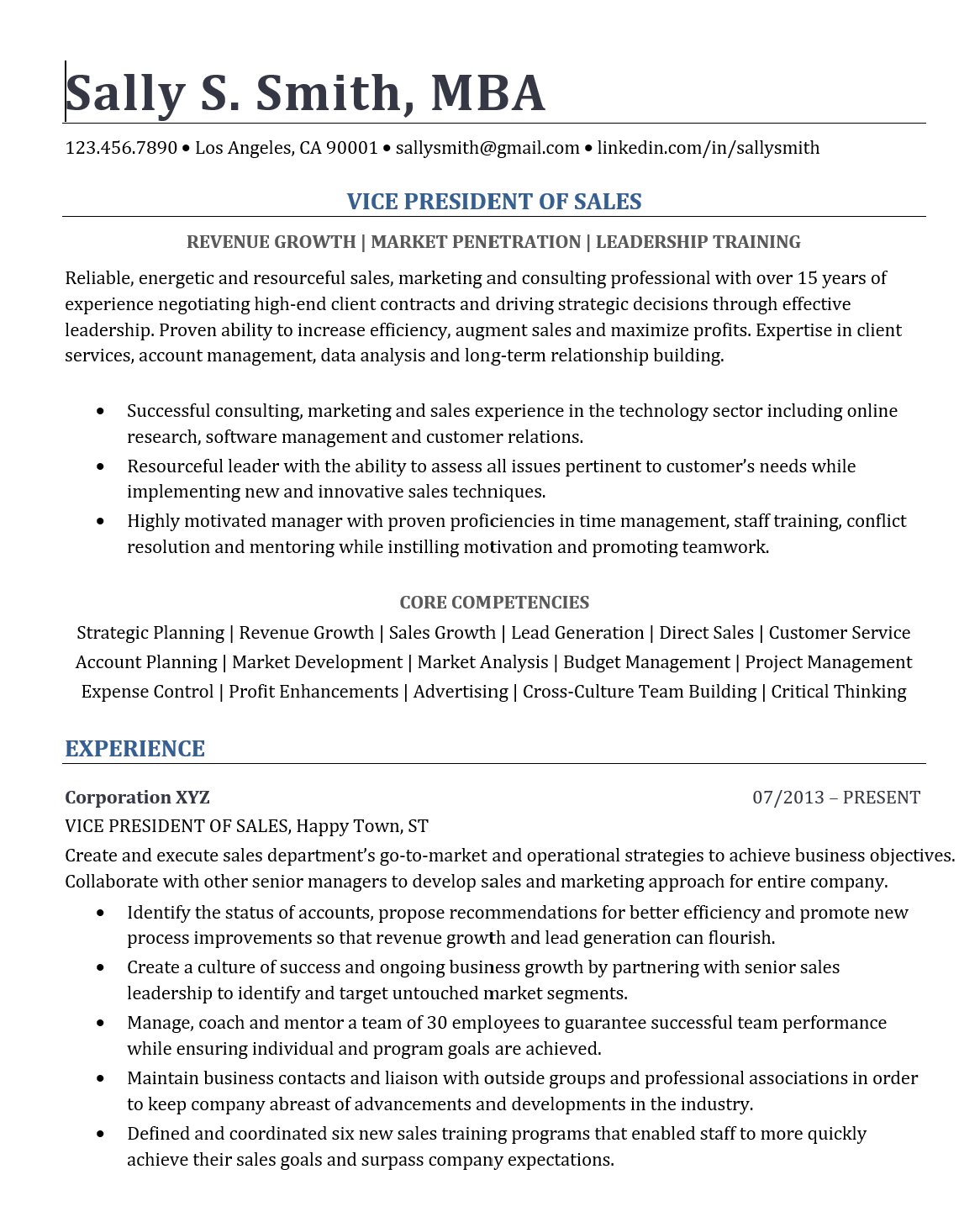
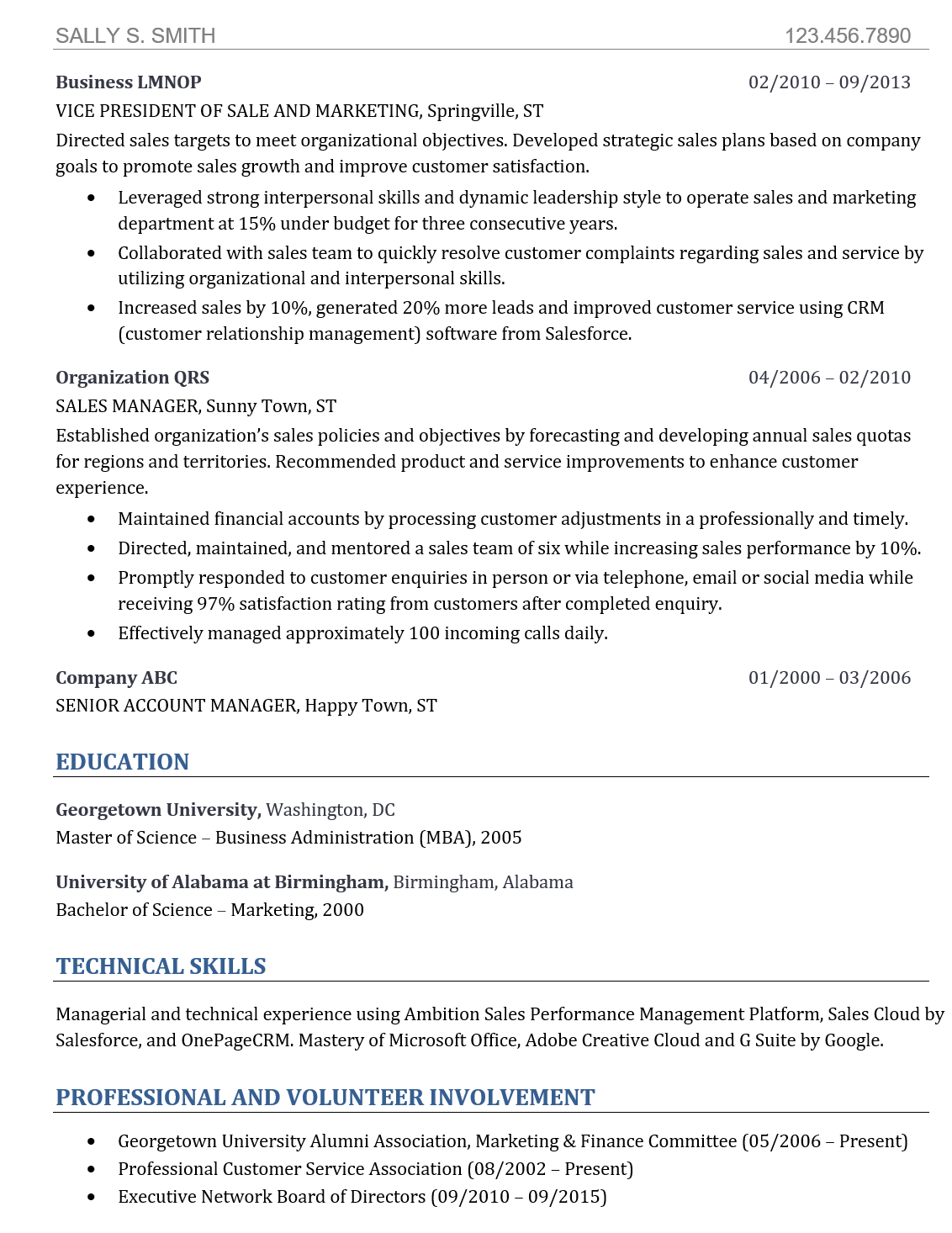
I’ve included a master resume template and a completed example so you don’t have to start from scratch.
The first thing a hiring manager should see is a headline that tells them exactly what role you’re qualified for.

Examples:
Customer Service Representative
Administrative Assistant
Warehouse Associate
Data Entry Specialist
Right below your headline, list three skills that match the job posting.
These should be keywords the employer is looking for, such as:
Customer Service
Data Entry
Microsoft Excel
Inventory Management
Problem Solving
Communication
This helps recruiters quickly see that you’re a good fit for the position.

Keep your resume clean, simple, and easy to read.
Font: Cambria (or another professional font)
Font size: 11 pt. for most text
Section headings: 14 pt.
Margins: 0.75 inches on all sides
A few important guidelines:
Don’t use a font smaller than 10 pt. or larger than 12 pt.
Keep your margins between 0.75 and 1 inch.
Use this simple rule:
Less than 5 years of experience: One page.
More than 5 years of experience: Two pages.
If you use two pages, make sure both pages are filled with relevant information.

Take your time.
A few extra minutes can make the difference between getting overlooked and getting an interview.
Before you submit your resume:
Read it carefully from beginning to end.
Print it if you can. Many people catch mistakes more easily on paper than on a screen.
Ask someone you trust to proofread it. A second set of eyes can catch spelling, grammar, and formatting errors.
You’ll find both the Microsoft Word version and the PDF version of the resume template and completed example below.
Your resume does not need to be flashy. It needs to be clear, professional, and tailored to the job you’re applying for. Make it easy for a hiring manager to see why you’re the right candidate.

No posts
Comments
Nothing yet. Say the first thing.
Sign in to join the conversation.