
zkSync Era is a layer-2 scaling solution for Ethereum that uses zero-knowledge proofs (ZKPs) to achieve high throughput and low fees. As of last November, Matter Labs, the team building zkSync, closed their Series C round and over 150 ecosystem projects have registered to deploy on zkSync 2.0
We smell airdrop potential 🪂
Below is a list of protocols to interact with and instructions for each.
Note:
During your airdrop farming, there are a lot of different protocols to interact with. You can track your progress with zkFlow beta: https://byfishh.github.io/zk-flow
🔍 We will continue to add to this page as we come across new protocols
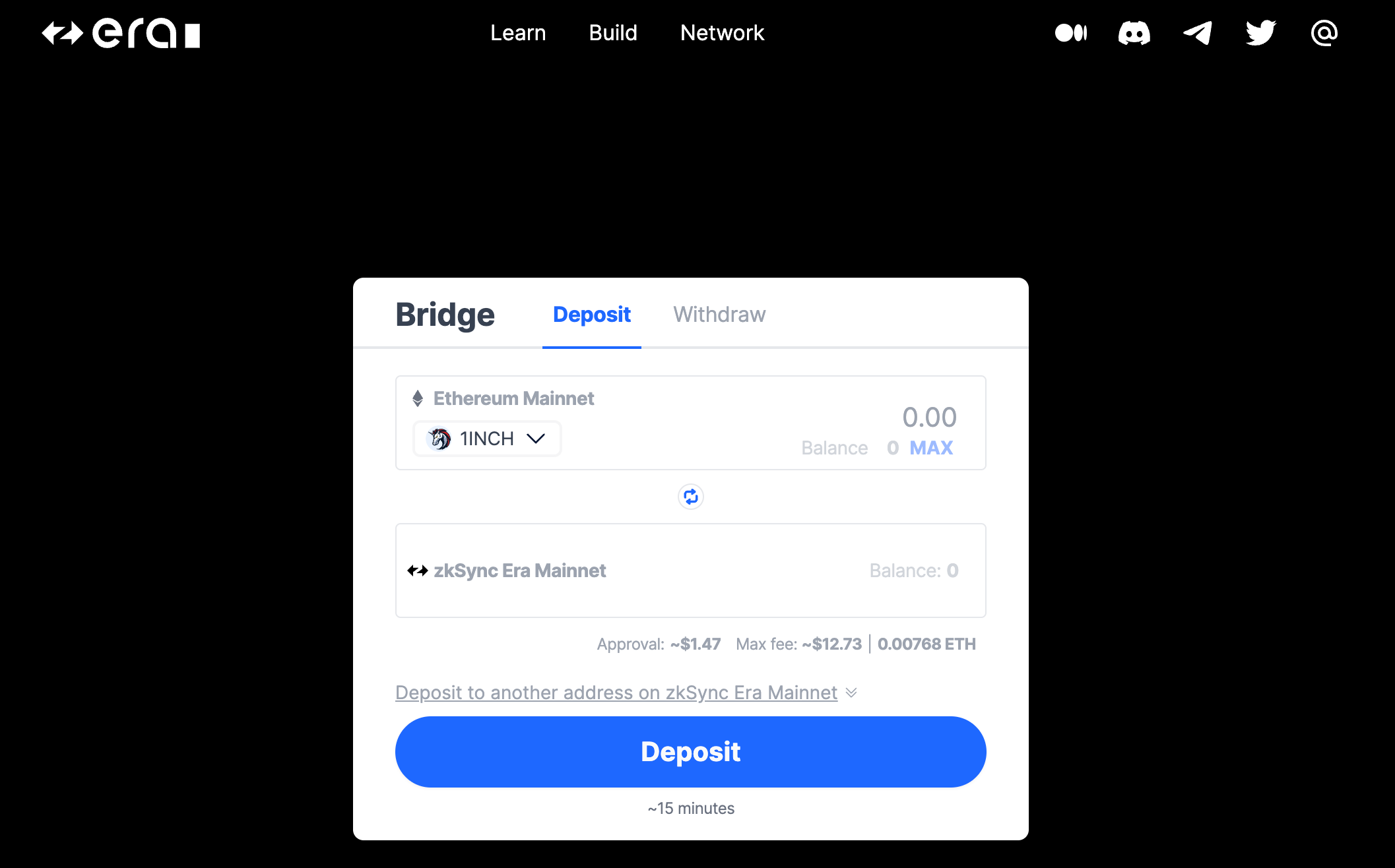
Connect Wallet
Select origin network (e.g. Ethereum Mainnet)
Deposit Assets
Select Amount
Click Deposit 🎉
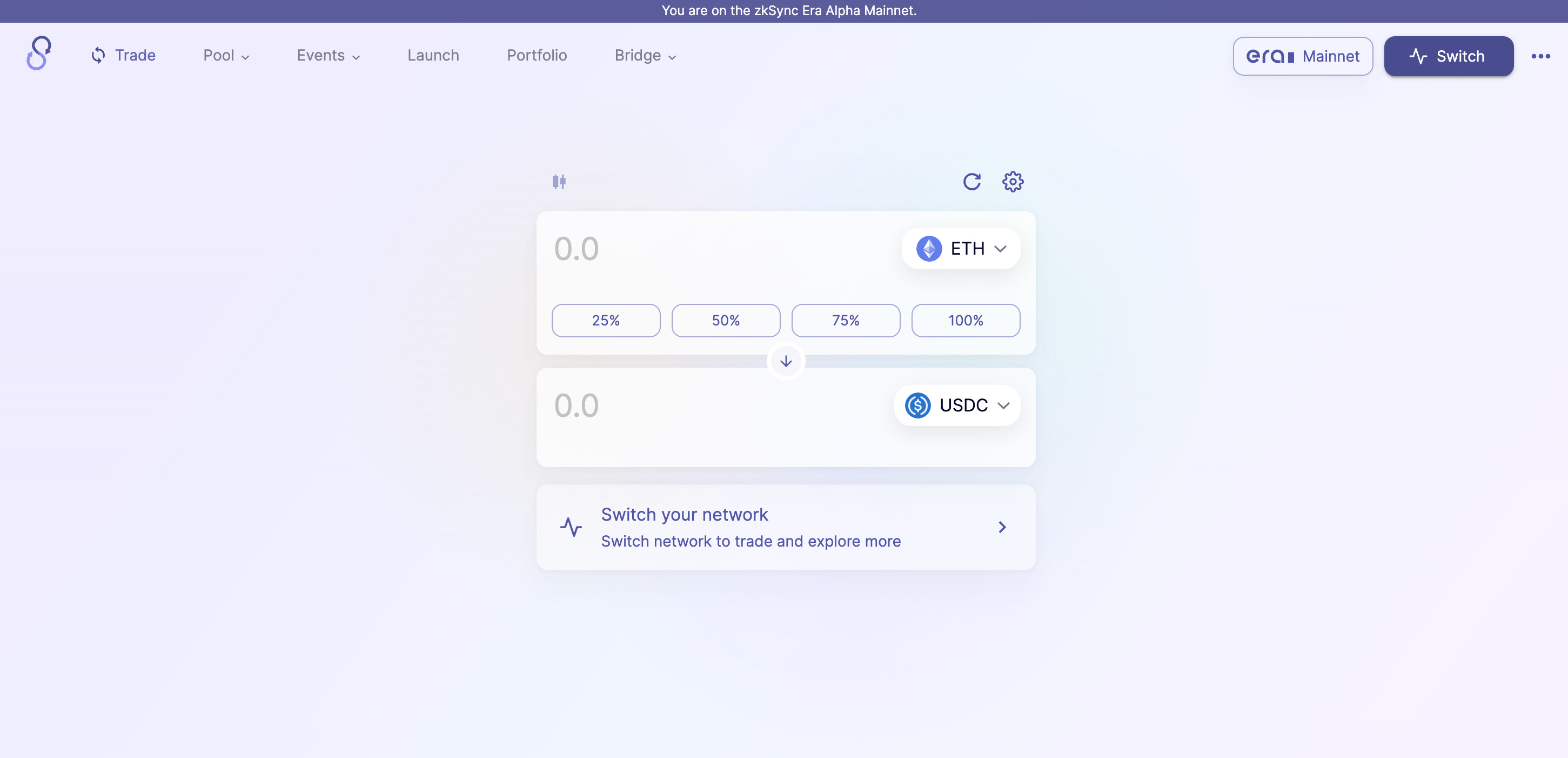
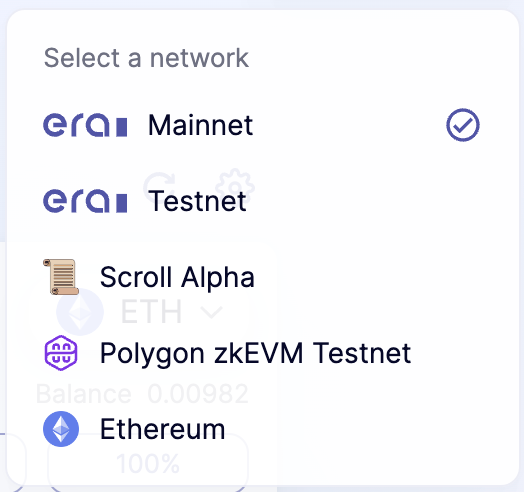
Connect Wallet
Select zkSync Era Mainnet
Swap
Select tokens and amount to swap
Select Swap and Confirm in your wallet 🎉
Deposit into Liquidity Pool
Select Pools → Pool
Find a pool you would like to deposit into (e.g. USDC ETH pool) and click Enter
Select Deposit from the left side
Enter amount of each token you would like to deposit
Select Deposit and Confirm in your wallet 🎉
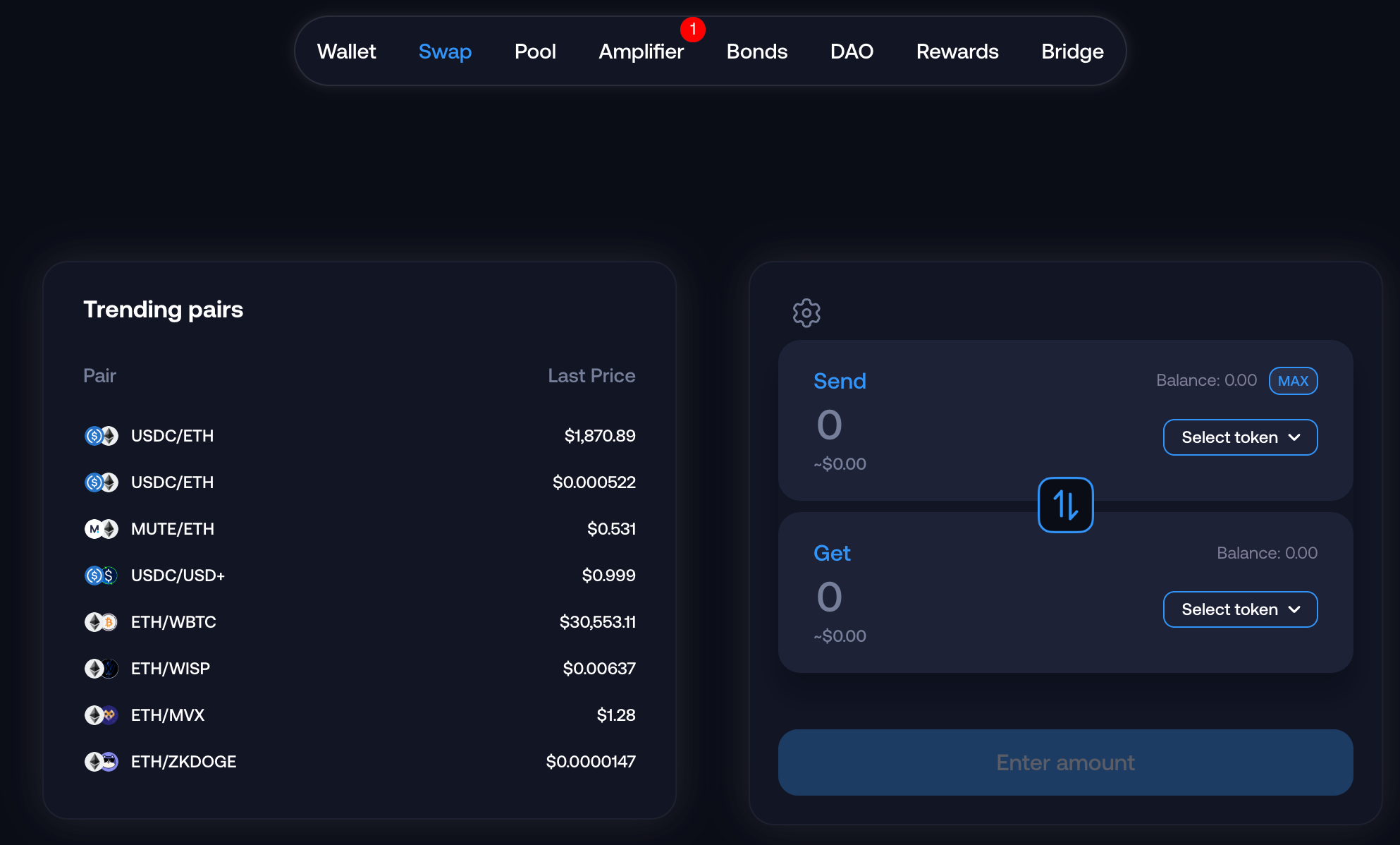
Connect Wallet
Swap: https://app.mute.io/swap
Pick initial and final toke
Click Swap and Confirm
Add to Liquidity Pool: https://app.mute.io/pool
Click “Add Liquidity”
Select Tokens & click Normal
Click Manage
Add amounts for each token and select Approve
Confirm in Wallet 🎉
Stake Liquidity Tokens: https://app.mute.io/amplifier
There are a few LPs you can stake, select which one matches your pair and click “Stake”
Set the amount you want to Stake and Approve
Select Login and Connect Wallet
Mint Citizen ID
Mint NFT
Select Mint NFT
Click on Mint Guardian NFT
Confirm in wallet
Play Teva-Run Game: https://tevaera.com/dashboard/teva-run
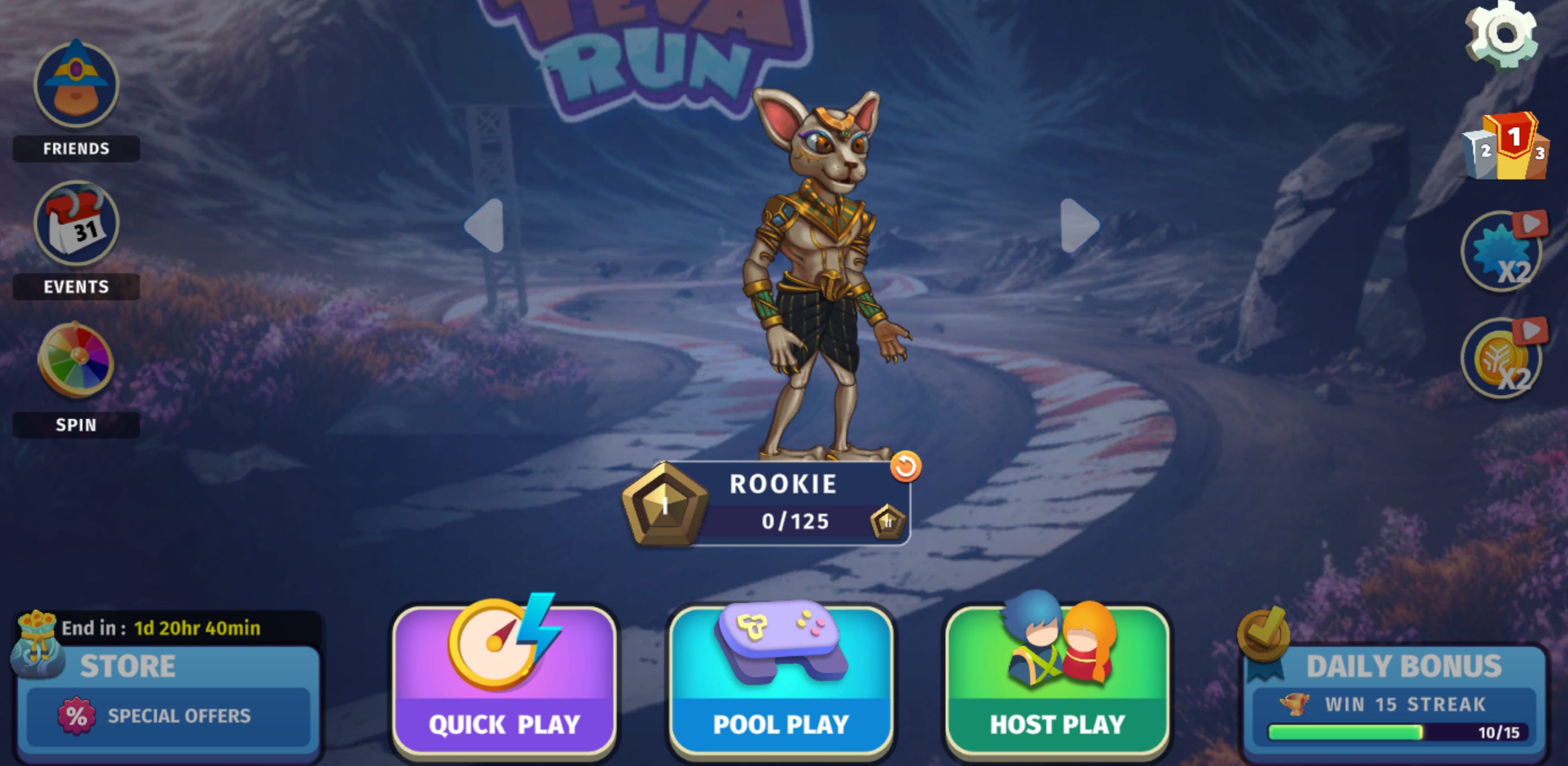
Connect Wallet
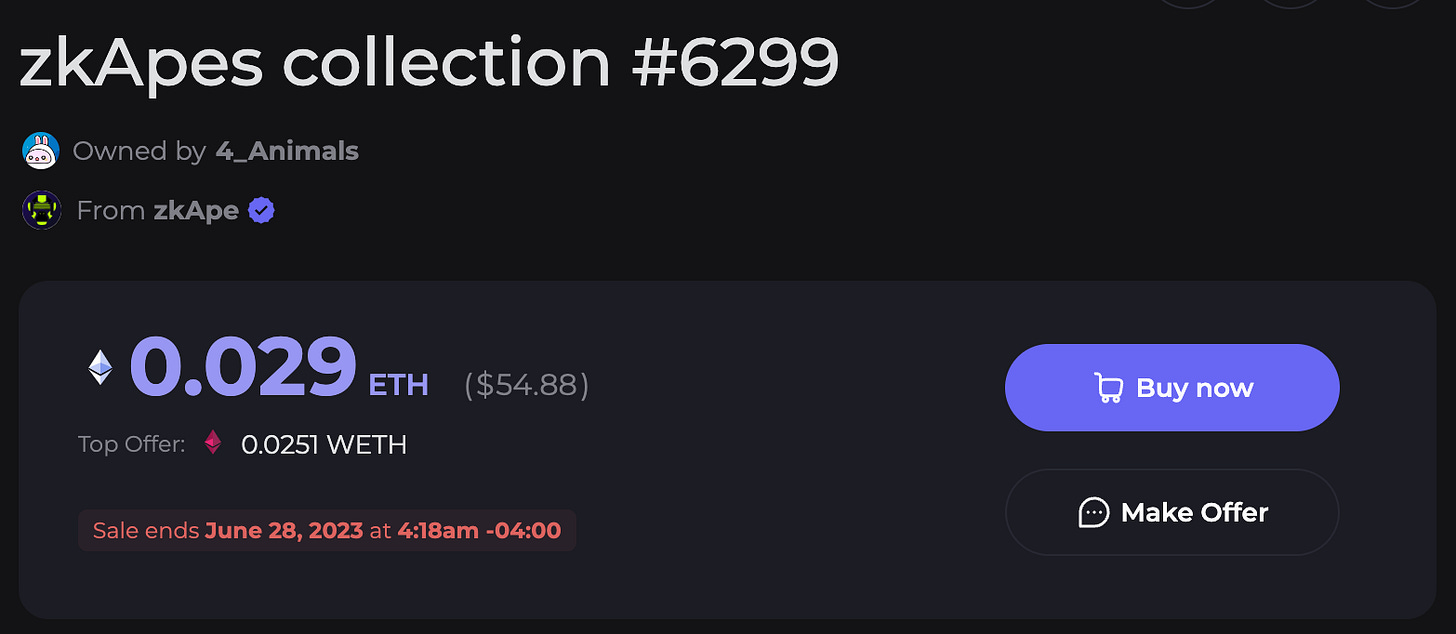
Mint an NFT
Go to Collections: https://mintsquare.io/explore/zksync/collection
Pick an NFT you would like to mint and buy now (or make an offer)
Confirm in your wallet 🎉
Sell an NFT
Go to your Profile
Pick one of your NFTs
Select Sell and Unlock 🎉
Connect Wallet
Pick an asset to lend and click “Supply”
Enter amount and click Supply
Connect Wallet
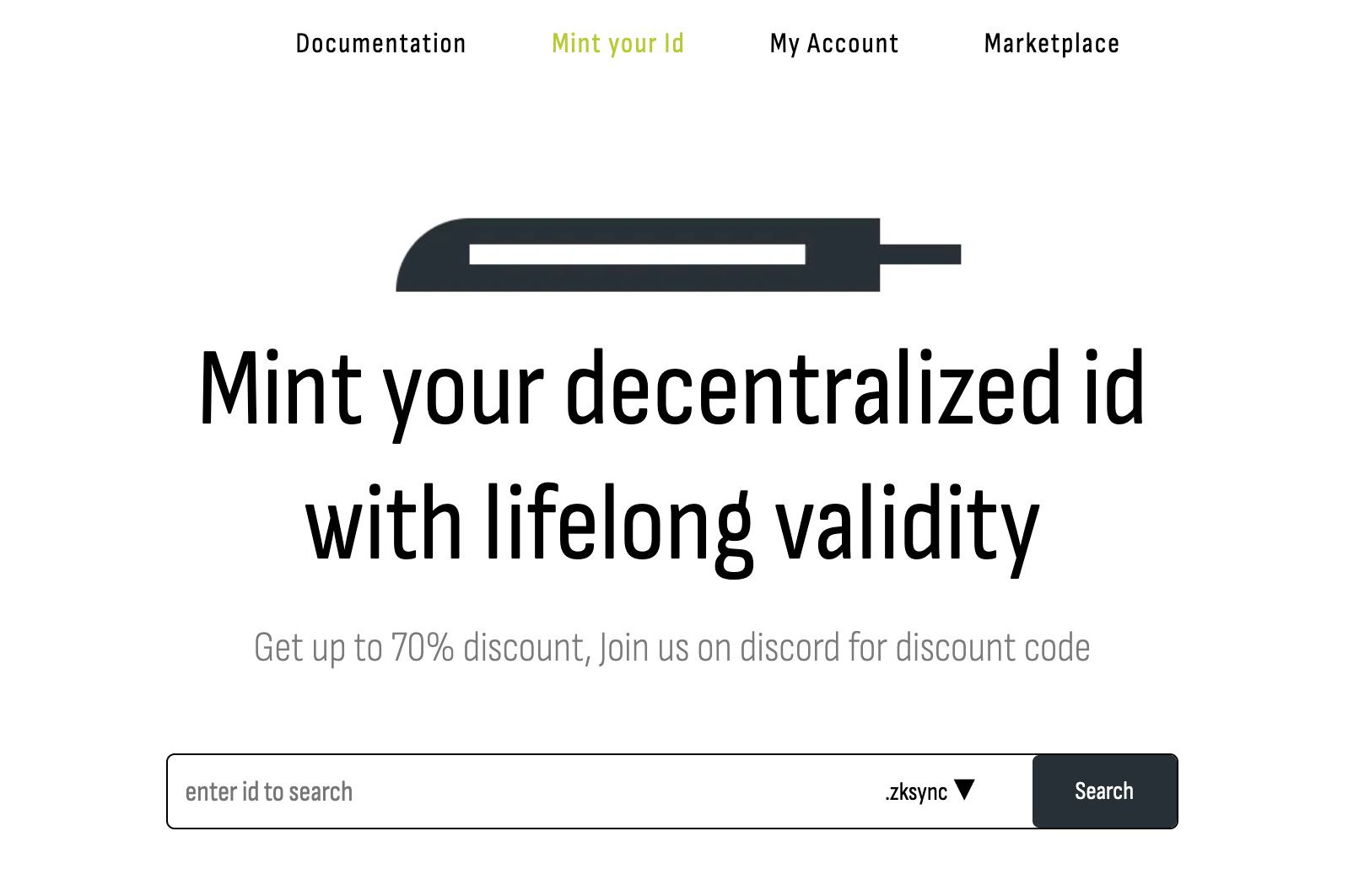
Search for a for name you would like and click “Search”
Add coupon code “ZKSYNCID70” for discount
Select “Mint Wallet id”
No posts
Comments
Nothing yet. Say the first thing.
Sign in to join the conversation.