

Hey, Claymakers!
Account research can take A LOT of time.
This is true for SDRs, Account Executives, and even Customer Success.
It’s one of the most common inefficiencies that I hear from RevOps and Sales Leaders in weekly conversations.
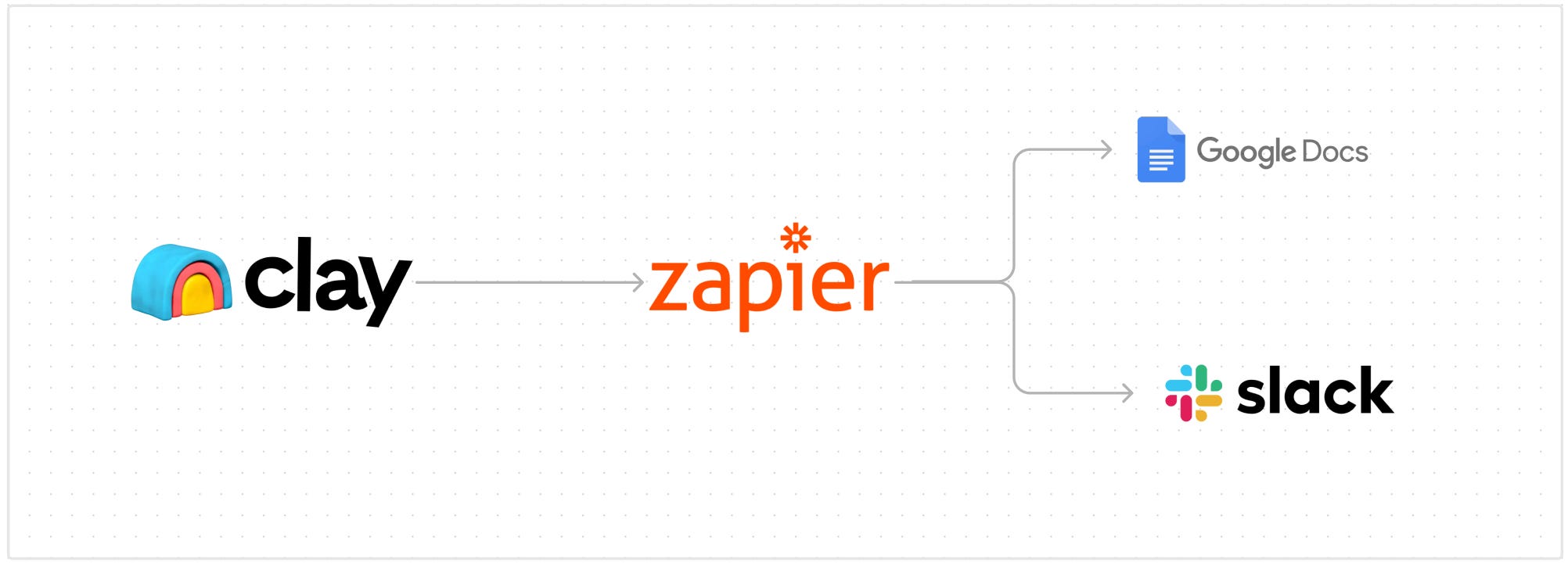
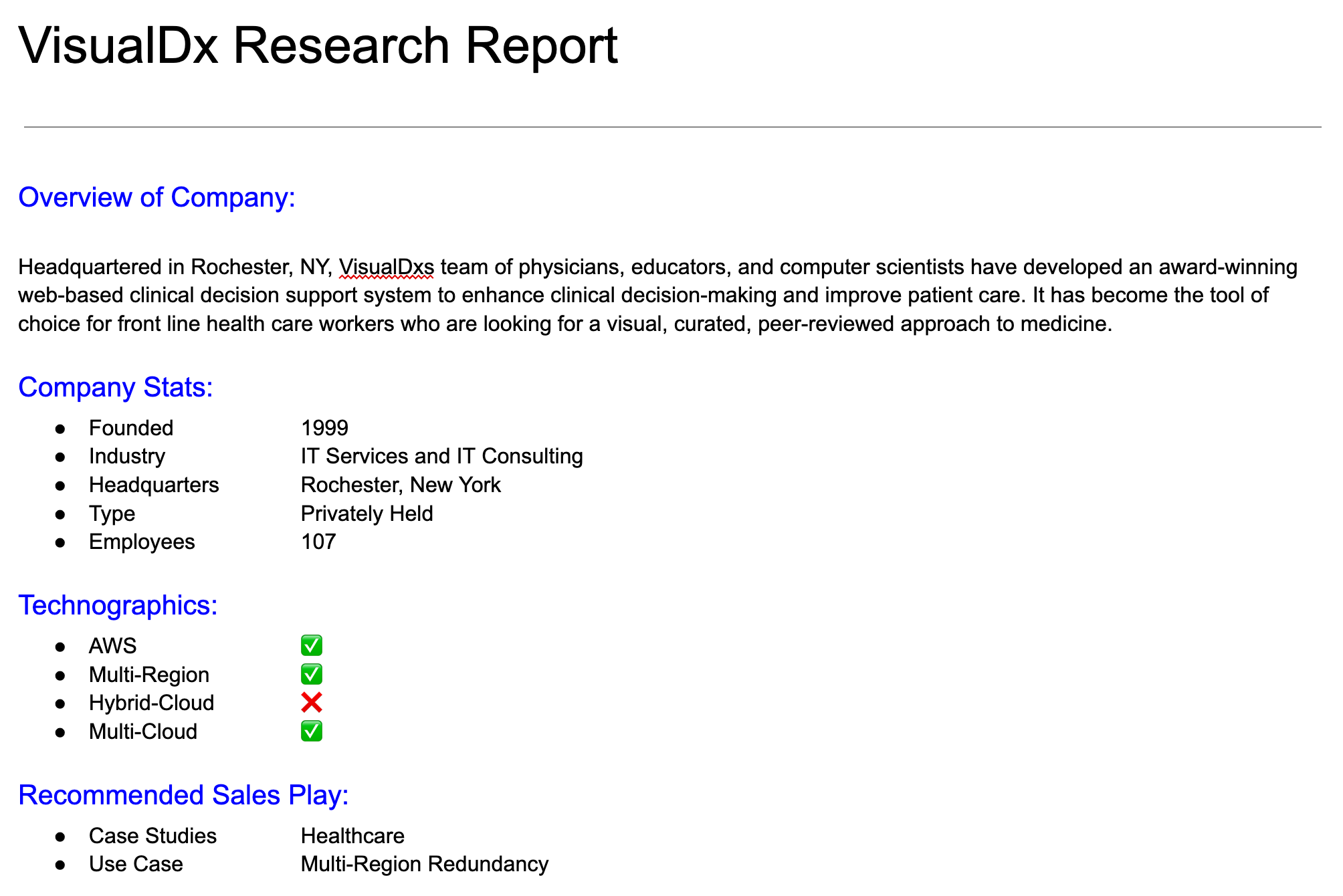
Today’s post goes into 1 way to deliver this info to reps in the form of automated research reports generated in Google Docs from Clay tables. (Including a Slack DM notification.)
The flow looks like this:
Let’s dive in.
But, first - if you aren’t using Clay yet, take advantage of my referral link that gives you 3,000 free credits when you signup for a paid account.
This will be our data foundation that we’ll use to fill variables in the Google Docs template.
I’ll be using a table that pulls in tech stack data and integrates with API Ninjas, pulls DNS records, and then analyzes the record for cloud hosting insights.

This will be a template that you reference within Zapier.
The variables like {{CompanyName}} will ultimately map to columns in your Clay tables.
2 things to note here:
You must have a pair of curly brackets on each side
There can’t be any spaces such as {{Company Name}}

Put the method to PUT.
Input the Zapier API Endpoint that you’ll find in Zapier on the first step of the automation flow (more on that below)

HTTP API Example:

Now we’ll map the Clay columns to the variables that you setup in Gdocs.
This is a JSON format, so it goes as follows (be sure to add a comma in between each matching:
{“Variable”: COLUMN}
Tip: if a column doesn’t have data, you’ll want to flip the ‘required’ blue switch. This means that it’s not required to run. If you don’t have it flipped, then you’ll get a run error.

There’s multiple setups in the wizard that guides you. But ultimately, you do the following:
Send test data to the Zapier webhook
Authenticate into Google
Define the action event (in this case its “Create Document from Template”)
Map data to the variables
Test
Then setup the Slack Direct Message so you get an alert to your report

Now when you run a row in your Clay table it will:
Automate all your manual research
Send that into Zapier
Zapier creates a report
Zapier sends you a Slack notification
The ConnectedGTM - a great newsletter on automation & HubSpot Claybooks
Yelling at Cloud - tactical sales & GTM advice from Dakota McKenzie who we work with here at Clay.
Post: A Startup Founder to Scaleup CEO’s Journey from $0 to $25B (by Brian Halligan, CEO of HubSpot.
Yash Tekriwal, Head of Education at Clay, has been putting out some incredible enablement.
Check it out here: https://www.clay.com/university

Big fan of Kyle Poyar’s LinkedIn content and newsletter, Growth Unhinged.

Comments
Nothing yet. Say the first thing.
Sign in to join the conversation.