
A few days ago I published a complete guide on my website about how AI can now generate full mobile apps from simple prompts.
You can read the full version here: 10 Free AI Tools to Automatically Create a Full Mobile App Using Only Prompts on ChrisTechno — but in this Substack post, I want to briefly explain why this trend matters, the best tools, and my personal experience trying them this year.
I’m not a professional app developer, but I’ve played around with coding tools and AI long enough to notice something: AI app builders in 2023 were gimmicky. AI app builders in 2025 actually work.
What changed?
They can now generate actual UI screens, not just code snippets.
Many tools now support direct publish to Android/iOS.
A lot of them finally offer free tiers — and that’s what makes this accessible for beginners.
For simple internal or utility apps, they’re already “good enough.”
And honestly, watching an app appear from a single paragraph prompt still feels magical.
These are the same 10 tools listed in my full article — just explained in a more compact, Substack-friendly style. If you want the deeper version, it’s here: https://christechno.com/2025/12/10/free-ai-tools-build-mobile-app-using-prompts/
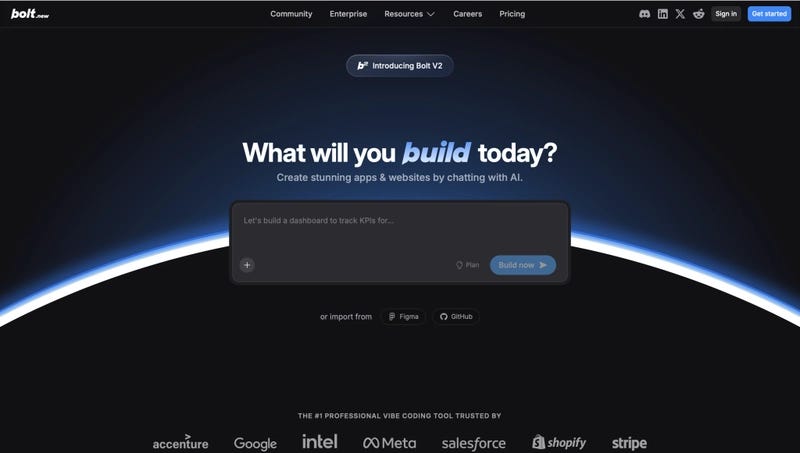
Bolt is currently the fastest “prompt → code” generator I’ve used. Unlike many AI builders that output pre-made templates, Bolt generates clean, editable source code for React Native, Flutter, and more.
What makes it different:
Bolt behaves more like a real developer assistant. When I asked it for a “habit tracker app with streaks and reminders,” it built API routes, screens, navigation structure, and even simple state logic.
Free tier: Unlimited code generation with some project limits.
Paid tier: Faster outputs, advanced context window, and team collaboration.
Try Bolt:
https://bolt.new
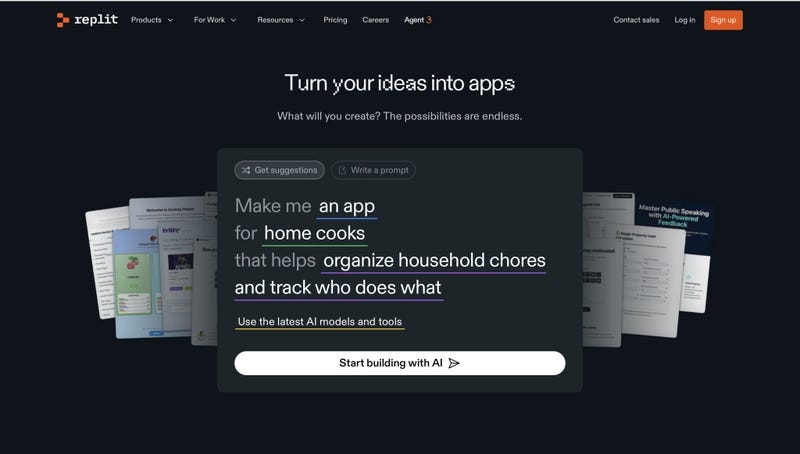
Replit AI is fantastic when you want your mobile app to also include a backend. It supports React Native and lets you instantly deploy the API using Replit’s built-in hosting.
What makes it different:
It’s one of the few AI tools where everything — editor, debugger, database, and hosting — is inside one platform. You can ask things like:
“Add user authentication and link it to a Supabase database,”
and Replit will modify your files automatically.
Free tier: Good for small projects, limited compute.
Paid tier: Faster machines, private repos, and more storage.
Try Replit:
https://replit.com
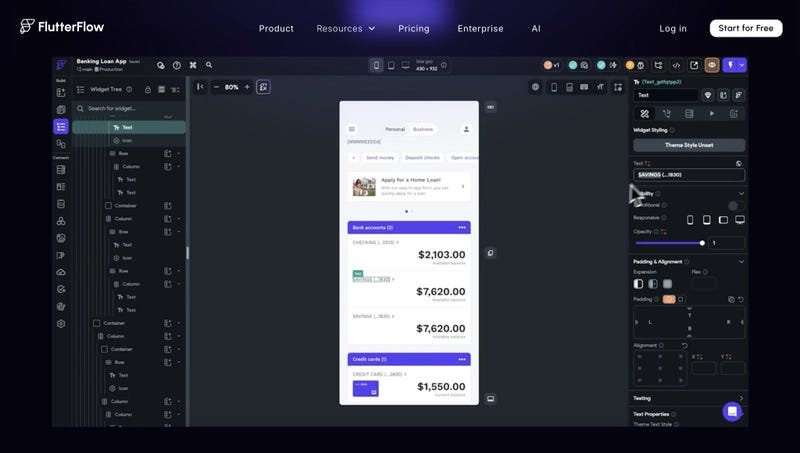
FlutterFlow remains one of the best for visually stunning mobile UI. The AI assistant can generate screens and navigation from a natural-language prompt.
What makes it different:
While most tools spit out code, FlutterFlow lets you visually tweak every component while still giving the option to export Flutter code. It’s perfect for beginners who hate touching XML or layout files.
Free tier: Generate apps, basic components, limited actions.
Paid tier: API integrations, custom functions, and full code export.
Try FlutterFlow:
https://flutterflow.io
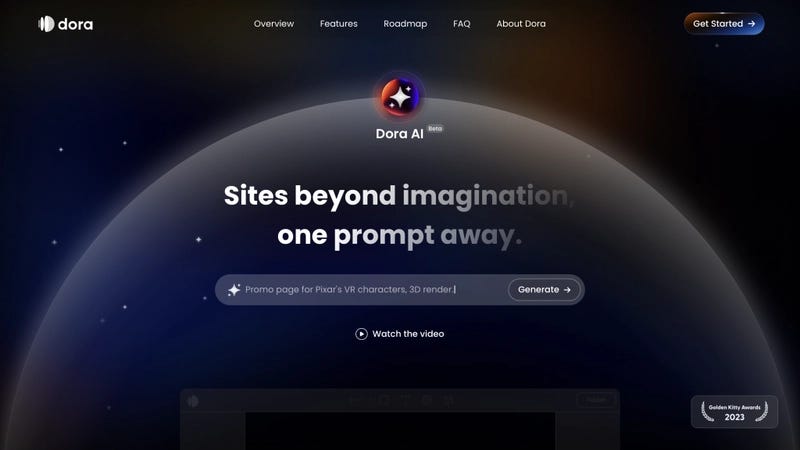
Dora started as a website generator, but their AI now supports component-level generation and mobile layouts. I often use it for design inspiration when starting a new idea.
What makes it different:
Its strength is in rapid prototyping — you can describe an app’s concept and Dora will produce UI structures quicker than most design tools.
Free tier: Basic AI generation.
Paid tier: Full project exports and collaboration features.
Try Dora: https://www.dora.run/ai
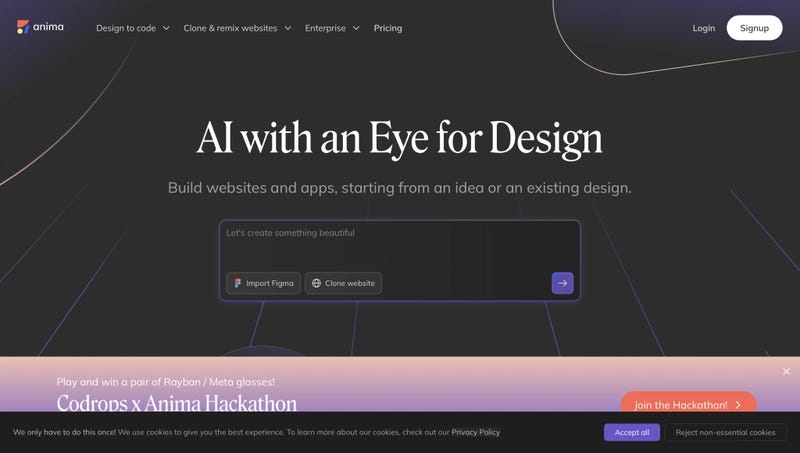
Anima is ideal for designers who want to convert UI mockups (especially from Figma) into functioning code for mobile.
What makes it different:
You can upload a Figma design, add a prompt like “make this responsive and add animations,” and Anima will convert it into Flutter or React Native code.
Free tier: Figma import, basic code export.
Paid tier: Advanced code quality, team sync, mobile-specific optimization.
Try Anima:
https://www.animaapp.com
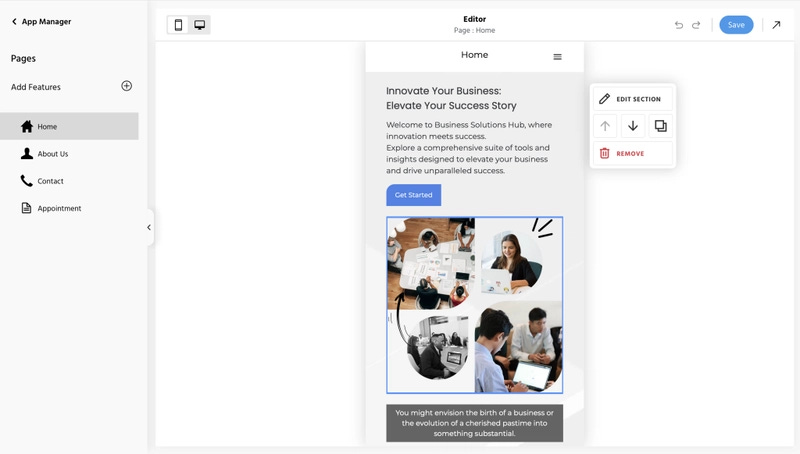
This is the most beginner-friendly tool on the list. You type something like:
“I need a travel itinerary app with maps and photo uploads,”
and it automatically builds the structure without needing any coding knowledge.
What makes it different:
It’s more of a no-code app builder with AI guidance, perfect for non-technical users or small business owners.
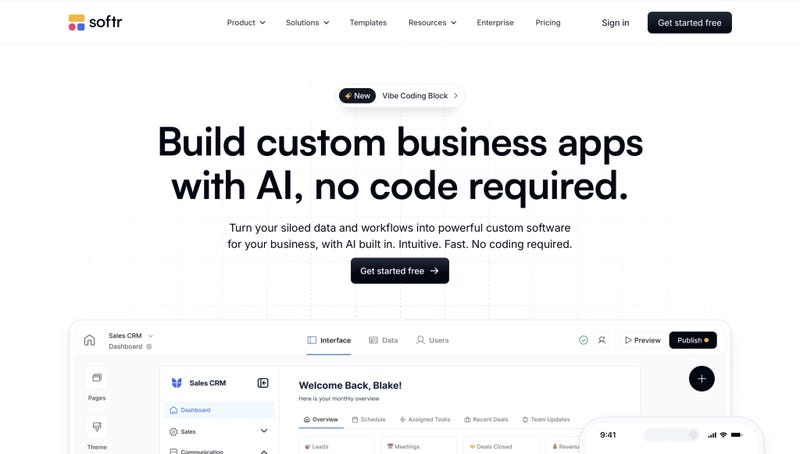
Although Softr focuses on web apps, its AI tools help generate mobile-friendly internal apps extremely quickly.
What makes it different:
It connects directly to Airtable, Google Sheets, or databases, making it perfect for dashboards, CRM apps, or internal tools.
Free tier: Core features usable forever.
Paid tier: Automation, permissions, and custom domains.
Try Softr: https://www.softr.io/ai
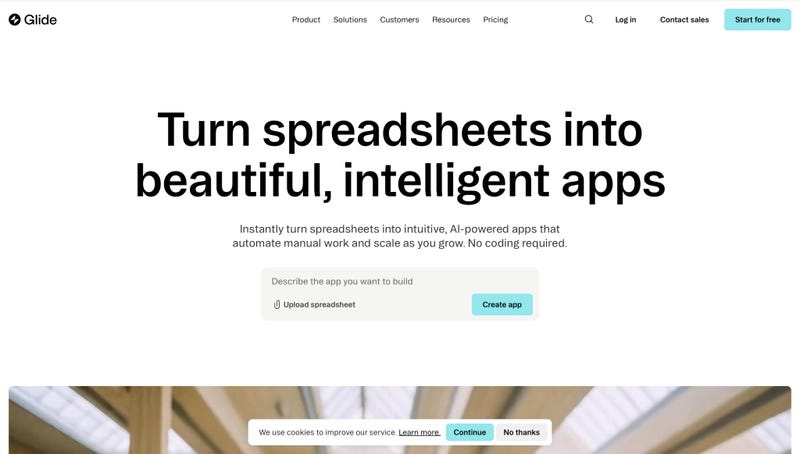
Glide shines for data-driven mobile apps, especially if your content lives in a spreadsheet. Their AI can convert a dataset into an app in minutes.
What makes it different:
Its AI logic builder lets you describe app behavior with natural language — “calculate progress score based on completed tasks” — and it builds the workflows automatically.
Free tier: Base features for personal use.
Paid tier: Publishing options, advanced integrations, team features.
Try Glide:
https://www.glideapps.com
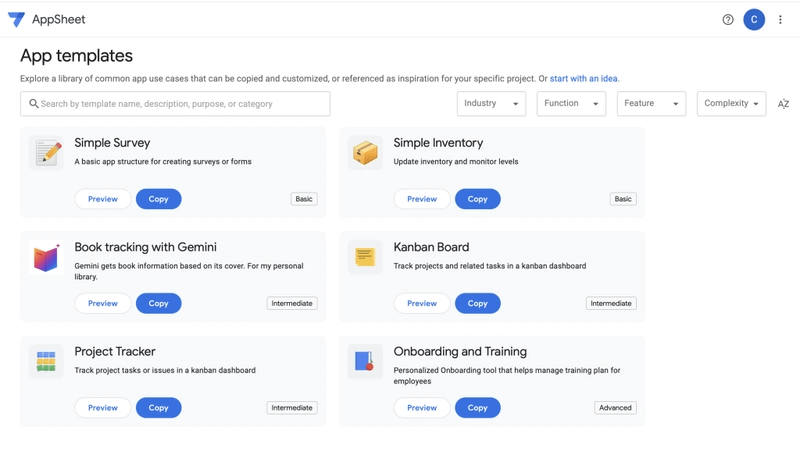
AppSheet from Google is one of the best alternatives for creating mobile apps directly from a spreadsheet or database.
Why it stands out:
This tool is powerful for internal tools or utility apps, and it’s even suitable for small businesses that need simple apps without any coding.
Free tier: Personal use and prototyping.
Paid tier: Advanced workflows, automation, and more integrations.
Try AppSheet:
https://www.appsheet.com
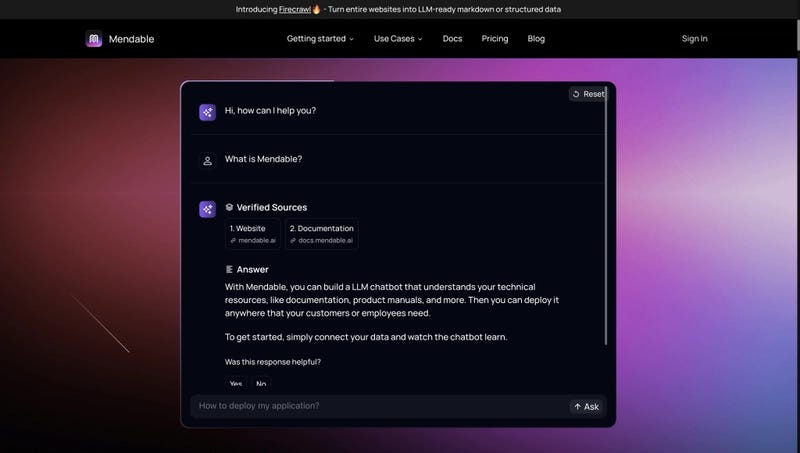
Mendable isn’t a full app builder but behaves like a smart AI architect. You describe your app idea, and it generates scalable code structures and modular components.
What makes it different:
It’s very good at understanding technical intent. For example, when I wrote a vague prompt for a “fitness app with streaks and weekly summaries,” Mendable created clear architecture diagrams and connected components logically.
Free tier: Basic prompt generation.
Paid tier: Extended context, multi-file editing, and advanced outputs.
Try Mendable:
https://www.mendable.ai
My honest reflection:
AI app builders are not perfect — but they’re finally “good enough” for:
business utilities
solo-founder MVPs
school projects
internal dashboards
rapid prototypes
If you want a highly polished, scalable consumer app: you’ll still need developers.
But as a starter?
As a way to turn an idea into something tangible?
They’re incredible.
And I think that’s why this topic keeps bringing me back: AI is quietly democratizing app creation the same way WordPress democratized websites.
If you want the more comprehensive version with every tool broken down in depth, here’s the full article on my site:
👉 https://christechno.com/2025/12/10/free-ai-tools-build-mobile-app-using-prompts/
No posts
Comments
Nothing yet. Say the first thing.
Sign in to join the conversation.