
You need to have WSL installed on your Windows installation though. Refer this link to install it on your machine.
How to install Linux on Windows with WSL
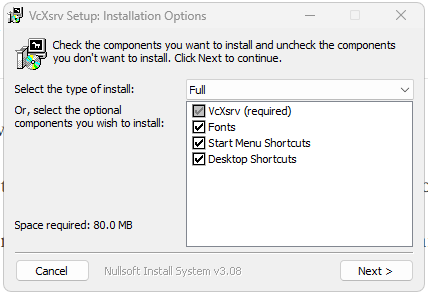
First you need to download VcXsrv Windows X Server.
Install the app using the installer you downloaded earlier. It is recommended to select all options.
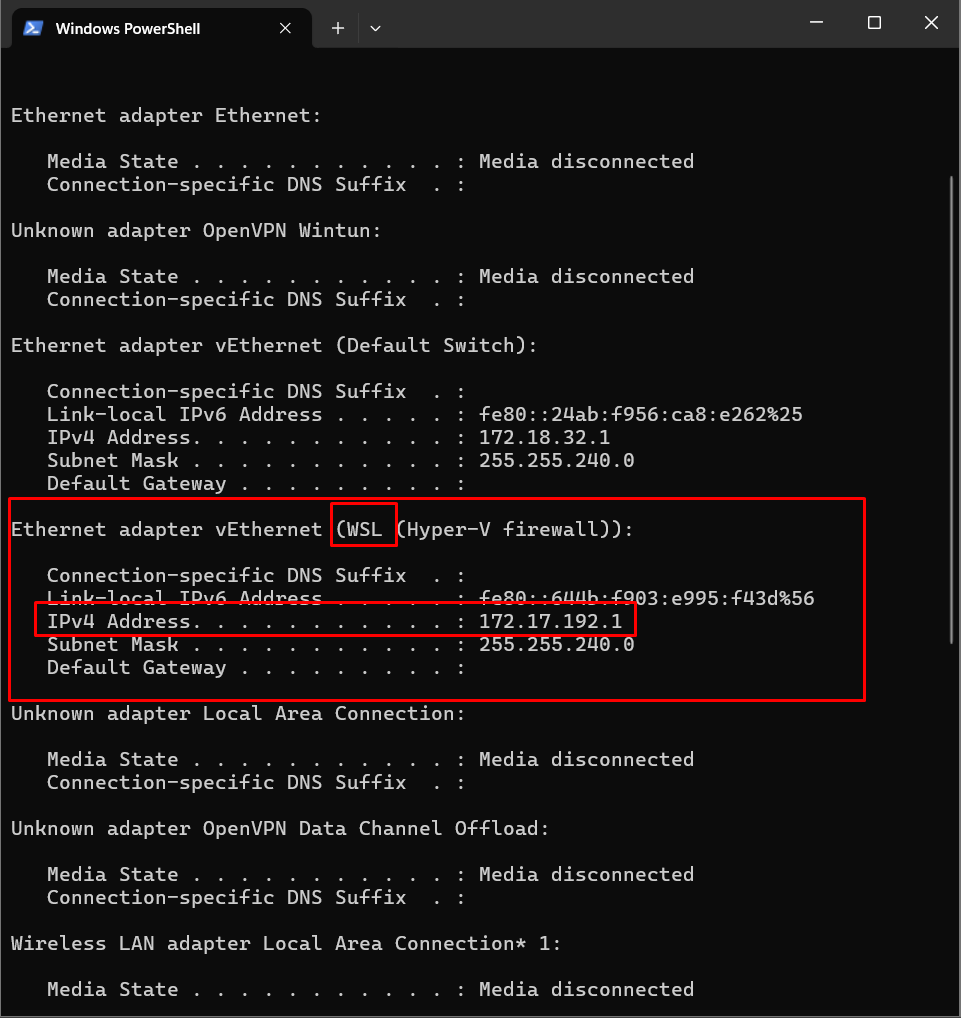
Open windows terminal and check the IP of the WSL. WSL is some kind of virtual machine that had access to the internet. So it has a local ip in your maching. To get it, type in terminal
ipconfig
You should see some records, look for something with the name “WSL” and copy the IPv4 address. My case it is 172.18.32.1. Refer below image
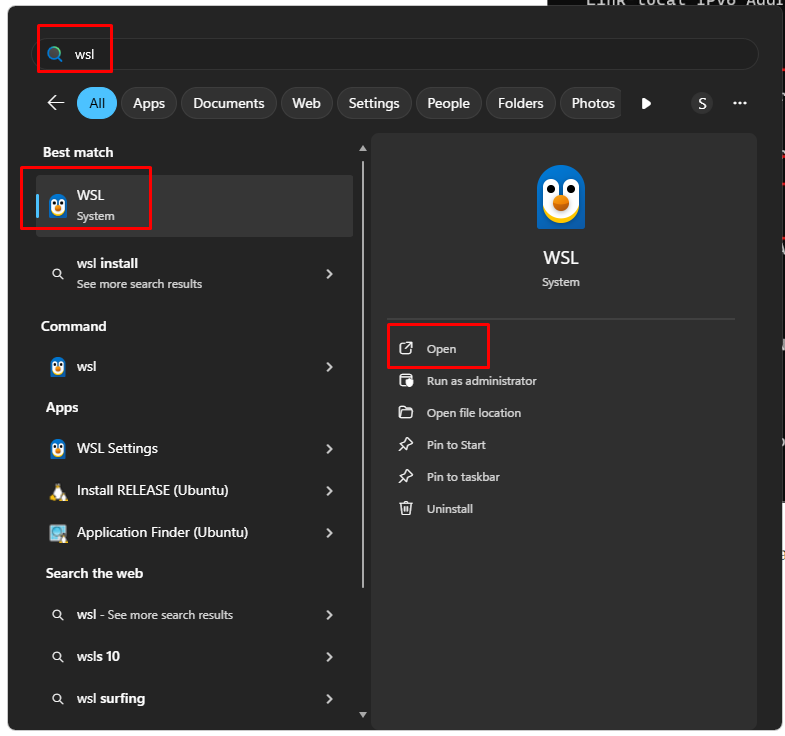
Now open your WSL app. You can search from your Windows menu. Refer below image.
Type in the WSL terminal
cat /etc/resolv.conf
You will see something like this
# This file was automatically generated by WSL. To stop automatic generation of this file, add the following entry to /etc/wsl.conf:
# [network]
# generateResolvConf = false
nameserver 10.255.255.254
Look at the nameserver, is it the same as the one you copy just now? if it is, then you can skip next step that will edit this /etc/resolv.conf
Edit the file if the nameserver is not the same as the one you copy earlier. Type in the WSL terminal
sudo nano /etc/resolve.conf
Edit the nameserver, paste the one you have copied. Notice it is a sudo command, you will need to enter your password. You should get something like this.
nameserver 172.18.32.1To save your edited file, press CTRL + C then Y to confirm saving.
Now in the terminal type
export DISPLAY=172.18.32.1:0.0
Then also type
export LIBGL_ALWAYS_INDIRECT=1
After that your setup is actually ready. You can test it by installing x11 apps. To install type this in terminal.
Sudo apt install x11-apps
Answer Y to install all dependencies. You can try the x11 app by typing in terminal
xcalc
you will see calculator app appear on your screen.

Try with other app for example, xeyes, xlogo etc. You can also install other using the terminal, for example firefox.
sudo apt install firefox.
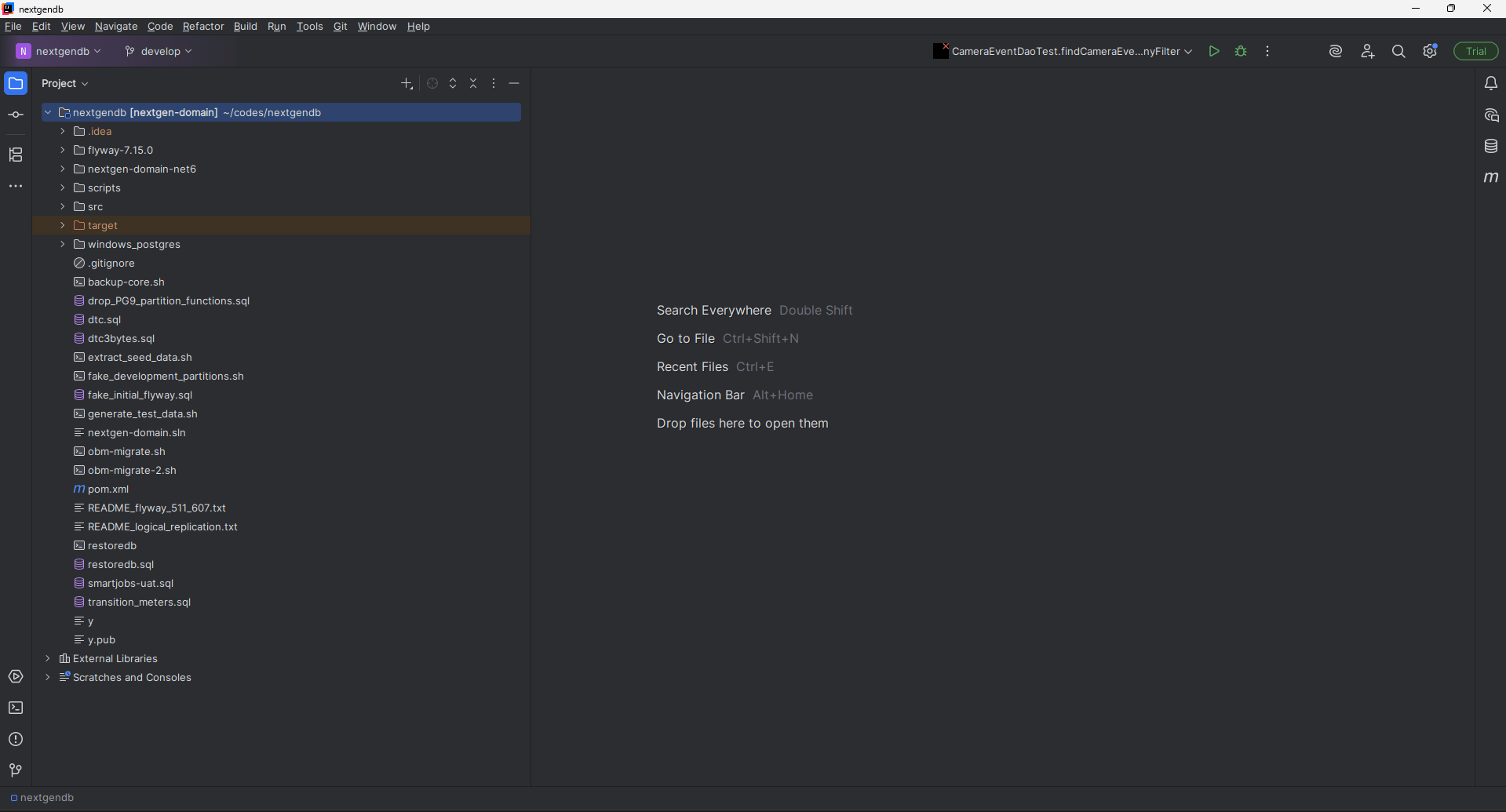
I don’t do that as I don’t need it. But I do install more complicated app such Jetbrain Intellij Ultimate. This is Intellij that I installed on my WSL.
Happy trying!
No posts
Comments
Nothing yet. Say the first thing.
Sign in to join the conversation.