
For the past couple of weeks I’ve been quietly working on integrating a new sensor into the WLV-01. It’s a 47mp monochrome micro 4/3 IMX492:
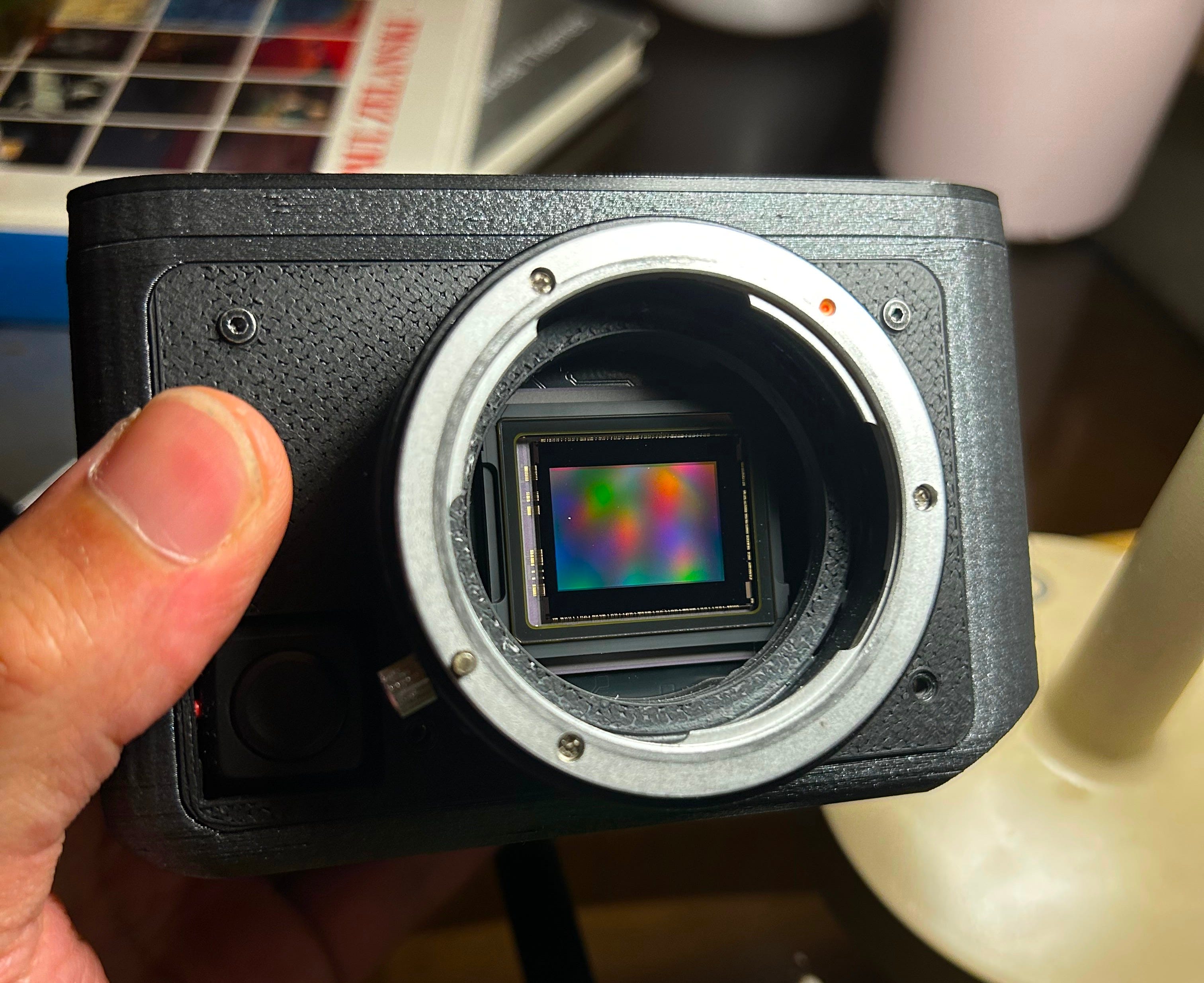
This has been a significant challenge to get working smoothly on the Pi 5 because of the slow read out speed caused by the high megapixel count resulting in preview lag and extreme rolling shutter. I don’t want to get too deep in the nerdy details, but I solved it by modifying the driver and enabling a binning mode by reverse engineering a similar sensor driver.
If you’re not familiar with sensor binning, it’s essentially processing of combining adjacent pixels to create a single “super pixel”. In this case, I used 2x2 binning that reduces noise and file size by a factor of 4.
This creates a new 11mp mode on the sensor that increases the readout speed to 34fps and increases the light sensitivity by 2 stops. This results in an amazing 11mp low light mode with fast read out speed. I then redesigned the camera application to switch between both modes during the live preview and actual image capture to keep a smooth user experience and take advantage of the 47mp. I also created a menu option to select different sensor modes. I’m excited about this setup because the camera can operate like a Sony A7S when you want low light performance and a Sony A7R when you want high resolution. Another added benefit is that the binning mode should result in improved total range as well.
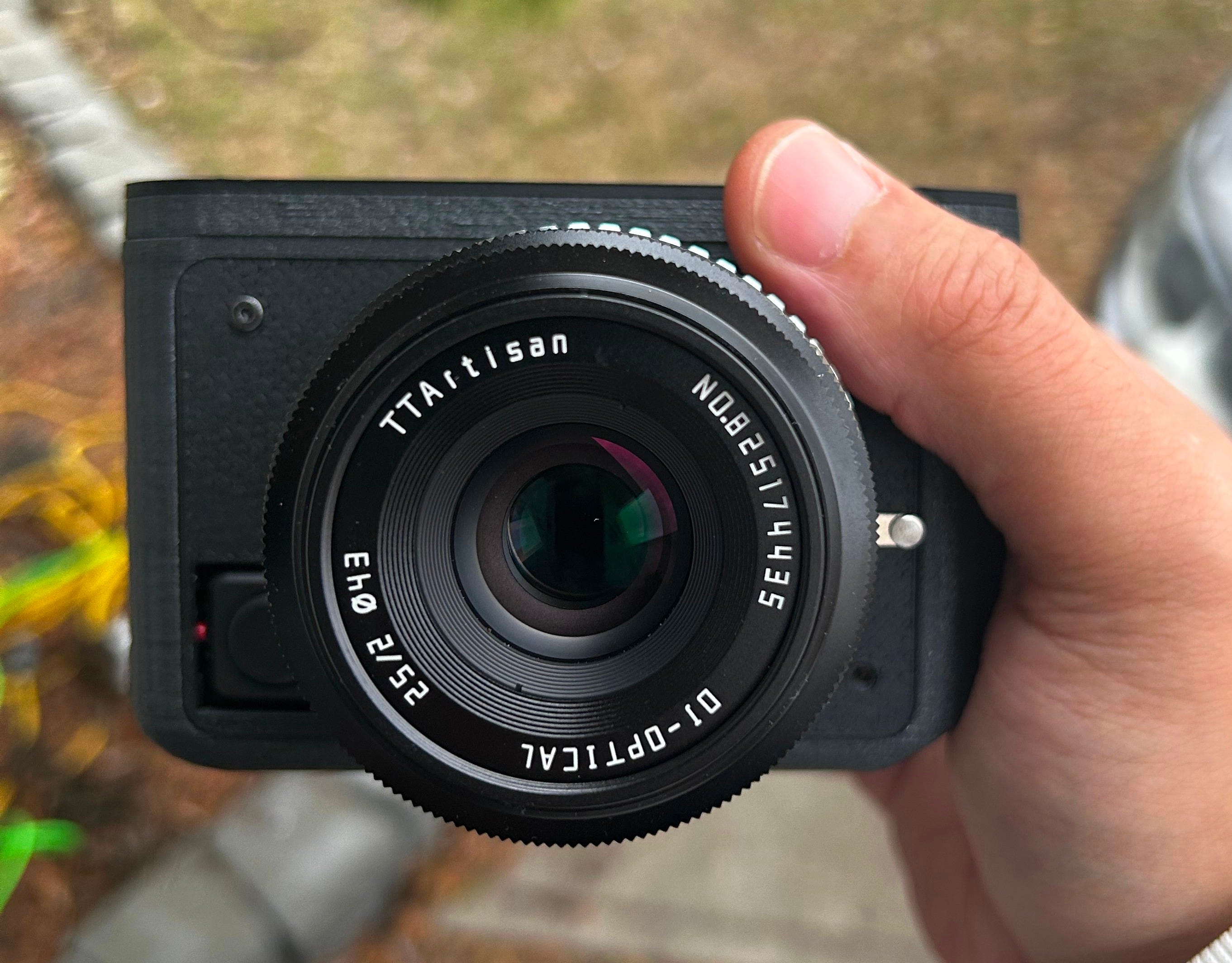
After I got it working, I stopped by the studio earlier this evening and decided to go for a quick walk around the area with the camera. I used the TTartisan 25mm F2 for all of these photos:
47mp Images - SOOC Jpg



Some of the files were too large for substack, so here’s a folder with more sample photos: IMX492 Test
11mp Images
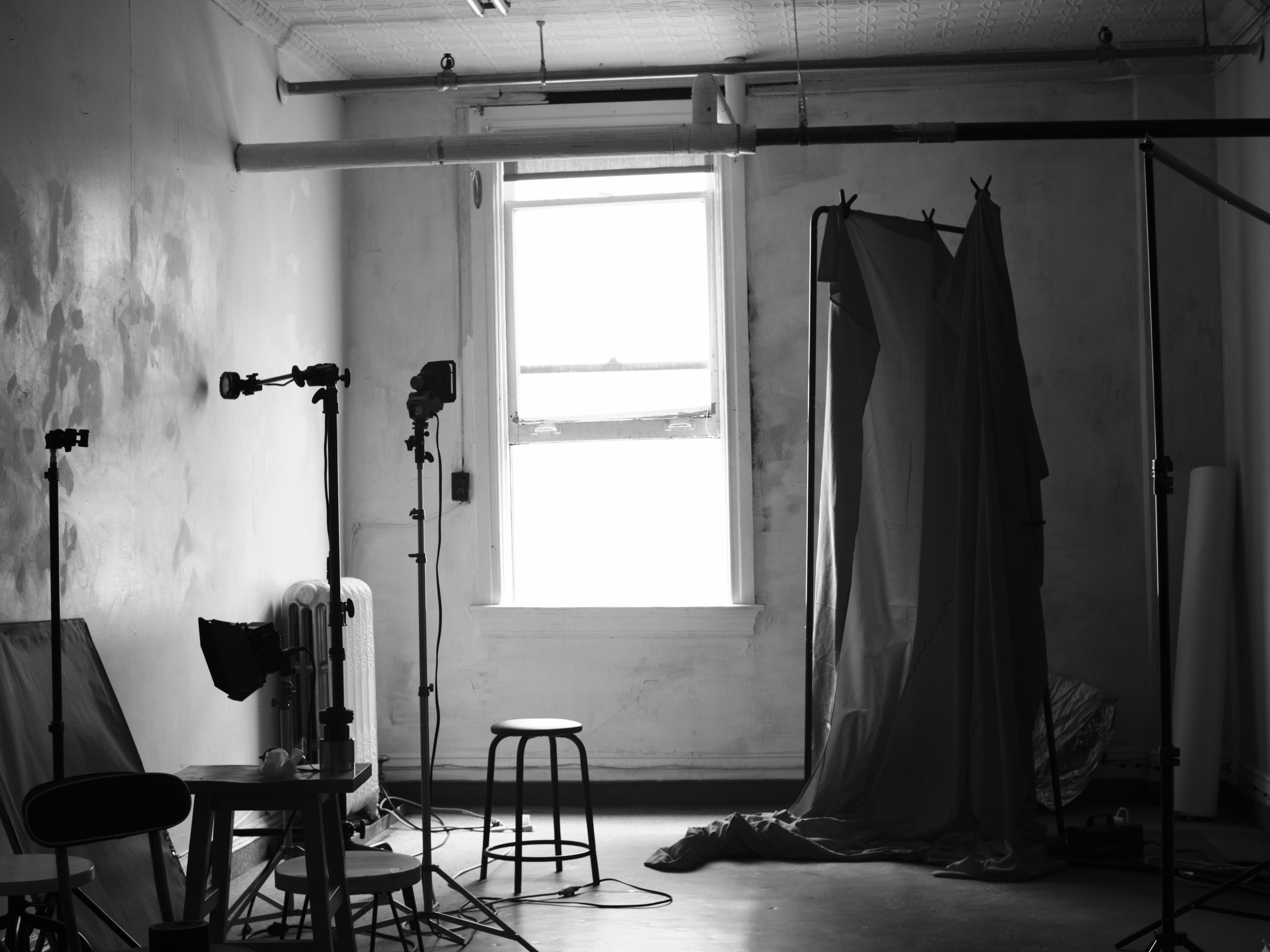



Overall, I’m extremely excited about this sensor and being able to push the limits of a Pi 5. I’m also pleasantly surprised with this lens - it’s my first time using it.
I’m going to be testing it next for a portrait session so stay tuned!
-Malcolm
Comments
Nothing yet. Say the first thing.
Sign in to join the conversation.