
Unite Pro for macOS allows you to turn any website into a native Mac app.
We’ve released Unite Pro 1.5, a major reliability and compatibility update focused on the parts of Unite you feel every day. This release improves media key support across many more websites, fixes fullscreen playback issues on YouTube playlists and Netflix, and improves support for native app links such as Obsidian, Things, and other custom URL schemes. 1.5 also includes important improvements to reload behavior, WebView cleanup, user scripts, user agents, zoom persistence, tab-window reliability, and text editing shortcuts in web apps like Google Chat. W
Users of Unite 6, Coherence X5, and Quip can upgrade to Unite Pro at a special price for a limited time.
Keep reading to learn more
Media controls now continue working on many more websites, even when the page is hidden or running in the background.
Fixed issues where fullscreen playback was not working correctly in YouTube playlists and Netflix.
Improved support for links that open native apps through custom URL schemes, including tools like Obsidian, Things, and remote-control utilities.
Unite now uses clearer confirmation behavior for external app links, with remembered choices and protection against repeated background launch attempts.
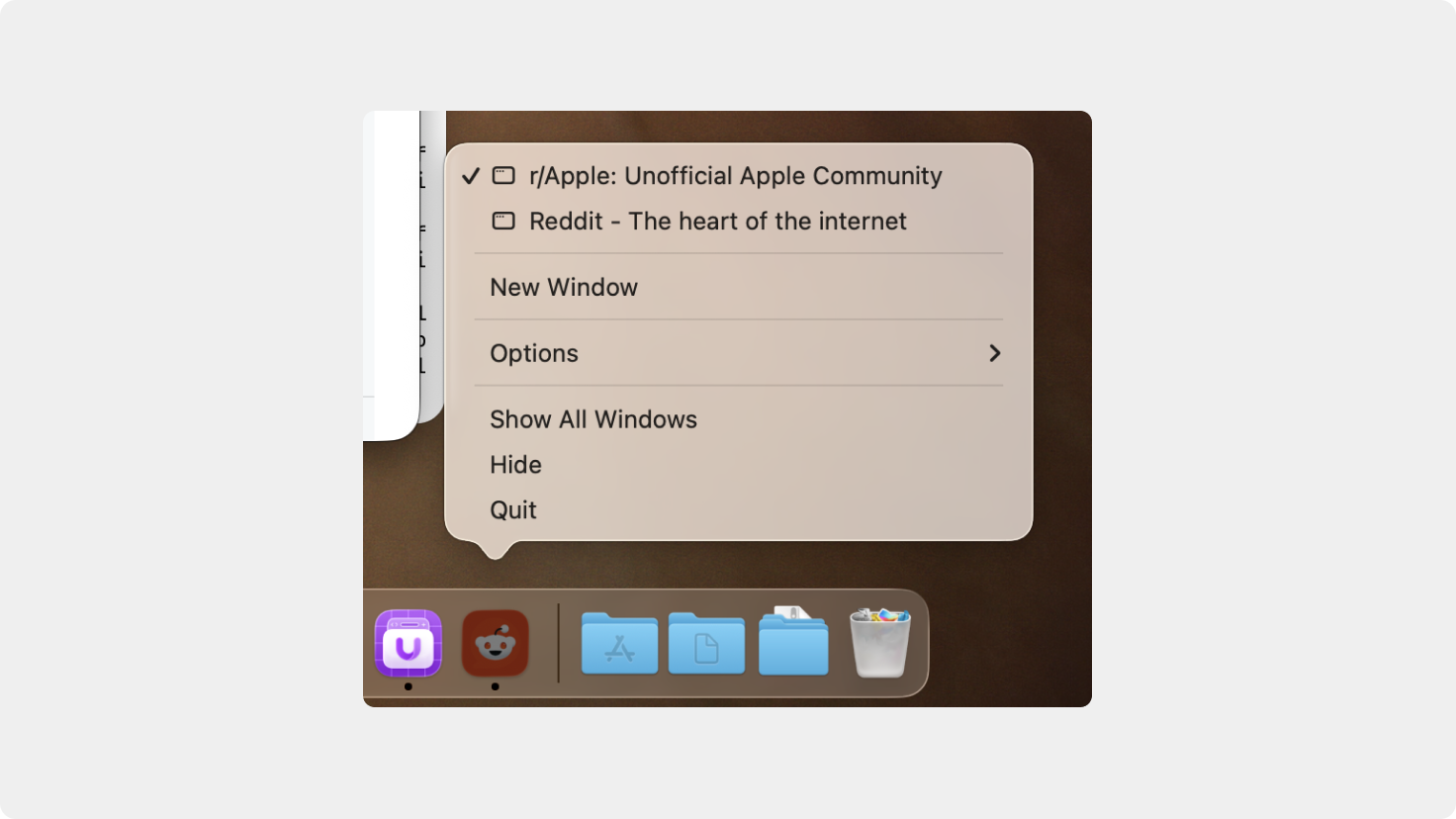
Window titles now update correctly in the Dock icon right-click menu, making it easier to identify and switch between open windows.
Fixed issues where window title visibility settings could become out of sync, including when toggling the title from the View menu.
Fixed an issue where NotebookLM modules would fail to load correctly inside Unite apps.
Improved behavior on websites with anti-bot detection and security checks.
Updated built-in user agents for better compatibility with modern websites.
Fixed an issue where selected user agent presets could reset unexpectedly after Safari or macOS updates.
Fixed an issue where the default zoom level could reset to 100% on launch when cross-app zoom sync was disabled.
Improved reload behavior so Unite apps reload pages more cleanly without leaving old background page contexts running.
Strengthened WebView teardown behavior to improve memory usage and reliability during reloads, mode changes, and app updates.
Improved reload behavior so Unite apps reload pages more cleanly without leaving old background page contexts running.
Fixed an issue with bundle restoration after Unite app updates.
Fixed an issue where some tools could warn about Unite apps after an app update.
Fixed issues where Cmd+Left and Cmd+Right could interfere with text editing in web fields, including apps like Google Chat.
Improved the Alternate Back/Forward shortcut setting so Cmd+Arrow navigation respects your preference while preserving expected text editing behavior.
Improved delete key behavior while using media and interactive website controls.
Fixed an issue where creating a new window from a link context menu did not work correctly in Sidebar Mode.
Creating a new window from the Dock icon now works correctly in Sidebar Mode.
Fixed an issue where tabs could sometimes appear associated with the wrong window.
Improved user script persistence and reliability across sessions and websites.
Improved the creation tool so app names that could cause path issues are cleaned up automatically before creating an app.
Improved the prompt shown when creating or saving an app that would overwrite an existing app.
Improved warnings and behavior in the license validator.
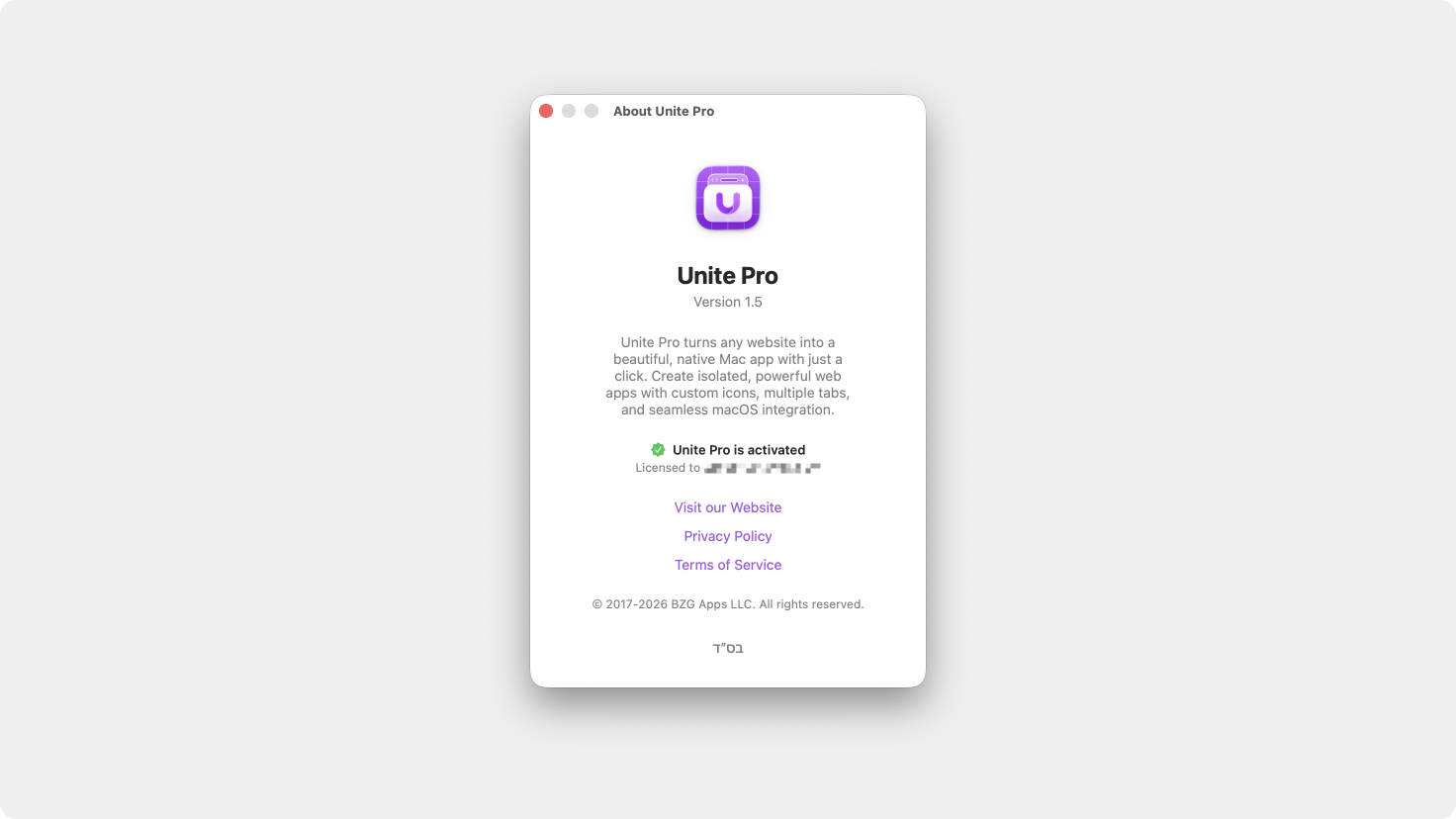
License information now appears in the About box for easier reference.
Unite Pro 1.x upgrades are free if you own Unite Pro.
If you’re using Unite 5 or 6, you’re eligible for a discounted upgrade to Unite Pro. Upgrade now and unlock the most powerful version of Unite ever at a special launch price.
Thank you for being part of the Unite community! As always, we’re excited to hear your feedback and help you get the most out of your Mac.
Enjoy Unite Pro! 🚀
Please do not reply directly to this email. Contact us if you need assistance with anything!
Comments
Nothing yet. Say the first thing.
Sign in to join the conversation.