
Unite Pro for macOS allows you to turn any website into a native Mac app.
We’ve released Unite Pro 1.1 — our first major feature update since launch. This release introduces Tiny Apps, major improvements to pinned tabs and Auto-Refresh, support for forwarding links to external apps like Obsidian and Things, and better bookmark management. It also includes a wide range of important fixes across trust certificates, app signing, keyboard shortcuts, permissions, link forwarding, and performance. The result is a version of Unite Pro that feels more flexible, more polished, and much more dependable in everyday use.
Users of Unite 6, Coherence X5, and Quip can upgrade to Unite Pro at a special price for a limited time.
Keep reading to learn more
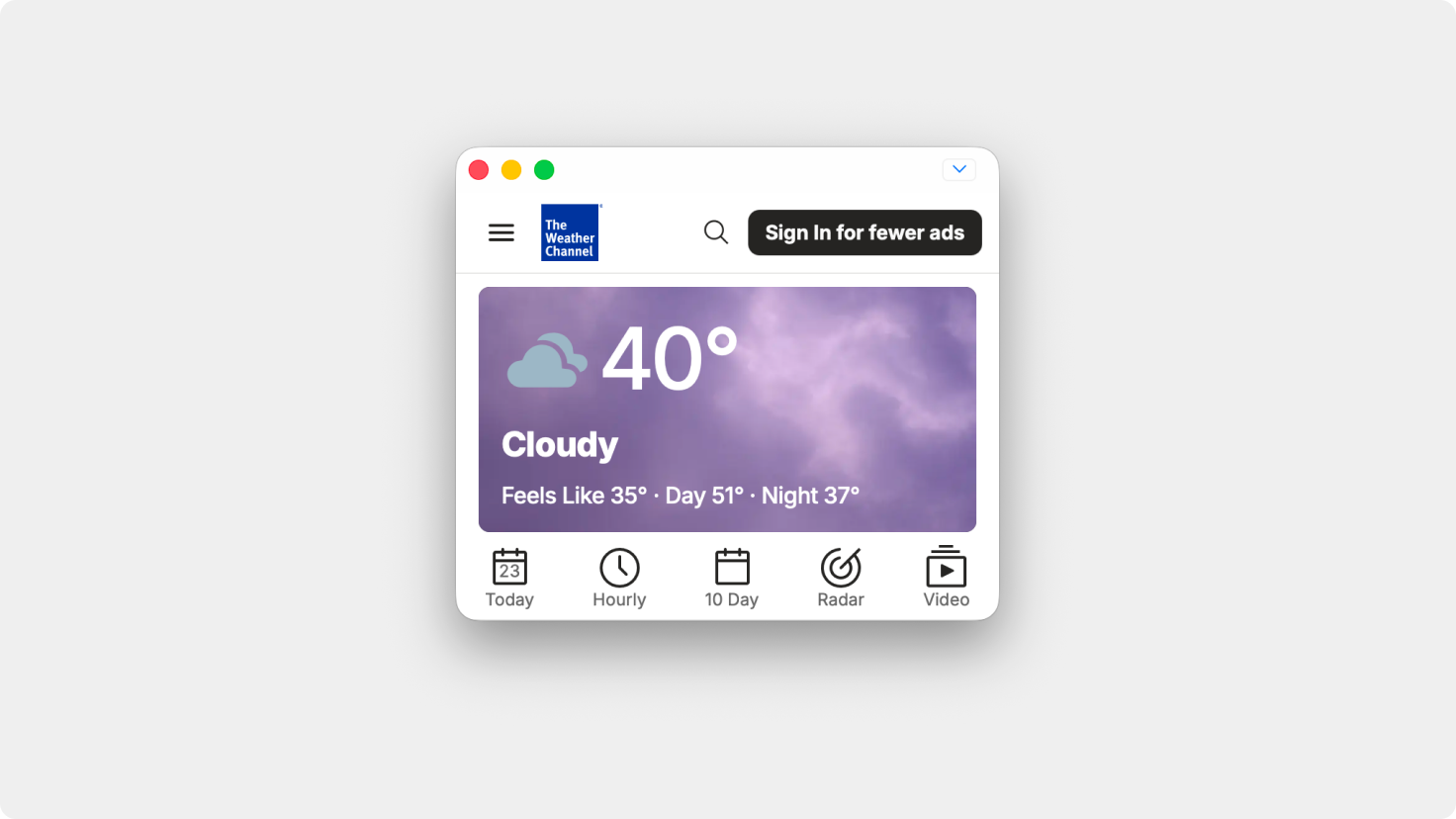
Unite normal windows can now be resized down to incredibly small sizes, making it easy to keep a persistent mini app on screen for dashboards, chat tools, timers, and other lightweight workflows.
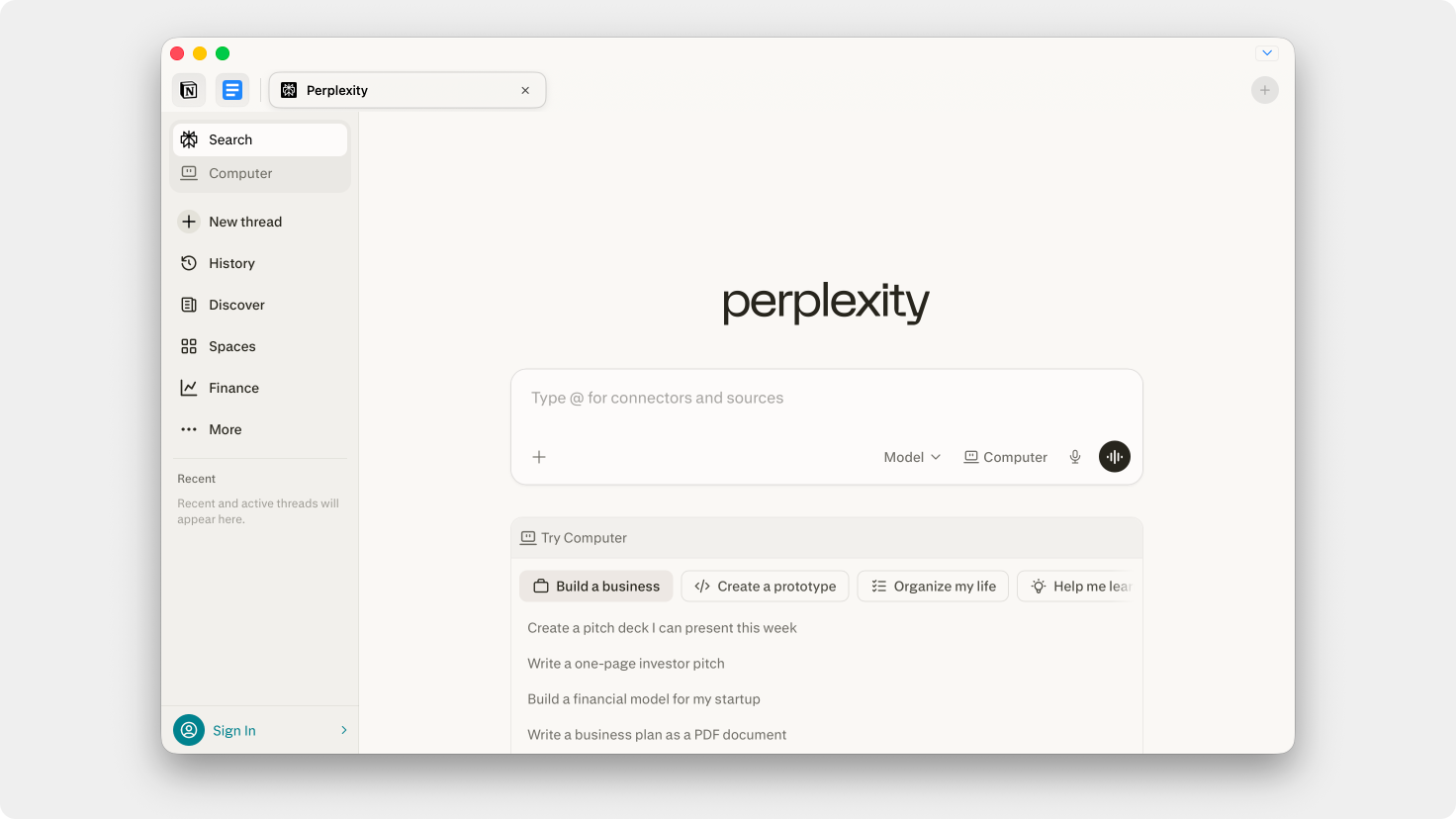
Pinned tabs are now much more reliable, with better behavior in Sidebar Mode and support for carrying pinned tabs across windows and sessions.
Pinned tabs and renamed tabs now persist correctly between sessions, making tabbed workflows feel much more consistent over time.
Link forwarding now supports external app URL schemes like obsidian://, things://, and other app-specific links, allowing Unite apps to connect more naturally with the rest of your workflow.
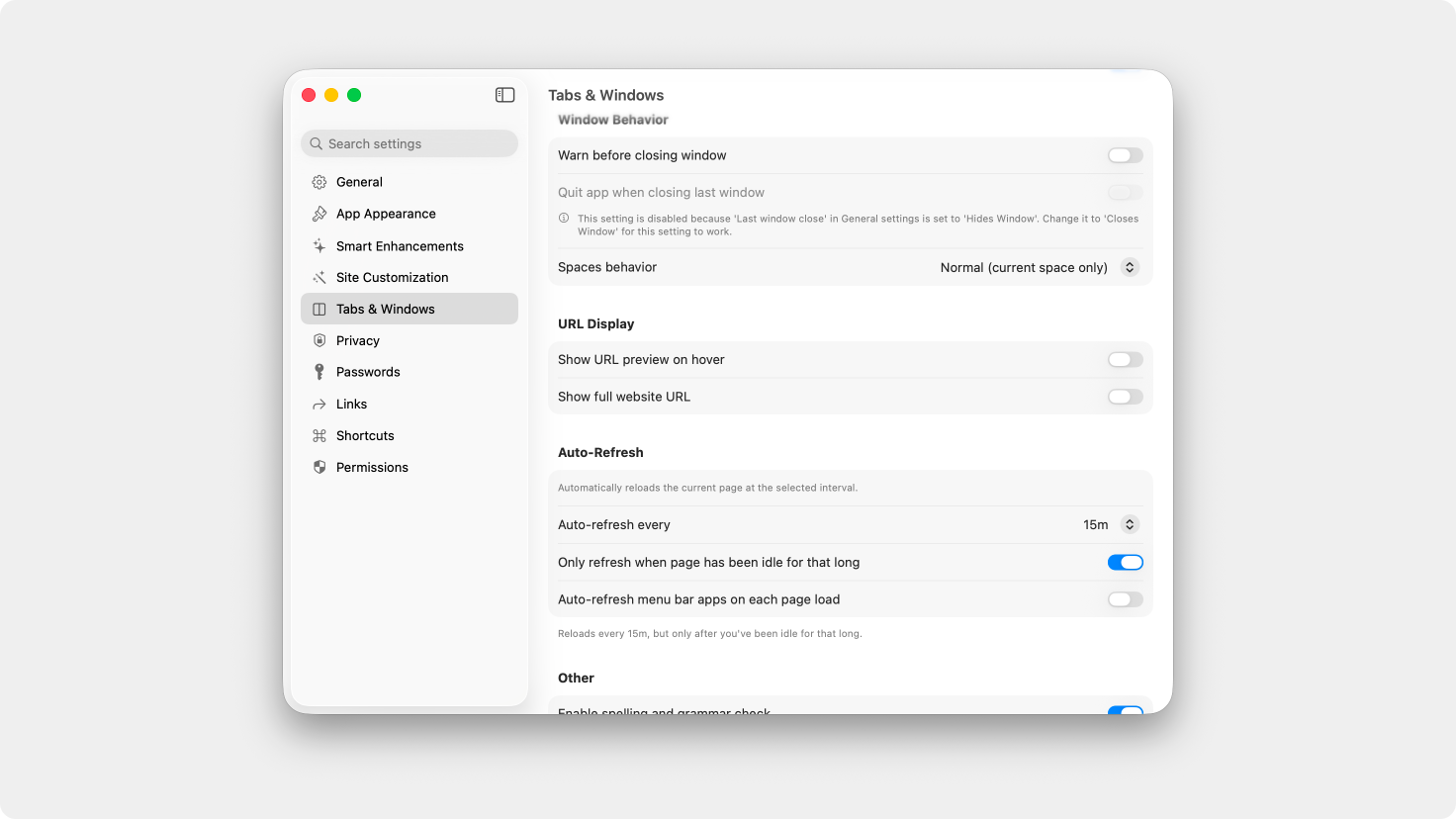
Auto-refresh is now significantly more powerful, with custom time intervals and the ability to begin refreshing only after a page has been idle.
You can now rearrange bookmarks directly in the bookmark bar and bookmark manager for more flexible organization.
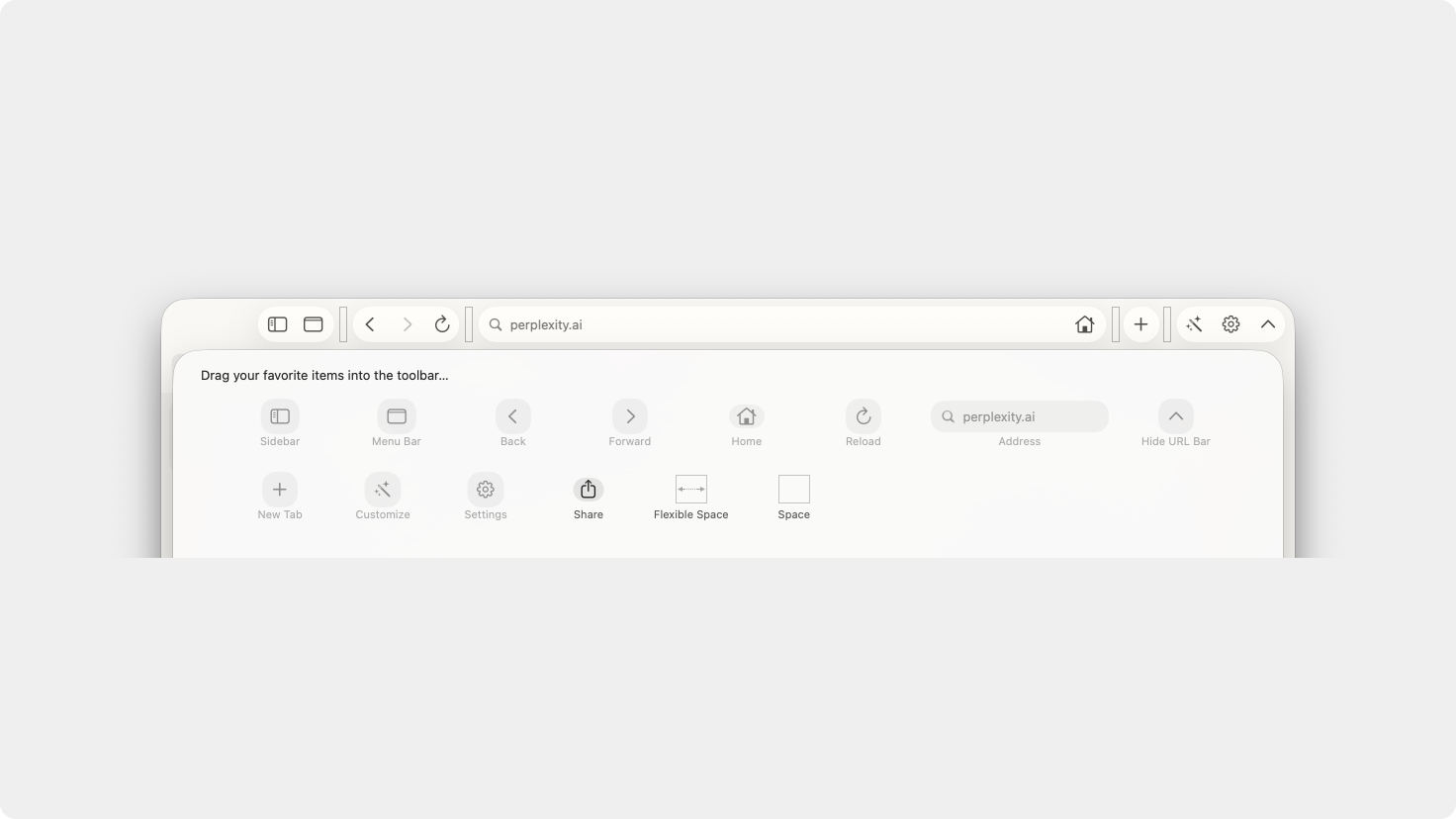
The Home button can now be added back to the toolbar in Normal Mode through toolbar customization.
Fixed an issue where the setting to hide macOS traffic light window controls was not functioning correctly.
Unite Pro now handles website trust certificate prompts much more cleanly, eliminating repeated permission popups and persisting your decisions between sessions.
Fixed an issue where forwarded links opened inside a Unite Pro app would not always route correctly to the intended destination.
Link forwarding is now faster and more responsive overall, especially when working with larger rule sets.
Updated the app importing backend to fix an issue where imported apps were not always signed correctly.
Fixed an issue where edited apps were not being signed correctly after changes were made.
Fixed issues where some apps could open without certain shortcuts working, and resolved a bug where Cmd+Left and Cmd+Right would not behave correctly in text editors.
Refined Facebook Messenger badge behavior to improve accuracy and consistency.
Fixed an issue where documents could not be downloaded from the PDF previewer.
Fixed an issue where the “Show in Browser” toggle was not working correctly during app creation.
Fixed an issue where app locations would not move correctly when edited to a new save location.
Fixed an issue where Unite could create multiple URL processes for the same web view and fail to clean them up after the web view was closed.
Fixed an issue where Unite Pro could crash while searching for created apps to update.
Fixed an issue where hiding the macOS traffic lights could unexpectedly disable itself when the window was no longer key.
Added better observation for sites with dynamically changing tab names so titles update more consistently.
Safari agent handling has been updated to use the most recent macOS version for better website compatibility.
Fixed an issue where duplicate entries could appear in Unite tool suggestion search.
Fixed an issue where the Unite tab bar could briefly show a bright blue color while loading pages.
Removed certain Tahoe-specific interface elements when running Unite Pro on older versions of macOS for a more consistent appearance.
Unite Pro 1.x upgrades are free if you own Unite Pro.
If you’re using Unite 5 or 6, you’re eligible for a discounted upgrade to Unite Pro. Upgrade now and unlock the most powerful version of Unite ever at a special launch price.
Thank you for being part of the Unite community! As always, we’re excited to hear your feedback and help you get the most out of your Mac.
Enjoy Unite Pro! 🚀
Please do not reply directly to this email. Contact us if you need assistance with anything!
Comments
Nothing yet. Say the first thing.
Sign in to join the conversation.