
Unite Pro for macOS allows you to turn any website into a native Mac app.
We’ve released Unite Pro 1.0.2 — a refinement update focused on performance, compatibility, and everyday usability. This release improves tab switching speed, enhances Auto Dark Mode for better image handling across websites, and fixes several issues affecting permissions, keyboard shortcuts, and link behavior. It also adds smarter tab title detection for dynamic websites and improves parts of the creation tool and link forwarding system.
Users of Unite 6, Coherence X5, and Quip can upgrade to Unite Pro at a special price for a limited time.
We’ve also launched a Unite discord community for users to share their scripts, apps, and ideas for future Unite releases! Check it out here:

Keep reading to learn more
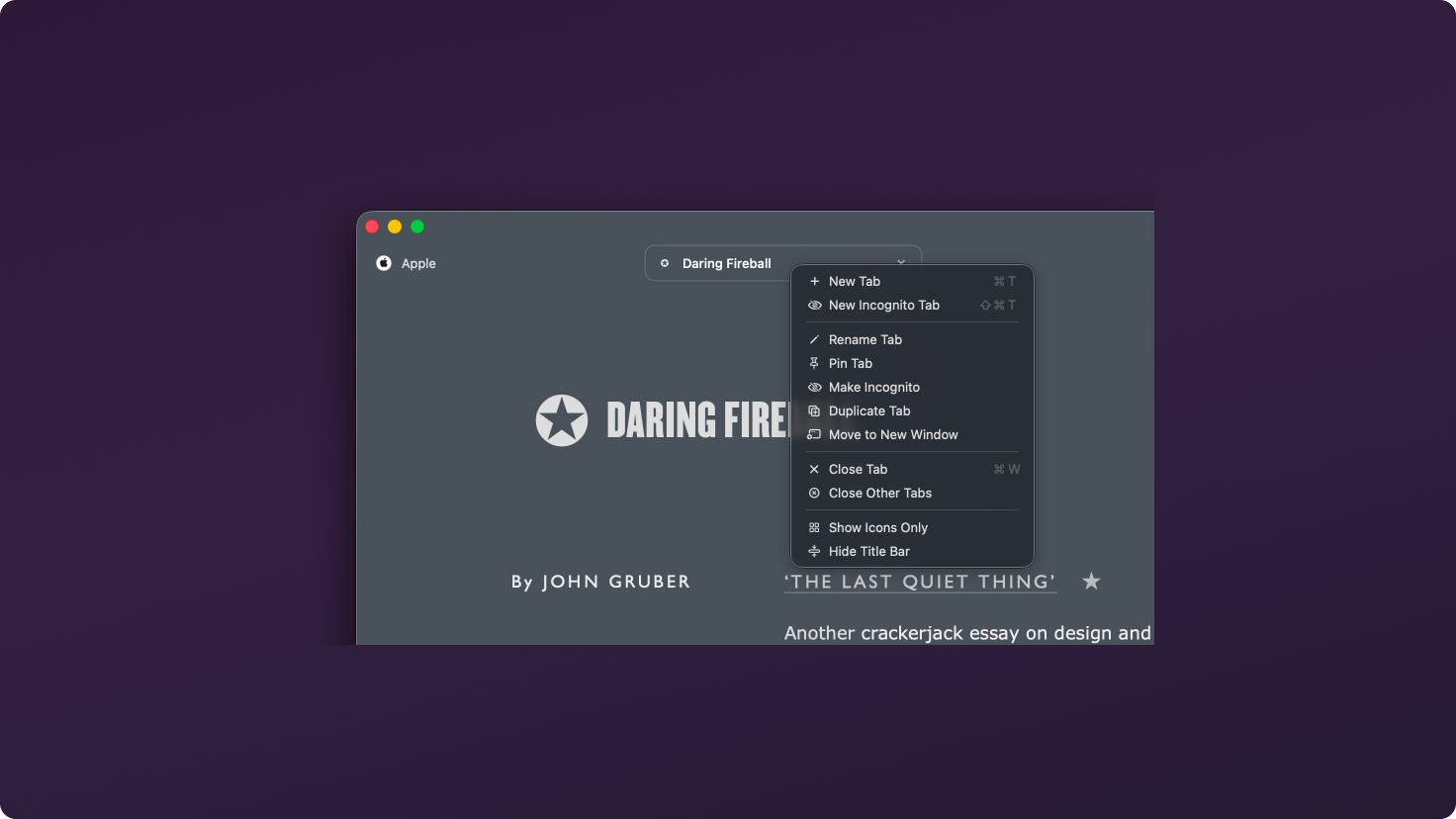
Optimized tab switching to remove lag when moving between webviews, making multi-tab Unite apps feel faster and more responsive.
Enhanced Auto Dark Mode to better preserve images and visual elements across many websites while still converting light interfaces to dark mode.
Fixed an issue where camera, microphone, and location permissions would not persist correctly between sessions.
Added a title observer so tabs update correctly for websites with dynamically changing page titles.
You can now type a save path directly in the Unite creation tool in addition to selecting a location through Finder.
Updated the default Safari user agent to match the most recent macOS version for improved website compatibility.
Fixed issues affecting command-clicking links, text editing shortcuts inside Unite apps, and Cmd+number tab switching between sessions.
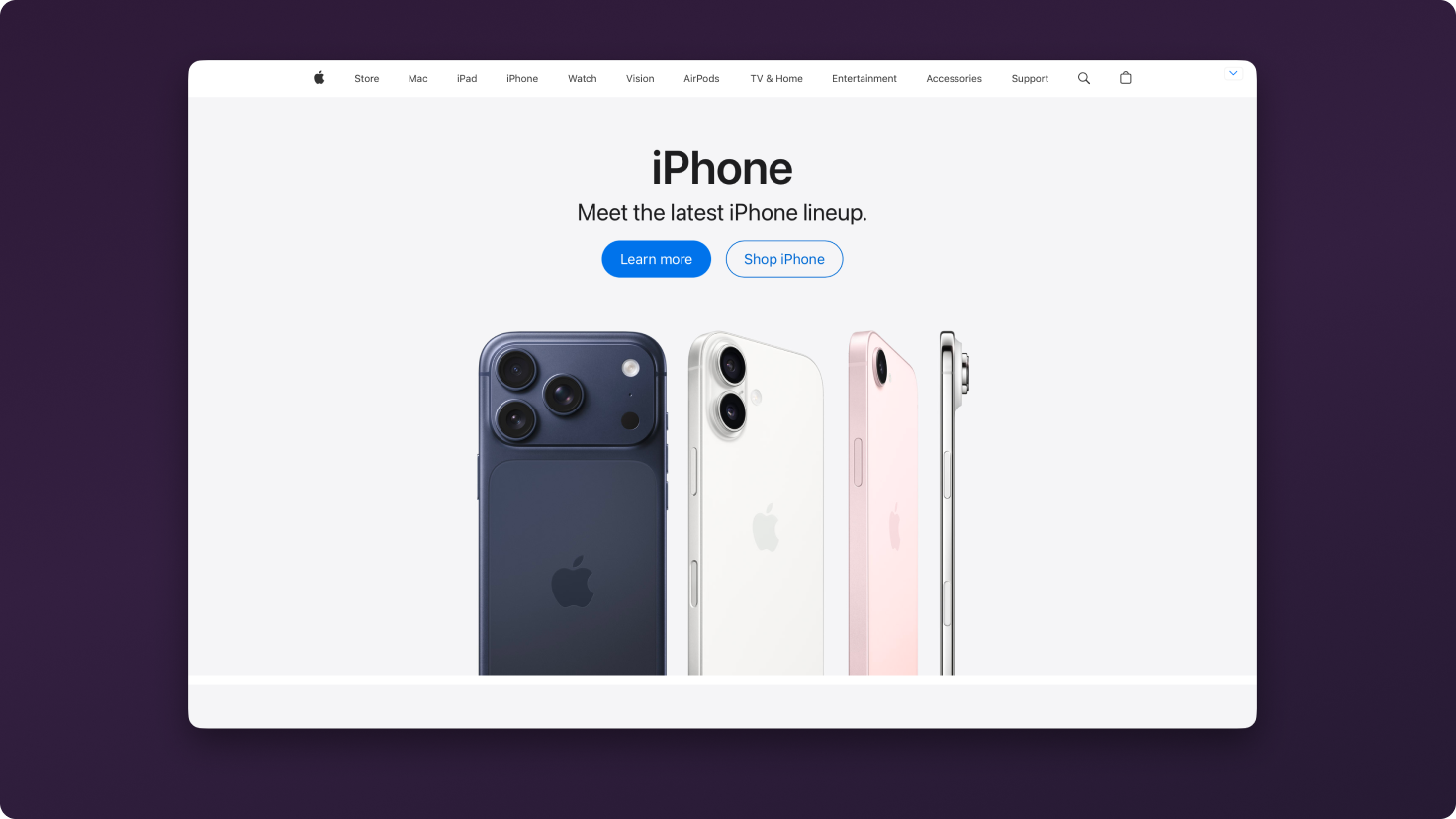
Fixed an issue where the setting to hide macOS traffic light window controls was not functioning correctly.
Fixed an issue where Gmail badge counts could incorrectly display draft counts instead of inbox counts in certain views.
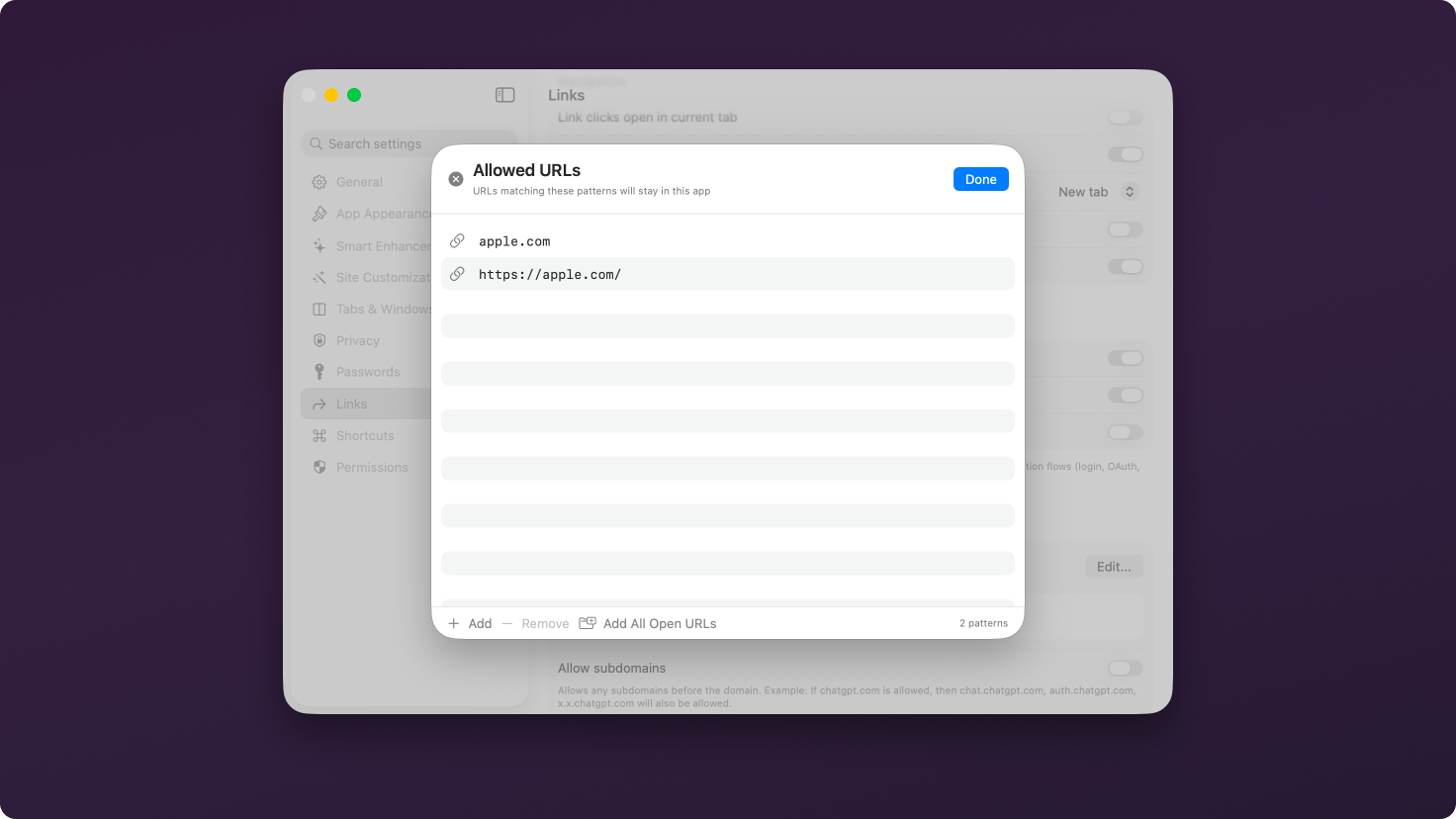
Updated link forwarding tables to make adding and saving links faster and more reliable.
Fixed an issue where duplicate entries could appear in the Unite tool suggestion search.
Added a close button to settings modals inside created apps so they can be closed with the mouse in addition to the Escape key.
Unite Pro 1.x upgrades are free if you own Unite Pro.
If you’re using Unite 5 or 6, you’re eligible for a discounted upgrade to Unite Pro. Upgrade now and unlock the most powerful version of Unite ever at a special launch price.
Thank you for being part of the Unite community! As always, we’re excited to hear your feedback and help you get the most out of your Mac.
Enjoy Unite Pro! 🚀
Please do not reply directly to this email. Contact us if you need assistance with anything!
Comments
Nothing yet. Say the first thing.
Sign in to join the conversation.