
Quip is a supercharged clipboard manager for iPhone, iPad, and Mac
Quip 1.6 is now available, and it’s one of the most important updates we’ve shipped so far.
The headline: we completely refactored Quip’s sync engine. If you’ve ever noticed visual lag during syncing, or moments where Quip felt a beat behind, this release is designed to eliminate that. On macOS, 1.6 also adds a bunch of quality-of-life improvements (like configurable default selection, a clear search button, and a brand-new image preview mode with zoom + selectable OCR text), plus meaningful reliability fixes across paste behavior, shortcuts, password manager blocking, and Apple Intelligence.
If you’ve found Quip valuable, I’d be personally grateful if you please leave a written review on the iOS or macOS App Store, Setapp — or all three! (Apple treats them as separate listings.)

Keep reading to learn more
Quip’s sync engine has been completely rebuilt for speed and responsiveness. Visual lag during syncing should now be gone or significantly reduced in nearly all workflows.
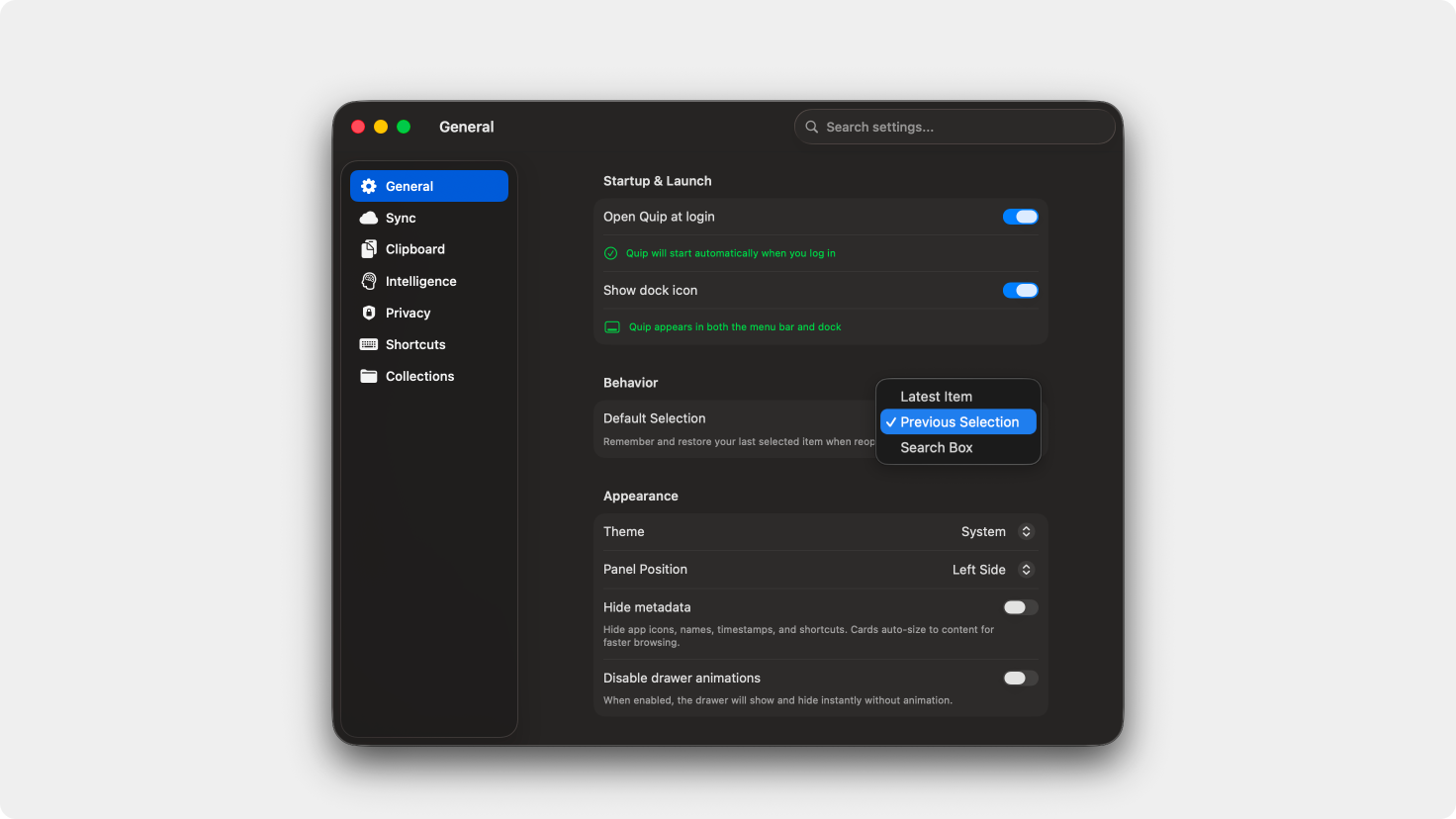
Choose what Quip focuses on when it opens: the first item, your last selected item, or the search bar. This makes repeated workflows faster and more predictable.
A new clear button makes it easy to reset searches and return to your full clipboard history instantly.
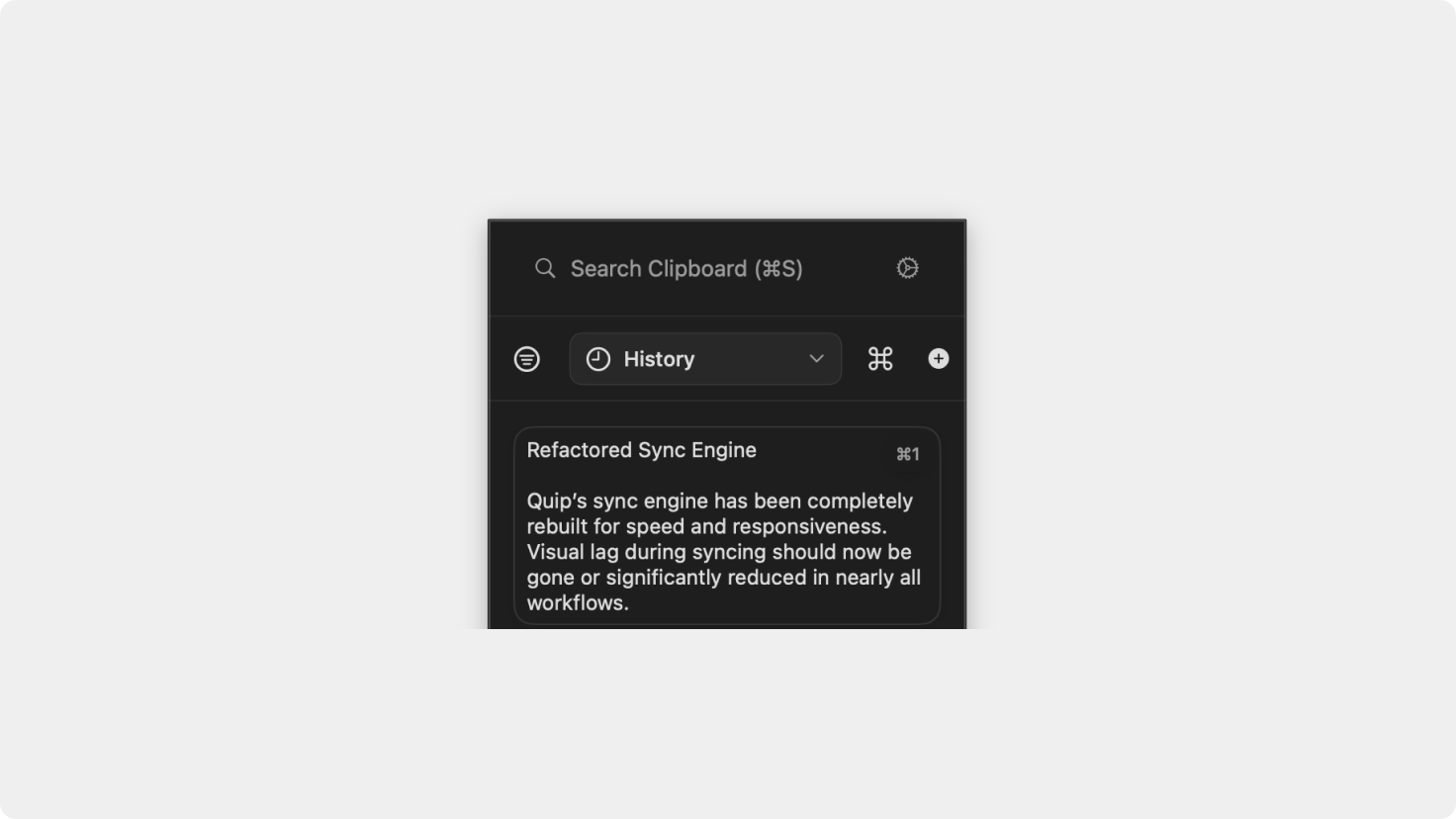
Low Metadata Mode now shows shortcut numbers for the first nine items, preserving fast keyboard access while keeping the UI minimal.
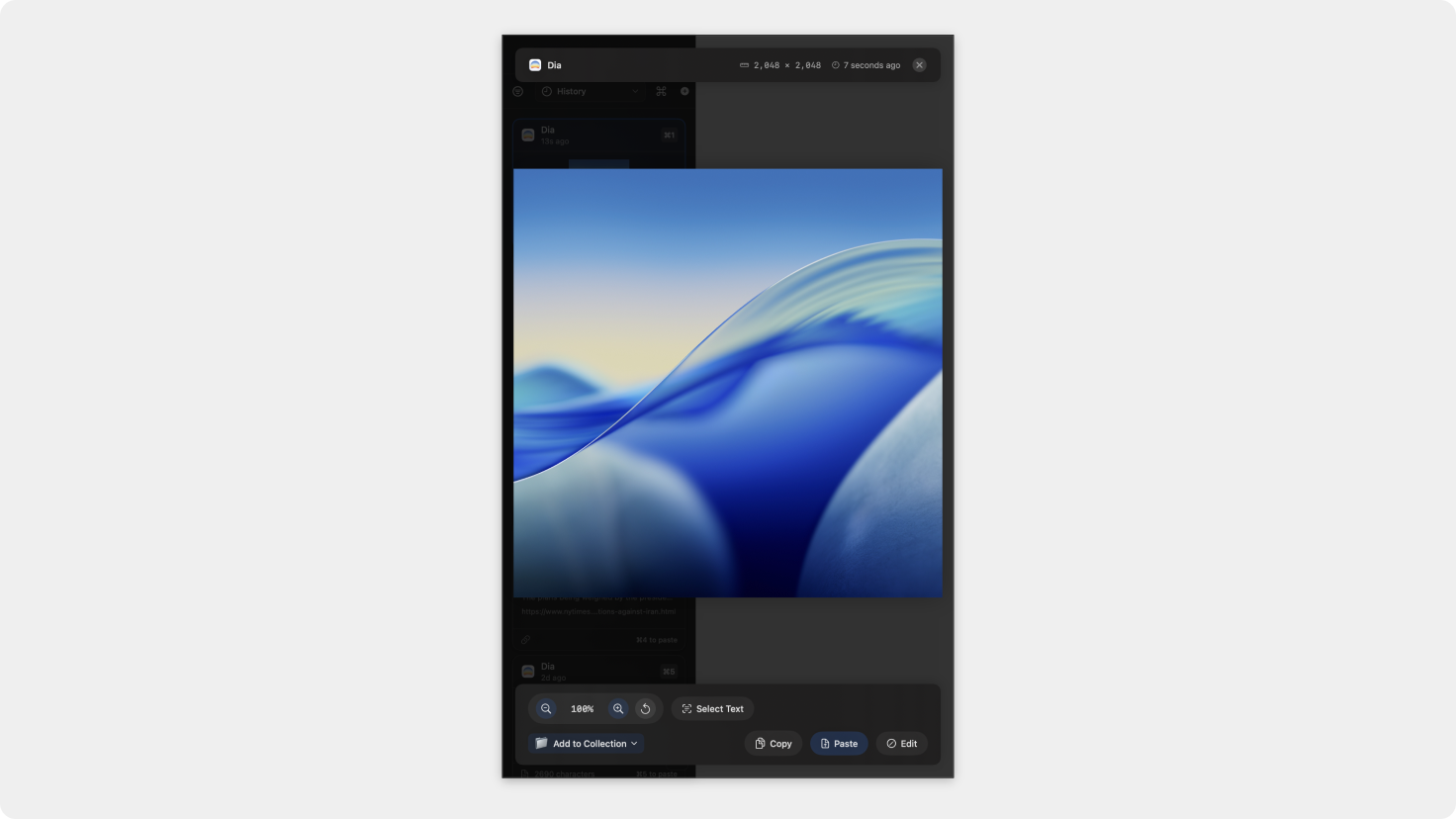
Images now open in a full preview view with zoom support and the ability to select text directly from images using OCR.
Quip will no longer overlay Mission Control, ensuring cleaner system navigation and fewer visual conflicts.
Quip is now better at detecting and blocking content copied from password managers to prevent accidental storage of sensitive data.
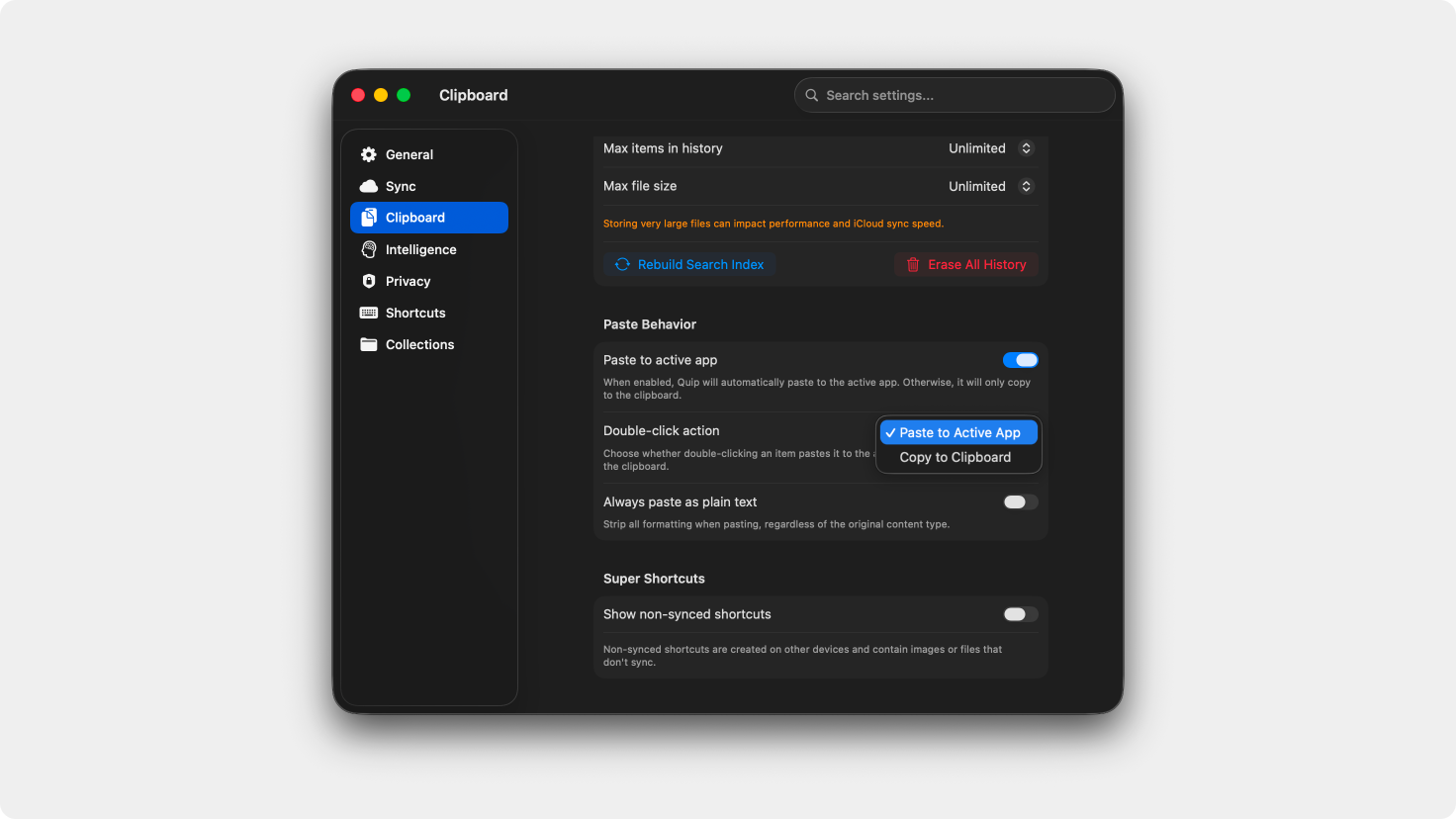
A new preference lets you choose whether double-clicking an item copies it to the clipboard or pastes it directly.
Fixed an issue where pressing Shift-Return could trigger an unintended paste action.
Multiple fixes improve paste accuracy and consistency across apps and workflows.
Resolved an issue where Apple Intelligence could continue filtering items even when disabled.
Fixed a bug where custom shortcuts would not save or apply until the next session.
Resolved an issue where using Super Shortcuts could incorrectly add a duplicate of the most recent clipboard item to history.
OCR capture is now more reliable and consistently adds extracted text to clipboard history.
The new sync engine dramatically improves performance and reduces visual stutter across devices, especially when handling large histories or frequent updates.
Please do not reply directly to this email. Contact us if you need assistance with anything!
Comments
Nothing yet. Say the first thing.
Sign in to join the conversation.