
Substack’s editor (my newsletter of choice) doesn’t have some key things that I need:
Ability to work offline
Ability to organize my content like I do in Notion or Todoist
Markdown Support
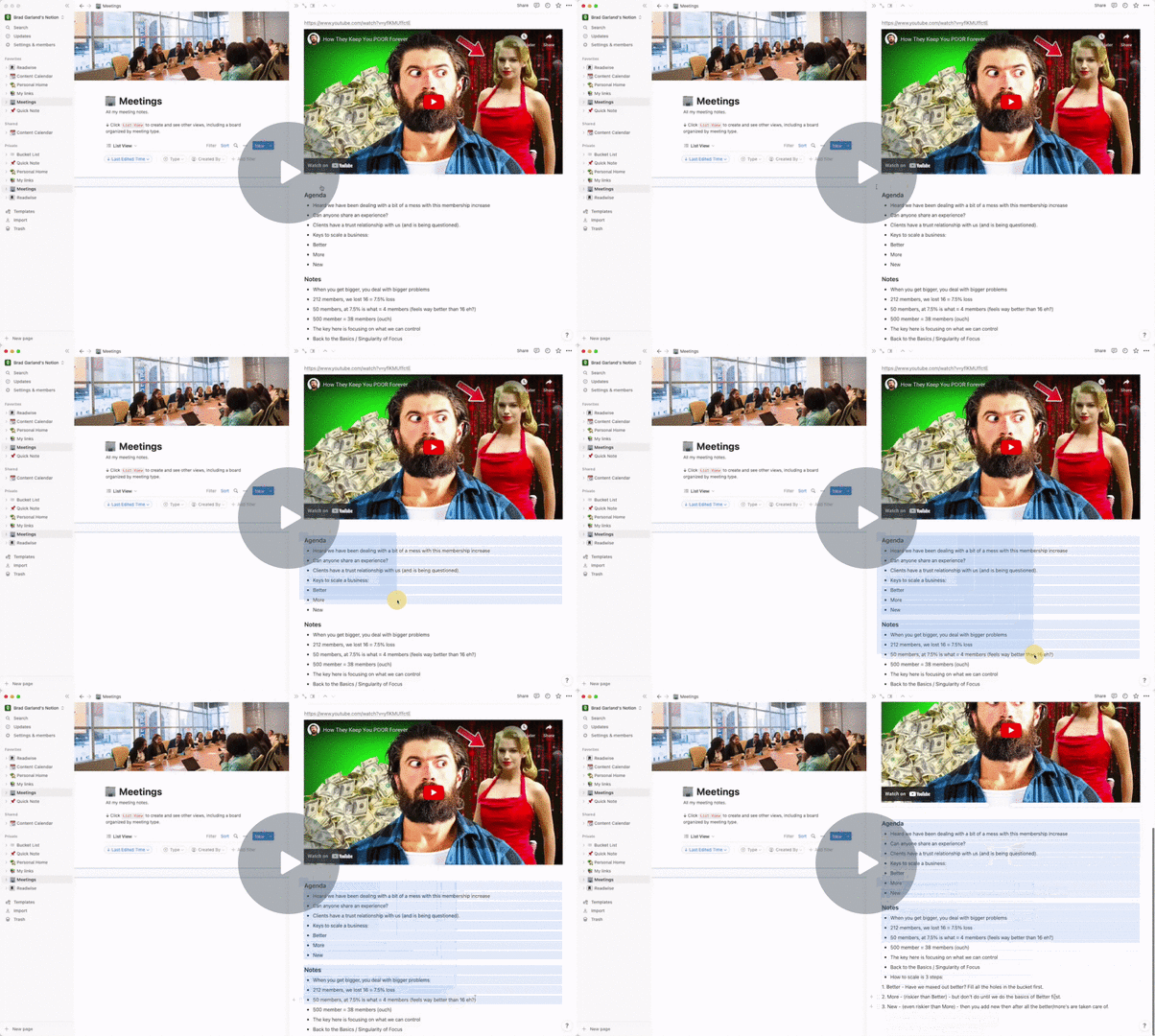
These things require me to go out and look for other solutions to make the transition from one system to another as seamless as possible. I tried using Notion to copy/paste at first and OH MY LORD it’s ugly. Not only does it not paste very well you can barely even copy things easily out of Notion. Yuck.
Loom Message - 3 December 2022 - Watch Video
For another project I decided recently to go back to Todoist from a stint with Things for my task management and it appears it can work better. I enjoy Markdown, although i’m no expert, and Todoist has Markdown support. So then with the ability to copy/paste (in the exact right way) you can convert 95% of the Markdown over to Substack in a way that makes sense. Note: Tried the ‘print preview’ in Todoist, too, and it pasted in unformatted text.
Editing newsletter - Substack - 3 December 2022 - Watch Video
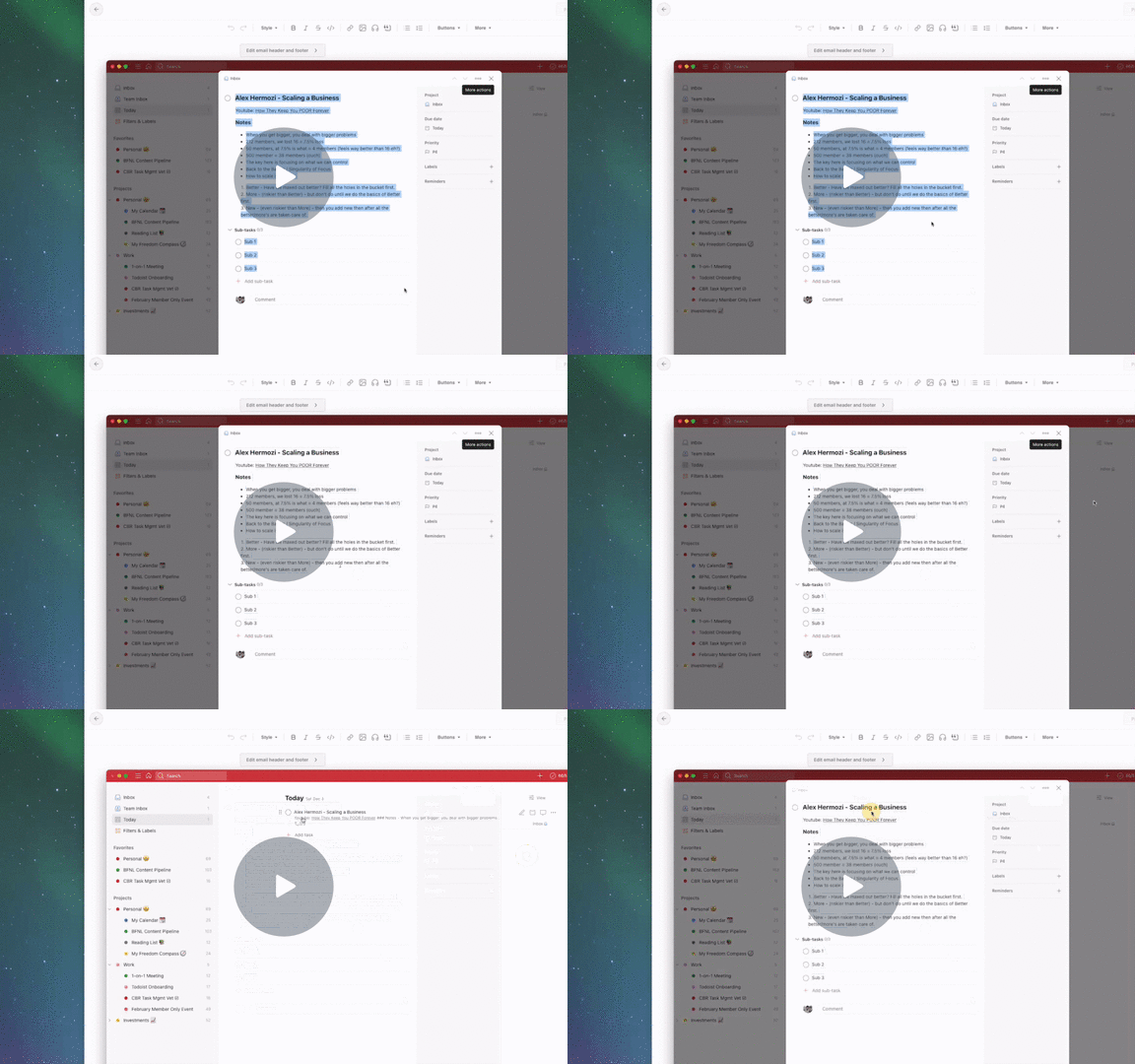
As you can see here it copies over pretty well. Headings, Bullets, Numbered and even the sub-tasks of Todoist carried through. Couple clean up items but MUCH LESS than anything else I’ve found.
Just thought I’d share in case anyone else was looking! Good luck!!
Comments
Nothing yet. Say the first thing.
Sign in to join the conversation.