
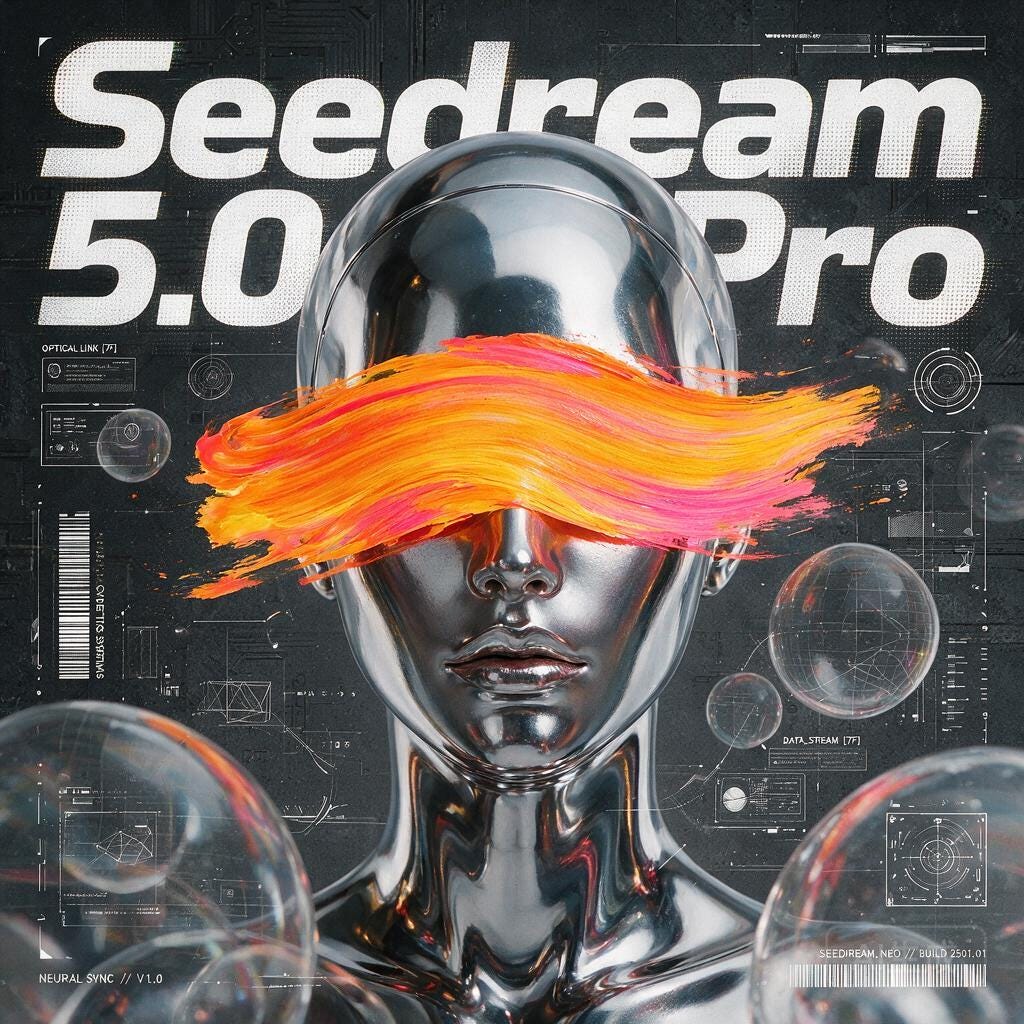
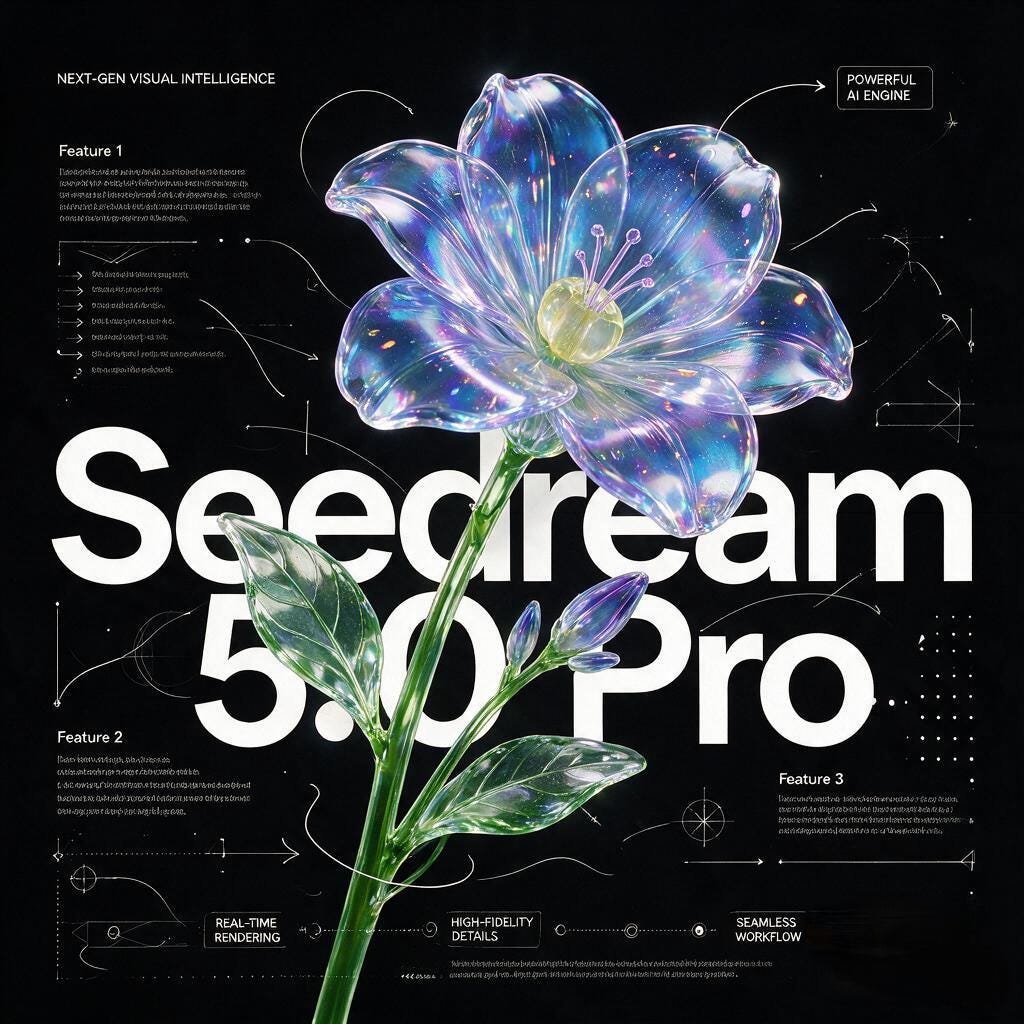
We’re excited to announce that Seedream 5.0 Pro, ByteDance’s latest image-generation model, is now available in ComfyUI via Partner Nodes. It brings stronger editing precision, improved character and product consistency, better small-text rendering, and stronger support for posters, infographics, and multilingual layouts.
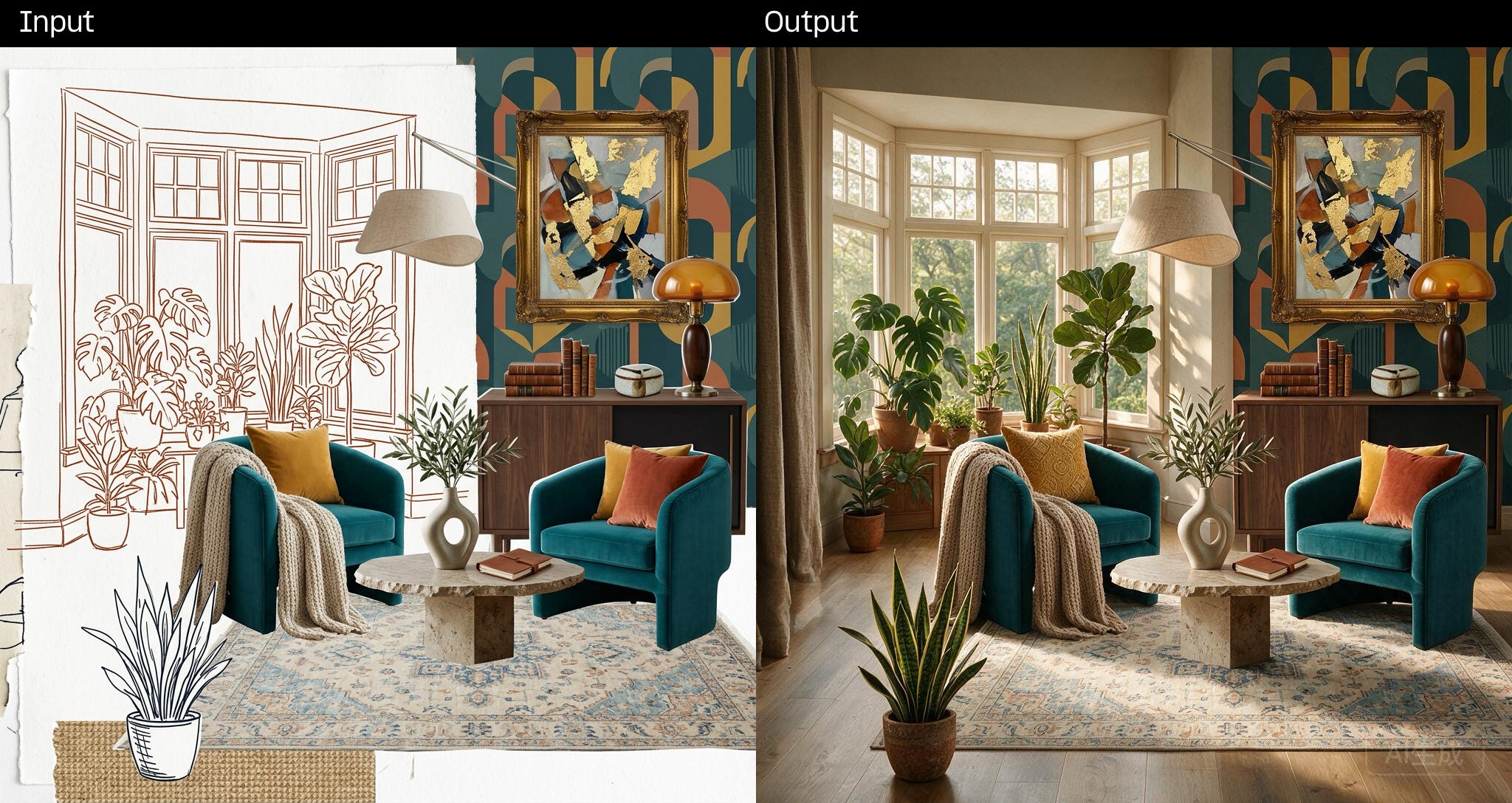
Multi-modal: Text-to-image, image editing, and multi-image inputs in one model.
Character consistency: Preserve portrait identity, lighting, and realism across style changes and edits.
Product consistency: Keep product features and colors stable across scene changes and variations.
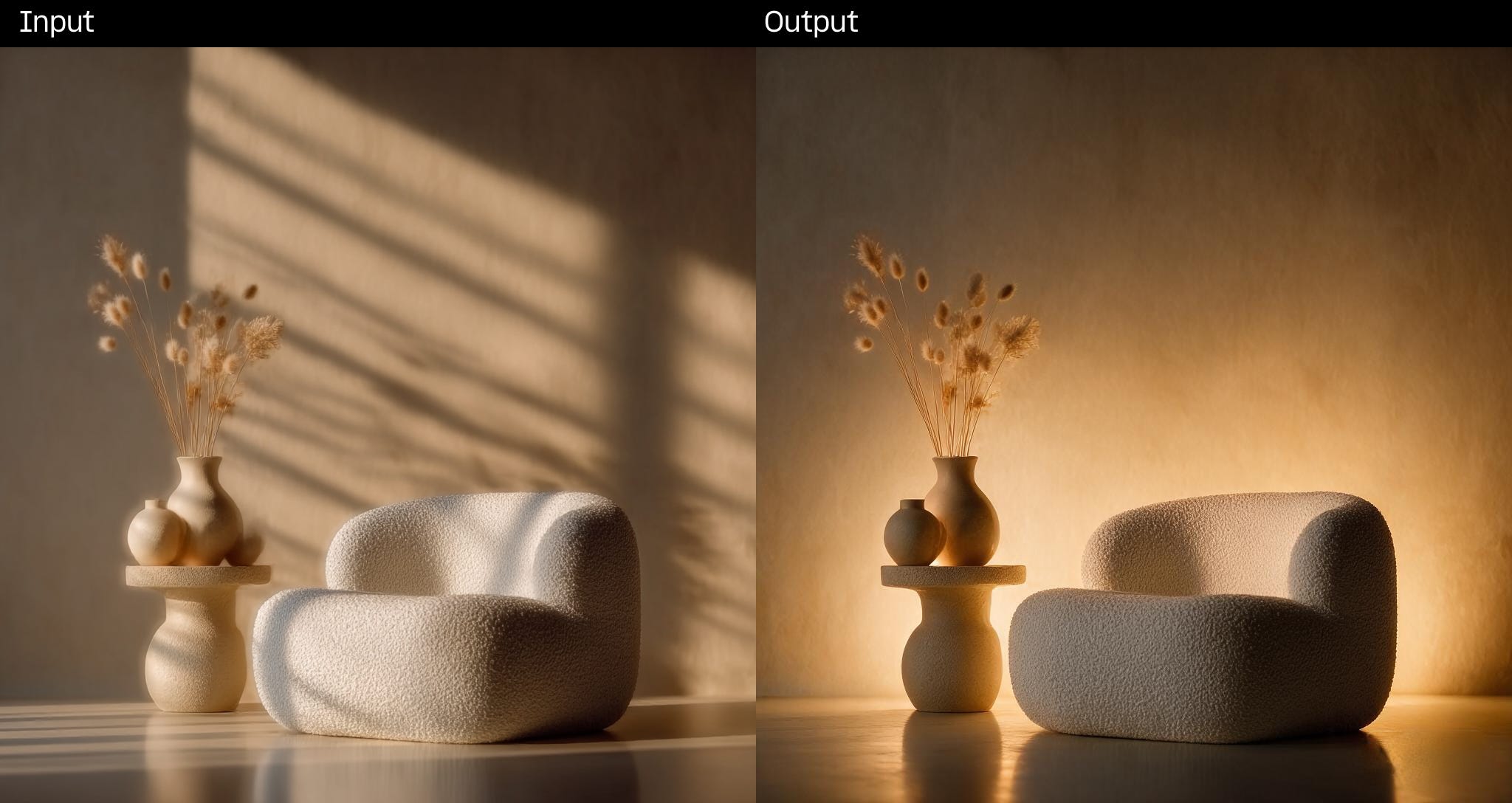
Precision editing: Target specific regions for edits while leaving lighting, depth, and texture elsewhere untouched.
Structured layouts: Generate infographics, flowcharts, and mixed text-and-image compositions with legible small text.
Multilingual text: Render accurate in-image text across 14 languages, including Arabic, English, Japanese, Korean, Russian, and Thai.
Update ComfyUI to 0.27.1 (Comfy Cloud will be ready soon)
Open the Template Library and search for Seedream 5.0 Pro, or add the Seedream Partner Node to your workflow.
Connect your prompt, optional reference image, and aspect ratio settings, then run.
Seedream 5.0 Pro Image Edit Workflow
Seedream 5.0 Pro Text to Image Workflow
As always, enjoy creating!
No posts
Comments
Nothing yet. Say the first thing.
Sign in to join the conversation.