
If you have a long password, running a command with sudo
1
I'd be remiss if I didn't also tout sudo !! as the most useful command for "I said do it".
can be a bit of a pain. Luckily if you have a recent Macbook with Touch ID you can use it for sudo as well. Just run the following command:
sed 's/^#auth/auth/' /etc/pam.d/sudo_local.template | sudo tee /etc/pam.d/sudo_local > /dev/null/etc/pam.d/sudo_local is the file path that macOS reads to enable this behavior, and the command copies a template from sudo_local.template to create that file, commenting out the leading hashtag:
# sudo_local: local config file which survives system update and is included for sudo
# uncomment following line to enable Touch ID for sudo
#auth       sufficient     pam_tid.so
Tada!

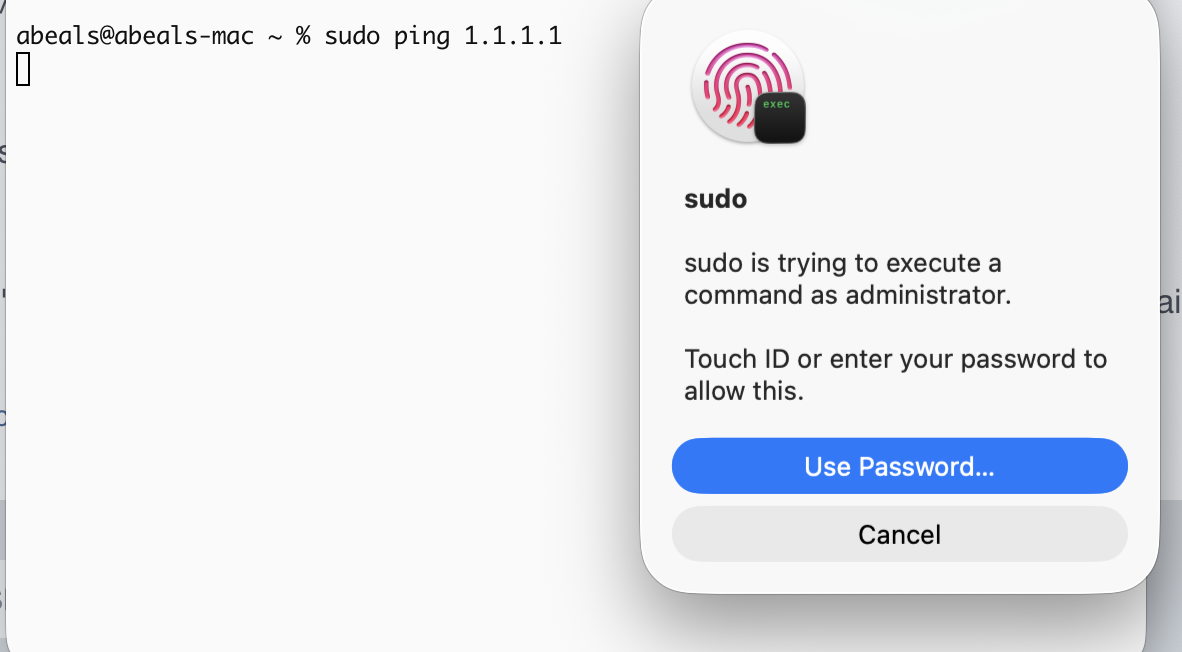
Before After
-
I'd be remiss if I didn't also tout
sudo !!as the most useful command for "I said do it". ↩︎
Comments
Nothing yet. Say the first thing.
Sign in to join the conversation.