
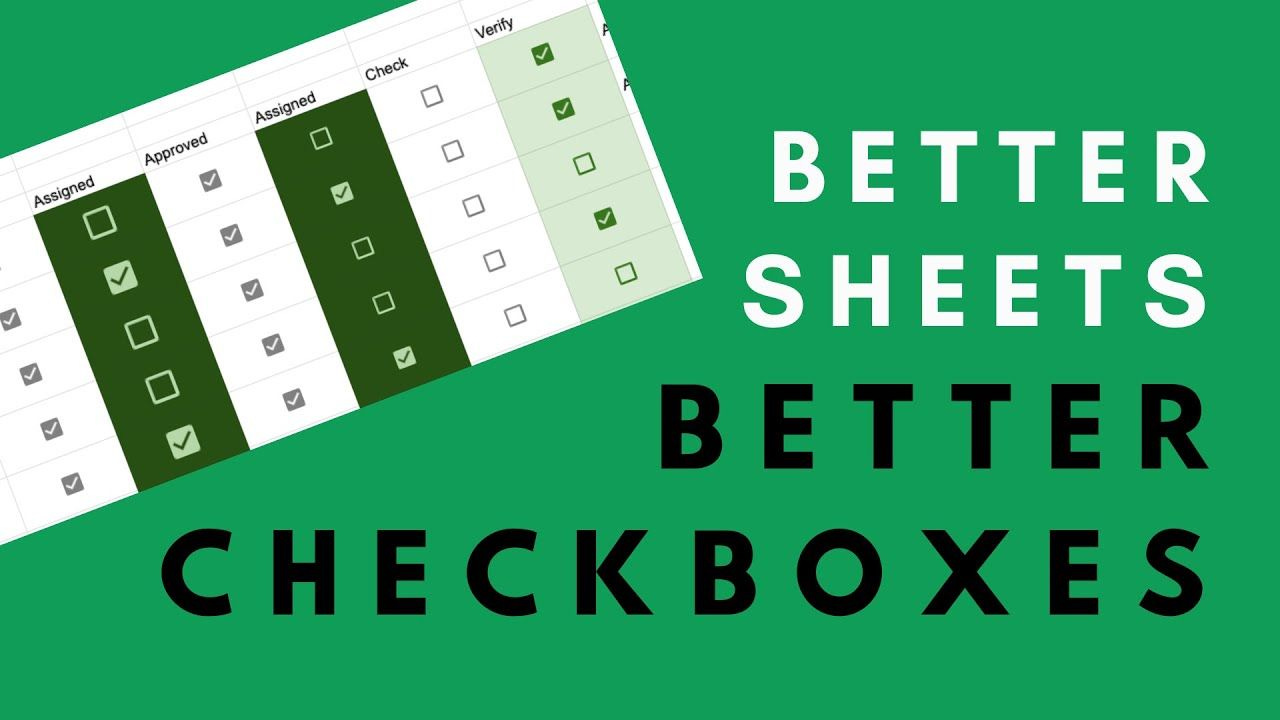
Today, we're going to take a basic function of Google Sheets, which is the checkbox, and we are going to take it to its nth degree. We are going to bastardize it. We are going to go crazy; get a little creative with checkboxes today.
By the time you have finished this tutorial, you will know how you can use checkboxes for different purposes and how you can style them. You can do more with Google Sheets.
Things we’re going to cover for this Google Sheets tutorial:
Make checkbox bigger than the cell, so that we can hide that. It could even become a button.
Create a sea of checkboxes if there are many multiple true or false things.
Change the true or false to a different text.
Add dropdown menus. These are great for certain things that checkboxes don’t do well.
Create a rating.
Read it all: https://blog.bettersheets.co/how-to-use-checkboxes-for-approvals-and-change-the-text-from-true_false-to-anything/
Comments
Nothing yet. Say the first thing.
Sign in to join the conversation.