
Posted on April 22, 2015 by Ben Limmer

Most of the time you need to install an Ember Add-On, you’ll use the latest-and-greatest released version of that add-on. To do that, you’ll use the simple command:
ember install <addon-name>
However, sometimes you’ll want to test against a specific branch, or commit from an add-on’s GitHub project. Luckily, this is easy to do with ember-cli.
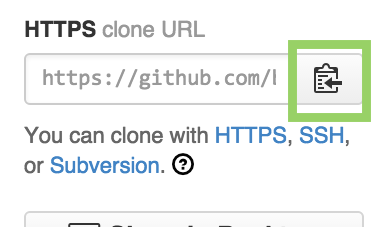
- Grab the https repository url from GitHub
-
ember installit:ember install https://github.com/<repo-username>/<repo-name>.git
If your repo is private, and you need to access it via ssh, use this syntax:
-
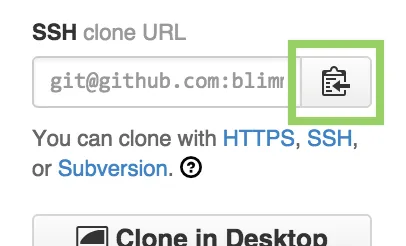
Grab the ssh repository url from GitHub
-
ember installit:ember install git+ssh://git@github.com:<repo-username>/<repo-name>.git#<optional-branch>
You’re done. Enjoy!
Comments
Nothing yet. Say the first thing.
Sign in to join the conversation.