
Published
Mar 15, 2026

Benjamin Crozat
TL;DR
If you are searching for the best analytics tools, you will quickly end up comparing completely different categories of software.
This shortlist is narrower on purpose. I focused on five tools that show up repeatedly in commercial buying conversations around user behavior, conversion research, and competitor intelligence:
- Best all-around pick: Hotjar
- Best for serious session replay and CRO work: Mouseflow
- Best analytics platform for competitor research: Similarweb
- Best simple heatmap and recording tool: Crazy Egg
- Best for logged-in product and lifecycle tracking: Kissmetrics
If you mainly want privacy-first website analytics instead of behavior tools, read my GDPR-friendly analytics alternatives roundup instead.
What this list is actually about
Broad keywords like “best analytics software” and “best analytics platform” are messy because they mix together BI dashboards, product analytics, web analytics, session replay tools, and competitive-intelligence platforms.
This page is about the tools I would actually compare when the goal is one of these:
- understand how users behave on a site or app
- find conversion friction with heatmaps, replays, or funnels
- benchmark competitors and traffic channels
- track customer journeys more deeply than basic pageview analytics
How I ranked these tools
I rebuilt this list around user feedback, not vendor positioning.
That means I weighted repeated patterns from review platforms and public discussions more heavily than homepage claims. The strongest signal came from products where users kept describing the same strengths and the same tradeoffs over and over again.
The best analytics tools at a glance
| Tool | Best for | Main tradeoff |
|---|---|---|
| Hotjar | Most teams that want fast UX insight | Free and lower tiers push you into limits quickly |
| Mouseflow | Replay-heavy CRO and ecommerce work | Pricing and session limits add up fast |
| Similarweb | Competitor research and channel intelligence | Estimated traffic is directional, not ground truth |
| Crazy Egg | Small teams that want simple heatmaps and recordings | Easier to outgrow than stronger CRO suites |
| Kissmetrics | Logged-in products and lifecycle analysis | Setup is heavier and the UI is less intuitive |
The best analytics tools
Hotjar
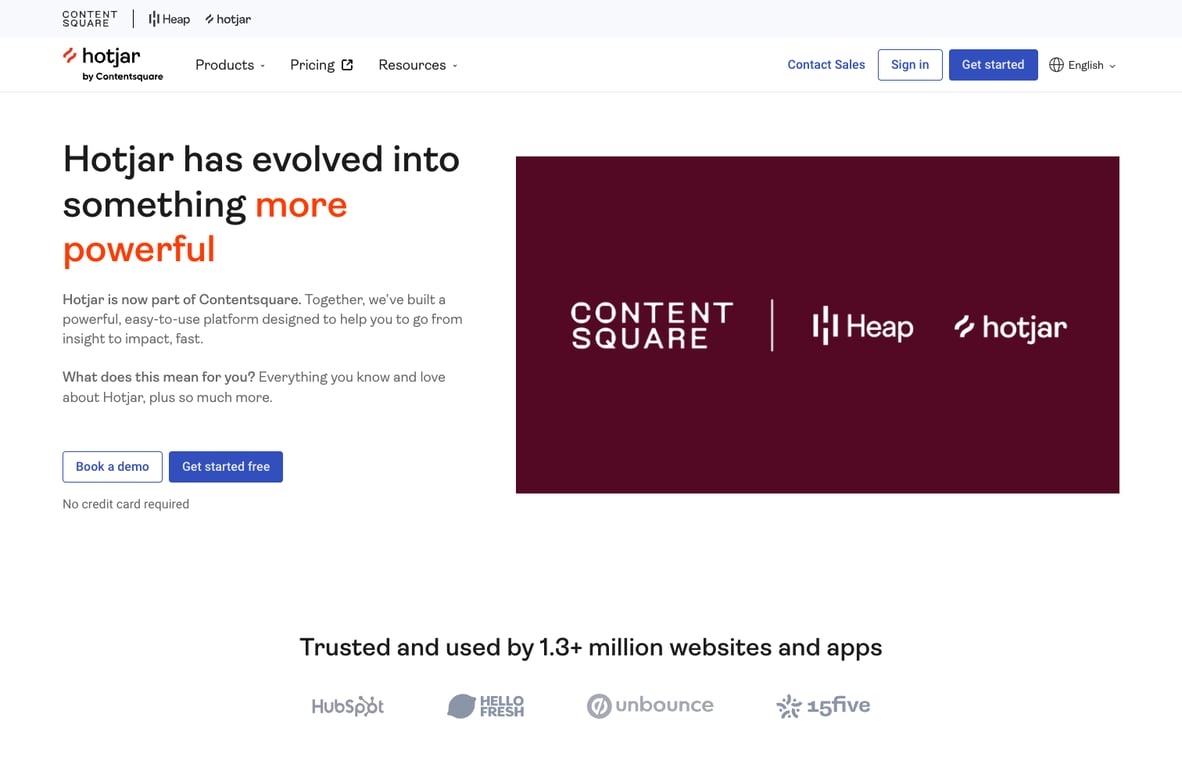
Hotjar is the easiest tool in this shortlist to recommend honestly. Users know exactly what it is for: heatmaps, recordings, funnels, and quick qualitative insight into where people struggle.
That clarity matters. Hotjar is not loved because it is the deepest tool on the market. It is loved because teams can install it fast, understand it fast, and get useful visual insight without a long onboarding curve.
The main pushback is also clear. Session review can become a time sink, and the value conversation gets harder when someone brings up free alternatives like Microsoft Clarity.
- Best for: broad UX research, conversion audits, and teams that need a fast “show me what users did” answer.
- Watch for: manual analysis drag and plan limits that show up once usage grows.
Mouseflow
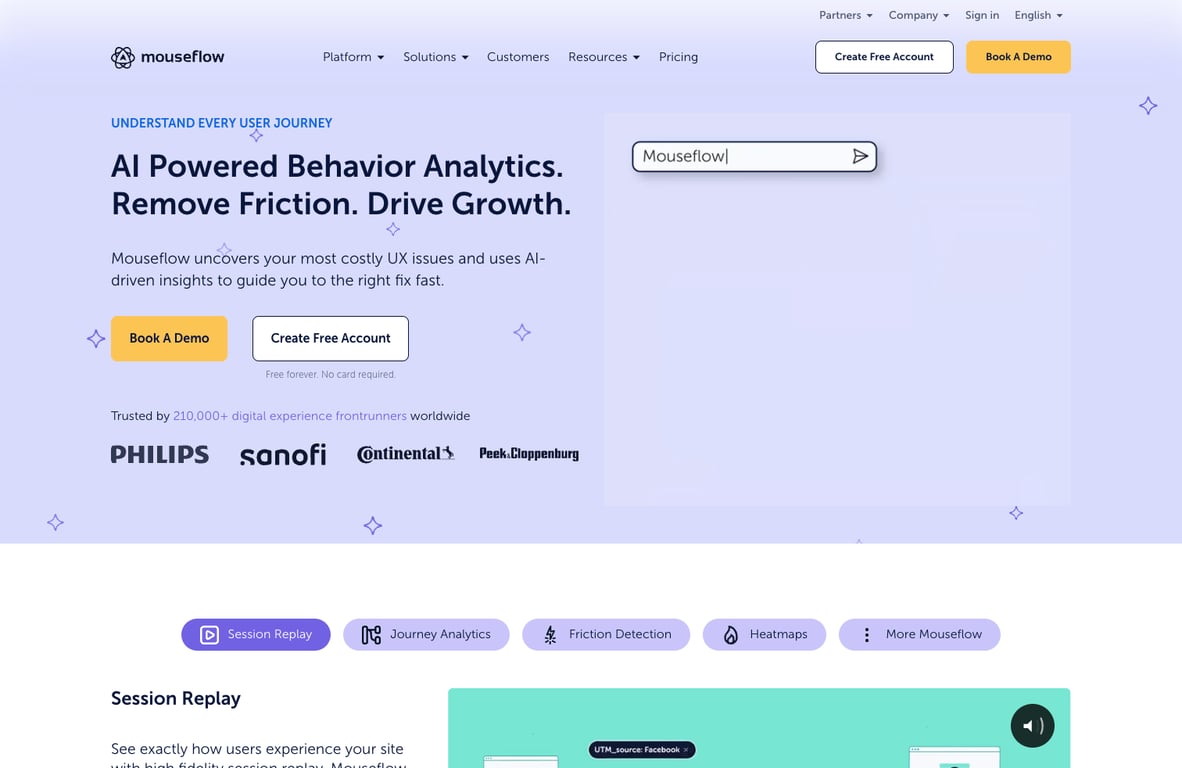
Mouseflow feels like the more operator-heavy alternative to Hotjar. The recurring praise is strong session replay, useful form and funnel analysis, and insight that helps teams find concrete conversion blockers instead of vague trends.
If Hotjar is the mainstream default, Mouseflow is the tool people often land on when they spend serious time inside recordings and funnels. That makes it a strong fit for CRO work and a very credible choice for ecommerce teams.
The catch is pricing. Users repeatedly call out credit limits, volume caps, and the amount of material you still need to sort through once you start capturing lots of sessions.
- Best for: ecommerce, CRO, and teams that want deeper replay-driven insight than basic heatmaps alone.
- Watch for: cost creep and the time needed to filter recordings well.
Similarweb
Similarweb is the odd one out in this list because it is not a session replay tool. It is a competitive-intelligence platform, and that is exactly why people pay for it.
The upside is obvious: you can benchmark competitors, inspect channels, get directional traffic data, and understand markets much faster than you could by stitching together free tools manually.
The downside is just as important: Similarweb is an estimation engine. Users consistently find it more useful for large sites, trend analysis, and directional comparisons than for exact traffic truth. It is very easy to oversell if you forget that.
- Best for: SEO research, channel benchmarking, market sizing, and competitor analysis.
- Watch for: accuracy assumptions, especially on smaller sites or lower-volume properties.
Crazy Egg
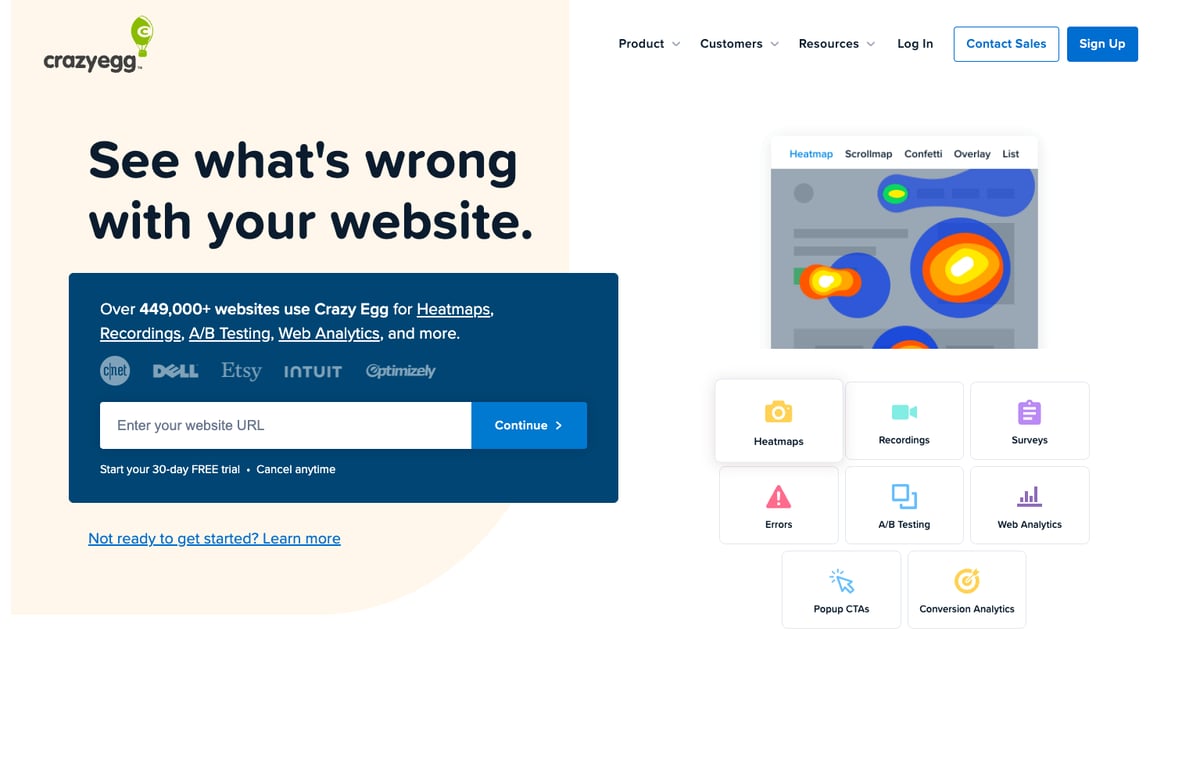
Crazy Egg still has a real place in this category because users consistently like the simple setup, approachable interface, and clear value of its heatmaps and recordings.
Where it loses momentum is depth. Public feedback keeps framing Crazy Egg as the simpler or older option next to Hotjar. That does not make it bad. It just makes it easier to outgrow if your team wants stronger funnels, richer filtering, or more advanced analysis.
- Best for: small teams, marketers, and people who want a lightweight way to see what users click and where they stop.
- Watch for: feature gaps once your CRO workflow gets more serious.
Kissmetrics
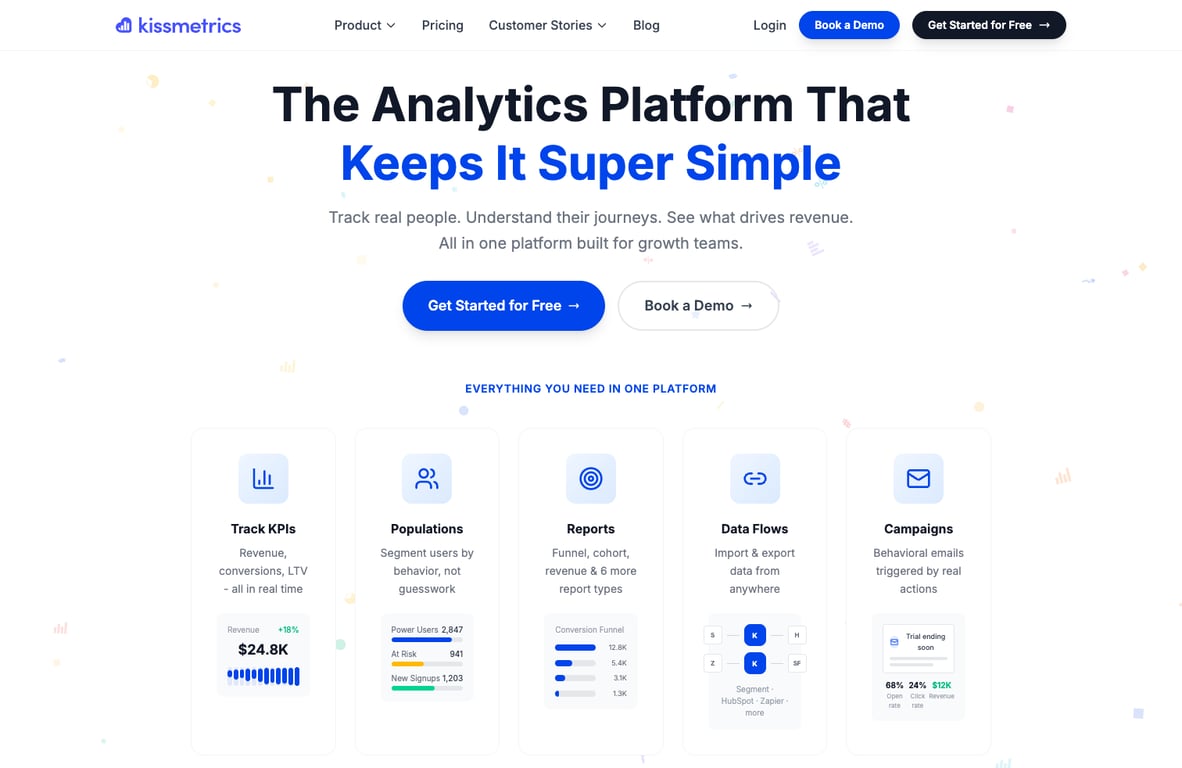
Kissmetrics is the most niche recommendation in this roundup. Its strongest recurring praise is around user-level tracking, funnel insight, and lifecycle analysis that goes beyond simple pageview or replay tooling.
That makes it interesting for logged-in SaaS products, subscriptions, and customer-journey analysis. It is less compelling as a broad recommendation because the setup burden is heavier and the public discussion around it is much thinner than Hotjar or Mouseflow.
- Best for: product-led businesses that care about user journeys, purchases, retention, and event-level analysis.
- Watch for: implementation overhead and a steeper learning curve than the replay tools here.
Which analytics tool should you pick?
If you want the safest default, pick Hotjar.
If you want the best analytics for ecommerce teams doing real CRO work, pick Mouseflow.
If you want the best analytics platform for competitor research, pick Similarweb, but treat the numbers as directional.
If you want the simplest analytics software for quick heatmaps and recordings, pick Crazy Egg.
If you want deeper event and user tracking for a logged-in product, pick Kissmetrics.
Best analytics for ecommerce teams
For ecommerce, I would narrow this list quickly:
- Mouseflow is the strongest fit if you care most about session replay, friction, and conversion debugging.
- Hotjar is the easiest all-around choice if you want heatmaps, recordings, and feedback without overcomplicating the stack.
- Kissmetrics is the more specialized option if lifecycle, retention, and customer-level behavior matter more than on-page UX alone.
- Similarweb is helpful when you need market and competitor context, not when you need exact on-site behavior.
Final verdict
If I had to rank these purely on recommendation confidence from user feedback, I would go:
That does not mean Hotjar is the most sophisticated analytics software in every situation. It means the user-sentiment pattern is the cleanest and easiest to recommend without stretching the truth.
Comments
Nothing yet. Say the first thing.
Sign in to join the conversation.