
React is easy to start using because component code reads like a description of the screen you want. The cost of that ease shows up later, when you need to explain why a component rendered, why state stayed attached to one list item and not another, why a transition feels responsive, why server HTML has to hydrate, or why an animation should not run through setState on every frame.
The React Internals series builds a practical model for those questions. It follows an update from the public concepts you already use, through fibers and scheduling, into optimization, renderers, server rendering, Server Components, and animation libraries that work beside React.
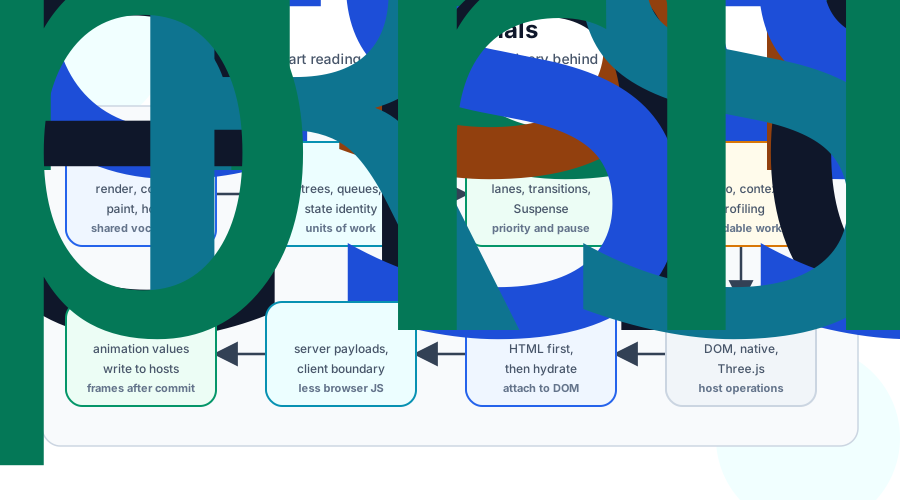
This series is for React developers who can already build components and want sharper names for the machinery underneath them. You do not need to read React's source code first. The articles use simplified models, small code examples, and diagrams to connect application behavior to the internals that explain it.
The Reading Path#
Read the series in order if you want the full model. Each article depends on vocabulary from the one before it.
1. React Prerequisites#
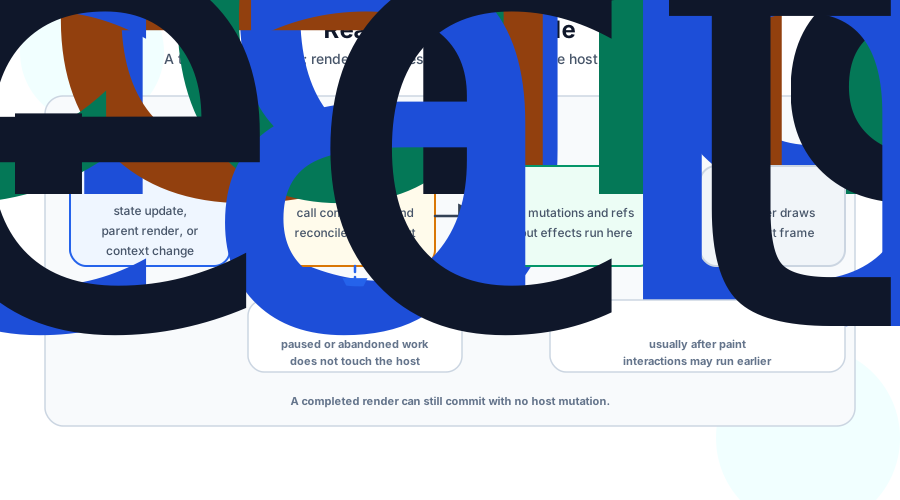
React Prerequisites pins down the vocabulary that React developers often overload: components, elements, hosts, render, commit, and paint. It also covers effects, the core hooks, and the identity rules behind immutable state.
Start here if you have ever heard "render" used to mean three different things in one conversation. The article separates component calls from host mutations and browser paint, which makes the later internals much easier to follow.
2. React Fiber Tree: The Virtual DOM#
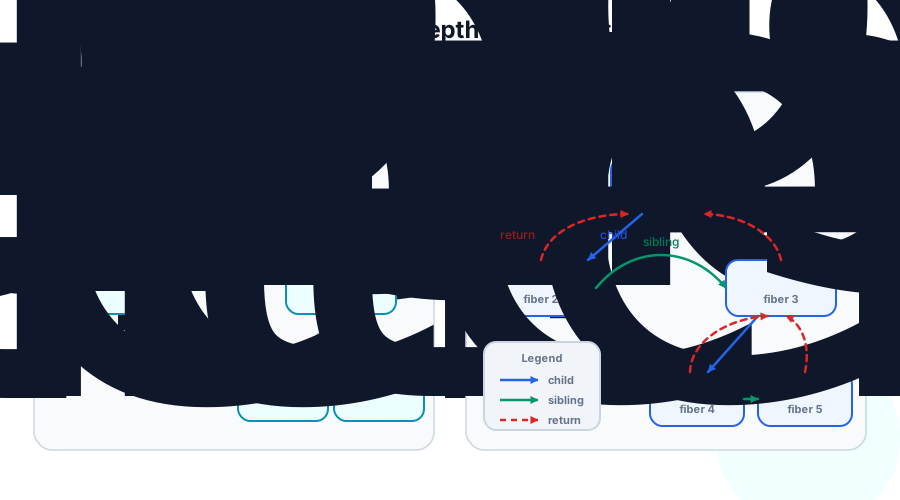
React Fiber Tree: The Virtual DOM explains the data structure React uses to remember work. Fibers store component state, props, update queues, lane information, effect flags, child and sibling pointers, and a link to the alternate tree React prepares before commit.
This article connects several rules that can feel arbitrary from the outside. Keys preserve list identity because state belongs to fibers. Hooks must keep their order because React stores hook records as a positional list on a fiber. Render must stay pure because React can abandon a work-in-progress tree before the user sees it.
3. React Scheduling#
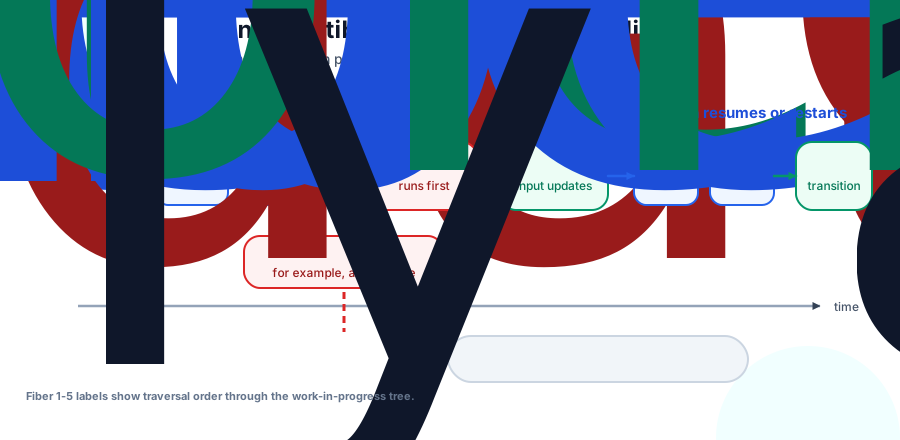
React Scheduling looks at how React chooses which fiber work runs first. Lanes model priority, the scheduler time-slices render work, transitions keep urgent input responsive, and Suspense lets a subtree pause when data or code is not ready.
The key idea is that concurrent rendering is cooperative and interruptible. React can prepare more than one possible future UI over time, but it still commits one finished result. The current screen stays intact while lower-priority work waits, restarts, or gives way to urgent updates.
4. React Skips: How Rendering Optimization Works#
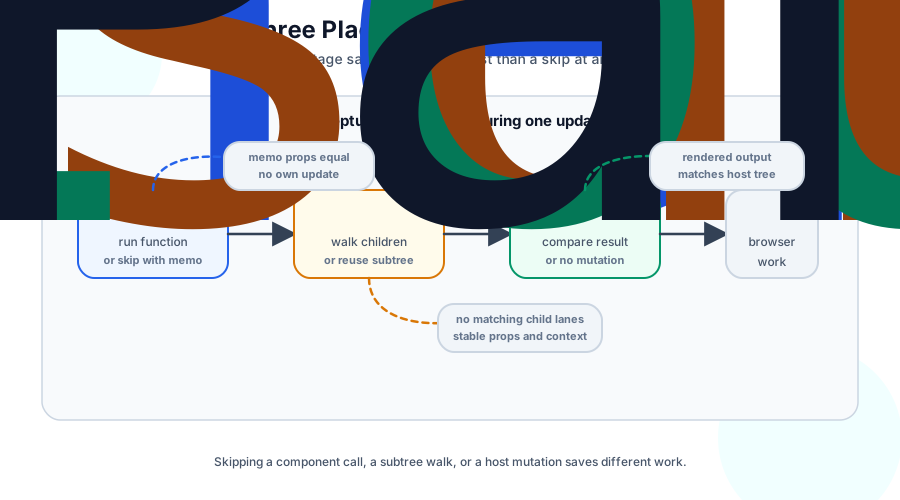
React Skips: How Rendering Optimization Works asks when React can avoid work. React can skip a component call, reuse a finished fiber subtree, or render a component and still avoid host mutations because the output matches the committed host tree.
This is where memo, useMemo, useCallback, context value identity, React Compiler, and profiling fit together. The article focuses on evidence instead of habit: find repeated expensive renders, change one boundary or value identity, and measure the same interaction again.
5. One Reconciler, Many Renderers#
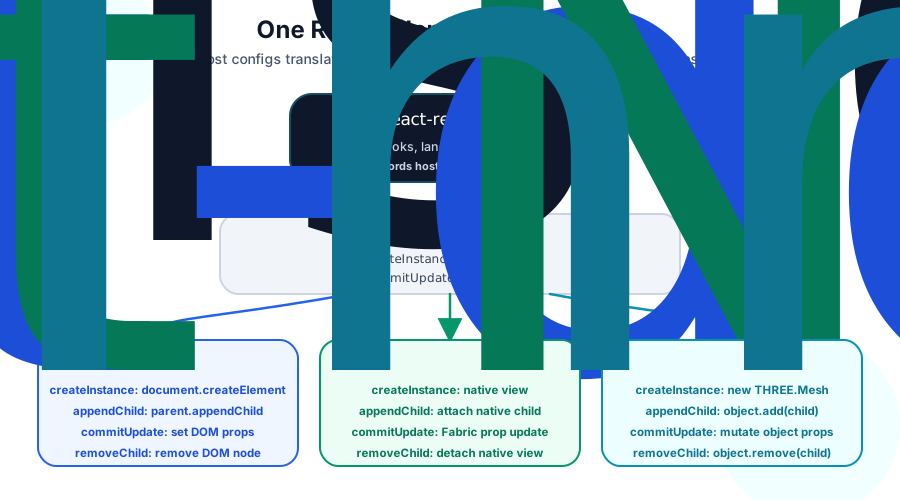
One Reconciler, Many Renderers follows React out of the client-side reconciler and into the host. The reconciler knows about fibers, hooks, lanes, Suspense, reconciliation, and skipped work. A renderer supplies the platform operations that create, insert, update, and remove host instances.
That split explains how react-dom, React Native, and React Three Fiber can share the same React model while committing to different targets. The article also shows why refs expose renderer-owned instances, and why function components need to opt into ref support.
6. Server-Side Rendering and Hydration#
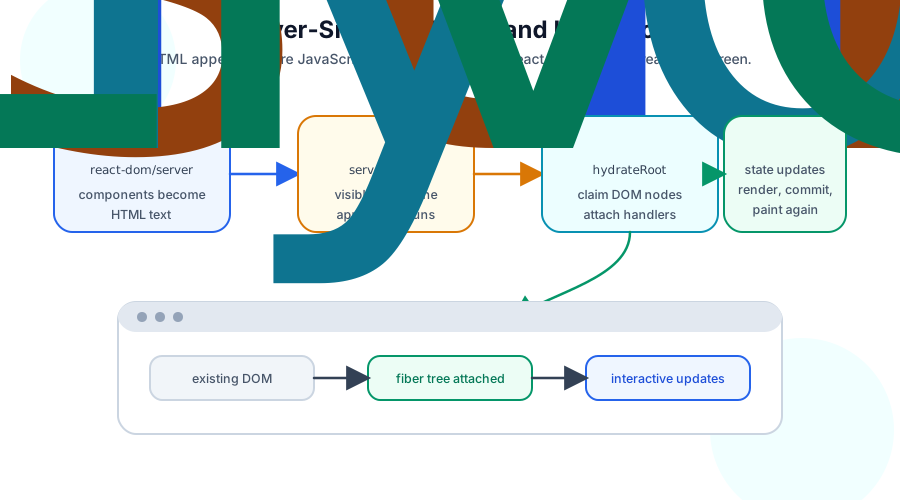
Server-Side Rendering and Hydration follows the DOM renderer to the server. react-dom/server turns a component tree into HTML so the browser can show a page before the app bundle runs. hydrateRoot then attaches a live fiber tree and event handlers to that existing DOM instead of replacing it.
This article separates the visible HTML snapshot from the interactive React app. It also explains hydration mismatches, why effects only run on the client, and how streaming plus Suspense can send useful HTML before every part of the tree is ready.
7. React Server Components#
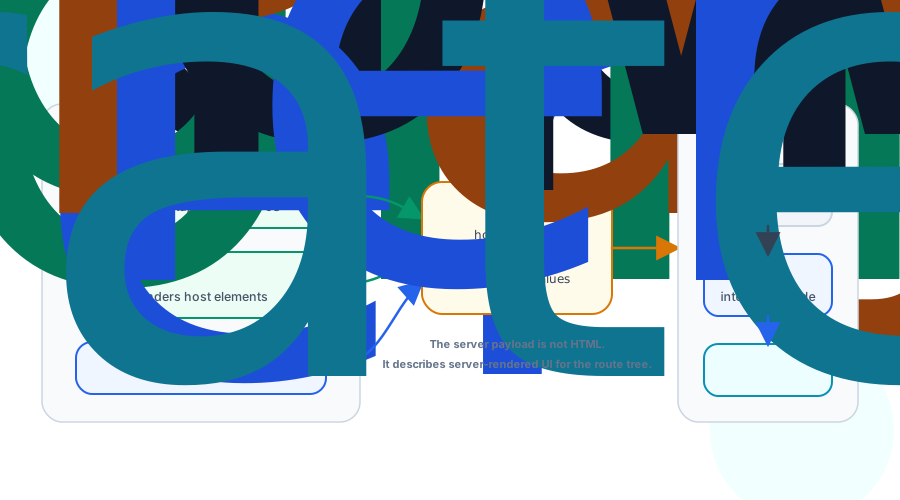
React Server Components adds a different server/client split. Server Components run only on the server or during a build, can read data directly, and serialize their rendered output into an RSC payload. In the TanStack Start example, route loaders carry renderable server output while browser React keeps the interactive pieces hydrated.
This article explains why RSC is not the same thing as SSR. SSR sends HTML for first paint. RSC sends a React payload that can reference Client Component modules, preserve compatible client state across payload updates, and avoid shipping server-only component code to the browser.
8. React Spring: Motion Between Renders#
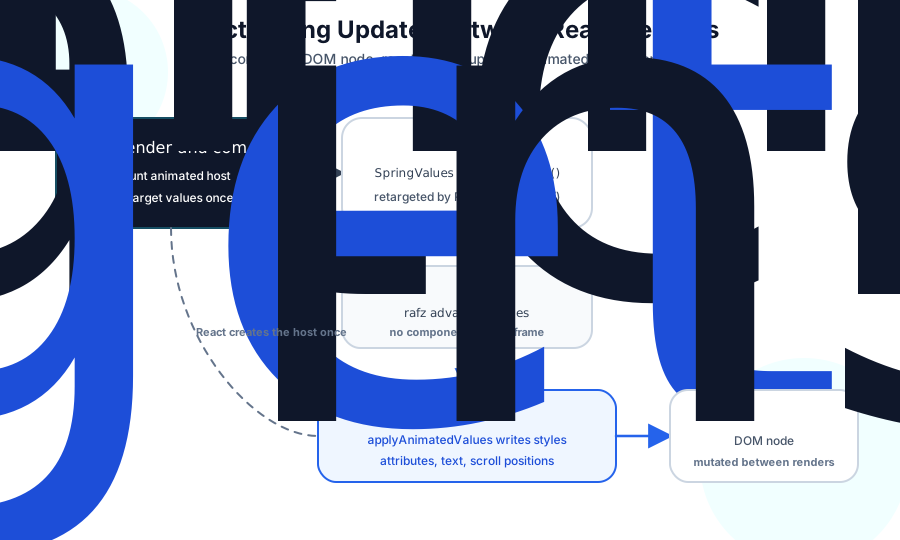
React Spring: Motion Between Renders uses animation to show where React's render-commit loop should stop. React decides that a menu should open and commits the target once. react-spring then updates intermediate frame values directly on the host instance.
That design keeps React in charge of durable UI state and structure while moving high-frequency frame writes out of reconciliation. The same model extends to React Three Fiber through a different target adapter, because DOM nodes and Three.js objects need different host writes.
Comments
Nothing yet. Say the first thing.
Sign in to join the conversation.