I installed the new Windows Terminal (Preview) from the Microsoft Store over the weekend. It allows you to create tabs for all variety of shells. By default the list of options are Windows Powershell, cmd and Azure Cloud Shell.
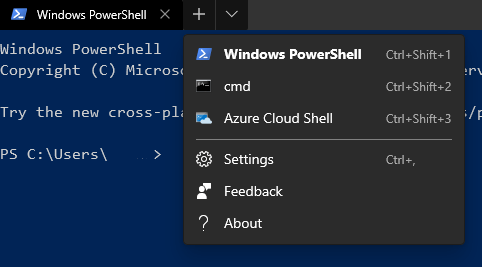
Git-Bash is installed as part of Git for Windows so I'd like to add this to the list and set is as the default shell.
Open settings with Ctrl+, or via the little down arrow. This will open profiles.json in your preferred text-editor.
Add the following to the profiles []. Set guid to something unique.
{
   "guid": "{abc00000-0000-0000-0000-000000000000}",
   "name": "Git-Bash",
   "commandline": "%PROGRAMFILES%\\Git\\bin\\bash.exe",
   "icon": "%PROGRAMFILES%\\Git\\mingw64\\share\\git\\git-for-windows.ico",
   "startingDirectory" : "~"
},
Save profiles.json and Terminal should now display Git-Bash in the choice of tabs.
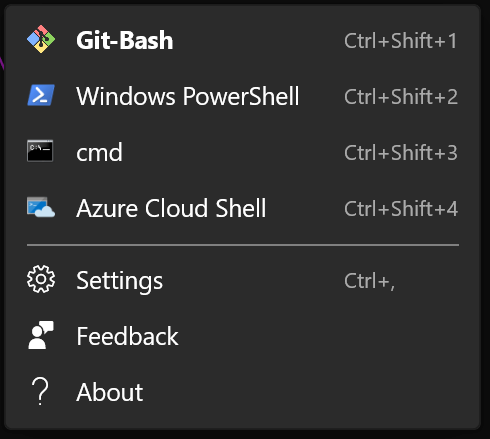
Setting to default
To set Git-Bash as the default rather than Powershell, replace the defaultProfile value with your Git-Bash guid.
"defaultProfile" : "{abc00000-0000-0000-0000-000000000000}",
Comments
Nothing yet. Say the first thing.
Sign in to join the conversation.