
Robot simulation environments are virtual worlds where robots can learn to perform complex tasks without risking damage to themselves or their surroundings. They are essential for developing and testing machine learning algorithms that can control robots in real-world scenarios. Creating stable, realistic and reliable robot simulation environments is not easy. It requires balancing trade-offs between speed, accuracy, and stability of the physics simulation.
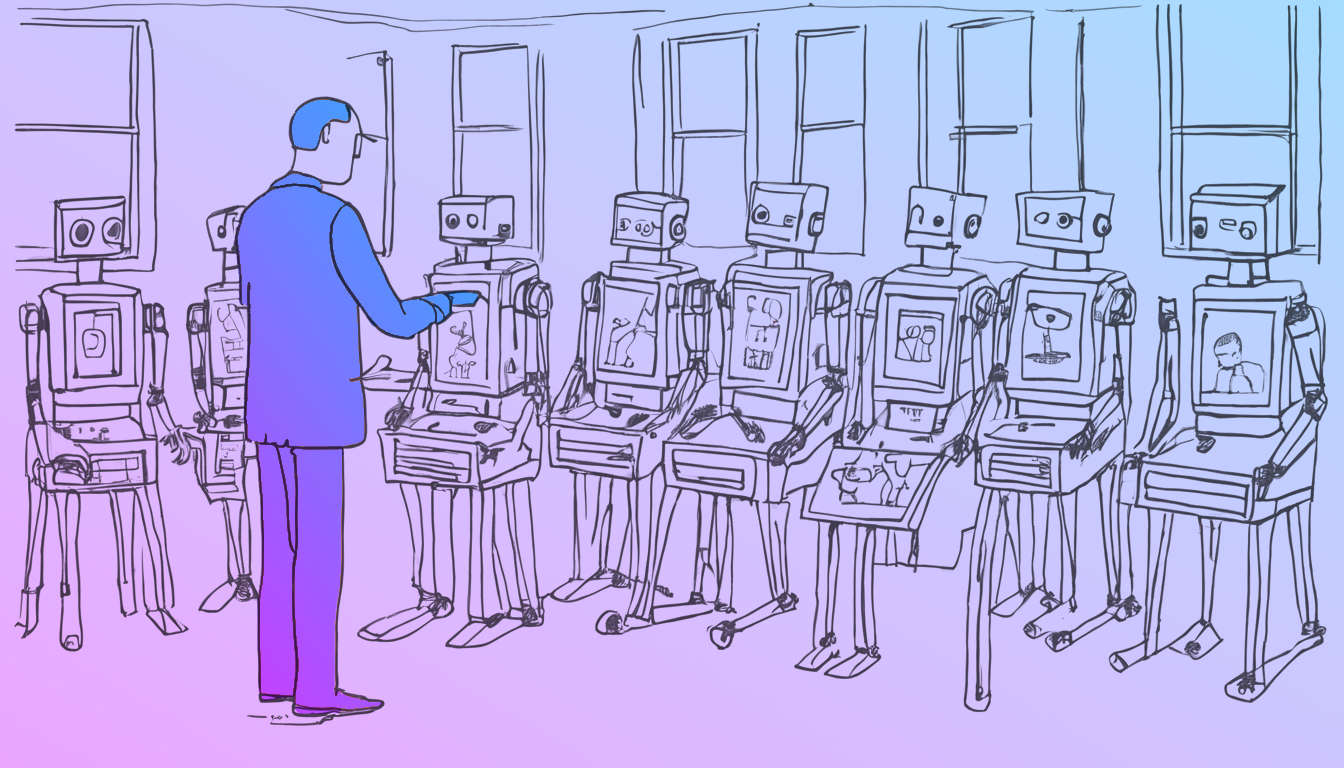
Below are a are a few robot simulation environments I’ve produced to train ML robot behaviors in Unity.
These are all viewable in 3D using WebGL, in most of these the Machine Learning component is not running but the environments are being simulated. Some are environment tests to check that the physics simulations are behaving correctly as the Physx Articulation Body component had only just been released and was showing occasional glitches compared to similar Mujoco1 simulations.
One interesting outcome was comparing the number of iterations for the physics solvers in Mujoco vs in Unity. Unity which is tuned for speed at runtime is doing single digit iterations (4-6) for each update while Mujoco would be doing in the region of 20. Reducing Mujocos iterations to match Unitys showed similar instabilities, and conversely increasing Unity’s showed similar stability to Mujoco.
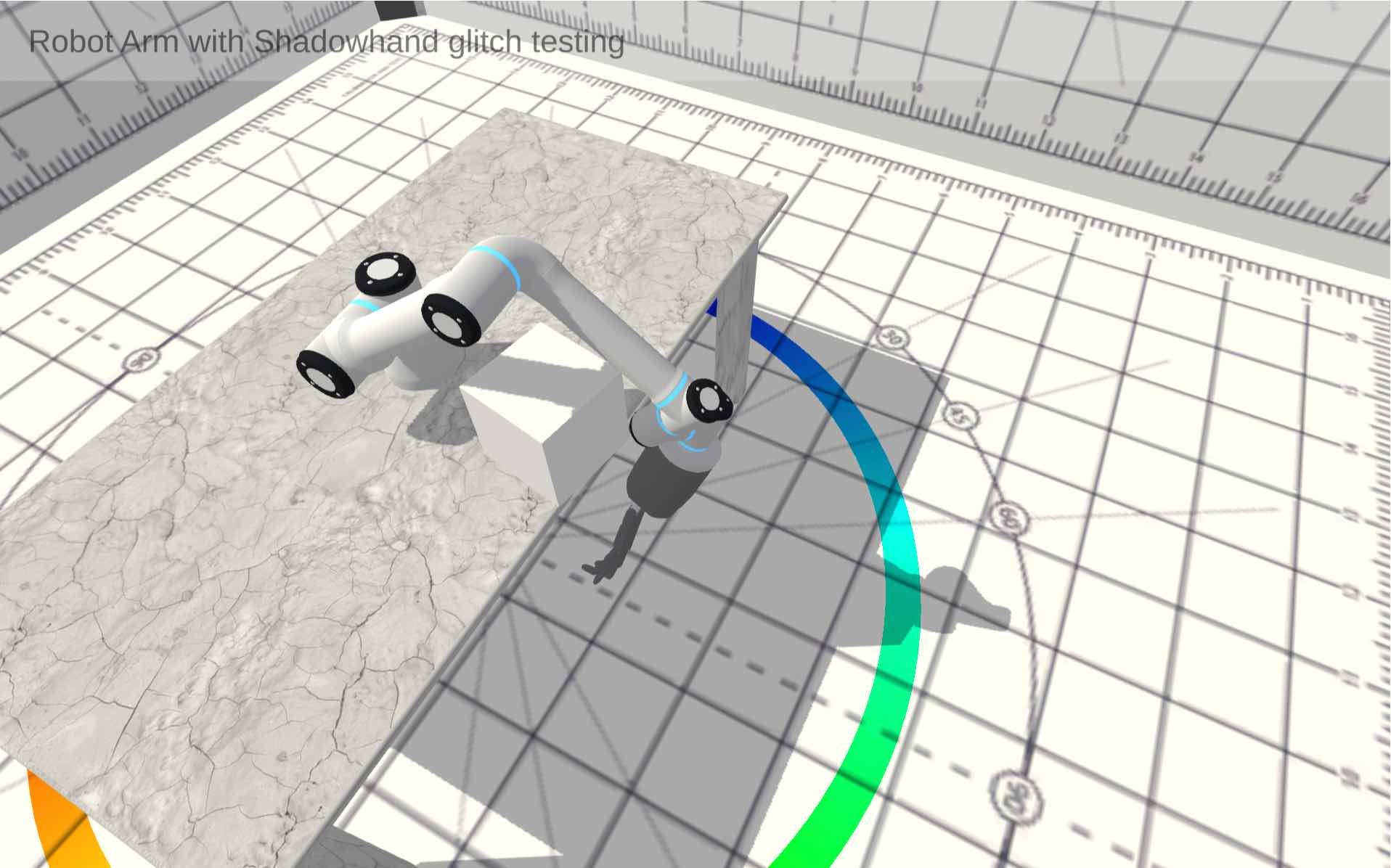
Just a simple simulation to test the articulation body component, it was glitching (exploding!) occasionally, this led to a lot of stabilisation fixes.
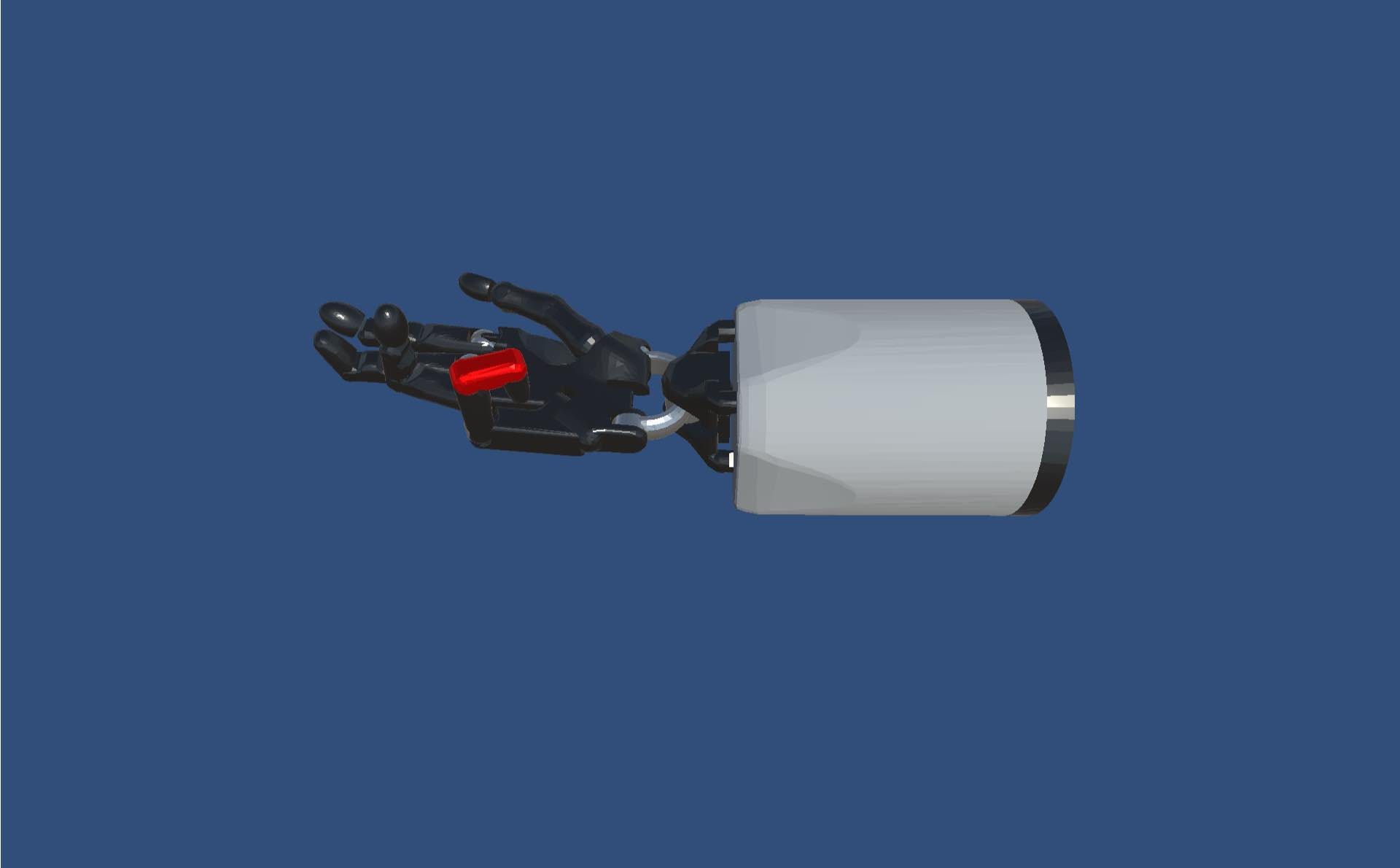
A classic situation, during training the model learns to exploit some non-realistic behaviour in the simulation, here the gripper has found that it can achieve the goal state, which is to raise the end of the cable into the air, by very quickly flicking it, which makes the elastic verlet solver ping it into the air.
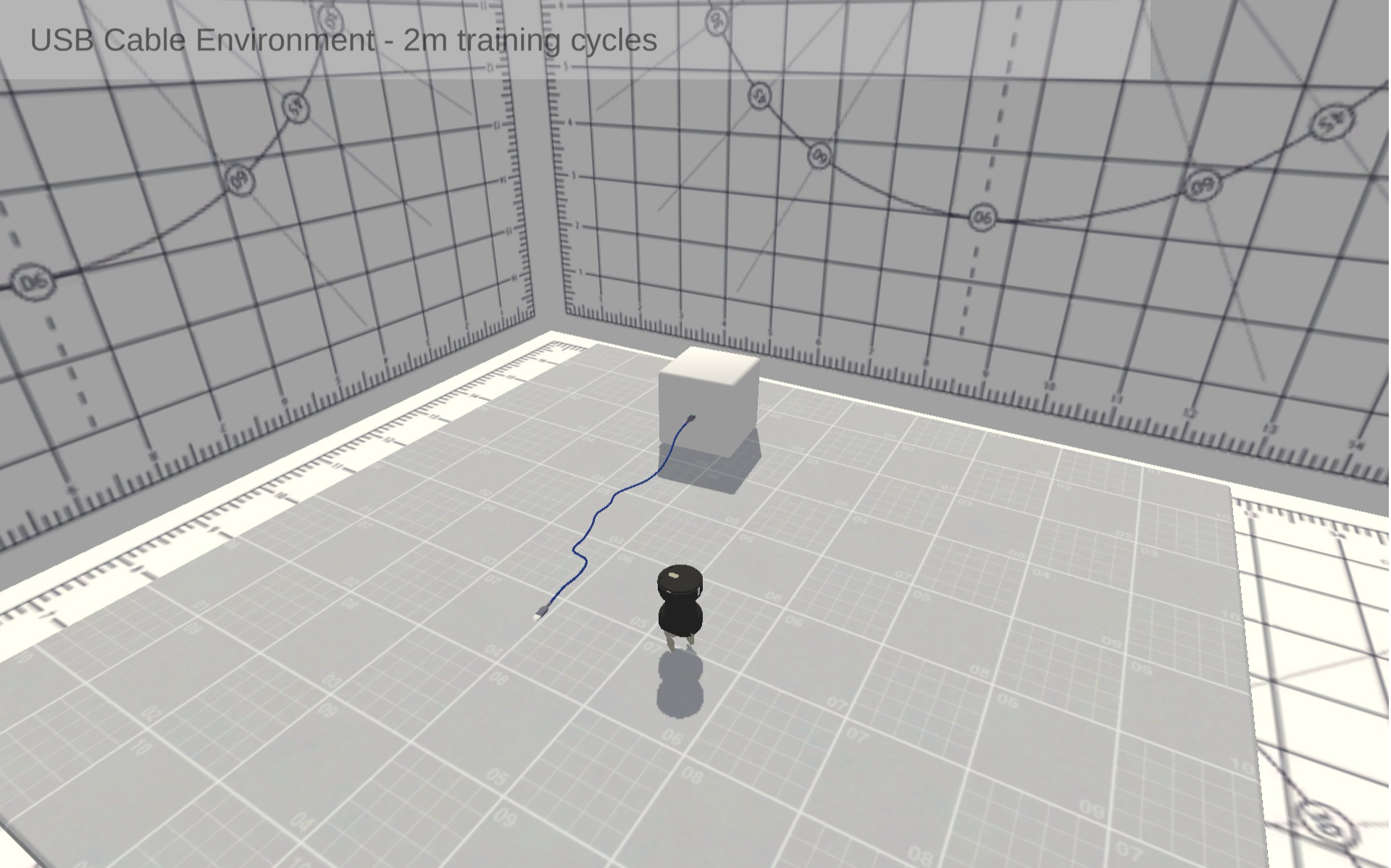
View gripper exploiting environment
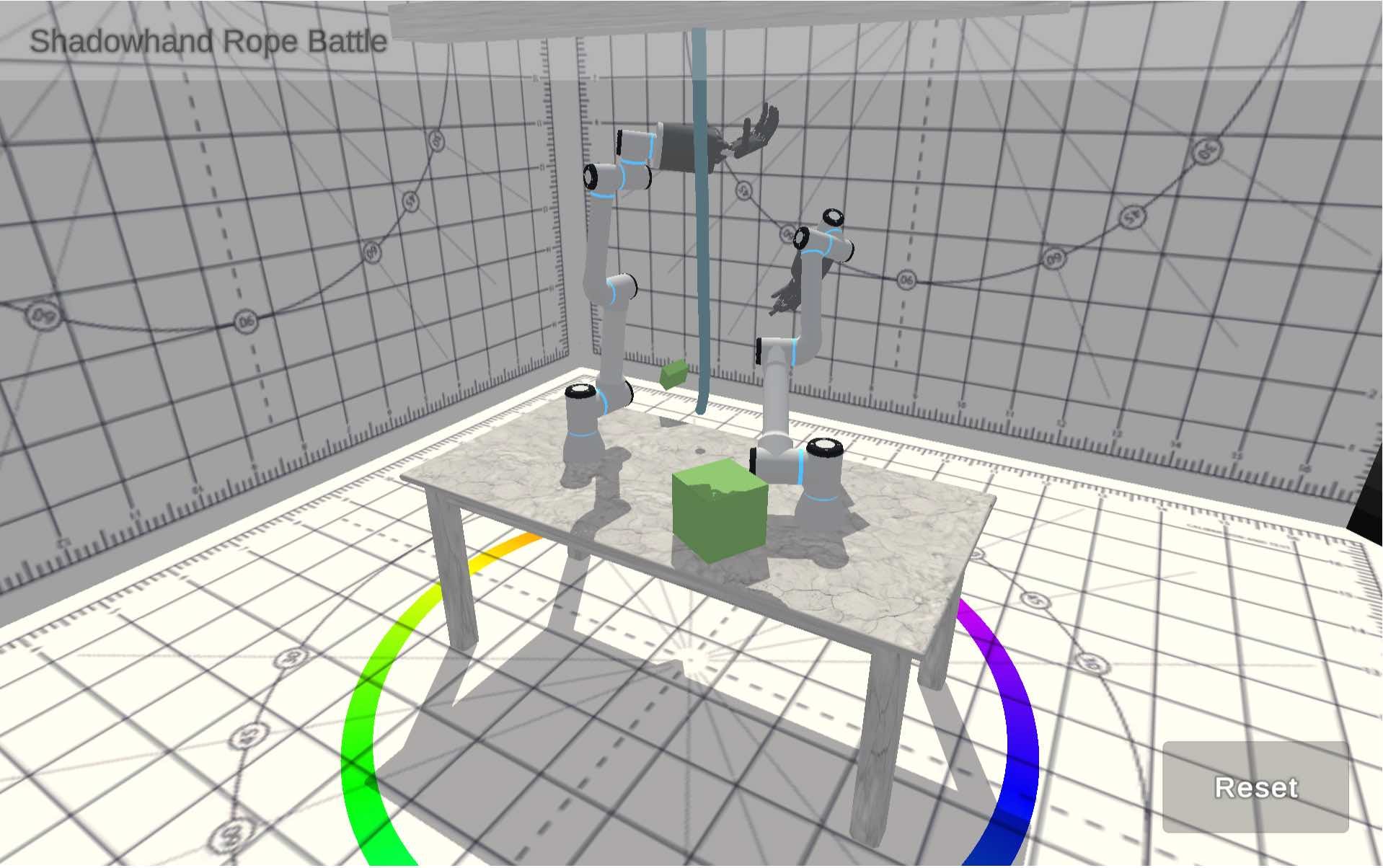
Random input motion to see how stable the articulation body is (or isn’t)
A scripted (non Machine Learning) ai that solves the cable pickup for an immitation learning session

View the immitation learning environment
Testing the simultation stability of multiple articulation bodies with flexible soft body physics
A test environment with the gripper controlled by keyboard, again testing the physics sovler stability
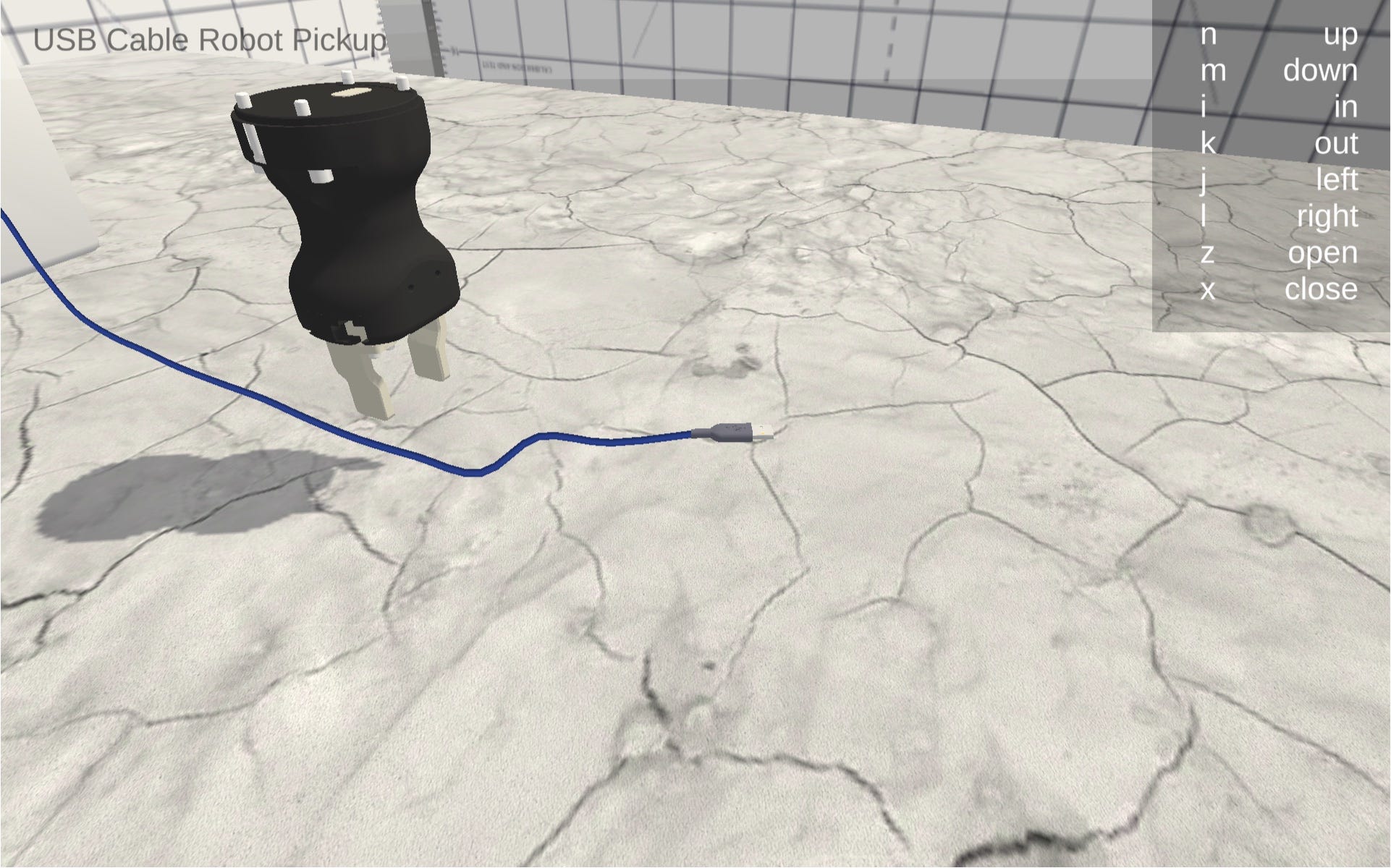
View the gripper test environment
A range of frictions are applied to the cubes to see how slippy gripper pincers need to be to be able to pick up cubes, this showed up an issue when the pincer tips are touching the table, they aren’t able to move so required a simple limit on how close to the table they could move to. I tried a few solutions, one was a simple height restriction another was adding an extra physics collider to the very tip of the pincer that was set to be super slippery. The height limit won.
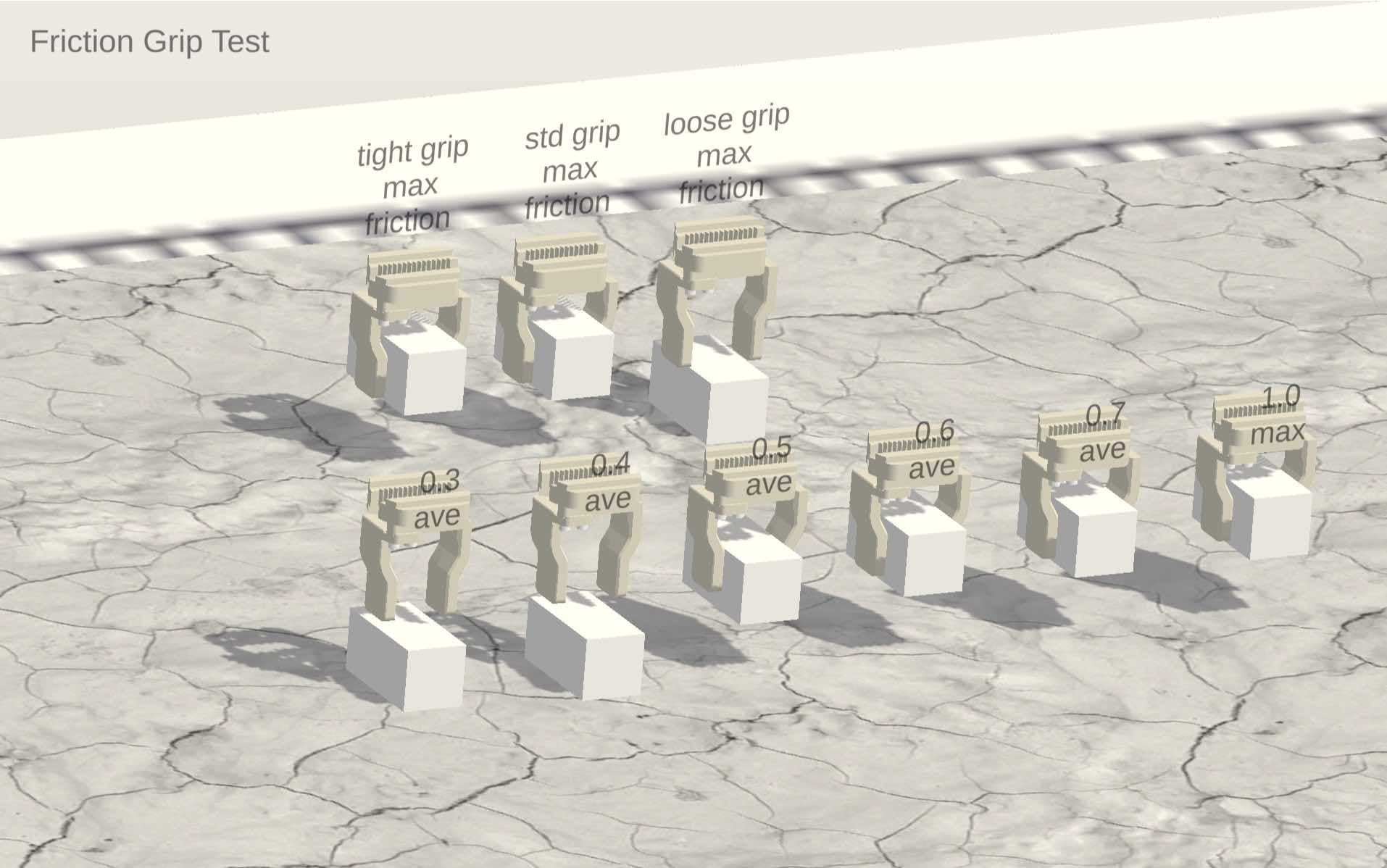
View the friction test environment
Testing the elasticity and “ping-y-ness” of the cable physics (see the exploit above)
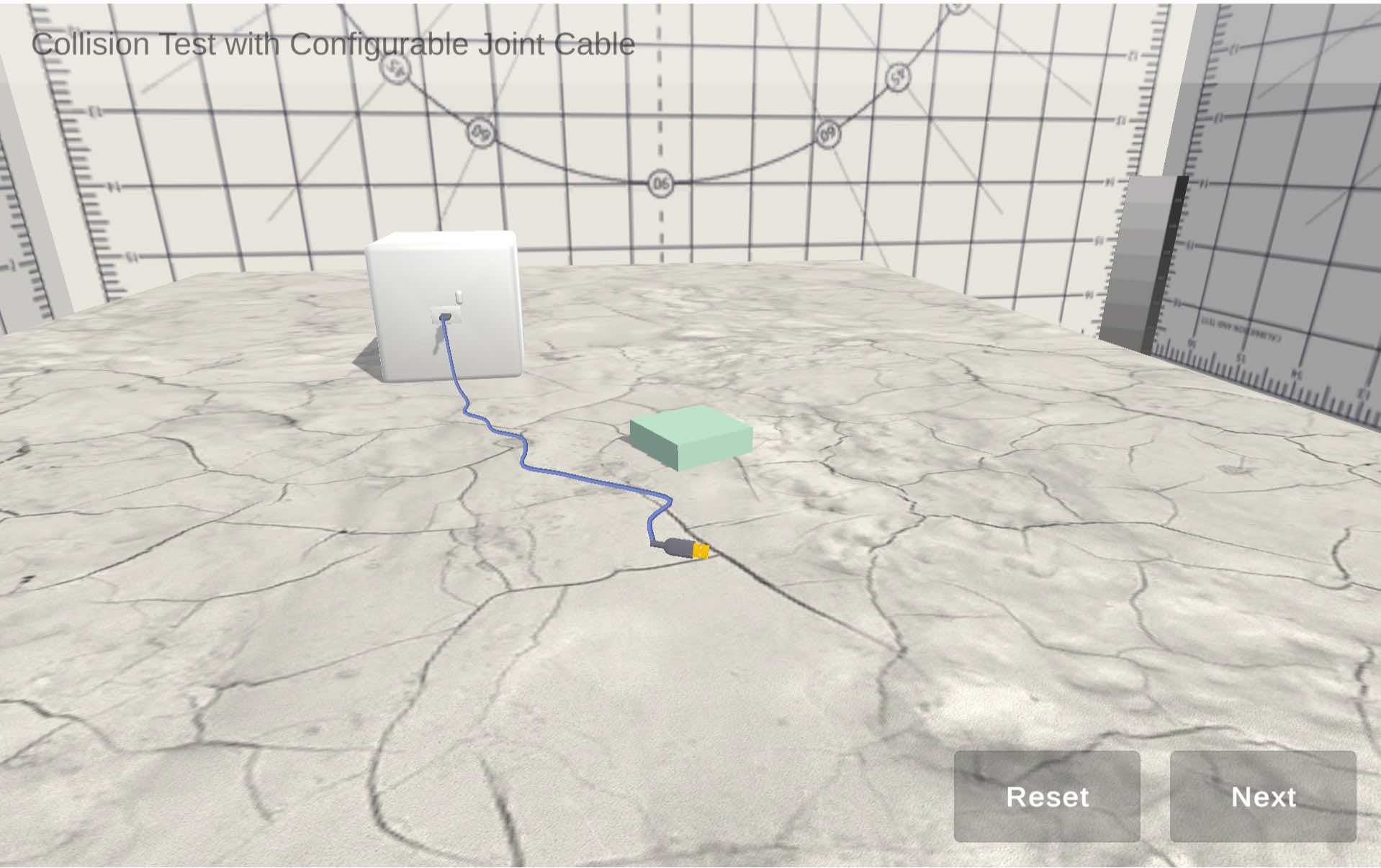
View the cable test environment
The original test environment for the soft body cabling
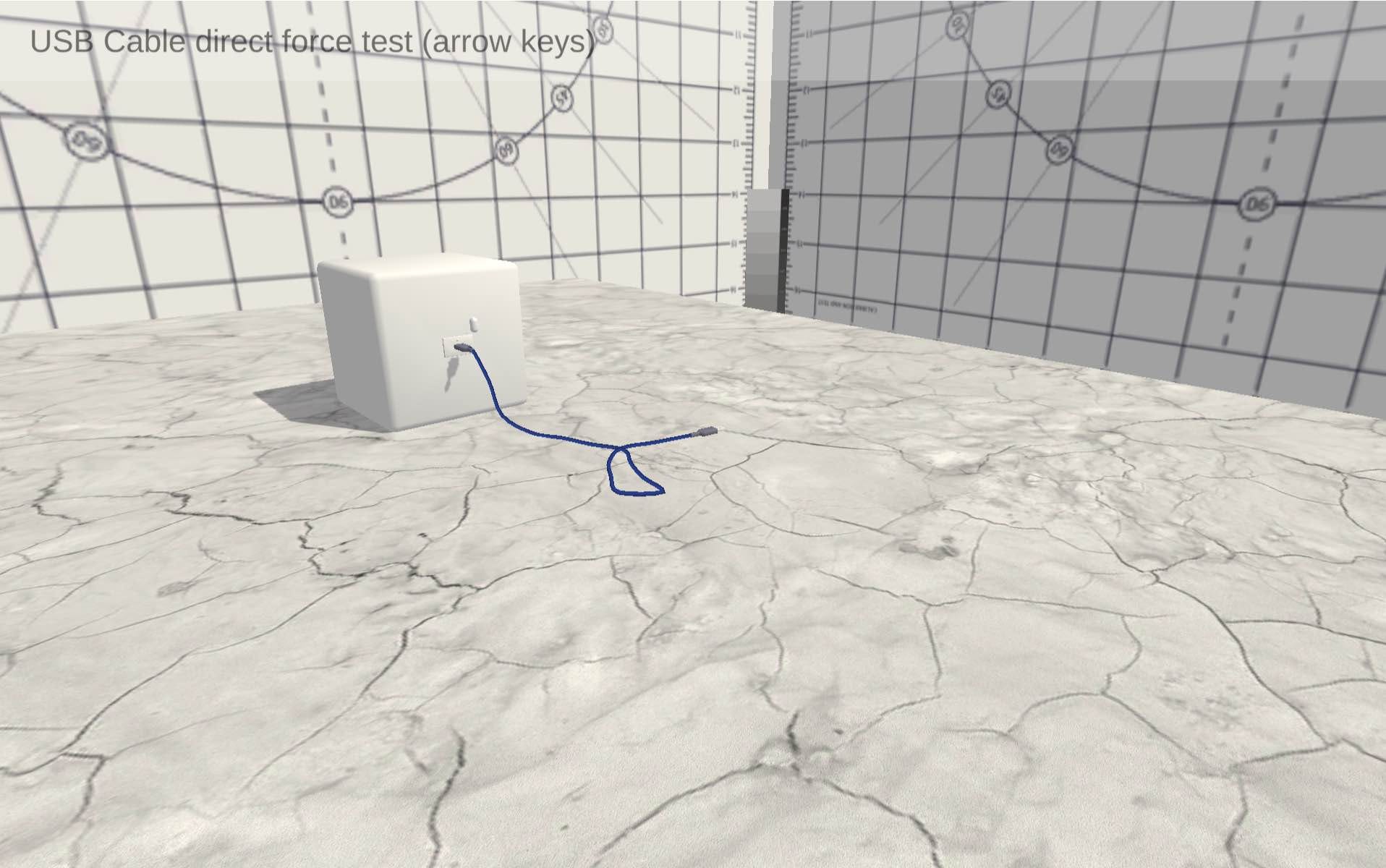
These are some of the robot simulation environments I've produced to train machine learning robot behaviors in Unity.
No posts
Comments
Nothing yet. Say the first thing.
Sign in to join the conversation.