
If you're reading this as a forward or from LinkedIn, subscribe to Ask a Chief of Staff to get these insights directly in your inbox. Join 15,000+ Chiefs of Staff who trust us for actionable insights.

As a Chief of Staff, retreat planning often lands squarely on your plate. Venue research, vendor coordination, logistics, budget wrangling. All on top of everything else you’re already managing.
Offsite is the go-to resource for any Chief of Staff planning a team retreat. Their Airbnb-style marketplace gives you access to thousands of curated venues and vendors globally, with up to 50% off room blocks and meeting space. Prefer a hands-off approach? Their end-to-end planning services handle everything for groups of 20 to 1,000+ attendees.
Trusted by Perplexity, HubSpot, Remote, Buffer, and hundreds of companies across 25+ countries. Flat per-person pricing. Zero hidden fees.
👉 Ready to get your team together? Book a free discovery call with the Offsite team.
Disclosure - I’m an angel investor in Offsite, but only because I wish something like this existed when I was a Chief of Staff planning team retreats at Hugging Face and AngelList!
*If you’re interested in sponsoring a future issue of Ask a Chief of Staff, hit reply!
Most people I know are using Claude like a smarter Google.
Ask a question, get an answer, close the tab. Maybe paste in a document and ask for a summary. Maybe use it to rewrite an email. That’s it. And for a lot of people, that’s fine.
For a Chief of Staff, it’s not fine. It’s a waste 🗑️
The Chief of Staff role is fundamentally about managing complexity across multiple work streams, people, and priorities at once. That’s not a one-prompt-at-a-time problem. And if you’re still using Claude that way, you’re leaving most of its value on the table (and likely running out of messages before you can finish a project).
⏳ Even power users are hitting Claude’s usage limits right now and concluding they need to use it less or spread across tools. But that’s the wrong fix. The problem isn’t how much you’re using it. It’s how you’re using it.
Most Chiefs of Staff are using about 10% of what Claude can do. Let’s talk about the feature that unlocks the rest: Cowork.
Cowork is Claude as an autonomous AI assistant. You give it a multi-step task, it works through each step sequentially, checks in before making any changes, and connects to your tools to get things done.
The difference from regular Claude: you stop prompting and start delegating. You describe the outcome, and it figures out how to get there.
💡 One thing worth knowing: Cowork lives in the Claude desktop app, not the browser. It’s a free download at claude.com/download and is included on Pro and up paid plans. Once you’re in, you’ll see Cowork as its own tab alongside Chat. Connect your tools (Mail, Calendar, Granola, Notion, whatever you use) and it can pull live context from the places your work actually lives.
Here are 3️⃣ use cases for what that actually looks like in practice 👇
Last week I nearly blew a deadline for a video submission that I needed to submit for a pitch day. In the past, I would have caught it Friday, panicked, and scrambled to get it done while traveling.
📆 My Monday Morning Digest caught it first.
The Monday Morning Digest is a Cowork skill I built that runs every week without me having to think about it. It pulls from my Google Calendar, Granola meeting notes, and email, and gives me a pre-meeting intelligence briefing for every 1:1 I have that week (context from the last interaction, open threads, suggested talking points, decisions to push toward). It also surfaces anything time-sensitive I might otherwise miss.
That’s what caught the pitch video deadline. Not me scanning my calendar manually. Cowork, connected to my tools, doing the job before I even opened my laptop 👀
I also run a Friday Wrap-Up the same way. It scans the week, flags what’s still open, and means I can actually close my laptop on Friday without that nagging feeling I’ve dropped something.
✨ Both are triggered automatically with a single phrase in Cowork.
Keep reading to get the guide that contains the exact steps for setting your own Monday Morning Digest and Friday Wrap-up 👇
One of our community members, Casey Boyles, shared this in our Slack and I haven’t stopped thinking about it since.
She was running an event and needed to coordinate interview times with nine different people. She gave Cowork the email addresses, it matched them to their Slack handles, drafted nine personalized messages, and let her review and edit each one before hitting send—all inside the Claude desktop app.
No copying and pasting needed. 4️⃣ minutes. 9️⃣ messages out the door 😯
✨ This is what “connecting to your tools” actually means. Not pulling a summary, but executing a workflow.
Another community member, Aisling Douglas, set up a daily task at 9:30am where Cowork crawls her emails, Granola, and Slack and gives her a rundown of all the things she committed to.
Her words: “I LOVE Cowork” 💜
She also has it update a shared to-do list with her executive partner inside Slack. He dislikes adding more tooling or more places to log in, so surfacing it where he already lives means he stays in the loop without any extra friction.
✨ One daily habit. Nothing falls through the cracks. Her executive is always informed.
The skill files that power my Monday Morning Digest and Friday Wrap-Up are in my free Notion guide. They’re copy-paste ready, with full setup instructions. You upload them to your Claude Project once, and from then on you trigger them with a single phrase in Cowork.
The guide covers 5️⃣ Claude features every Chief of Staff should be using: Personal Preferences, Projects, Cowork, Skills, and the Chrome Extension. It also includes my exact copy-paste Personal Preferences setup and a full Prompt Library organized by Culture, Operations, and Strategy.
Grab it here 👉 The Chief of Staff Guide to Claude
Save it. Come back to it. And if you’re already using Cowork in a way that’s changed how you work, reply and tell me. I read every response!
Thanks for reading! This post is public so feel free to share it.
Ready to accelerate your growth in 2️⃣ 0️⃣ 2️⃣ 6️⃣ ? Paid Substack members get exclusive access to a growing library of 2️⃣ 0️⃣ ➕ workshops from industry experts—covering everything from strategic planning, to navigating your next career move, to keeping cool under pressure 🧘♂️
New workshops added monthly! Recent additions include:
$1️⃣ 0️⃣/month or $1️⃣ 0️⃣ 0️⃣/year. Cancel anytime.
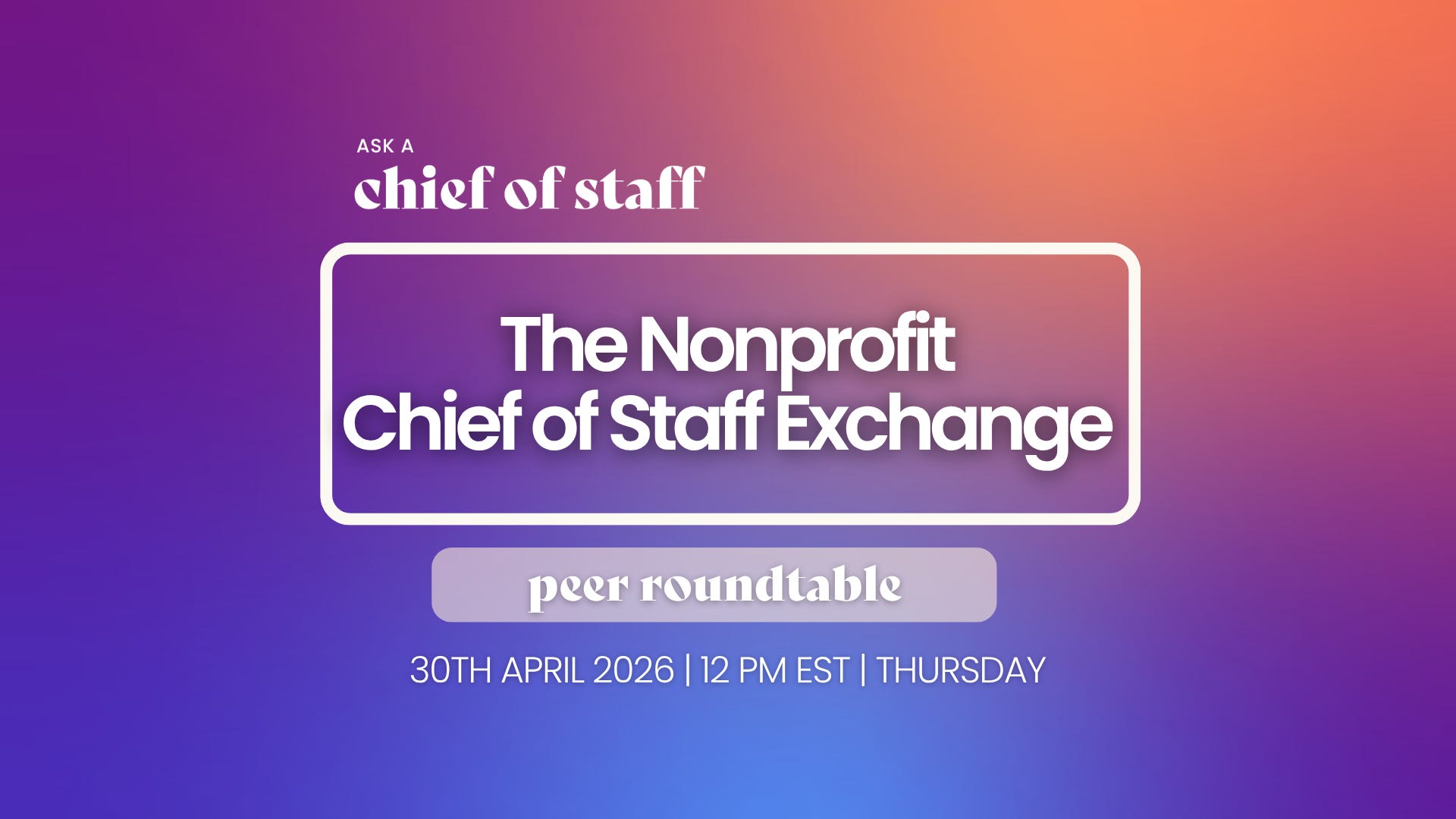
April 30th: The Nonprofit Chief of Staff Exchange: A Peer Roundtable
April 30th: Scaling Teams and Organizations
May 5th: Being A Chief of Staff In 2026: What’s Changed, What Hasn’t, What Matters Now (presented by Offsite)
May 12th: How Chiefs of Staff Move a Room Through Constant Change
May 19th: How To Scale AI In Your Organization — From Pilot Projects To Embedded Operating Systems
April 29th: Chicago Community Dinner
April 30th: Chicago Happy Hour
As a reminder, events and workshops are free or heavily discounted for all Ask a Chief of Staff community members.
Visit our website and click the “Join our community” button to start your journey!
Comments
Nothing yet. Say the first thing.
Sign in to join the conversation.