Ever wanted to create your own movie barcode?
Like this?
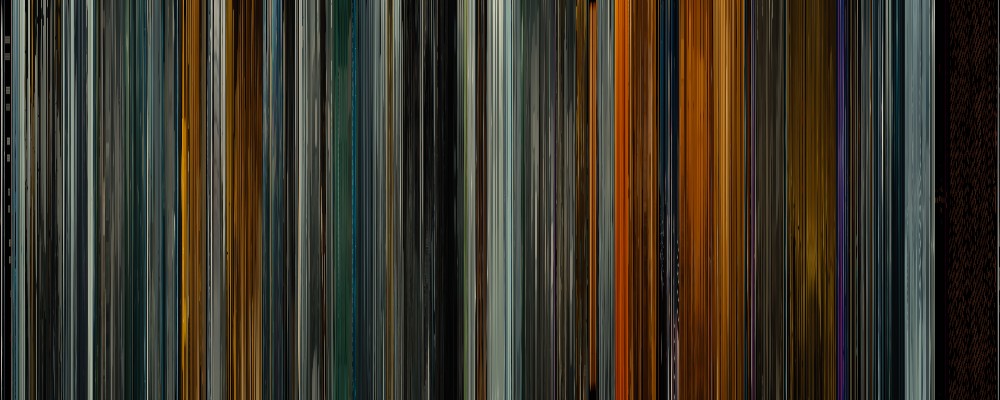
Well, now it's easier than ever.
Usage
Download, unzip wherever you want, double click MovieBarCodeGenerator.exe!
Then you give it a movie (virtually all video formats are supported), and you get a nice barcode.
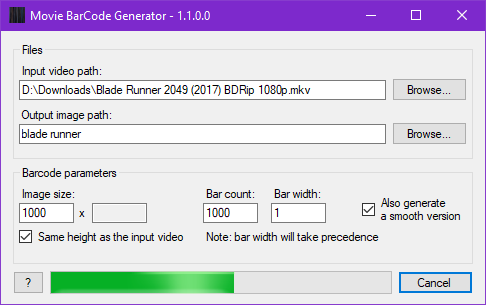
You can tweak some parameters, to obtain different outputs:
- Image size: width and height of the barcode, in pixels.
- If you want the maximum available quality without upscaling, you can check "Same height as the input video".
- Bar count: how many bars do you want?
- Bar width: how wide should the bars be, in pixels?
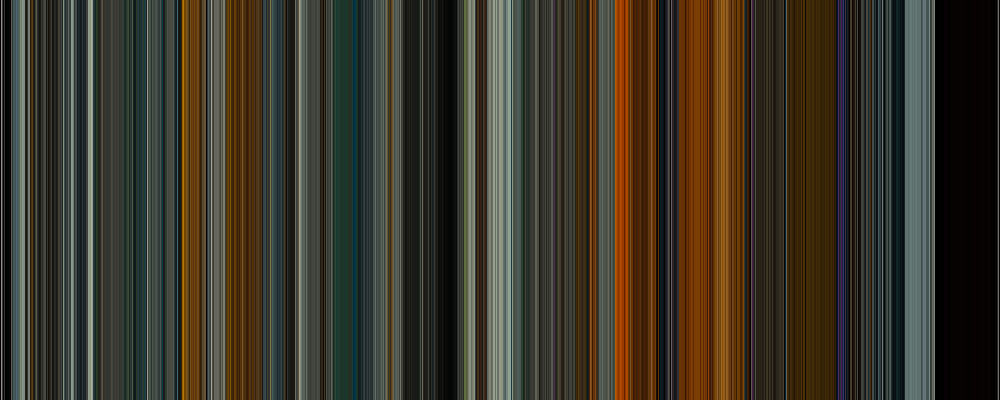
- Also generate a smooth version: output a smoothed out version as well as the normal barcode. Vertical pixels will be averaged. An example is worth a thousand words:
Examples
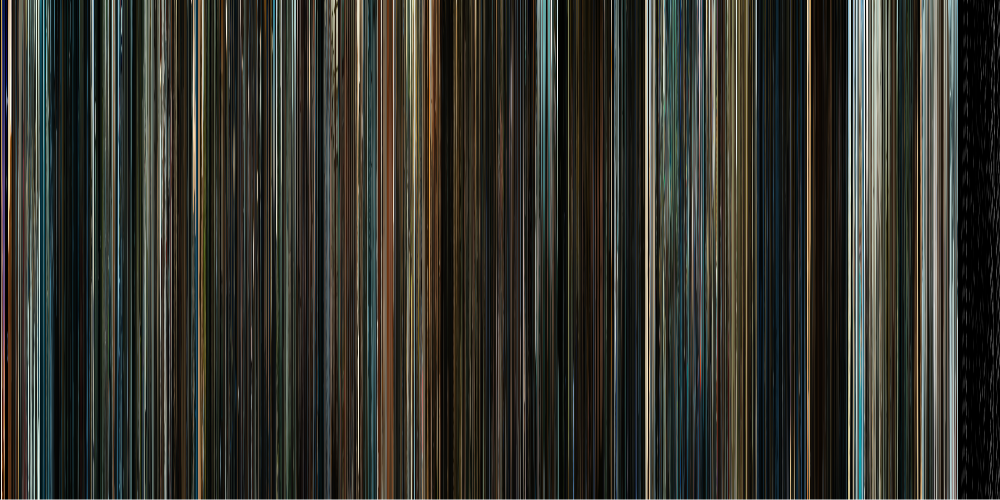
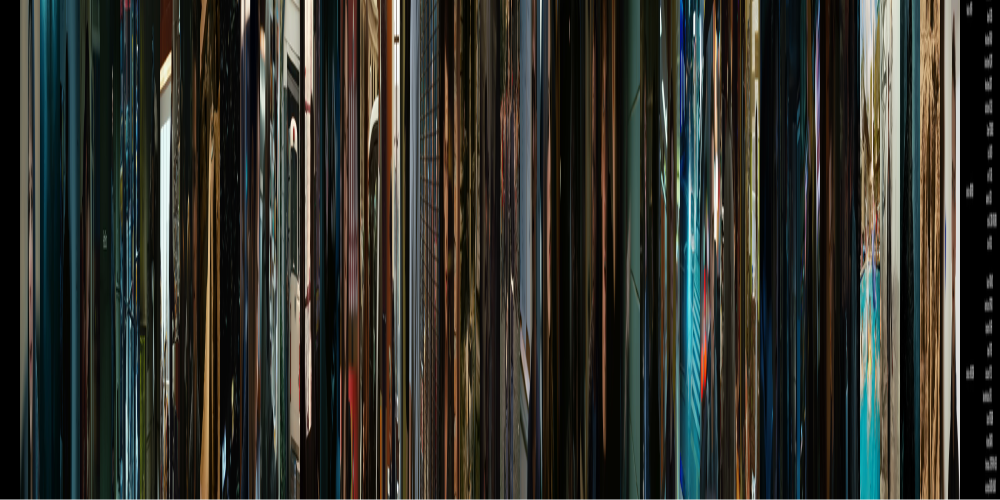
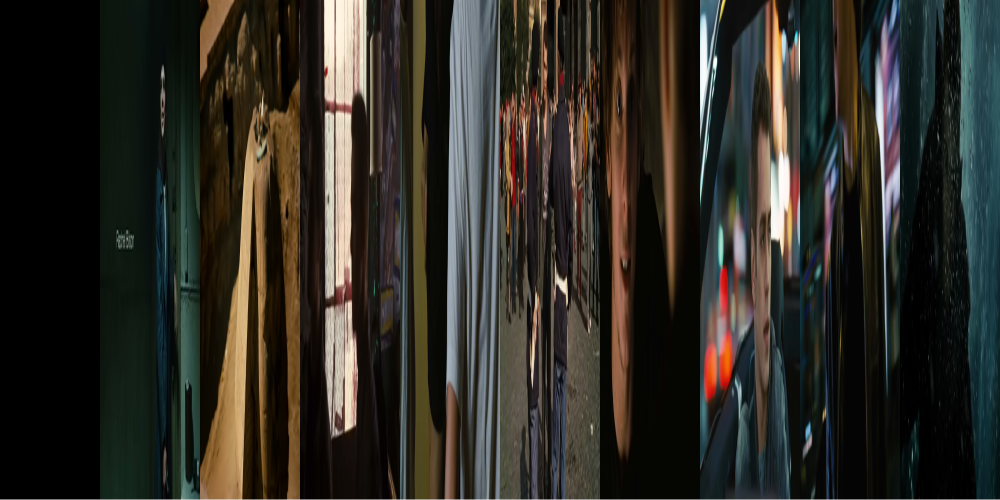
Feel free to experiment! Here are some examples of different outputs, using the same movie (Jumper) but with different parameters:
Featured
This program was used to design the posters and the trailer for the 2013 Brooklyn Film Festival.
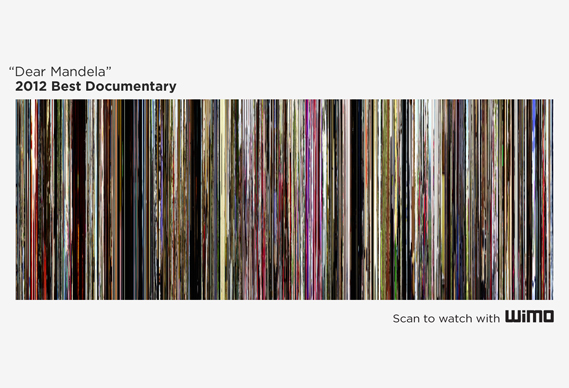
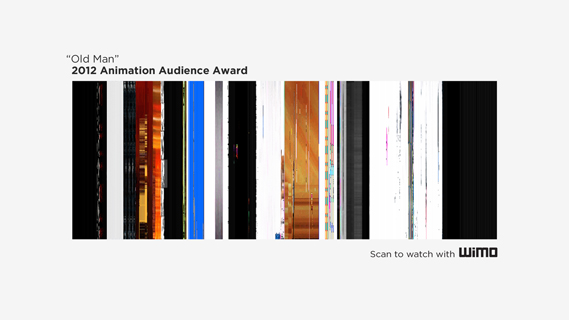
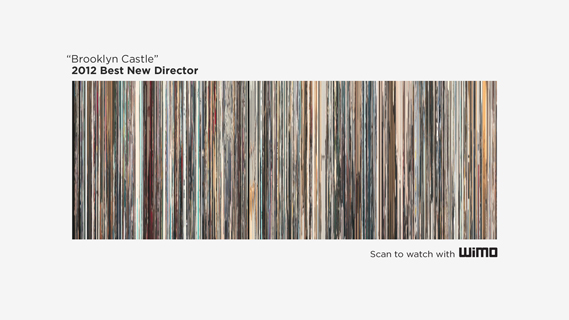
Check the trailer! http://www.youtube.com/watch?v=2jDMijLkDPM
Download
This program is freely available, along with its source code, under the GPL license.
Release notes
Version 2.1, 2025-06-15
------------------------
- [added] Limited support for auto conversion of HDR videos to SDR barcodes. (Even though starting from an already SDR video will give better results)
- [fixed] Skip to next file on error in CLI mode instead of failing the batch.
- [fixed] Support videos longer than 24h.
Version 2.0, 2021-01-21
------------------------
- [fixed] Fix the application being blurry when the Windows DPI settings are not set at 100%
- [changed] Many bug fixes and internal changes.
- [changed/fixed] Use MagicScaler as the new default method to scale down bars, since it uses a more correct algorithm and handles gamma-correction properly. ⚠This results in visually different barcodes. (but a "legacy" mode has been added)
Version 1.6, 2020-03-13
------------------------
- [fixed] CLI parsing didn't work for short arguments.
Version 1.5, 2018-08-04
------------------------
- [added] Allow input to be an url (both in the CLI and the GUI).
- [fixed] Replaced the FFmpeg x64 binary by an x86 one to support 32bits platforms.
Version 1.4, 2018-06-17
------------------------
- [fixed] "Unable to save the image: System.NullReferenceException" errors happening on systems where the default decimal separator is not a dot. (the fps parameter was not formatted properly)
Version 1.3, 2018-06-10
------------------------
- [added] Live log in the GUI showing the output of FFmpeg.
- [added] Re-added a batch mode and a CLI interface.
- [added] Allow a file to be drag and dropped on the input text box.
Version 1.2, 2018-04-29
------------------------
- [fixed] Partial image sometimes being saved after canceling.
Version 1.1, 2018-04-22
------------------------
- Rewritten from scratch.
- [changed] Now use FFmpeg instead of DirectShow
		- This means Windows 10 is now properly supported
		- This also means virtually all video formats can now be read!
- [added] Ability to generate smooth barcodes.
Version 0.5, 2011-02-14
------------------------
- Second public release.
- [changed] Multi-threaded barcode generation.
Version 0.1, 2011-03-20
------------------------
- First public release.