With YunoHost, easily manage a server, a cloud, a website, mailboxes, a wiki, a social network, a video library, a blog, surveys, an accounting board, a game server, a forum, a chat, an ERP)%
for your friends, your association, your company
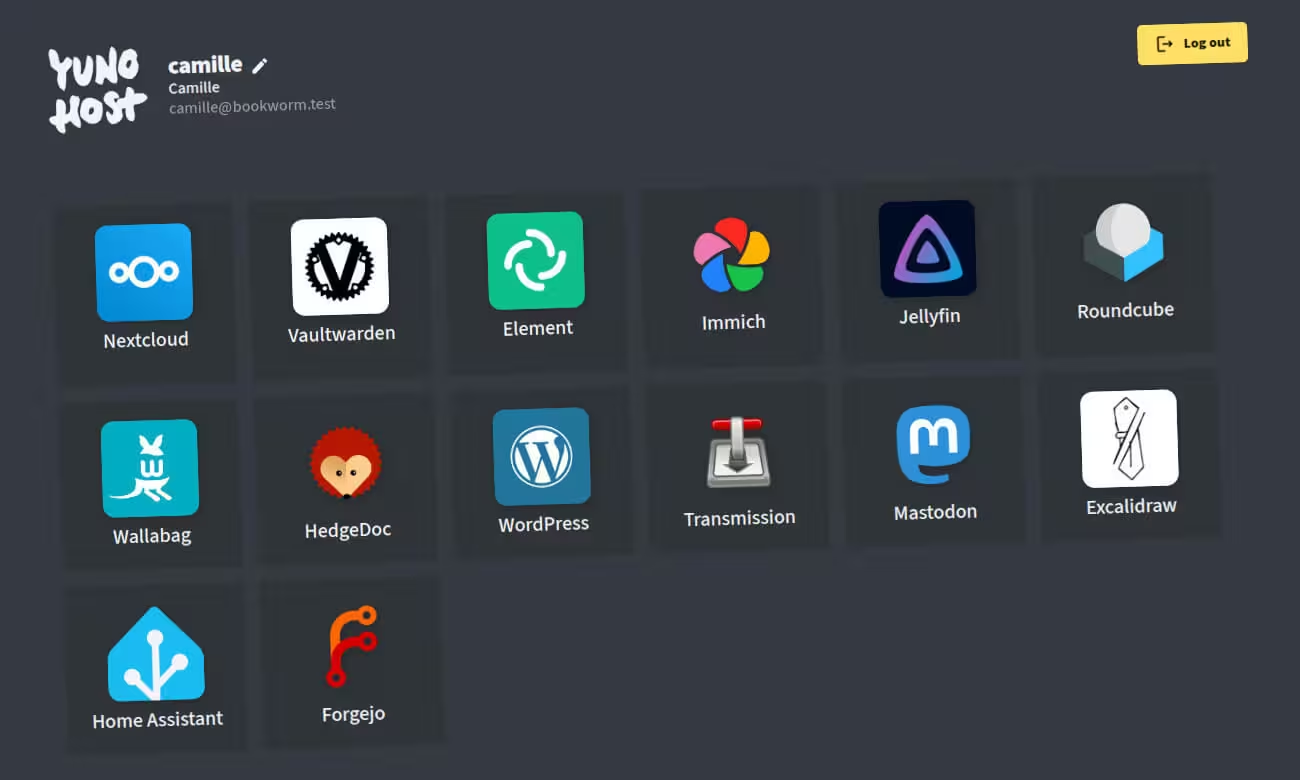
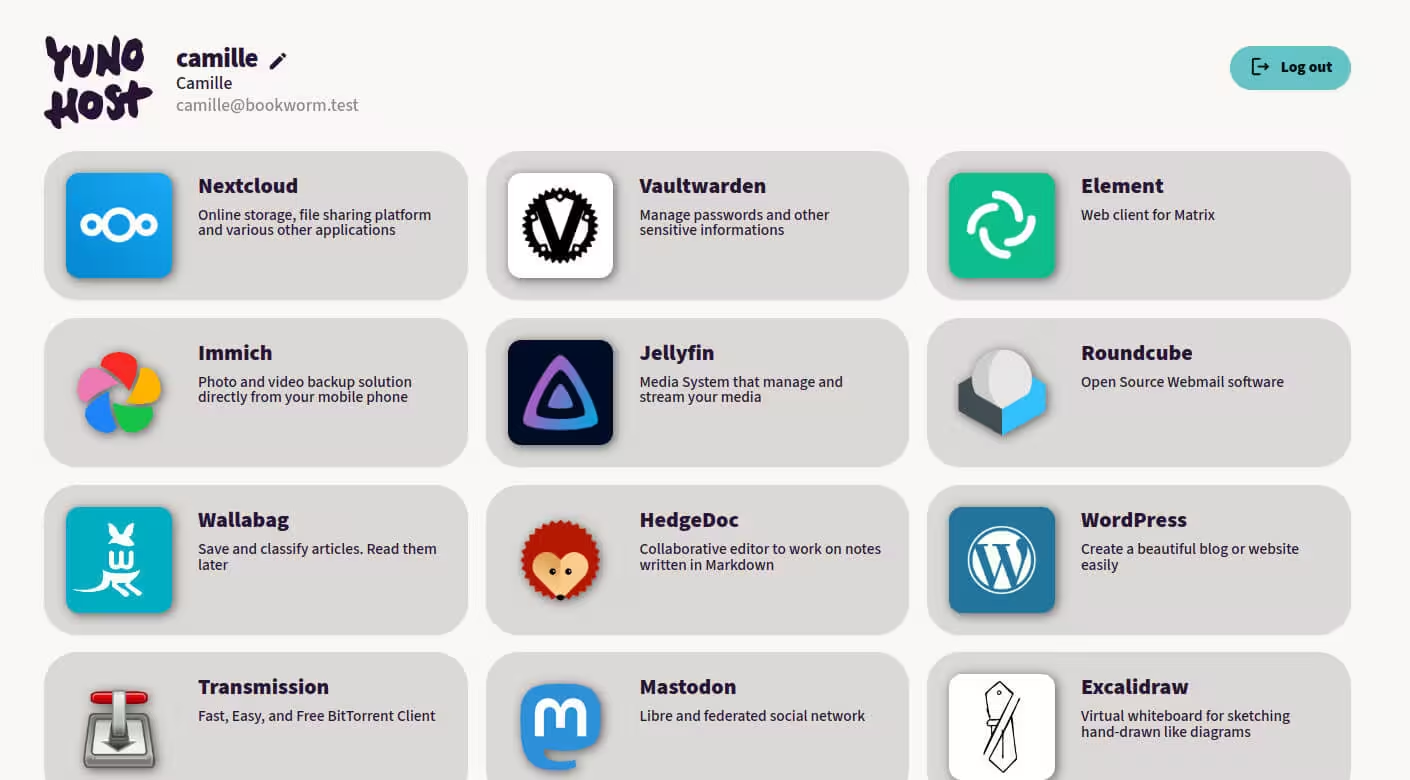
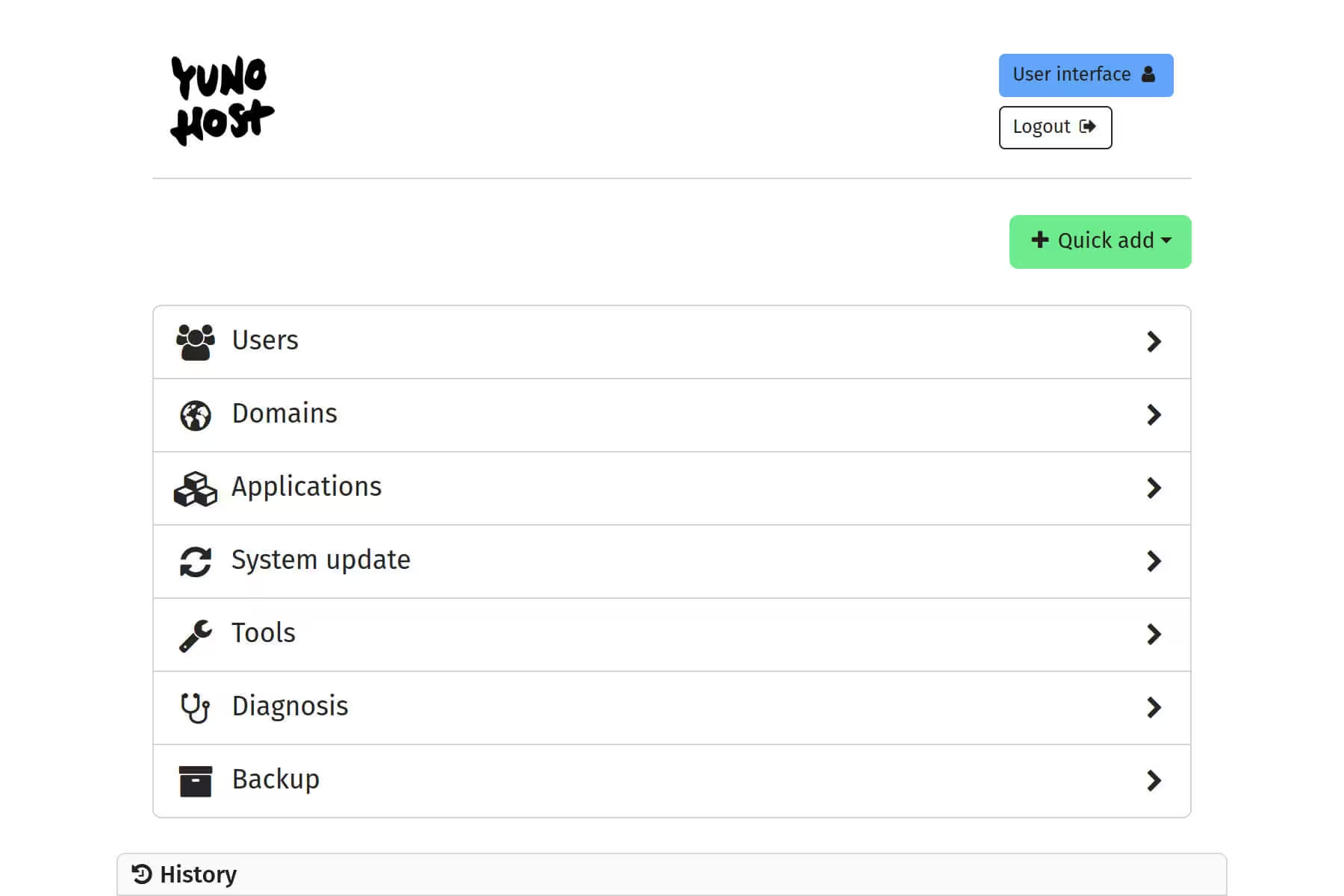
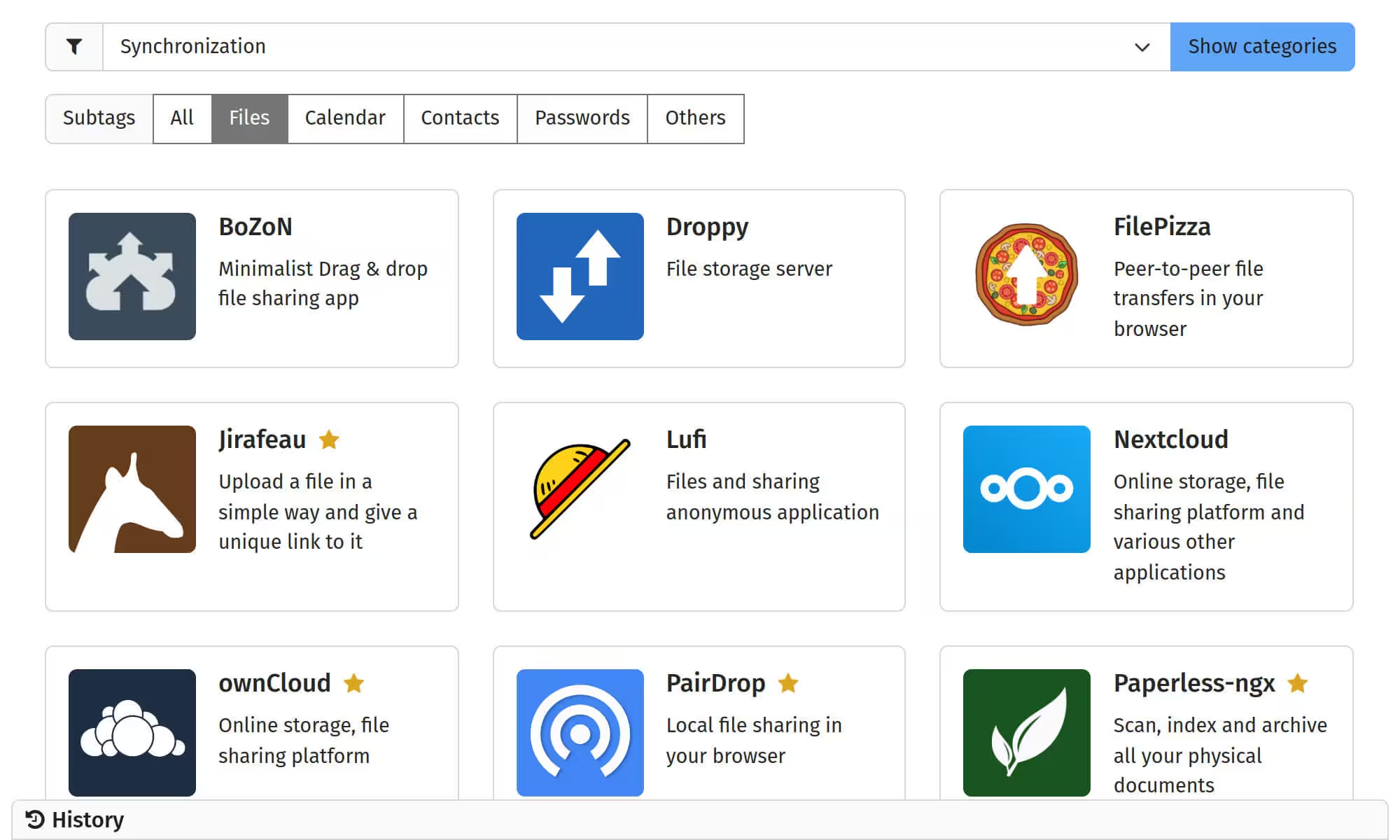
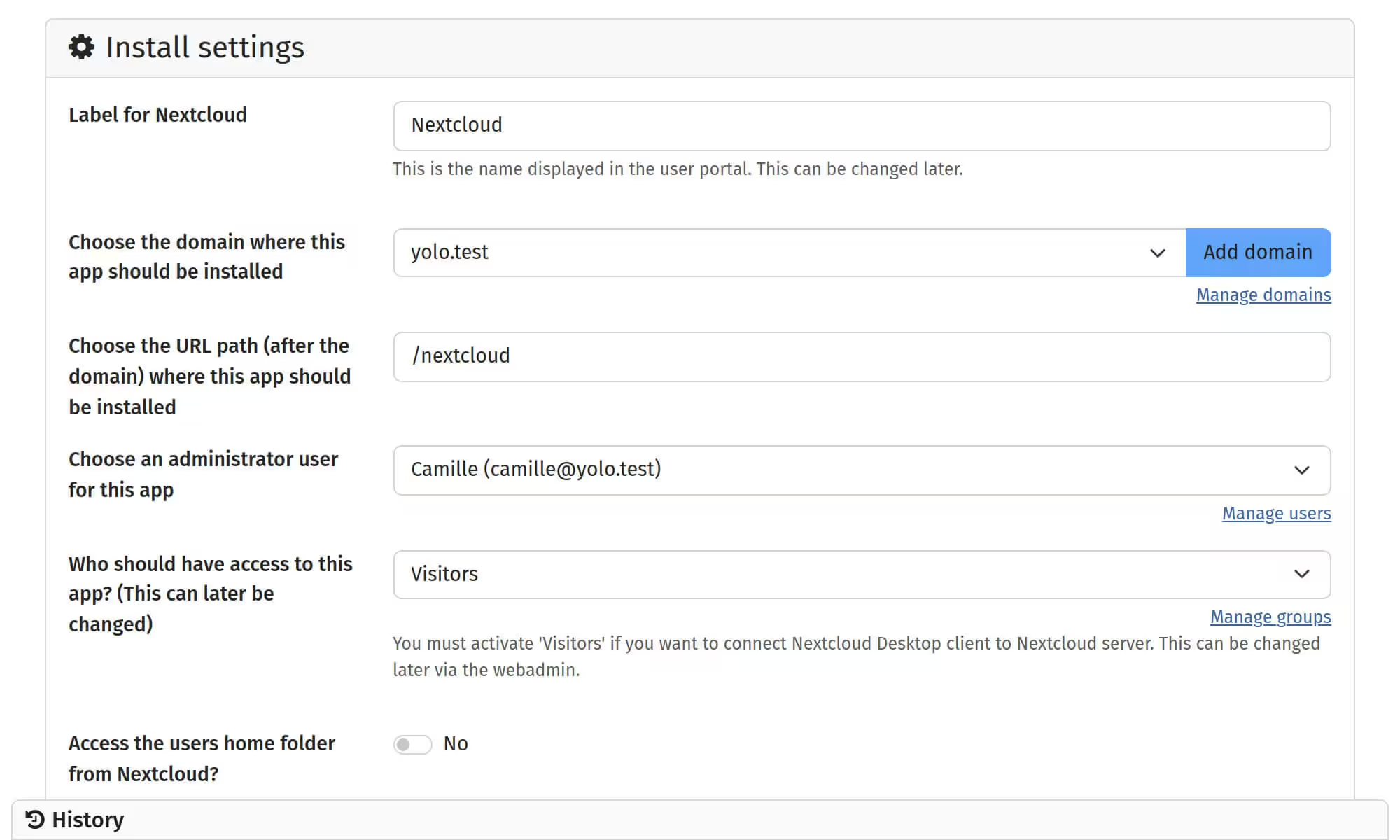
YunoHost is a system that installs itself on a server
and allows you to install and maintain - with very little technical knowledge -
digital services (apps) that you control.
Examples of uses
For you and your friends
- synchronize your calendars and contacts
- keep your passwords and notes safe
- host mailboxes
- organize your photos, videos and music
- join alternative social media
For small organizations
- host your own website
- share files in common (e.g. with Nextcloud)
- edit multiple documents in real time
- manage your accounting
- set up a team chat
How to get started
If you're not sure yet on, we invite you to try the demo,
and take a look at the pros and cons of managing a server yourself.
Take the time to think about what applications, what type of hardware and what domain name you want for your server.
1. Choosing a support
- ARM board / Raspberry Pi
- Old tower or portable (ordinosaur)
- Online server (VPS)
2. Install YunoHost
- Check the prerequisites
then flash or install the system - YunoHost will guide you through setting up the first admin, the domain name and your Internet router.
3. Enjoy!
- Install applications
in just a few clicks - Set up backups
- Take care of your server
Latest news
Previous articlesThey support us <3
We are thankful for our sponsors providing us with infrastructure and grants!