
Don't settle for an app limited to calendar and email. With Zoom Mail and Zoom Calendar in Zoom Workplace, you can combine your calendar, email service, chat, phone calls, virtual meetings, and more, all in the same app.

Tired of switching between apps and tabs?
Harvard Business Review, August, 2022

Email, calendar, and more all in one place
Connect Gmail* or your Microsoft 365 account for work or school to the Zoom Workplace app so you can use your existing email and calendar service alongside Zoom Meetings, Zoom Chat, Whiteboard, and Phone. Save time and stay focused with the Zoom Mail & Calendar Clients, which are included with all Zoom plans.
*Zoom Mail Client’s use of information received from Google APIs will adhere to Google API Services User Data Policy, including the Limited Use requirements.
With the Zoom Mail & Calendar Clients, you can:
Benefits
-

Work more efficiently
All your communications in one place — no more hopping between your email app and the Zoom Workplace app.
-

Use right in the Zoom Workplace app
Email and calendar interwoven with Meetings, Phone, Zoom Chat, and more.
-

Quickly access meetings
The Zoom Calendar sidebar makes joining meetings easy!

Emails sent directly between Zoom Mail Service accounts use secure end-to-end encryption for advanced privacy.
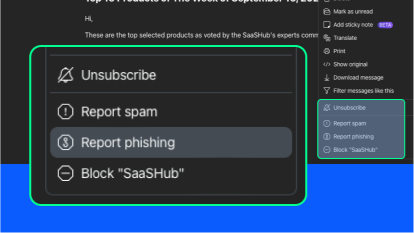
Report phishing emails directly in the Mail tab of the Zoom Workplace app and manage spam filters for your organization.
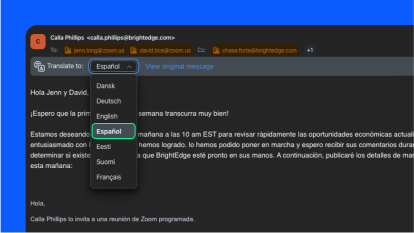
Translate email messages into over 30 supported languages with just a few clicks.
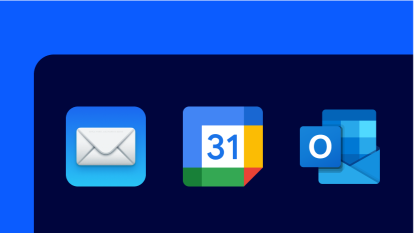
Connect your Google or Microsoft 365 account to view your emails and calendar events in Zoom Workplace.
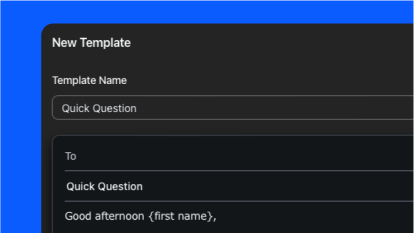
Save time by creating templates so you can quickly send new emails with prepared language.
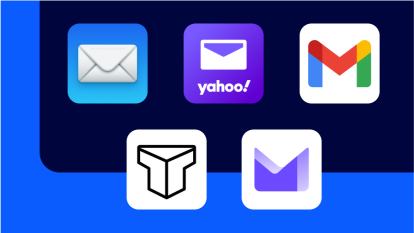
Our bulk migration option lets you import batches of users from Gmail or Microsoft 365.
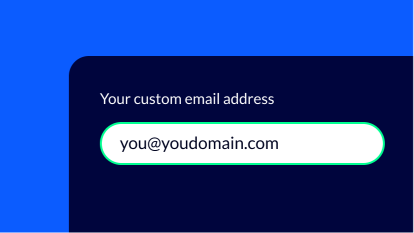
Add a custom domain owned by your organization.
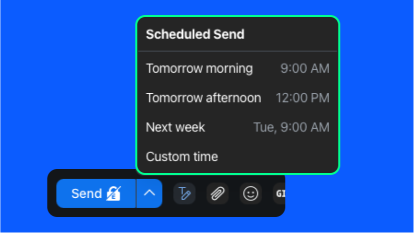
Choose to send your messages later by using our email scheduling feature.
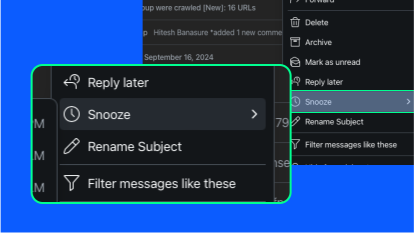
Easily de-prioritize less important emails or snooze emails to arrive during your work hours so you don't forget to respond to or follow up on an important message.
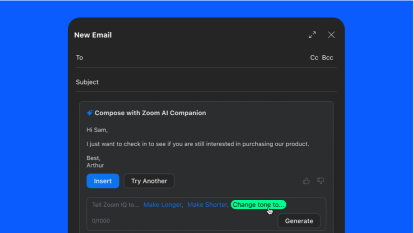
Let ZoomMate help you compose email messages and refine them with the right tone and length.
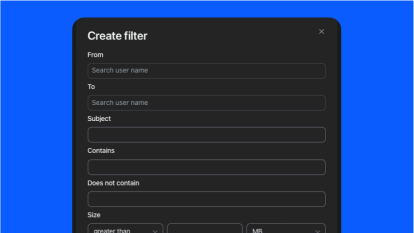
Efficiently organize your email inbox with custom filters for labeling, archiving, and deleting messages.
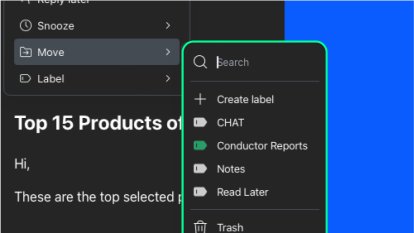
Use labels and filters to find the messages you need, quickly.
Zoom Mail and Calendar Clients are also designed to work with two new services: Zoom Mail Service and Zoom Calendar Service.
Extend the power of Zoom Workplace
Connect, collaborate, and get more done wherever you work with thousands of ready-to-use apps and integrations.
-

Streamline communications and scheduling
Connect with platforms like Microsoft Teams and Google Workspace to easily manage schedules, communicate with context, and share information.
-
Enhance document collaboration
Empower your teams to access, create, and collaborate on shared documents, presentations, and design files across meetings and chat conversations.
-
Supercharge projects and productivity
Keep track of your work without leaving the flow of work, thanks to Zoom’s integrations with leading project management and productivity tools.
Frequently Asked Questions
Zoom Mail Client
Zoom Mail Client can connect to your Gmail or Microsoft 365 email service (Exchange), as well as the Zoom Mail Service.
Yes, Mail is part of the Zoom Workplace app! If you do not see the Mail product tab displayed, you may need to update to the latest version of the Zoom Workplace app, or your system administrator may need to enable it.
Zoom Calendar Client
Zoom Calendar Client can connect to your Google or Microsoft 365 calendar service (Exchange), as well as the Zoom Calendar Service.
Yes, Calendar is part of the Zoom Workplace app! If you do not see the Calendar product tab displayed, you may need to update to the latest version of the Zoom Workplace app, or your system administrator may need to enable it.
The Zoom Mail and Calendar Clients are available now for all Zoom users! They may need to be enabled by an IT administrator before you can use them.