
Keep your hands on the keyboard!
Start with a single keyboard shortcut to access
and control every corner of your Mac.



An adaptive app launcher and document browser
- Access applications, documents, bookmarks
- and more by typing short abbreviations.


A powerful file manager
- Browse the file system, query file metadata.
- Copy, move or rename files and folders.
An efficient search tool
- Perform desktop or web searches
- and get instant feedback.

… and so much more
- A clipboard history, a snippet manager, a jukebox,
- a calculator, a script runner, an info browser…
- Whatever you want to accomplish on your Mac –
- with LaunchBar it’s only a few keystrokes away!

Beauty in every pixel.
Regardless of whether you are a long-time user, or just a beginner – you will love LaunchBar’s beautiful interface. Every aspect, every pixel was designed for simplicity.
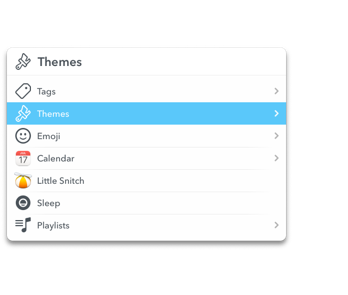
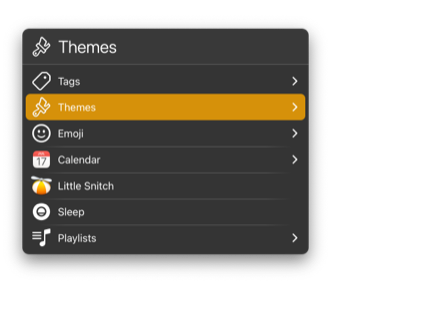
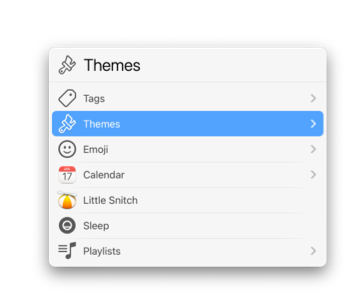
Choose your preferred appearance from a set of stunning built-in themes.
There’s a rule for that.

LaunchBar’s ever-growing set of built-in indexing rules includes Finder Tags, Emoji, Shortcuts, Reminders, Safari Reading List and Top Sites, iCloud Tabs, Text Snippets, Themes and more.

Workflows

Mounted Volumes

Safari Top Sites

Themes

System Settings

Text Snippets

Shortcuts

Services

Reminder Lists

Safari Reading List

Music Library

Safari iCloud Tabs

Browser History

Finder Tags

Emoji

Contacts

Calendars

Browser Bookmarks

Applications

Actions

Extend without limits.
With custom, script-based actions you can vastly extend LaunchBar to fit your needs. Install actions written by other users or write your own in a variety of scripting languages such as AppleScript, JavaScript, Ruby, Python, PHP and more.





Info Browsing – details at your command.

Explore an item’s metadata such as image dimensions, color profiles, Finder tags, navigate into application bundles, browse property list or text file contents, view recent documents and other associated files, review file attributes, disk capacity, word counts, and more.

File Size

Color Profile

Image Dimensions

Browse PLIST Files

Browse Text Files

Instant feedback.
Perform web searches on Google, Wikipedia or DuckDuckGo even more efficiently with live suggestions. And many actions such as Calculator or Calendar input also provide instant feedback for the entered query.

What’s your usage profile?

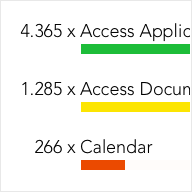
Regardless of how long you’ve been using LaunchBar, there is still something new to be discovered. With Usage Statistics you get a detailed analysis about the features you use most often, and the ones remaining to be explored.



Use LaunchBar for free!
In addition to a 30-day trial period LaunchBar can be used for free as long and as often as you like. It just occasionally invites you to take a short break, allowing you to breathe and relax.