BU113
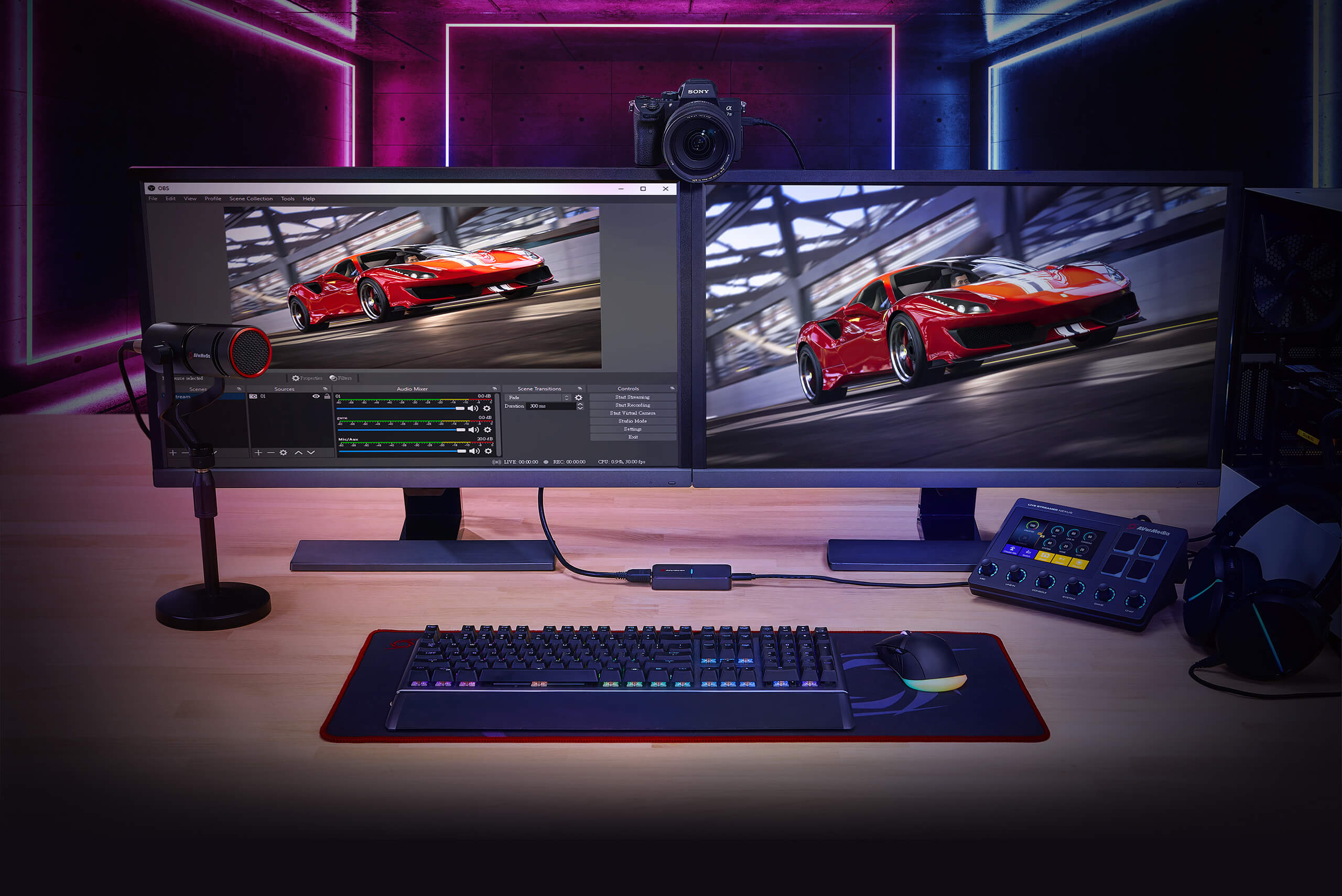
Stream with YOUR Camera
With Live Streamer CAP 4K, simply hook up your video camera or camcorder to create the highest video quality contents for your 4Kp60(HDR) live stream and 4Kp30 video recording.
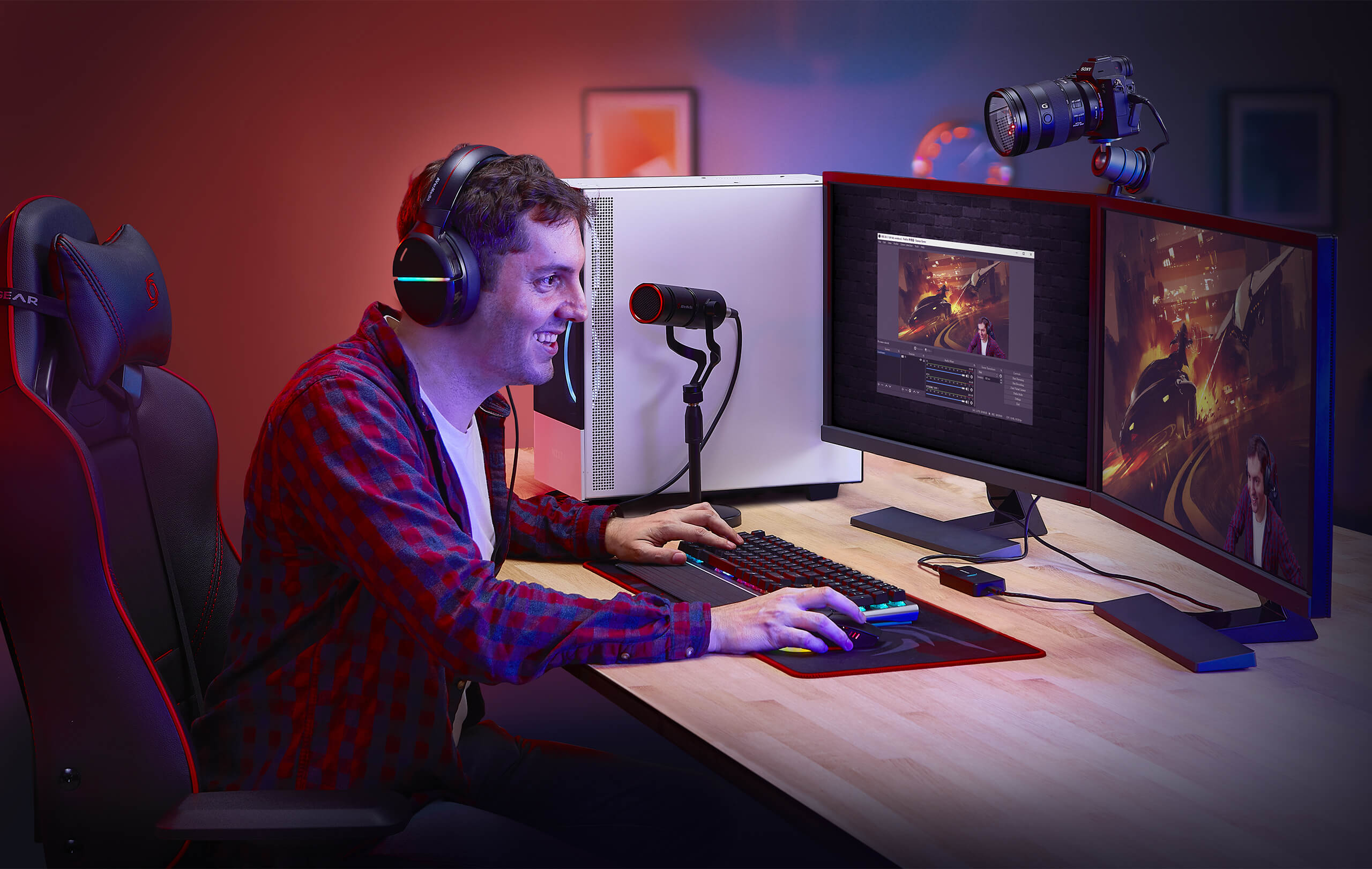
Video Capture
The external uncompressed 4Kp60 video capture device can help you unleash the power of a video camera.
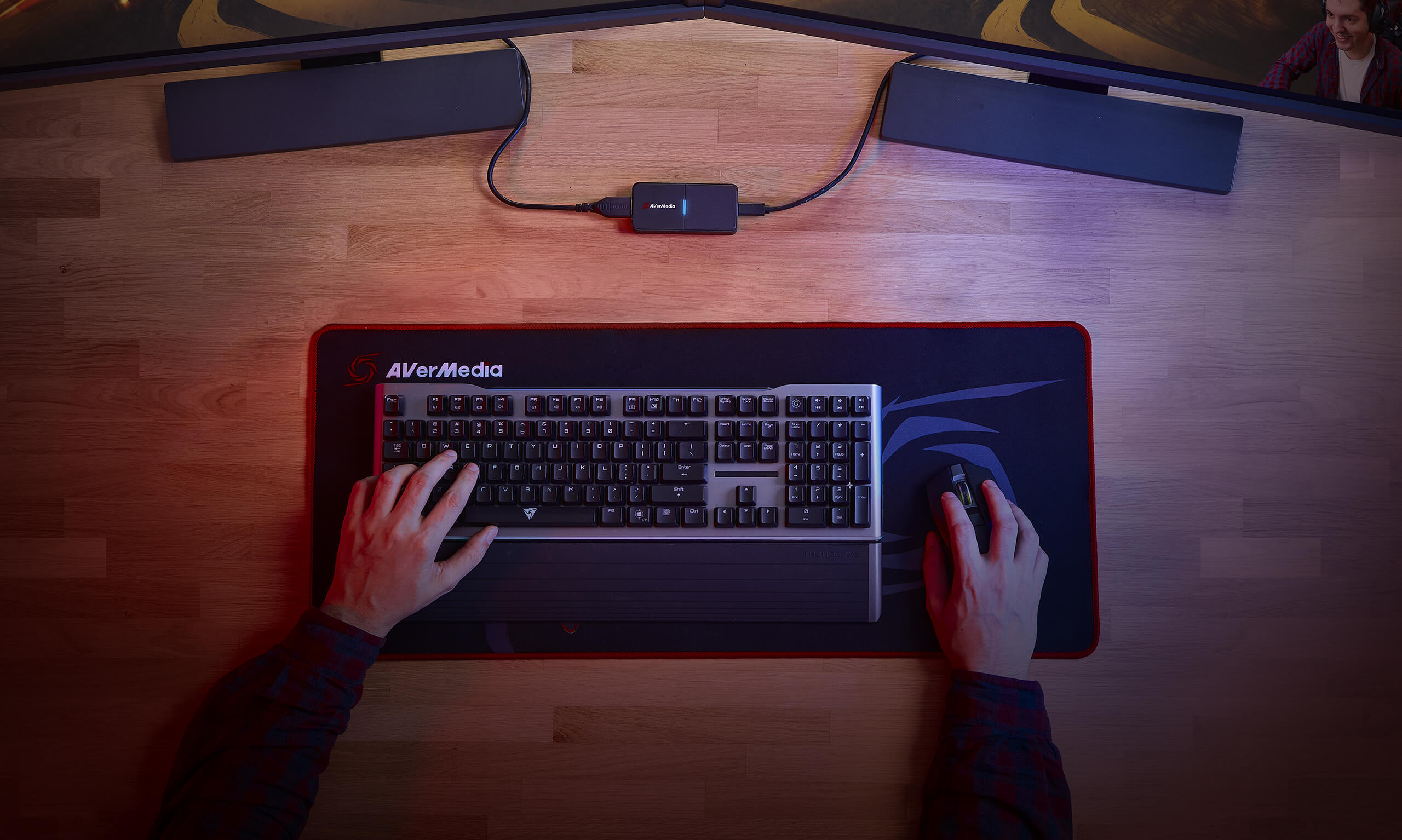
Plug and Play
WE MAKE IT SIMPLE for all creators. Connect a camera directly to Live Streamer CAP 4K without any complicated steps.

Hybrid WORK
Nowadays, people show their demo or ideas online; Live Streamer CAP 4K can provide the highest video quality for all of your projects.
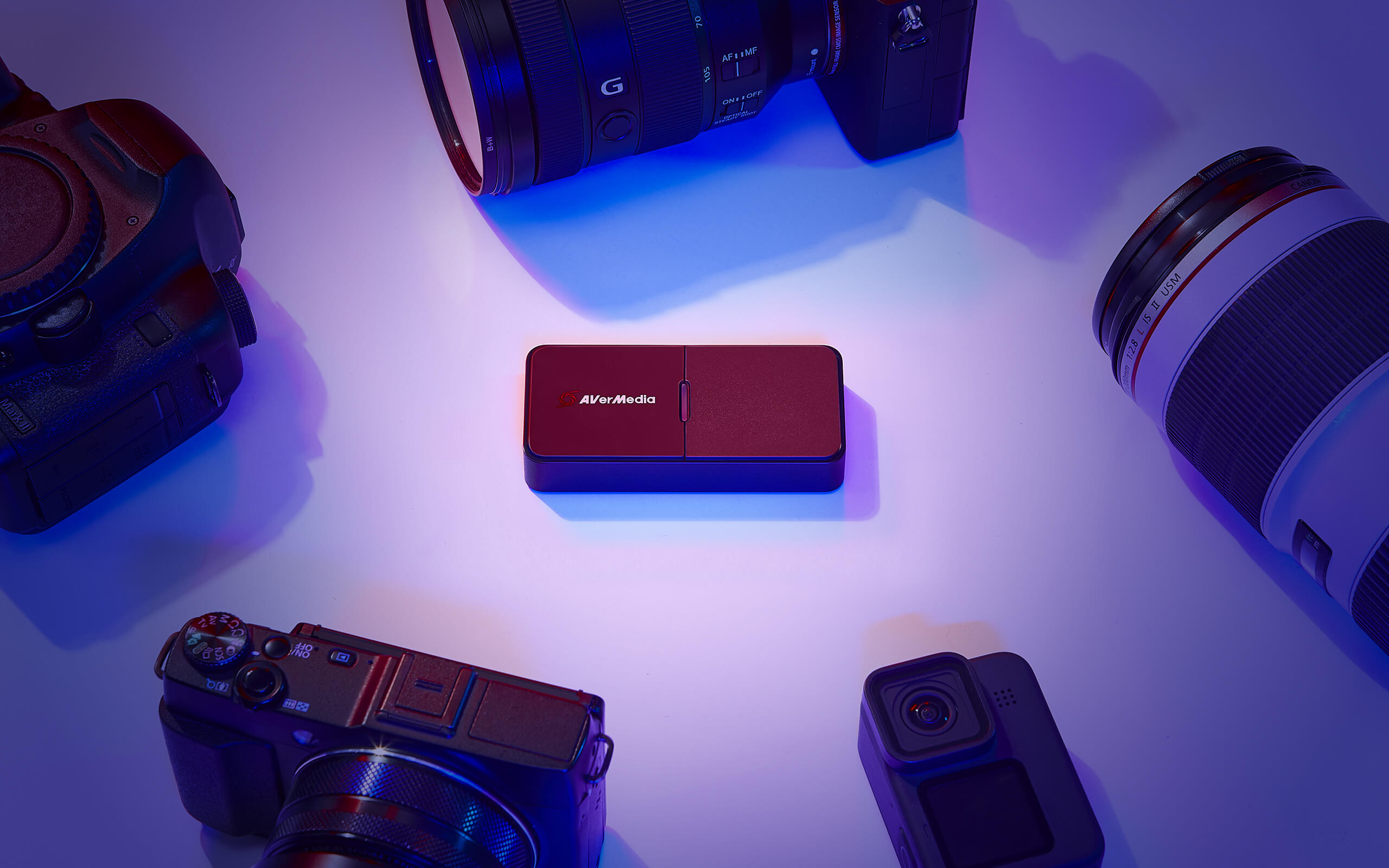
Camera Compatibility
Live Streamer CAP 4K supports most types of video cameras and camcorders for all creators. If you have any concerns about a video camera or camcorder, please see the compatibility here.
Connections
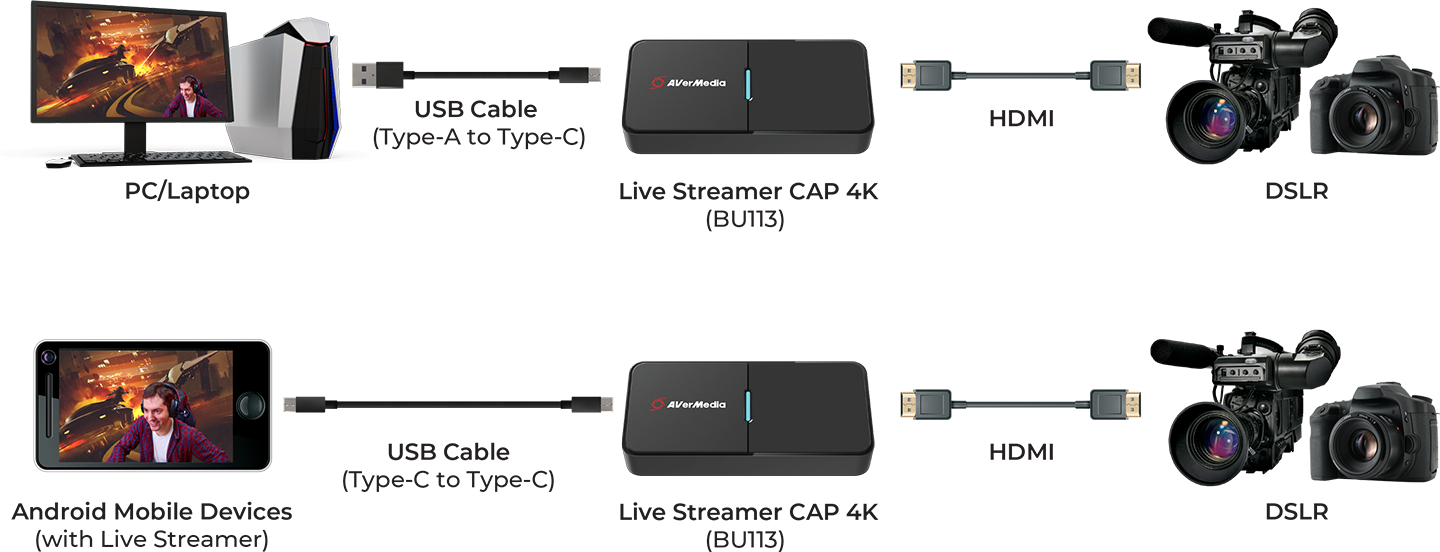
| Technical Specifications |
*BU113 does not support USB 2.0. |
| System Requirements | Windows® 10 x64 or later
macOS 10.14 or later
iPadOS 17 or later |
| What's in the box |
|
Q&A
Party Chat
Switch 2
Audio
Micro SD Card
VRR
Troubleshooting
疑難排解
Settings
MAC M1
How do I start to use the Device
Software Usability
Hardware usability
Features/Functions
OBS
Chromebook
Windows
Mac OS
セットアップ
セットアップ・仕様
接続機器・設定
4K / HDR対応
VRR対応
音声端子
仕様
仕様・ソフト
仕様・ソフト(コントロール部)
仕様・ソフト(ミキサー部)
ストレージ
(PCモード)仕様・ソフト
(単体モード)仕様・設定
録画
配信
実況
再生
再生・編集
編集
Mac対応
相性
動画編集ソフト
ファイル管理
アップロード
ソフト
購入前のお問合せ
F225本体・付属品
セットアップ、Wi-Fi接続
テレビ視聴、設定画面
録画、予約録画、録画再生
アプリ
番組表
通信
設定
その他
困った時は
更新
EOL All
Streaming
Capturing
All Topics
Recording
Storage
Indicator Light
File management
Voice Commentary
GameMate
Upload
Playback & Video Quality
Editing & Converter
Live Stream
Installation
Watching TV
Stream Engine
Comparison Chart
DOWNLOAD
RECentral(Mac)
Application
Application(macOS)
Application(Windows)
Assist Central
Assist Central Pro(Mac)
Assist Central Pro(Win)
CamEngine(Chrome)
CamEngine(Mac)
CamEngine(Win)
Certificates
Compatibility Tool
Connect(Mac)
Connect(Win)
Datasheet
Diagnosis Tool(Win)
Download Manager
Driver
Firmware
Firmware(Mac)
Firmware(Win)
Plugin(macOS)
Plugin(Win)
Quick Guide
RECentral (Win)
Streaming Center(Win)
User Manual
Utility
Utility (Chromebook)
Utility & FW(macOS)
Utility & FW(Windows)
Utility(macOS)
Utility(Windows)
Date : 2026-05-27 00:00:00
Version:AVerMedia Streaming Center (Win) v1.8.22.2
Purpose: Streaming & Recording
OS:Win10 x64, Win 11
Description:
1. Added support for Voice Mode.
2. Fixed an issue where the audio devices for GC573 and GC570D might function abnormally when no video input signal is detected.
3. Fixed an occasional audio loss issue when enabling microphone monitoring or switching profiles.
4. Fixed an occasional software hang issue during the first launch after a system reboot.
5. Optimized fullscreen playback and preview performance.
Date : 2026-03-05 00:00:00
Version: Diagnosis Tool v3.0.14.2
Purpose: Compatibility Check
OS : Win10 x64, Win11
Description:
1. Added a search bar for quickly finding products by name or model number.
2. Updated the supported product list.
3. Improved the interface and analysis messages for a smoother user experience.
Date : 2026-02-03 00:00:00
Version:AVerMedia Streaming Center (Win) v1.7.4.1
Purpose: Streaming & Recording
OS:Win10 x64, Win 11
Description:
1. Kick CDN Support: Integrated support for Kick streaming.
2. Audio Monitoring: Enabled by default for all capture devices.
3. AV1 & NVIDIA Super Resolution: Now supported for recording and streaming.
Supported Models: GC553G2, GC575, GC573, GC553Pro, GC551G2.
4. New Aspect Ratios: Added support for 21:9 ultra-wide recording and portrait (9:16) streaming.
5. HEVC Encoder Support:
SDR → YouTube
HDR → YouTube / RTMP
6. Bug Fixes:
Resolved crashes during Alt+Tab switching and Snapshot usage.
Fixed blurry visuals when capturing Discord.
7. Optimized startup to prevent occasional black screens and audio anomalies.
See the new features in action:
Date : 2025-12-22 00:00:00
Version: Assist Central Pro v4.0.80
Purpose: Configuration & Update
OS : macOS 15, macOS 26
Description:
1. Added support for German, Spanish, Russian, French, Korean, and Thai interface languages.
2. Fixed an issue where some devices weren’t being detected or were showing up incorrectly.
3. Fixed an issue on macOS where GC313Pro couldn’t retrieve firmware version information correctly.
Date : 2025-12-22 00:00:00
Version: Assist Central Pro v4.0.80
Purpose: Configuration & Update
OS : Win10 x64,Win 11
Description:
1. Added support for German, Spanish, Russian, French, Korean, and Thai interface languages.
2. Added PCIe information display to the GC573 settings page.
3. Fixed an issue where some devices weren’t being detected or were showing up incorrectly.
4. Fixed a rare issue where GC553G2 and GC575 lights couldn’t be controlled through Assist Central Pro on certain PCs.
Date : 2025-08-14 00:00:00
Version:AVerMedia Streaming Center (Win) v1.6.65.1
Purpose: Streaming & Recording
OS:Win10 x64, Win 11
Description:
New Features
1.Added support for zoom, screenshot, and full-screen preview for more flexible operation.
2.Added hotkey function to start streaming or quickly perform common actions with hotkey.
3.Added stream quality display and detailed streaming platform settings, including privacy options, for more precise control over streaming status.
4.Added HDR brightness adjustment for more refined image colors.
5.Added VSync toggle for a smoother viewing experience.
UI and Stability Improvements
Optimized UI interface, and improved audio monitoring function and overall stability.
See the new features in action:
Date : 2025-07-22 00:00:00
Version: Assist Central Pro v4.0.73
Purpose: Configuration & Update
OS : macOS 14, macOS 15
Description:
1. Support for EDID Merge, Copy, and Internal mode changes has been added for the following models:
GC515, GC553G2, GC553Pro, GC575, GC571, GC573, GC570D
Support for EDID Merge and Internal mode changes has been added for GC551G2 (requires firmware ver. 1.2.6.1)
*Note: For more information on EDID modes, refer to this FAQ
2. Fixed issue: When Nintendo Switch 2 was set to 1440p60 and when GC551G2 passthrough was connected to certain monitors, Assist Central Pro displayed incorrect input resolution.
Date : 2025-07-22 00:00:00
Version: Assist Central Pro v4.0.73
Purpose: Configuration & Update
OS : Win10 x64,Win 11
Description:
1. Support for EDID Merge, Copy, and Internal mode changes has been added for the following models:
GC515, GC553G2, GC553Pro, GC575, GC571, GC573, GC570D
Support for EDID Merge and Internal mode changes has been added for GC551G2 (requires firmware ver. 1.2.6.1)
*Note: For more information on EDID modes, refer to this FAQ
2. Fixed issue: When Nitendo Switch 2 was set to 1440p60 and when GC551G2 passthrough was connected to certain monitors, Assist Central Pro displayed incorrect input resolution.
Date : 2024-06-14 00:00:00
Version:LiveStreamerCAP4K_FW_Update_Tool_1.144.5.14
OS:macOS 13, macOS 14 or later
Description:
This firmware version is only applicable for use with Zoom Room software (certified by Zoom Rooms on June 2024)
Date : 2024-06-14 00:00:00
Version:LiveStreamerCAP4K_FW_Update_Tool_1.144.5.14
OS:Win10 x64, Win 11
Description:
This firmware version is only applicable for use with Zoom Room software (certified by Zoom Rooms Updated on June 2024)
Date : 2024-09-02 00:00:00
BU113 Quick Guide
Date : 2023-02-17 00:00:00
Version v 1.0.5.5
OS: Win10 x64, Win11
Description:
1. Support more video resolutions.
2. Fix audio noise issues.
Date : 2023-02-17 00:00:00
Version v 1.0.5.5
OS: macOS 10.14 up
Description:
1. Support more video resolutions.
2. Fix audio noise issues.
Date : 2021-11-19 00:00:00
- Version:[Application & FW] FW v1.0.5.1
- OS:macOS 10.x ~ 12.x
- Description:
Support macOS 12.x
Date : 2024-06-28 00:00:00
BU113 Quick Guide (for Zoom Room)
AWARDS
Basic Tutorial
2021-11-16

El Chapuzas Informatico
2021-10-25