-
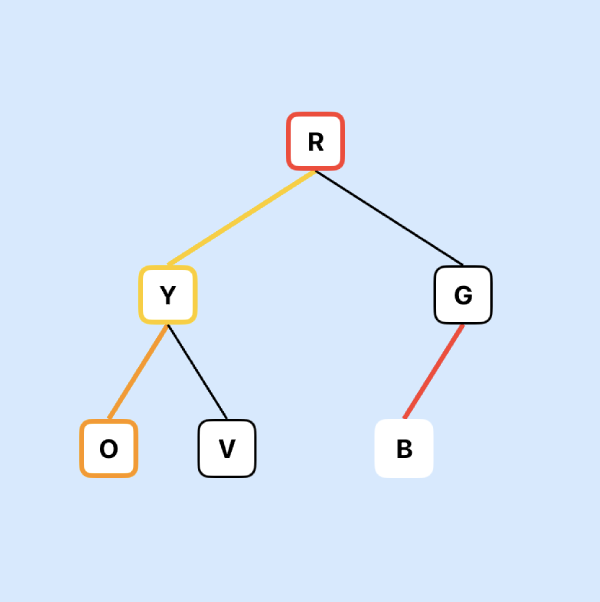
This is the second part on my notes on creating a binary tree using an array in Swift. This is based on reading of Advanced Algorithms and Data Structures by Marcello La Rocca. In this article, I'll implement the code for the priority queue.
Read More -
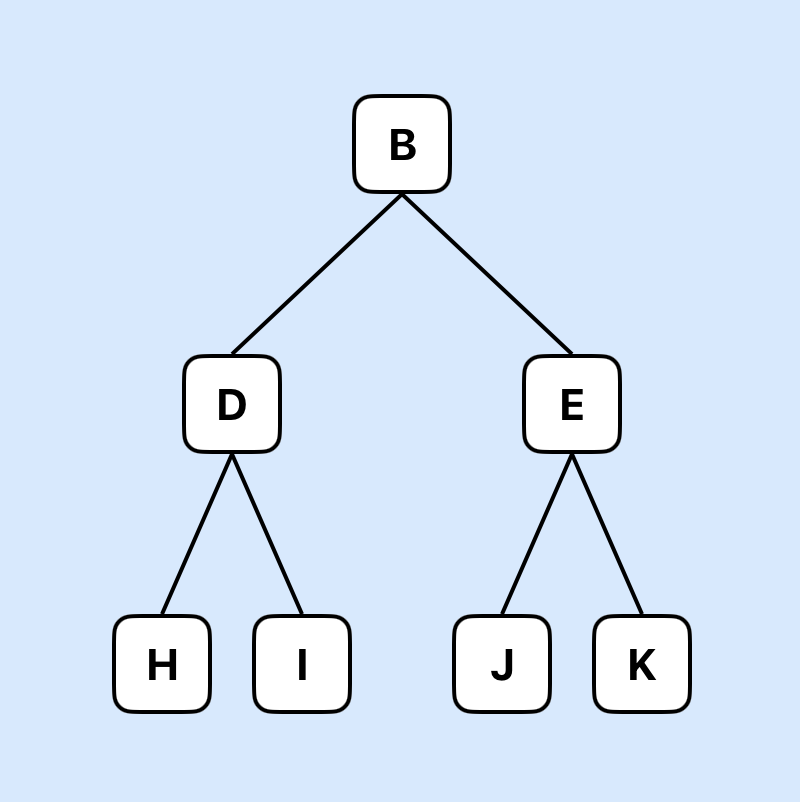
I recently started reading a book on Algorithms and Data Structures by Marcello La Rocca that I find fascinating. I'm going to take a deep dive into chapter 2 and adapt the pseudocode to implement a priority queue in Swift. This article will look at the properties of a priority queue and how this can be implemented …
Read More -
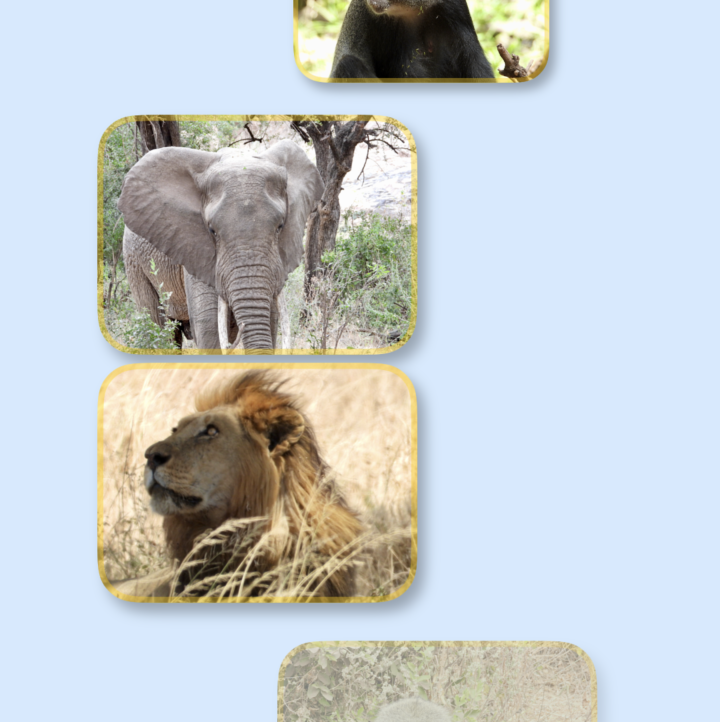
Apple added scroll transition effects in iOS 17 that allow items behavior to be animated as they scroll into and out of view. There are a number of attributes that can be modified such as size, visibility as well as rotation of the object.
Read More -
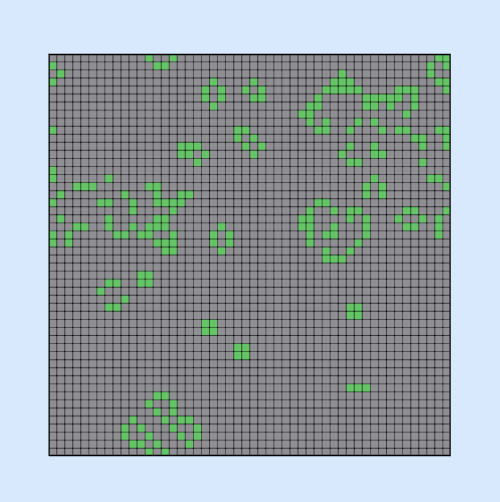
I thought it would be fun to look into creating Conway's Game of life in SwiftUI over the holidays. Conway's Game of life is an automatic game consisting of a 2D grid where cells are either alive or dead. The state of each cell in the next iteration is based on the cells around it in the current iteration following …
Read More -
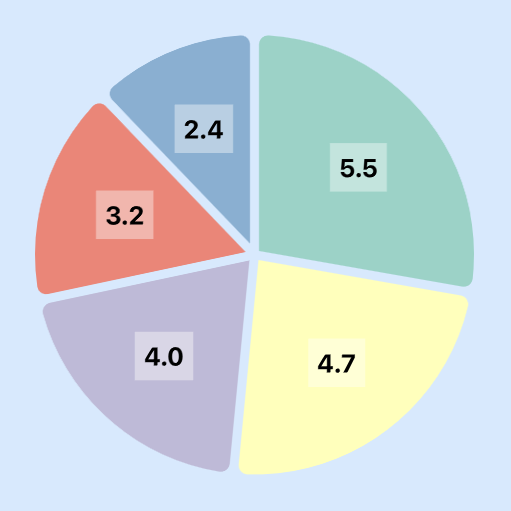
A pie chart is a circular graph that represents data as slices of a whole. Each slice, or “wedge”, represents a portion or percentage of the whole data set. Pie charts can be used to show the composition of a categorical data set, where each category’s size is proportional to its percentage of the whole. This article …
Read More -
Animating the background of an app with a color gradient in SwiftUI can be a great way to enhance your app. By animating a change in the color gradient of the background, you can make your app feel more dynamic and engaging. One way to achieve this effect is by using AngularGradient to keep the background moving. …
Read More -
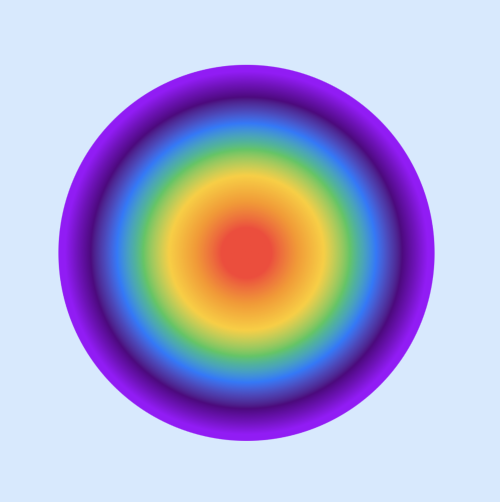
RadialGradient in SwiftUI is used to create a color gradient of two or more colors where the colors change as distance increases from a center point outwards. The colors are scaled to fit within the defined start and end radii.
Read More -
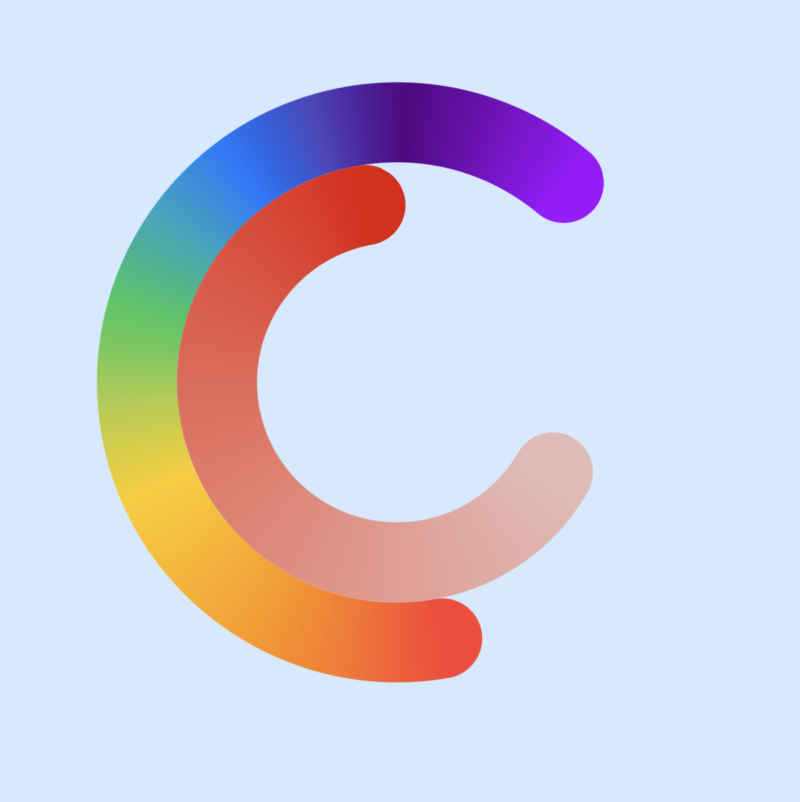
AngularGradient in SwiftUI is used to create a color gradient of two or more colors where the colors radiate around a center point. The AngularGradient object is initialized with an array of colors that are shown in order around a center point. SwiftUI automatically interpolates between the colors as it goes around the …
Read More -
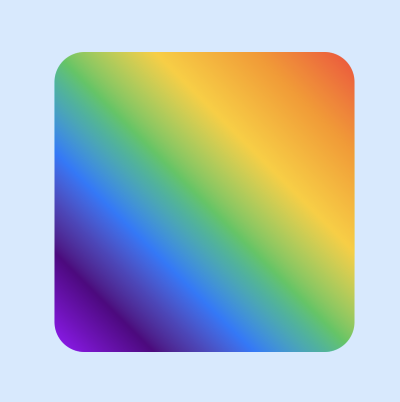
LinearGradient in SwiftUI is used to create a gradient color effect of two or more colors. It is used to fill an area or object with a linear color transition from one point to another in a straight line. This article explores the use of LinearGradient and how to use it to improve the color tip on the color pencil.
Read More -
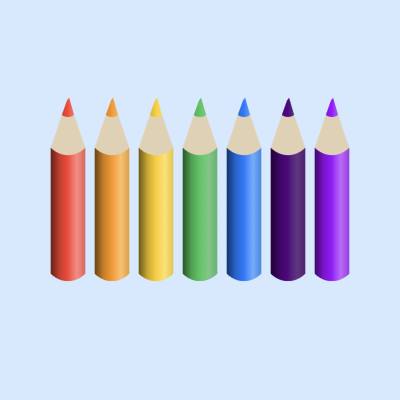
SwiftUI can be used to simulate real-world objects, such as selecting a color by selecting a specific colored pencil rather than from a colored rectangle. This can provide a more intuitive user experience, especially in a drawing or note-taking app. This article defines a SwiftUI view for a color pencil using the Path …
Read More