If requested by emergency services you can use Emergency SOS Live Video to stream live video or upload existing photos and videos to emergency services.
Note: Emergency services can retain a copy of the live video you stream and keep any videos or photos you share.
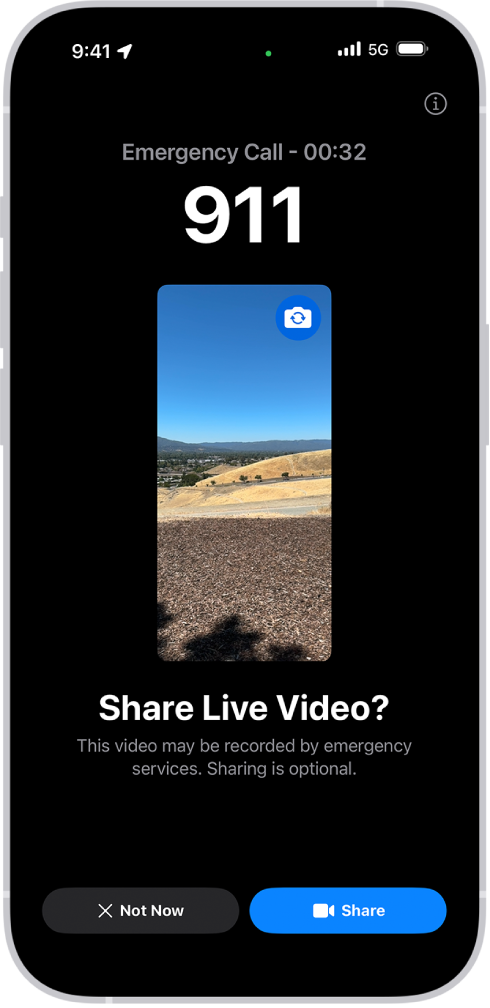
If you get a request to share video or photos while on an emergency services call, do any of the following:
Share live video: Tap Share when prompted to begin streaming live video to emergency services. You can pause or restart sharing at any time by tapping the Camera button. You can stop sharing at any time by tapping
 , and then tapping Stop Sharing Camera or End Call.
Share existing photos or videos: Tap Choose when prompted, then select the photos or videos you want to send to emergency services.
Decline: Tap Not Now when prompted if you don’t want to share videos or photos with emergency services.
Note: Emergency SOS Live Video is available on iPhone 14 or later, is subject to device limitations, and may not be available in all situations.