Some keyboard layouts are only available in certain countries or regions.
If you need keyboard replacement or repair, contact Apple or a service provider.
Find the key that has the word “return” or the return-left symbol  printed on it. The key should look like one of the options below:
If your Return key looks like one of the images below, you have an ANSI keyboard:


If your Return key looks like one of the images below, you have an ISO keyboard:

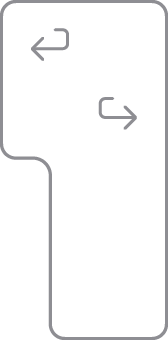
If your Return key looks like the image below, you have a Japanese keyboard:
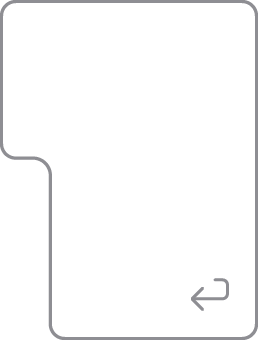
Find the Tab key or the key with the tab symbol  . The Q key to the right should look like one of the options below and will help you to identify your keyboard layout:
(if the Caps Lock key is below the Tab key)

(if the 中/英 key is below the key)


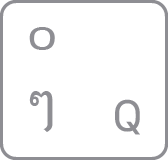

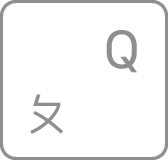
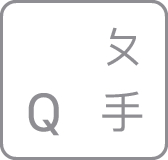
Find the Tab key or the key with the tab symbol . The key to the right should look like one of the following options and will help you identify your keyboard layout:







The key to the right of the L key should look like one of the following options and will help you identify your keyboard layout:










Find the key with P printed on it. The key to the right should look like one of the following options and will help you identify your keyboard layout:






Look at the keys near the upper-left corner of the keyboard. The keys should look like one of the following sets and will help you identify your keyboard layout:




Published Date: