Seamless selling from one location to one hundred
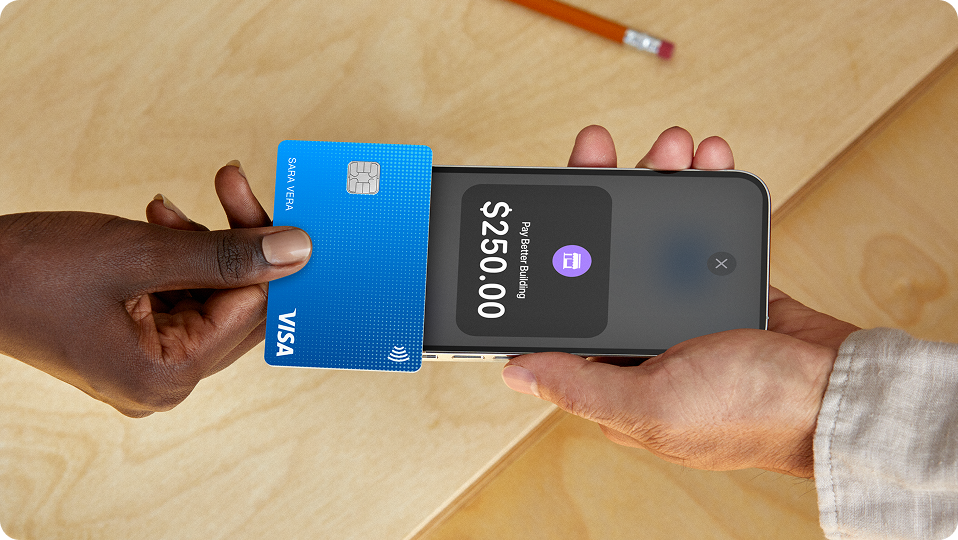
Take any payment
Get paid in person, online, or over the phone, then access your revenue instantly.¹ Make checkout a breeze with features that help you keep the line moving.
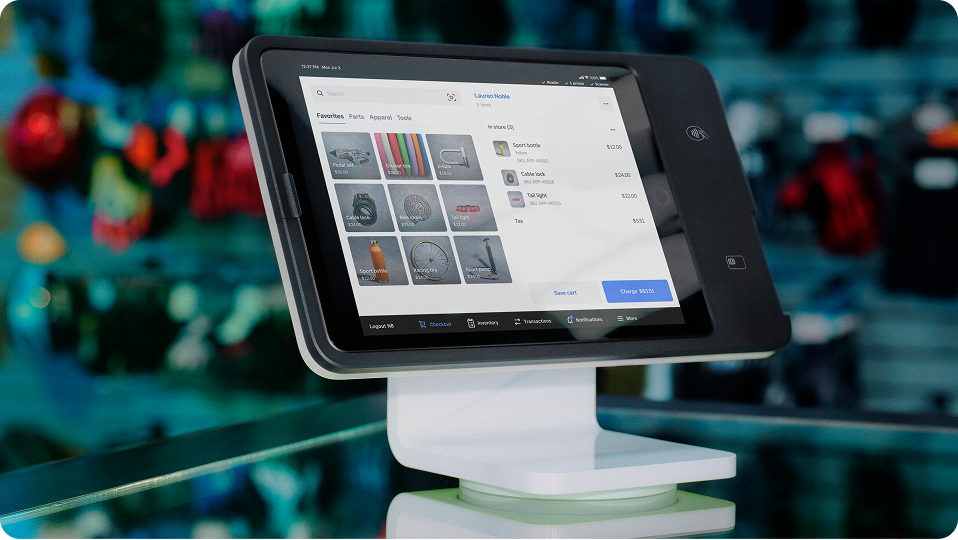
Sell anything
Add menu items, products, services, or custom packages to a single item library. Ring up sales quickly with a custom item grid, and always know what’s in stock.

Move fast and stay organized
Get up and running quickly with an intuitive POS that’s easy to use for you and your team. No training required.
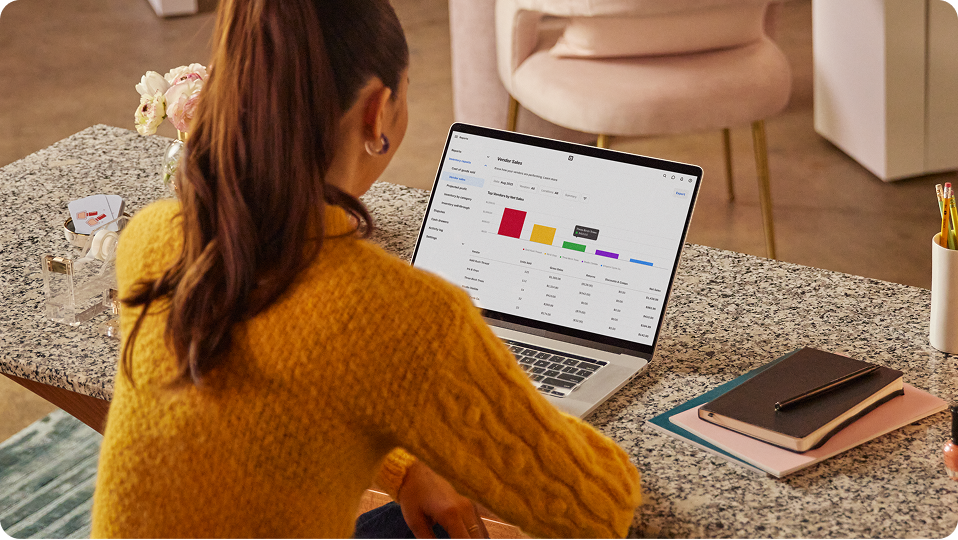
Learn and grow with each sale
Get real-time data and business insights on all aspects of your business — your sales, your team, and your customers.
Hardware to upgrade your every day
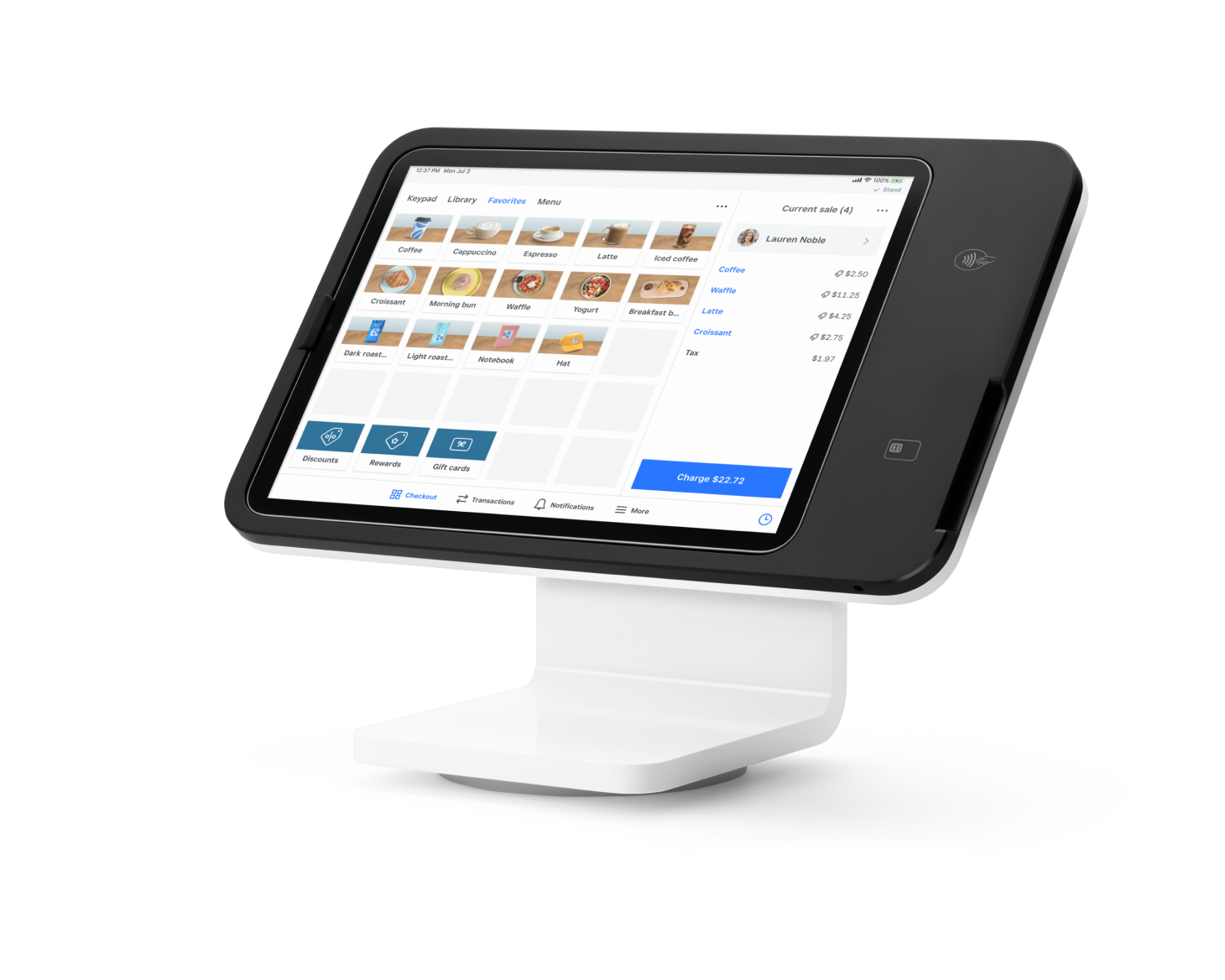
Square Stand
Simplify checkout in just one swivel with an iPad POS you already know how to use.
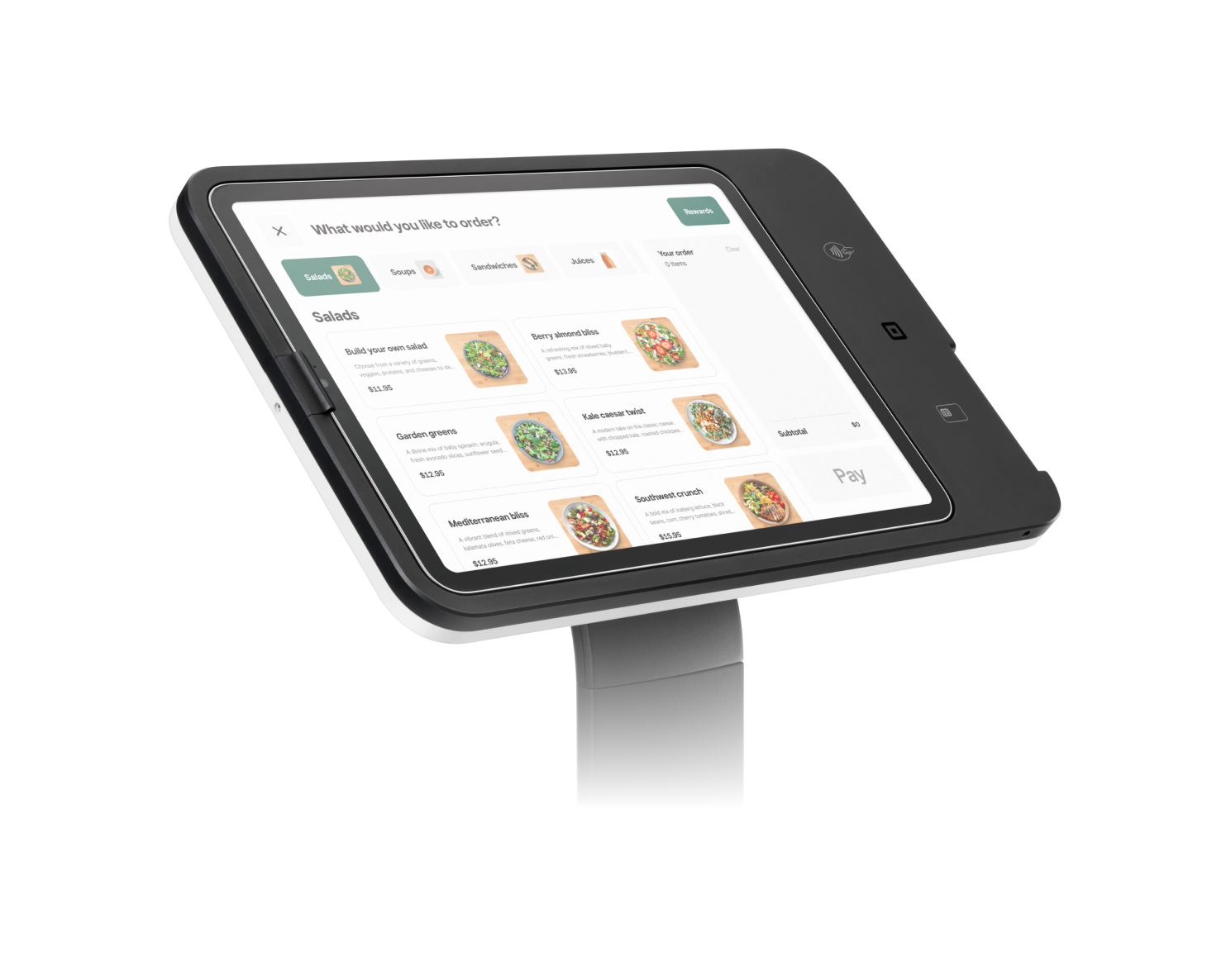
Square Kiosk
Bust lines and free up staff with an iPad-run kiosk that you can set up entirely on your own.
Choose the value-packed plan that fits you best
No locked-in contracts. Upgrade or cancel anytime.
Business essentials to start selling in-person, online, over the phone, or in the field. Only pay when you take a payment.
If you process over $250,000 per year, talk to our team to see if you’re eligible for custom pricing and processing fees. You can also ask about hardware discounts, onboarding and implementation support, technical specialists, and account management.
-
A POS system, or point-of-sale system, is a combination of hardware and software that enables businesses to accept payments, track sales, manage inventory, and more from a single platform. It's the central hub where a customer completes a purchase and the business processes the transaction. Most modern POS systems typically include:
• A touchscreen or device to ring up sales
• Payment processing (via hardware like card readers, or through contactless payments like Tap to Pay on iPhone or Android)
• POS software for managing inventory, sales, reporting, and customer data
• Optional accessories like barcode scanners, receipt printers, and cash drawers
POS systems are used across retail, restaurants, salons, and service-based businesses to streamline checkout, simplify operations, and improve business insights.
Square’s all-in-one POS solution is easy to set up, personalized for your industry, and built to scale with your business — from a single location to many stores across the globe.
-
Download the Square Point of Sale app to get started. Build up your item library or simply ring up custom amounts to start taking payments today. The single app is built to serve any type of business, no matter how big or small, with streamlined modes to get you right to the features you need.
-
You can get up and running on your own in just a few minutes. No phone calls required. If you need help or want to speak with our team, you can always contact sales.
-
When setting up your POS, select a mode to get quick access to features for your business type, from small businesses to complex operations. If you’re switching gears, it’s easy to switch between modes on your POS system. Square POS has a standard mode with all the essential POS features, as well as modes built for different industries: bars, quick- and full-service restaurants, retail, health and beauty, and professional services. Whether you need table and course management, invoicing, or booking, it just takes a tap to customize your POS system with the right features.
-
Of course. You can upgrade, downgrade, or cancel your plan anytime. With Square there are no hidden fees or lock-in contracts.
-
Nope. Hardware is not required to take payments with Square Point of Sale. You can accept contactless payments with just your phone using Tap to Pay on iPhone or Tap to Pay on Android. You can also key in a customer’s credit card over the phone.
¹Instant availability requires a Square Checking account. Funds generated through Square payment processing services are generally available in the Square Checking account balance immediately after a payment is processed. Fund availability times may vary due to technical issues.
Instant availability does not apply to funds added to the Square Checking account via ACH transfer. ACH credit transfers to your account may take 1–2 business days.
Block, Inc. is a financial services platform and not an FDIC-insured bank. FDIC deposit insurance coverage only protects against the failure of an FDIC-insured deposit institution. If you have a Square Checking account, up to $250,000 of your balance may be covered by FDIC insurance on a pass-through basis through Sutton Bank, Member FDIC, subject to aggregation of the account holder’s funds held at Sutton Bank and if certain conditions have been met.
²Offline payments are processed automatically when you reconnect your device to the internet and will be declined if you do not reconnect to the internet within 24 hours of taking your first offline payment. By enabling offline payments, you are responsible for any expired, declined, or disputed payments accepted while offline. Square is unable to provide customer contact information for payments declined while offline. Offline payments are not supported on Square Reader for contactless and chip (1st generation, v1 and v2). Learn more about how to enable and use offline payments here.
³Instant transfer requires a linked bank account or supported debit card and costs a fee per transfer. Funds are subject to your bank’s availability schedule. Minimum amount is $25 and maximum is $10,000 in a single transfer. New Square sellers may be limited to $2,000 per day. Fund availability times may vary due to technical issues