Stay up to date with
Google Calendar
From automatically updating your
Slack status to getting up-to-the-minute
reminders, keep your calendar
top of mind without leaving Slack.

Build a bridge between Google Calendar and Slack. Respond to invites, get a heads up before meetings start, and automatically set your status to show when you're busy.

Show teammates when you're busy
Tired of getting pinged when you are in a meeting?
Automatically update your status in Slack so your
teammates know why you might be slow to respond.

See your schedule
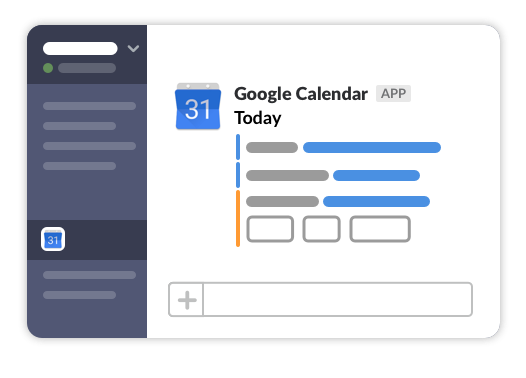
Get a daily rundown of your schedule
delivered each morning or a night in
advance. Or quickly reference today or
tomorrow's schedule from anywhere with
/gcal today or /gcal tomorrow.

RSVP ASAP and get reminders
Keep your calendar up to date with a tap or click. Review invite details, see conflicting meetings, and give a “Yes,” “No” or “Maybe” in Slack. And when a meeting is about to start, practice your punctuality with a friendly reminder before a meeting begins.

Put the "meet" in "meeting"
If you're calling in, join meetings with a tap or click (currently supported by Google Hangouts and Zoom). Or get to where you're going with the time and location listed in Slack.

How to setup
Google Calendar

Step 1
Install
Google Calendar by clicking the
Add to Slack
button
Step 2
Connect your account and select your calendar with the
Connect an Account button.
Connect an Account
Step 3
Voila! Your calendar awaits.
Use the
/gcal
slash command
to see your schedule or customize your notification
preferences.
