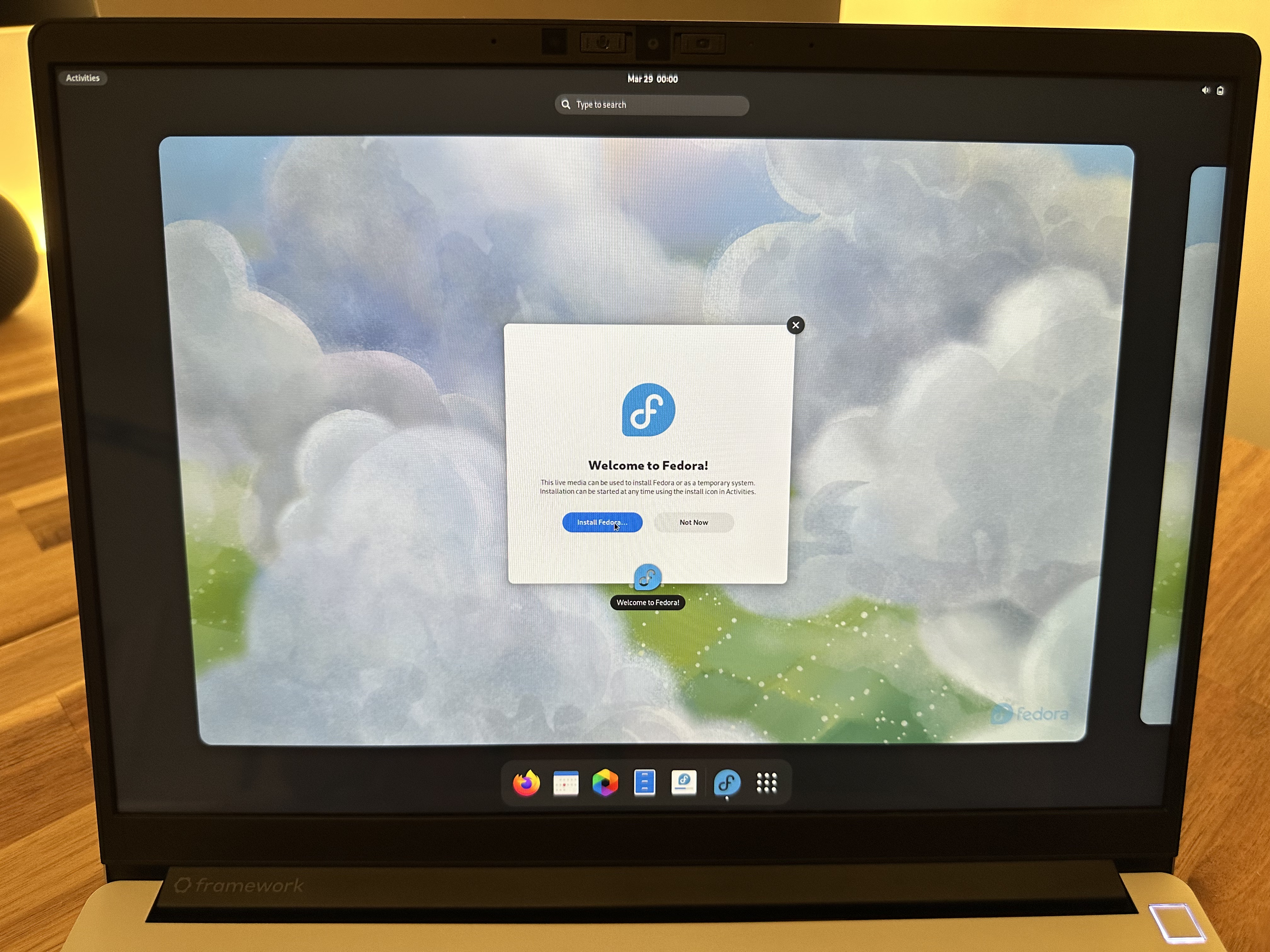
I picked up a Framework - Laptop 13 (11th Gen, DIY edition) and finally got around to setting up Fedora (v38) on it. I went with Fedora for a few reasons…
- It’s one of the supported Linux distros for Framework.
- I’ve never used Fedora (though I have some professional experience with Red Hat), so it seemed like a good opportunity to learn.
- The supported alternative was Ubuntu, which people are not happy with right now.
- Ideologically, I’m starting to move towards less-corporate, less-big-tech, less-centralized, open-source platforms and products. Framework fits this pretty well in addition to championing sustainability, repairability and upgradeability. Sweet!
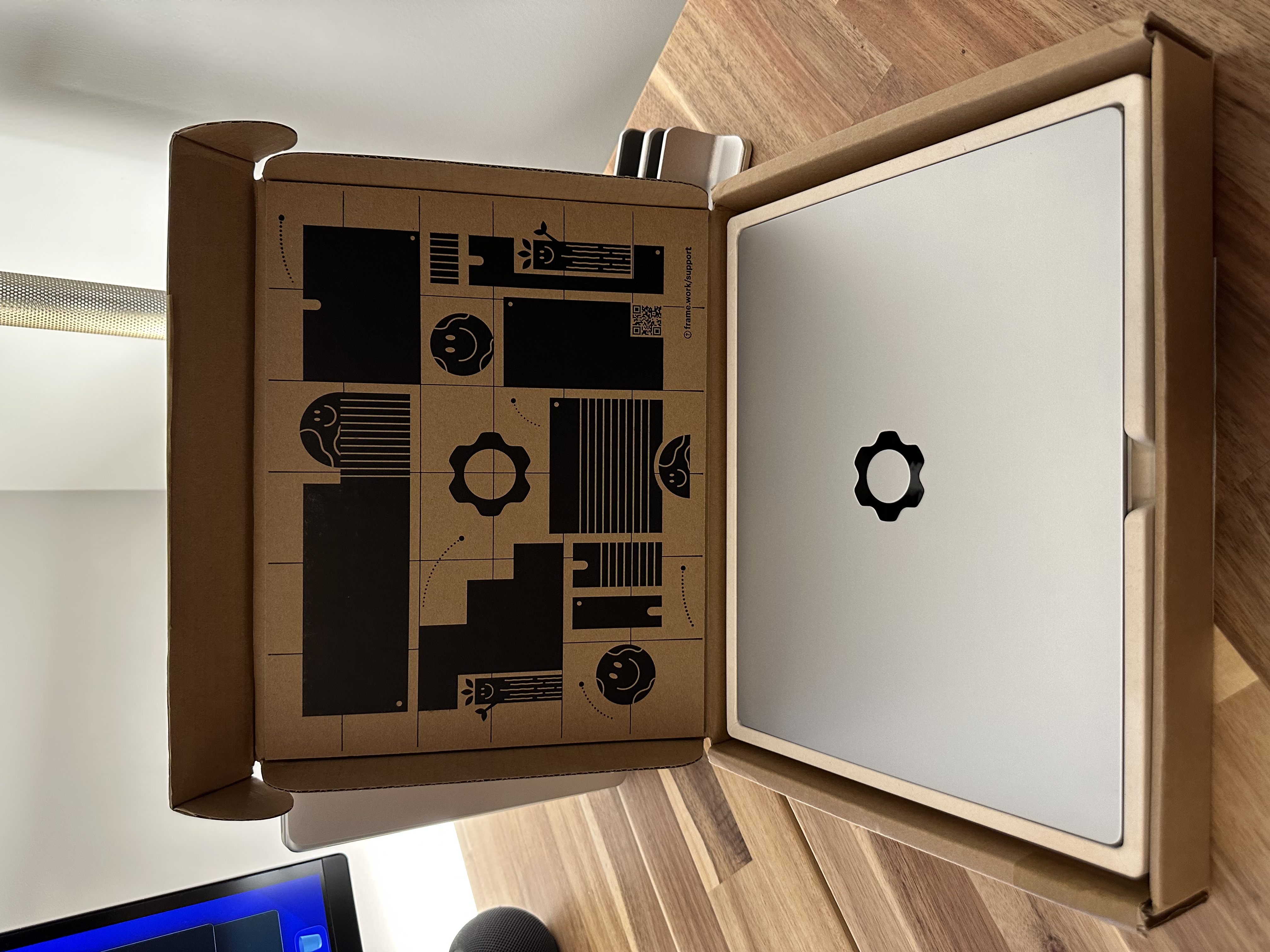
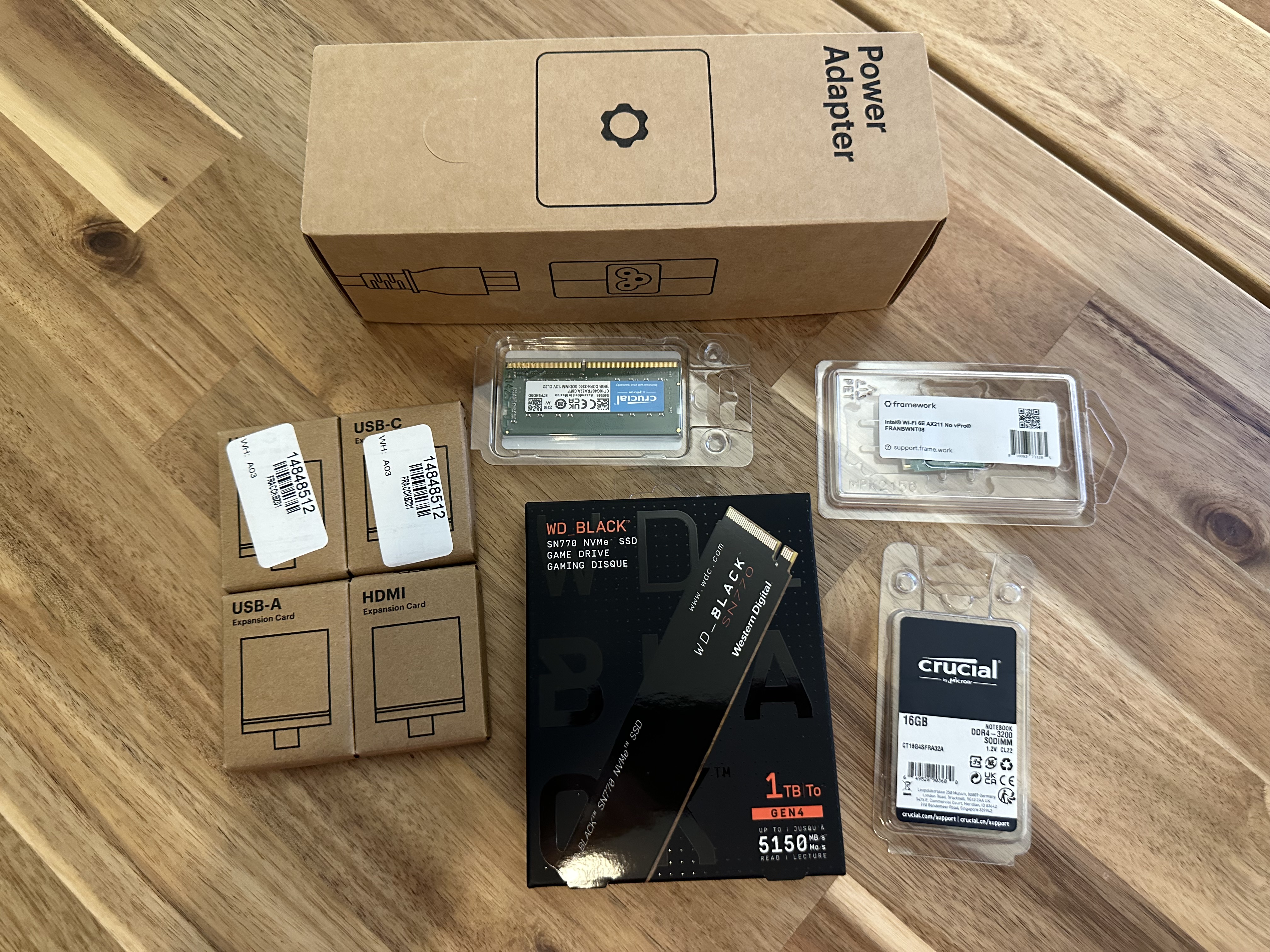
Set-up was incredibly easy! I purchased a refurb model to save a little $$, a few expansion cards (2x USB-C, 1x USB-A, 1x HDMI), two 16GB memory sticks, 1TB SSD and a Wi-Fi card.
One thing missing from the box was the Framework Screwdriver, which for installing the components is really important! Thankfully, the screwdriver itself is just a T5/PH0 Torx and I fortunately had one on hand. Next, I opened it up!
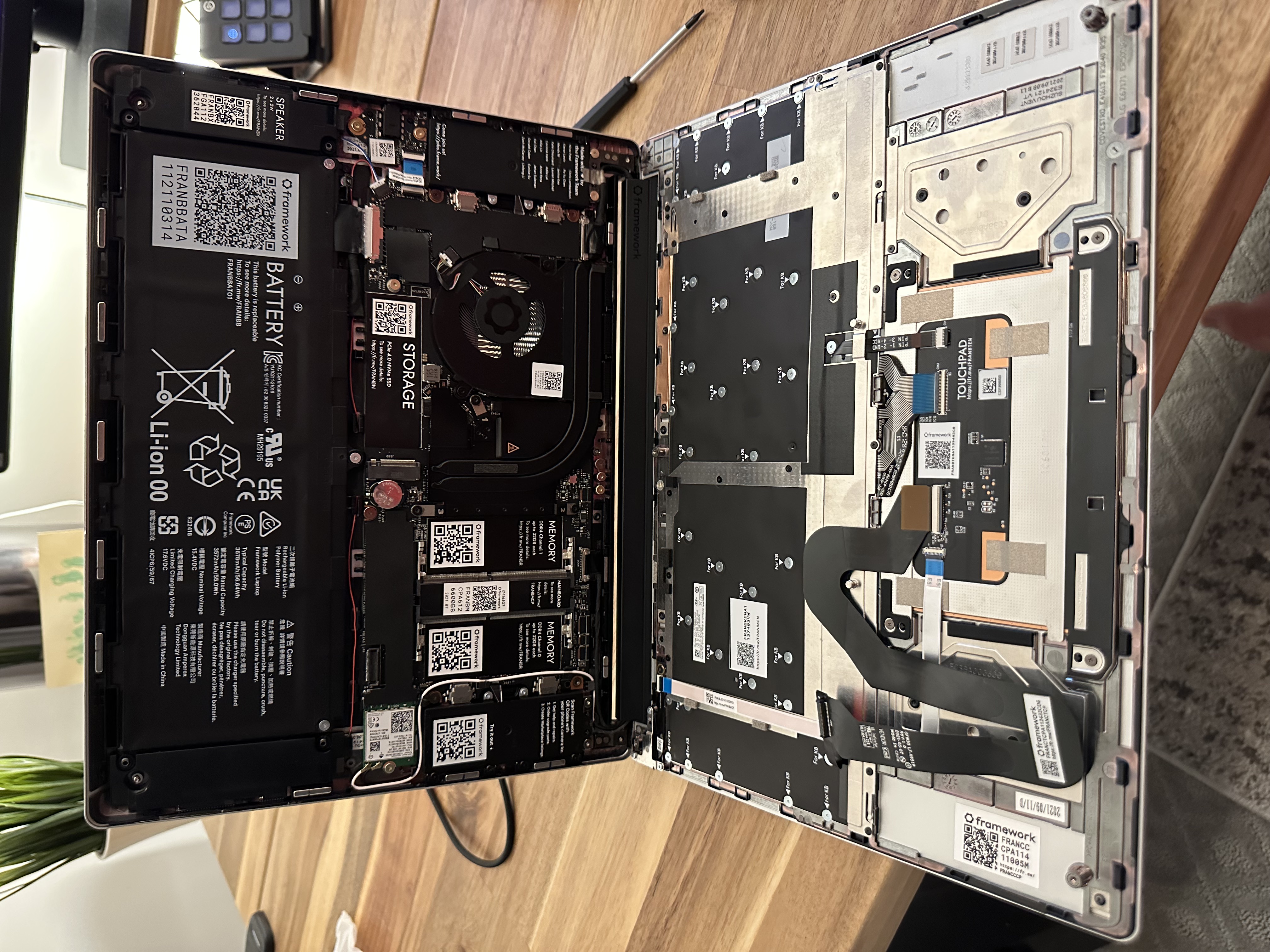
I’m no DIY, self-repair ninja - not even close. But even for me, the process of opening the laptop up, locating everything and then installation was all way too easy. After seating everything, I smushed it all back together, plugged it in and powered it on. I created a bootable USB for Fedora 38, loaded right into the live CD and installed the OS, all very quickly! A quick restart and I had the Framework+Fedora bootscreen.
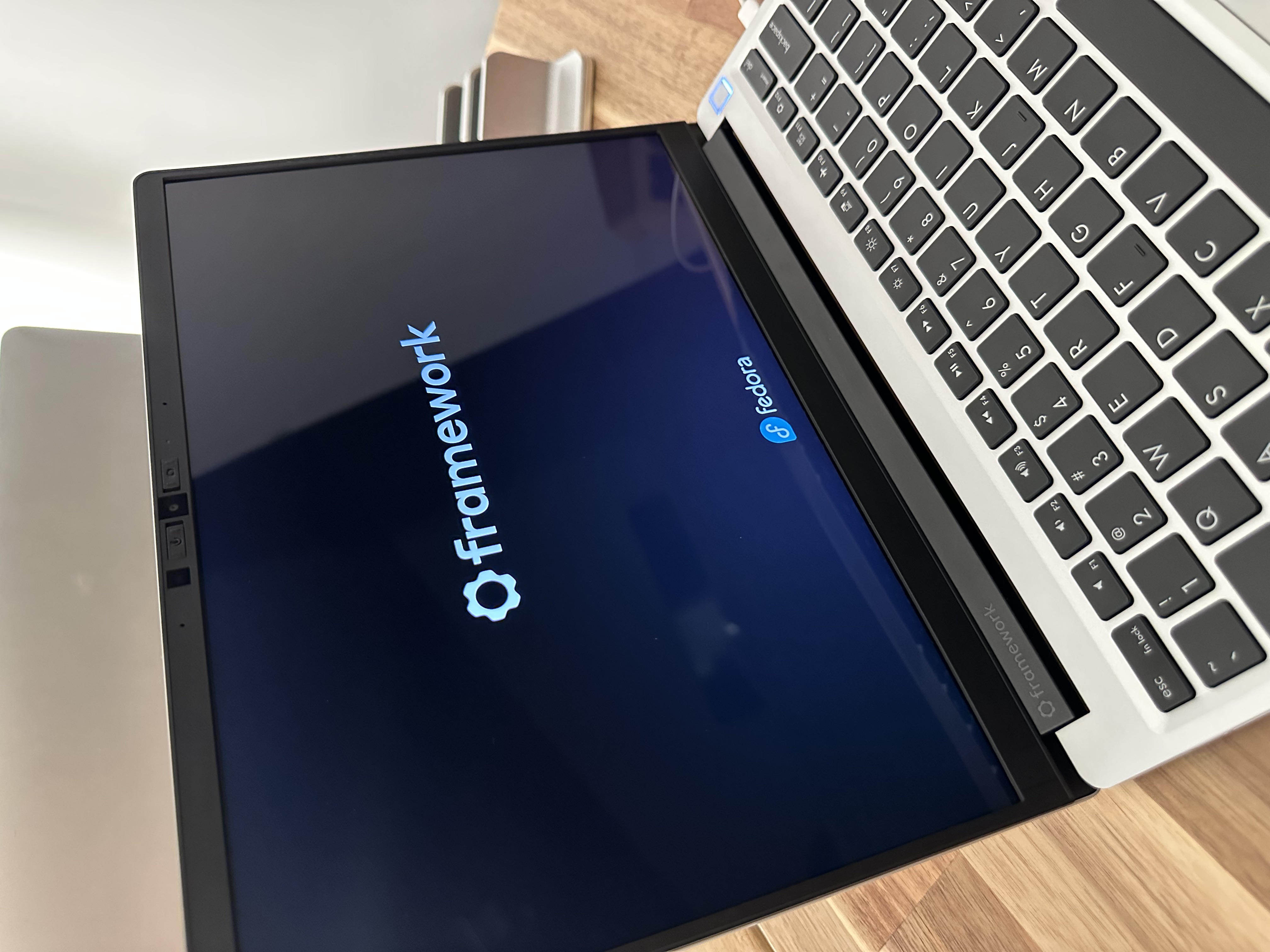
Moments later, it’s time to party =).