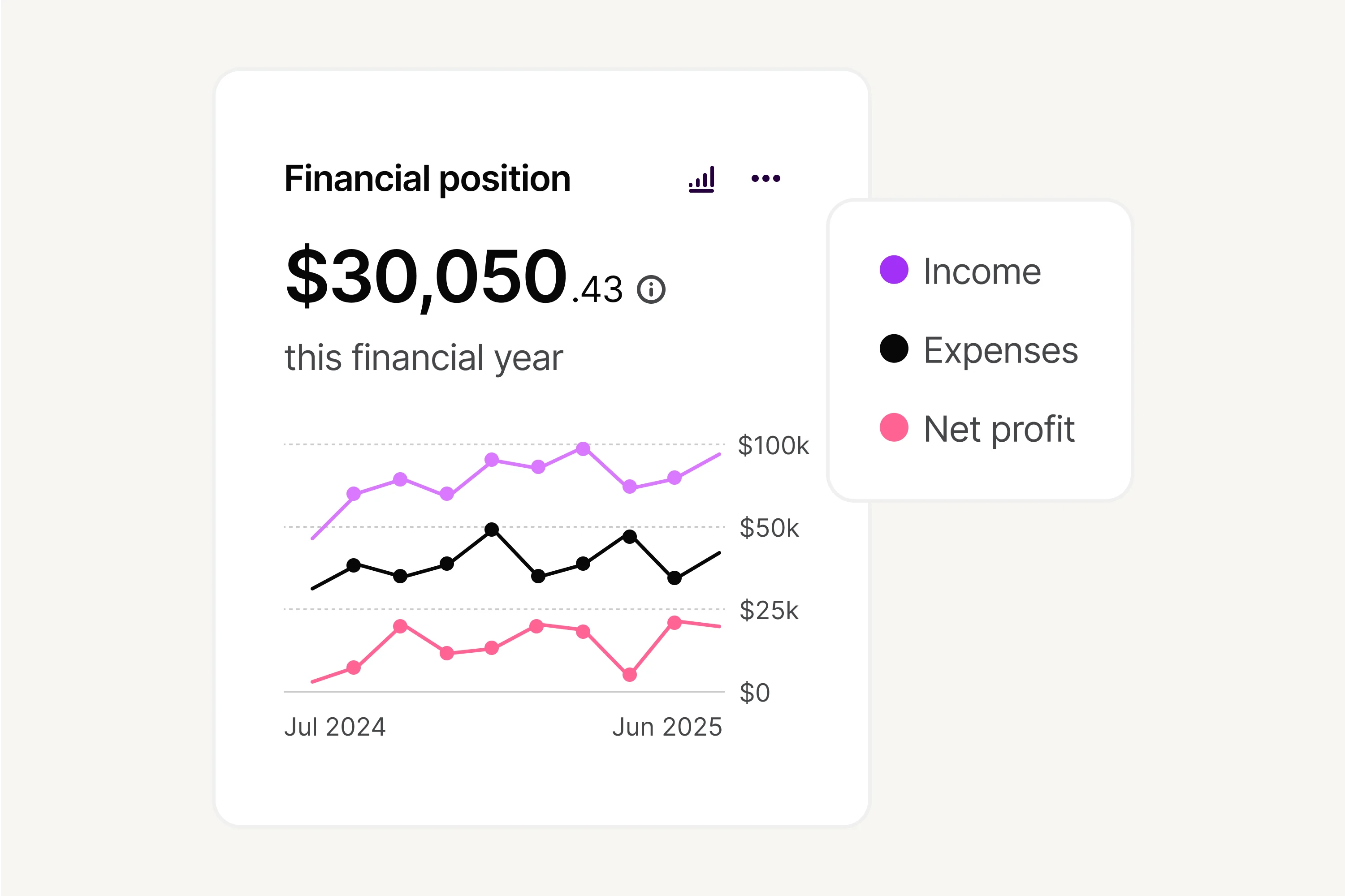
See exactly where your money’s going
View income, profits, and expenses at a glance with a customisable dashboard and informative graphs
Link bank accounts for a comprehensive overview of your financial activity
Budget better with views on monthly income vs expenses, daily cash flow, and overall financial position
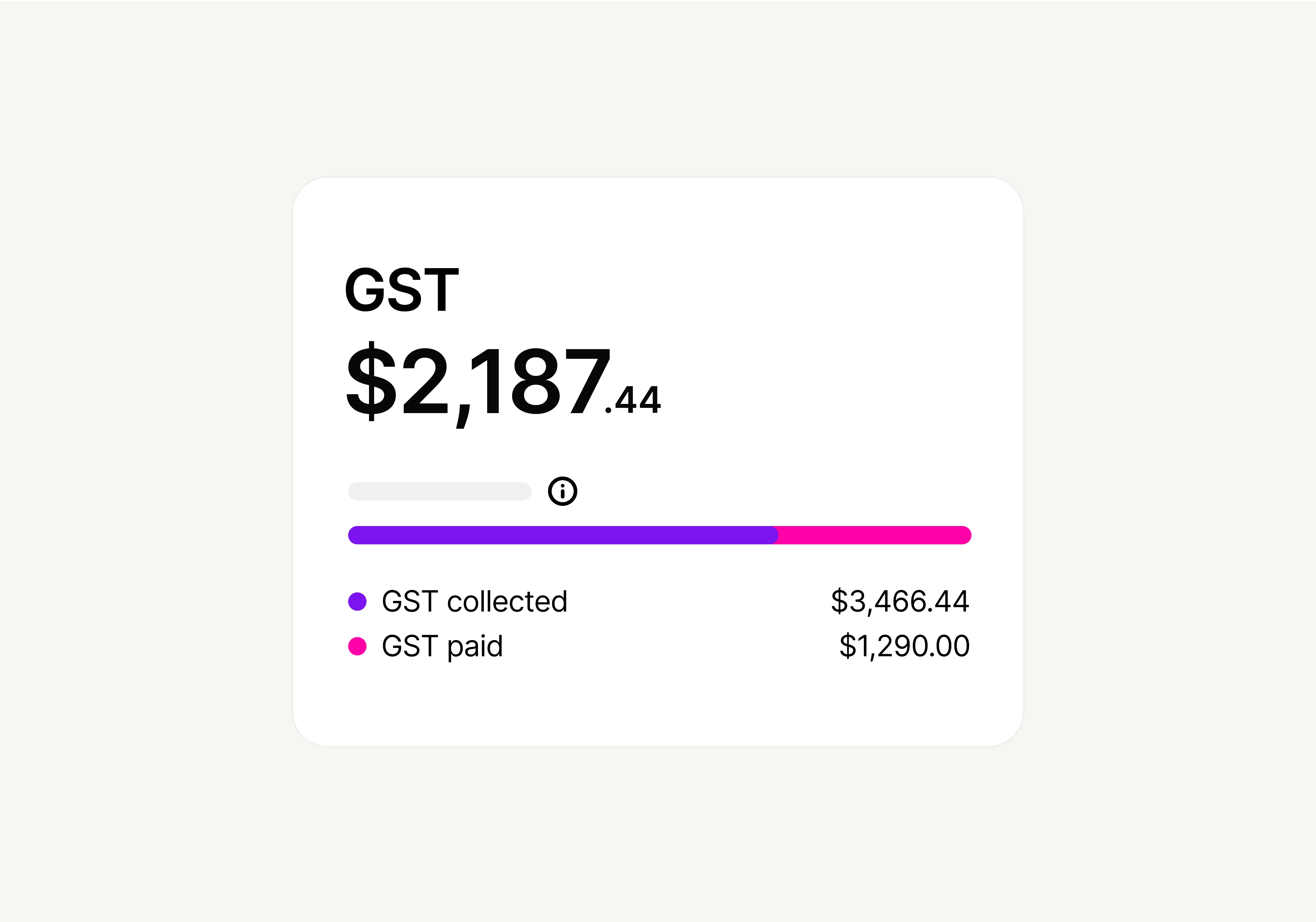
Maintain compliance and accuracy
Automatically calculate, record, and pre-fill GST amounts in your BAS to make reviewing and lodging less of a headache.
Create BAS reports and send them directly to the ATO – all in the software
Let your accountant, bookkeeper, advisor, or business partner access your software at no extra cost
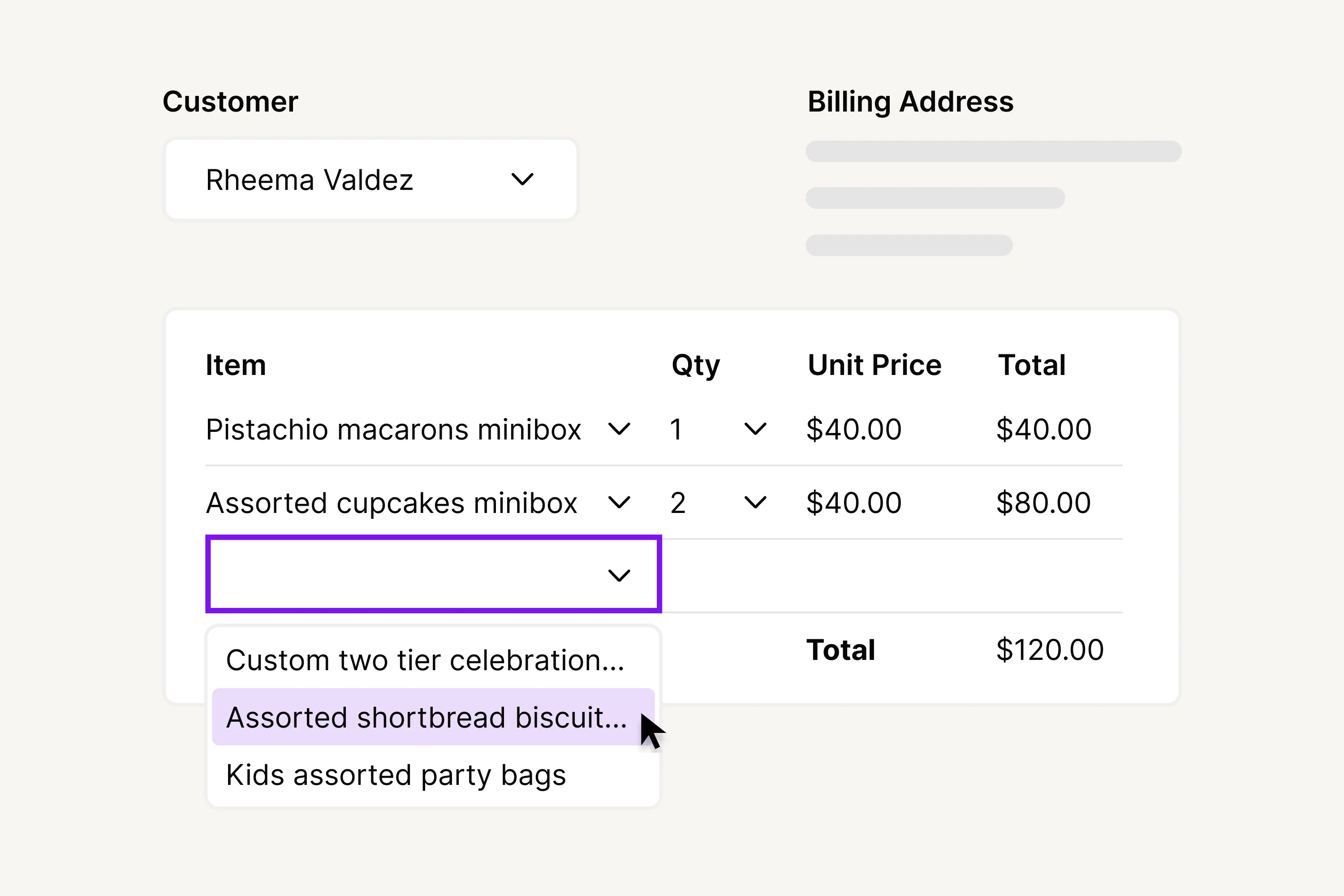
Create and send in seconds
Generate professional quotes and invoices with your own colours, logos, and pre-saved pricing
Set up invoice payment reminders or use smart reminders powered by AI to avoid awkwardly chasing payments
Let customers pay online securely and conveniently in just a few clicks
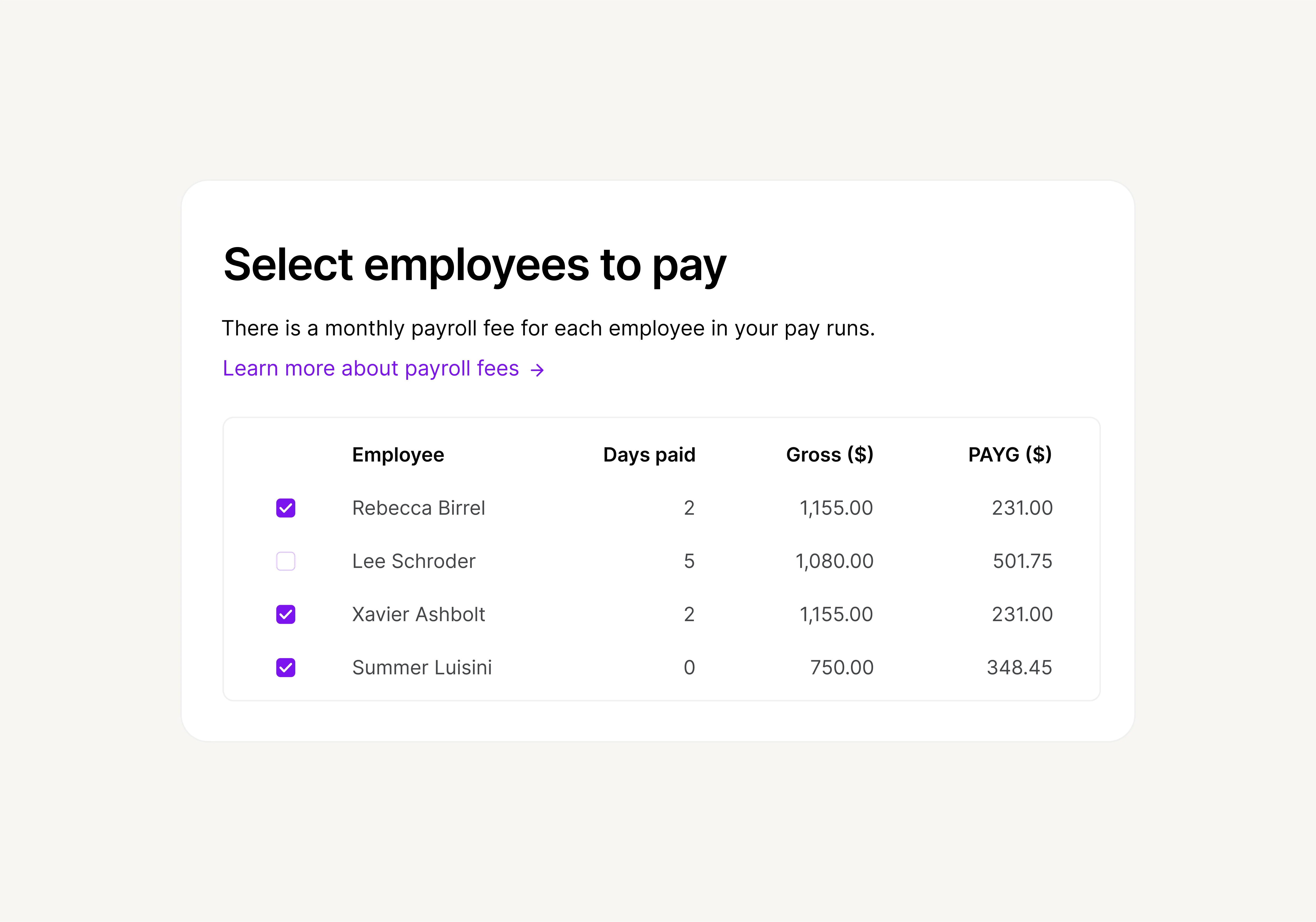
Automate payroll and reporting
Skip manual entry with Single Touch Payroll (STP) reporting built in
Automatically calculate super, PAYG, and leave entitlements
Empower your employees to onboard, access rosters, download payslips, and submit leave with the self-serve MYOB Team app
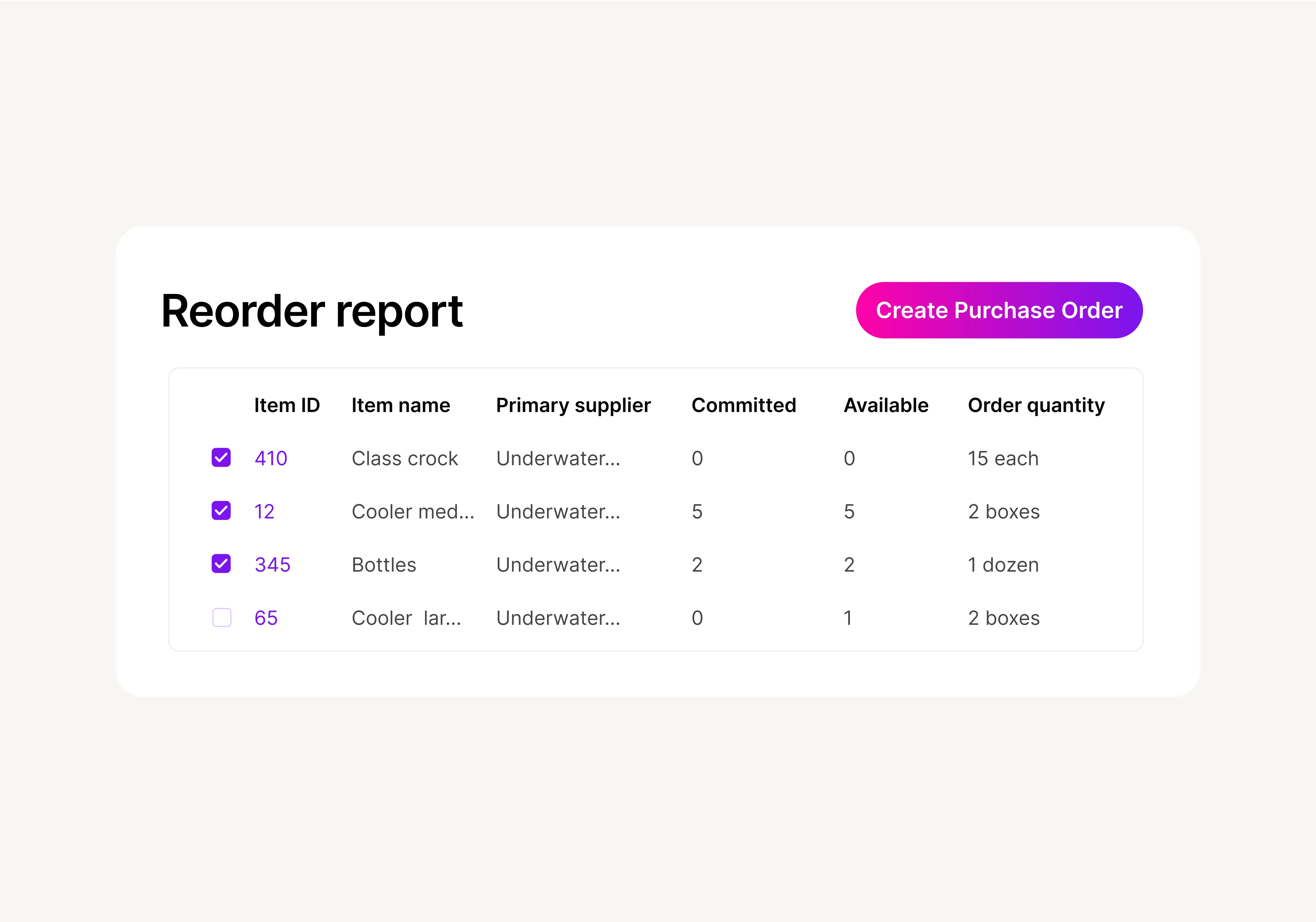
Track stock and help boost margins
Import your existing inventory data or set up new products as needed
Select items to top up, generate purchase orders, and send them off to suppliers – all in the software
Connect MYOB to apps you already use, like Squarespace, Square, and Shopify to effortlessly sync data without manual entry