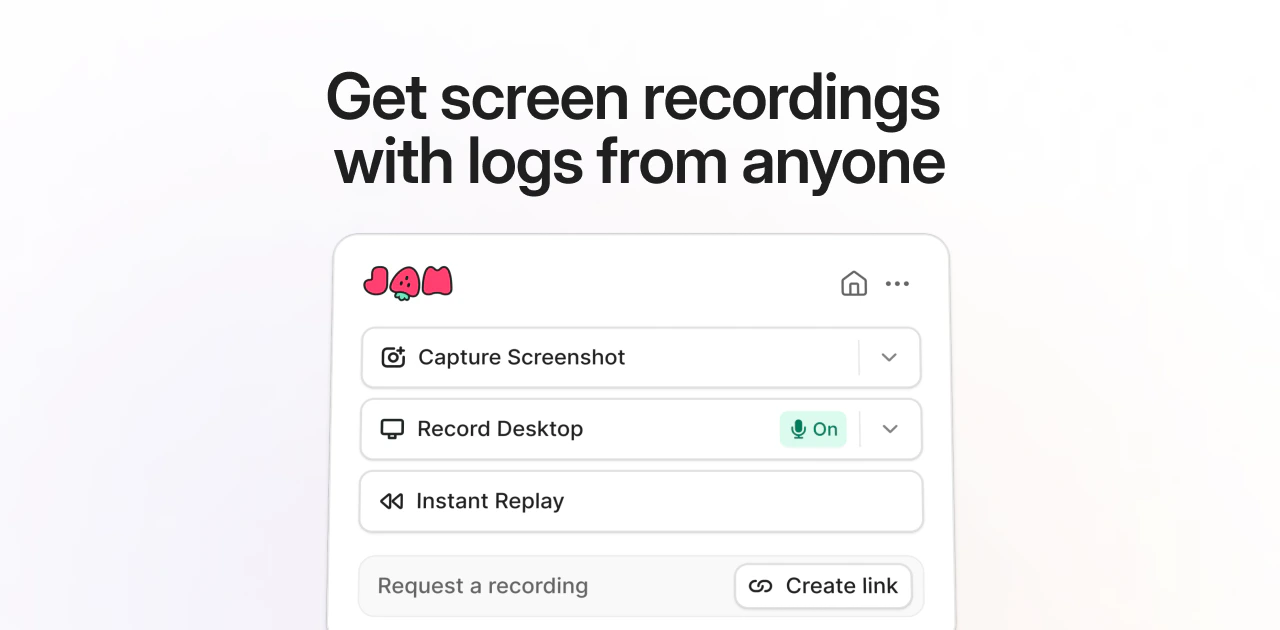
 Jam helps support, product, and engineering teams capture bugs with console logs, network requests, and device info attached. More than 250,000 users already capture bugs this way.
Two ways to create Jams
| Use case | Best for | When to use |
|---|---|---|
| Request a Jam from anyone | Collecting recordings from customers, teammates, or external collaborators | Customer bug reports, async user feedback, or remote debugging with your team. |
| Record a Jam yourself | Capturing issues while working | Testing your own product, documenting bugs during development, or capturing issues in real time. |
What gets captured automatically
Every Jam automatically captures essential debugging information.
Customization options
Jam’s default capture covers the essentials. You can extend it with custom logs and integrations.
Jam SDK
- Custom logs. Push additional context from your app into Jam with a single function call.
- Recording links with console logs. Configure Recording Links to capture console and network logs from customers, with no install required on their end.
Integrations
Jam connects to the tools your team already uses: send Jams to your issue tracker, request recordings from customers through your support desk, and pull in error tracking and session replay context. See the integrations overview for the full catalog.