CalendarBridge is four tools that work together to tame multiple calendars. Tell us what you're trying to do, and we'll point you to the right place.
CB CalendarBridge Team Updated July 2026 3 min read
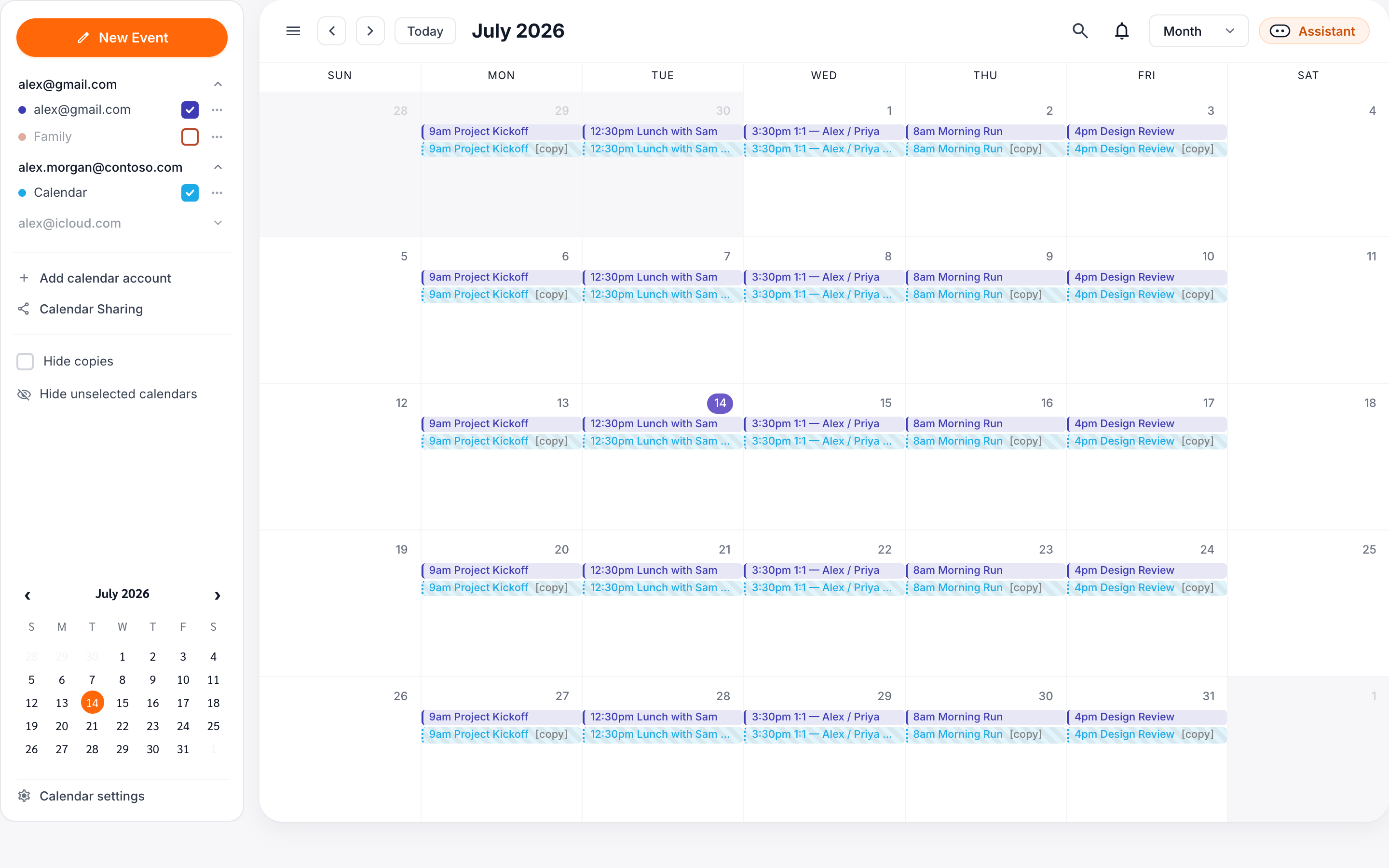
What is CalendarBridge?
One foundation — your connected calendars — and four tools you can use in any combination. Most people use more than one.
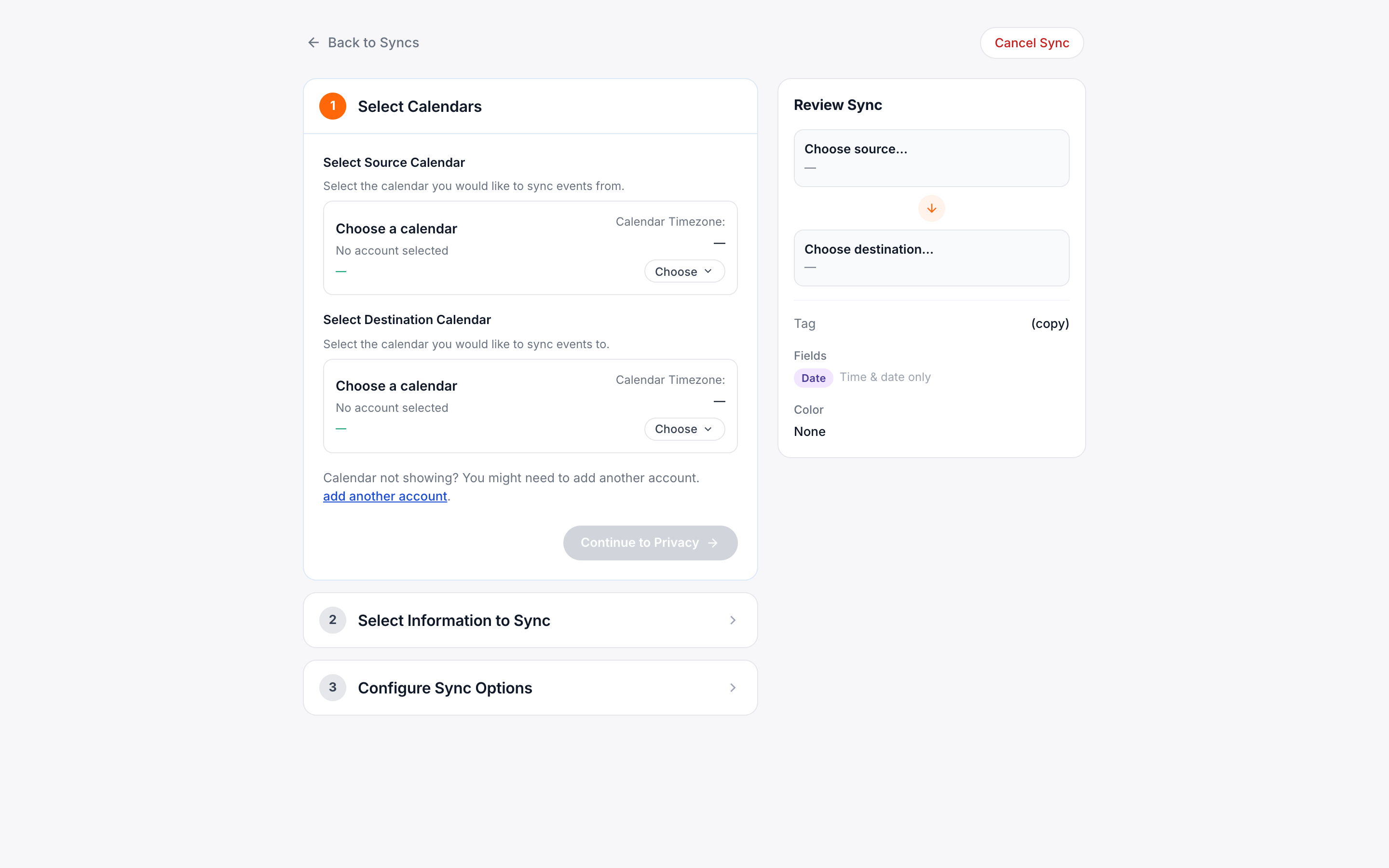
sync
Syncing signature
Mirror events between calendars so you never double-book across accounts you can't merge.
calendar_month
Unified Calendar
See every calendar in one live view — no syncing required.
event_available
Schedulers
Share a booking link that respects all your calendars at once.
auto_awesome
AI Assistant
Schedule, reschedule, and set reminders straight from your inbox.
How they fit together
lightbulb
Your connected calendars are the foundation. Syncing keeps them aligned, and schedulers and the AI assistant read your real availability across all of them — so the more you connect, the smarter everything gets. The Unified Calendar is the one exception: it's a live, view-only window that never changes or stores your data.
Who are you setting up for?
The setup steps differ depending on whether you're configuring CalendarBridge for yourself or rolling it out across an organization.
check_circle Selected
person
For yourself
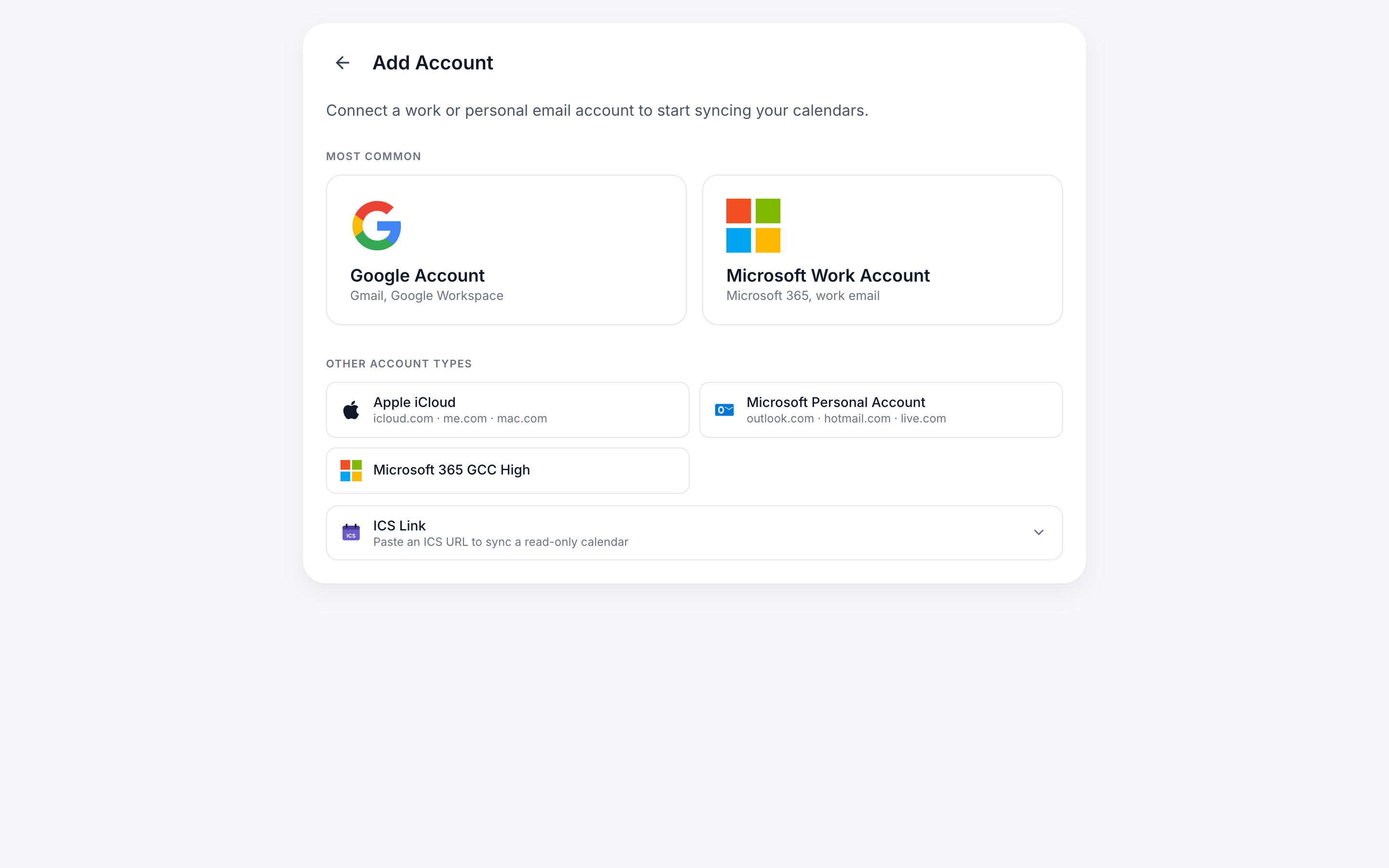
Set up CalendarBridge for your own calendars and pick the tools you need.
- check_circle Connect your calendars
- check_circle Choose syncing, scheduling, calendar, or AI
- check_circle Up and running in minutes
Start here arrow_forward
check_circle Selected
corporate_fare
For your organization
Deploy CalendarBridge across your team with central billing, licensing, and managed setup.
- check_circle Create an organization account
- check_circle Prepare your tenant & authorize access
- check_circle Manage licenses, users & sync connections
Go to the admin guide arrow_forward
Find your starting point
link
New to CalendarBridge? Whichever tool you choose, start by connecting your calendars — it's the one step everything else builds on.