01
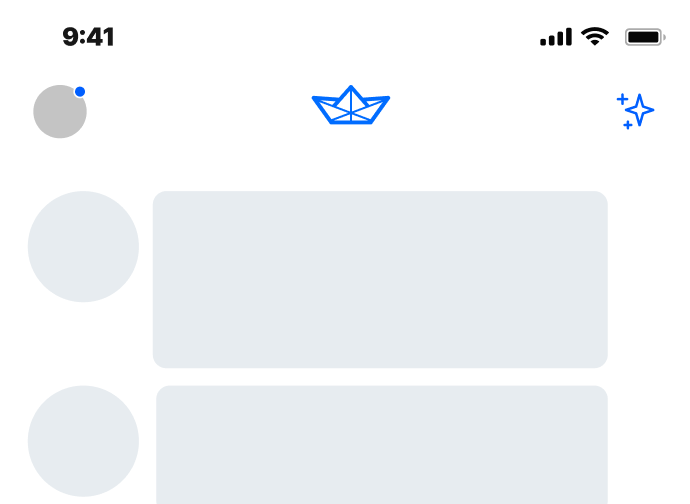
Introduction and Building the Timeline
We'll introduce you to the project and show you how to build the heart of your Twitter app: the home activity feed.
02
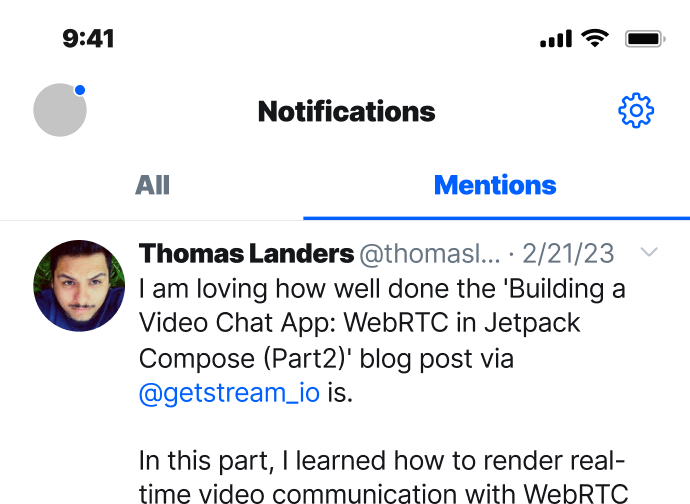
Adding Stream Feeds to the Timeline
Next, we'll add social engagement. This tutorial demonstrates how to enable users to send, receive, subscribe or unsubscribe to the timeline and feeds of others.

03
Support for Media Tweets and Video
A social platform is nothing without media. Next we'll dive into integrating images, audio and video within 'tweets'.
04
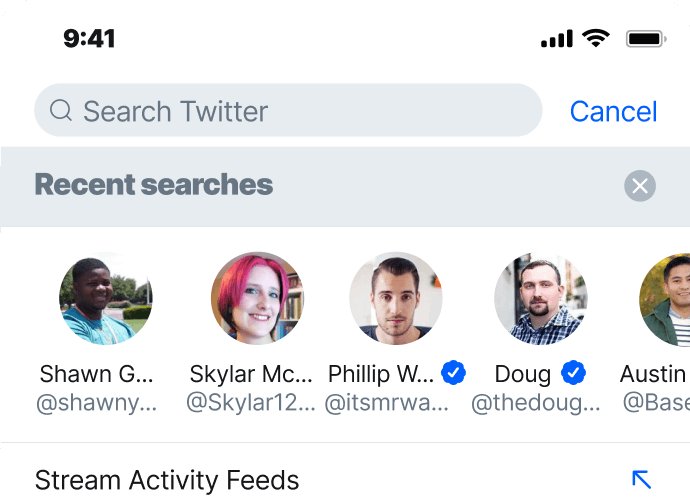
Searching and Following Users
In order for users to follow each other, they need the ability to find each other. Here, you'll learn how to integrate search functionality.
05
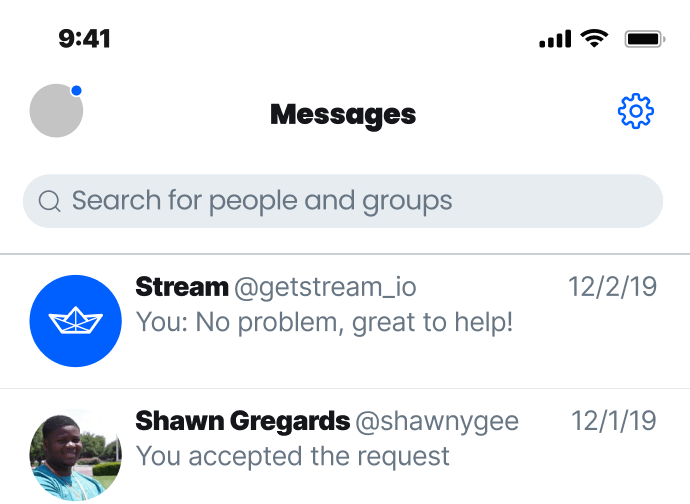
Messaging and DMs
If you want to enable users to start private conversations, you need DMs. Learn how to integrate real-time 1:1 chat messaging.
06
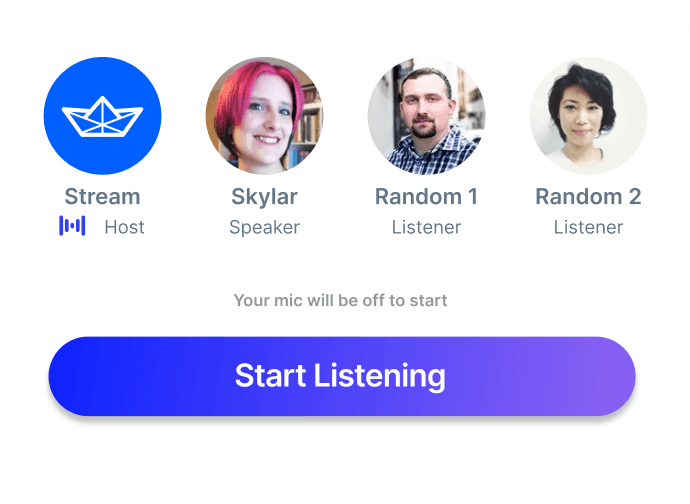
Conversations with Spaces
Next, we'll integrate real-time audio rooms to enable open, authentic and unfiltered discussions through human voice.

07
Twitter Blue with In-app Subscriptions
Monetize your platform with a subscription plan to match. Learn how to support in-app purchases.

08
Wrap up and Conclusion
Now, let's bring it home. In this final tutorial, we'll recap the end-result and cover the pros & cons of using API components.