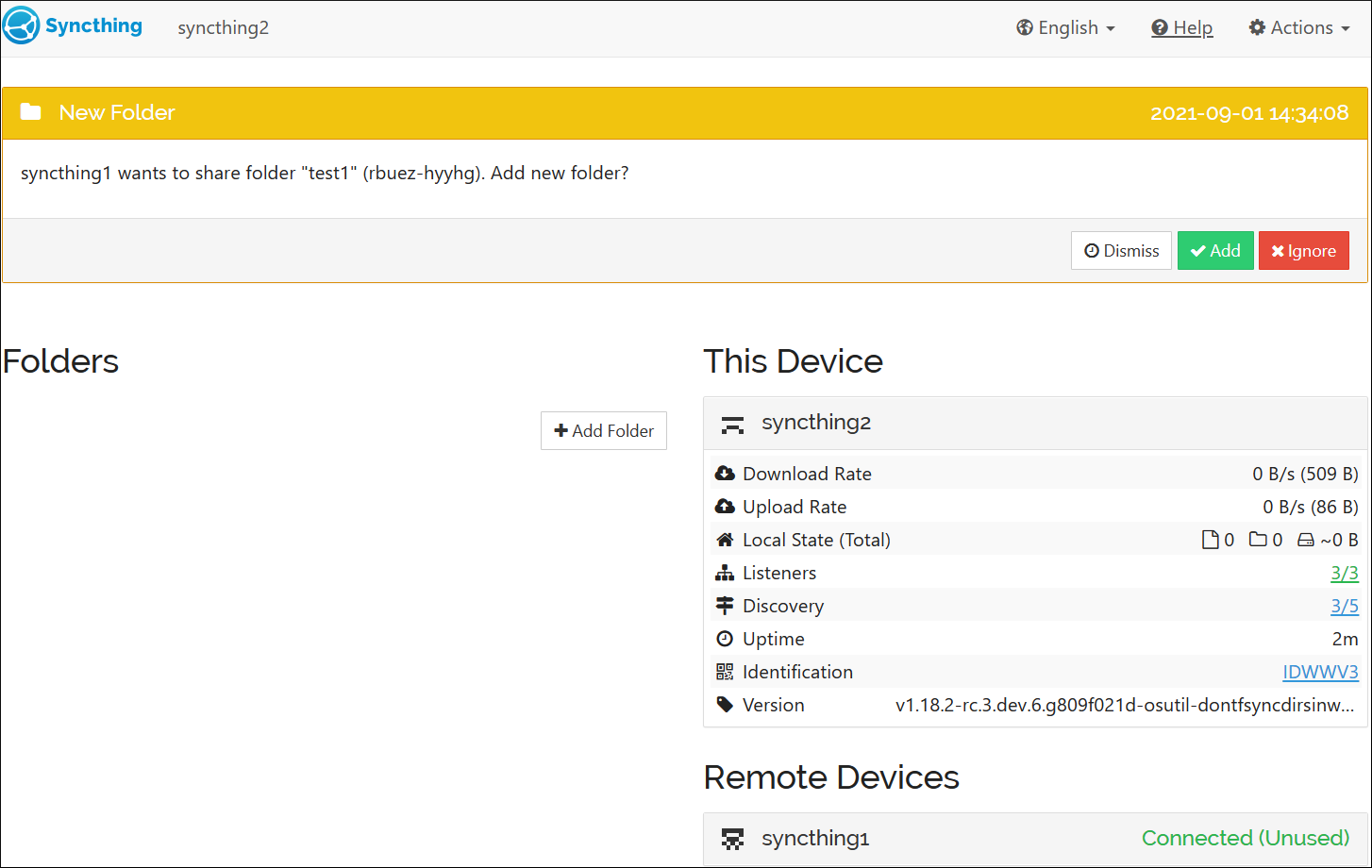
- On Device 1, share a folder with Device 2.
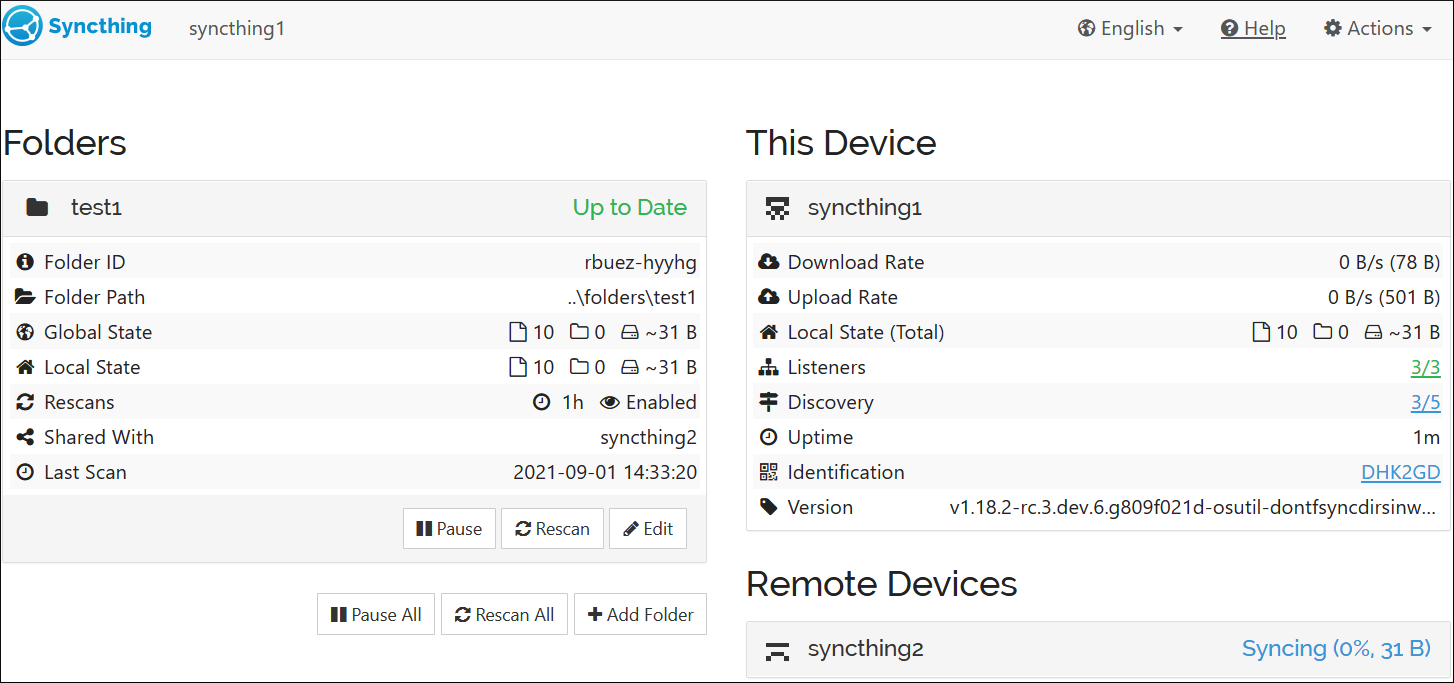
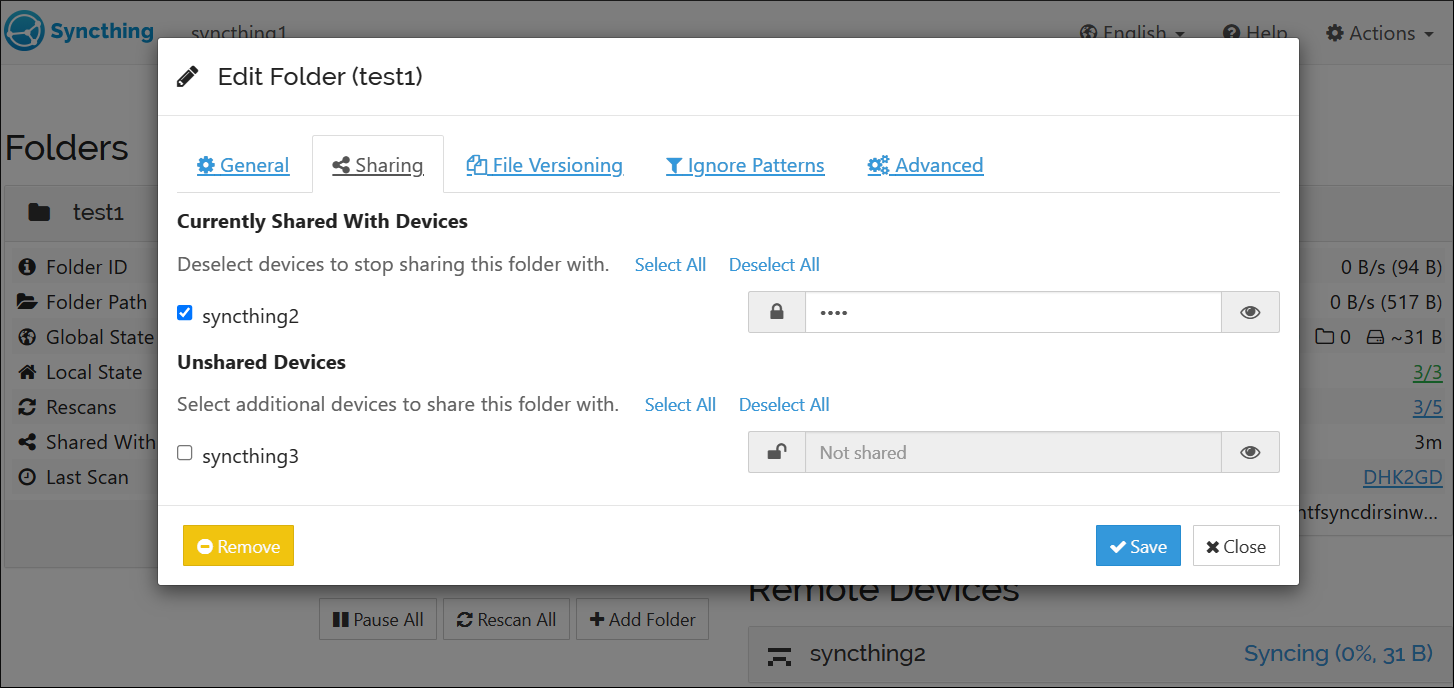
- Only now, set a password for the folder on Device 1.
- On Device 2, try to add the folder. The type is correctly detected and automatically set to Receive Encrypted.
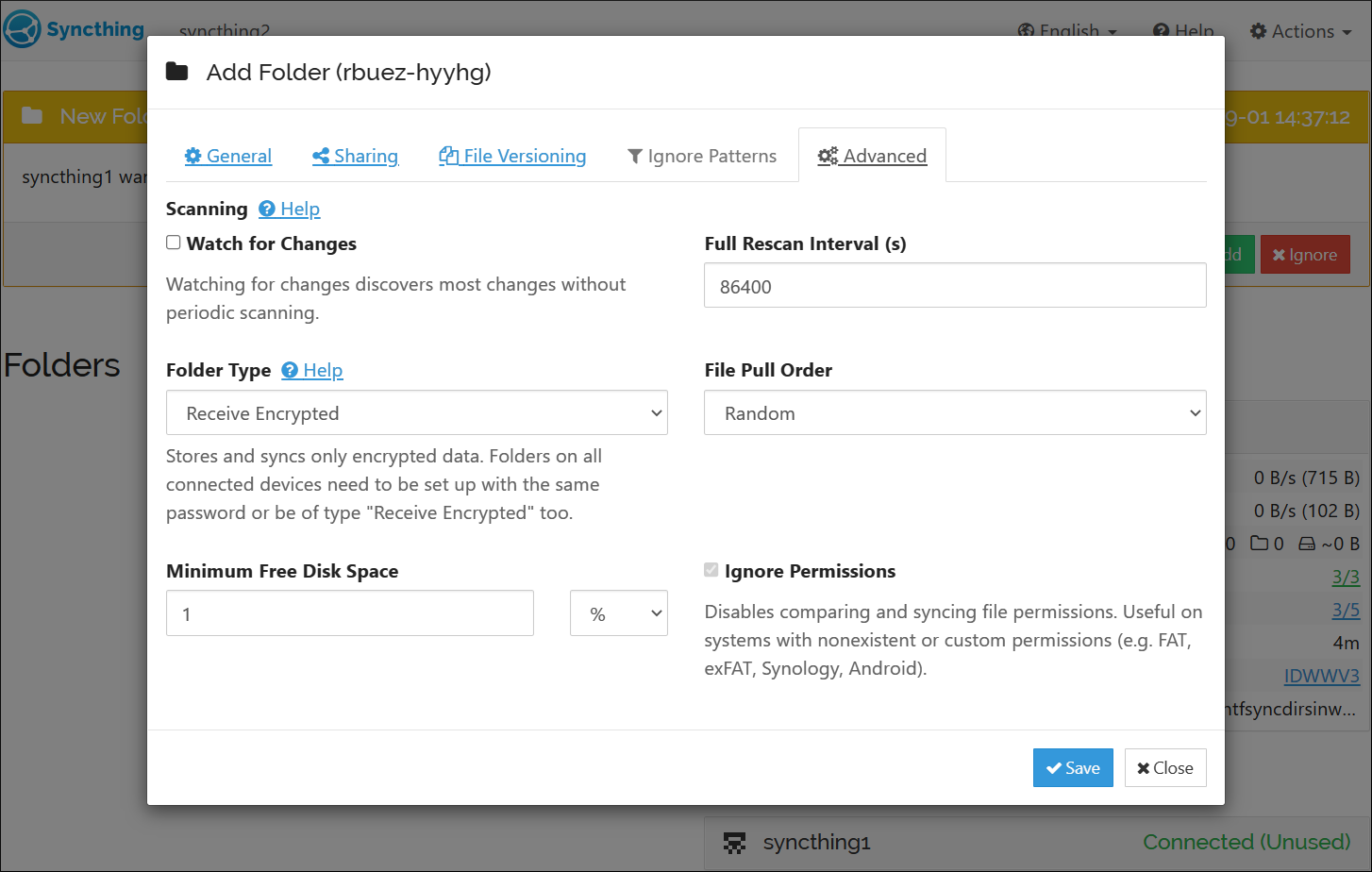
- On Device 2, the folder has been added and is marked as "Up to Date". On Device 1, the files are stuck in sync though. The connection itself has not been dropped after adding the folder, as should normally happen when adding a new Receive Encrypted folder.
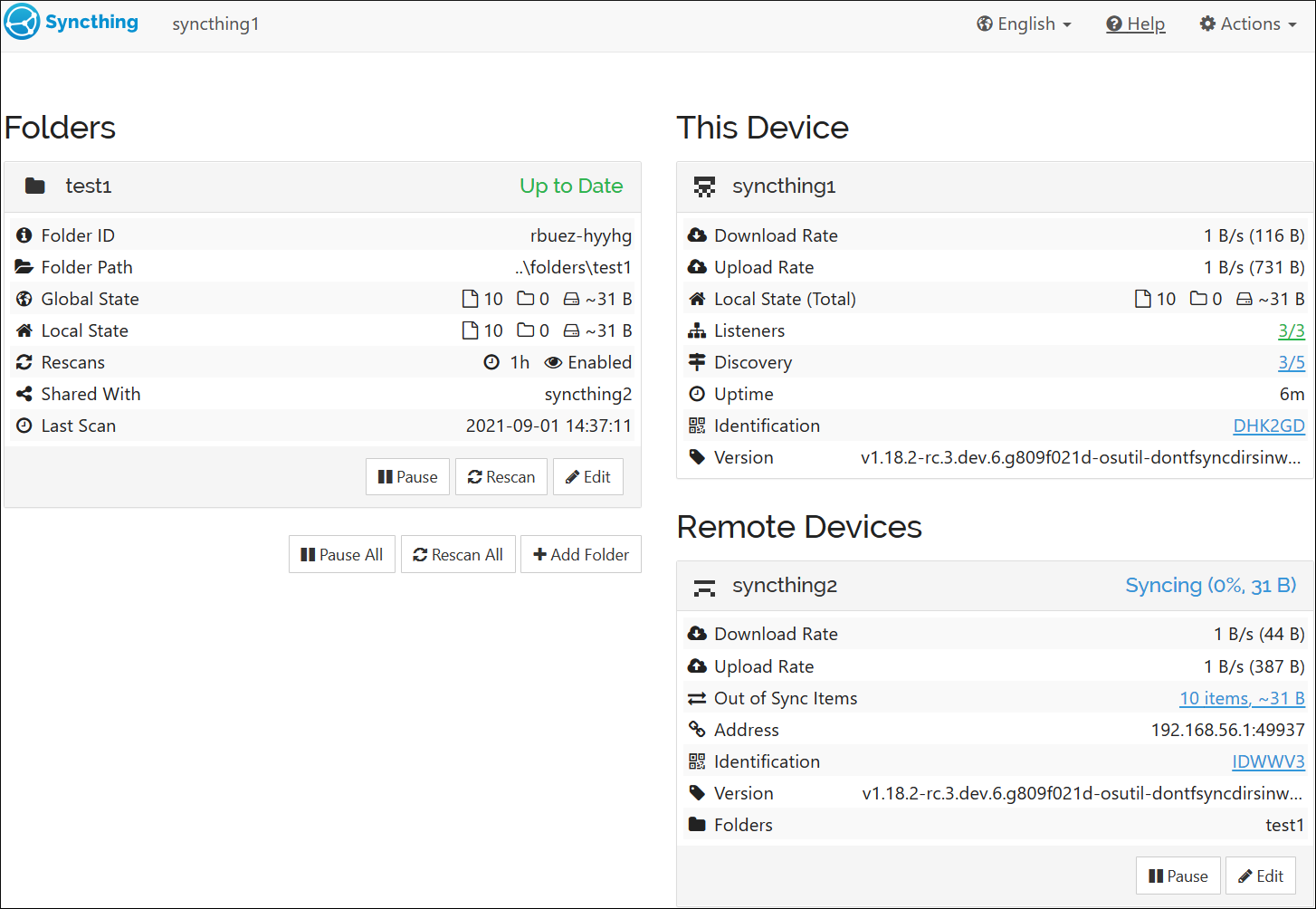
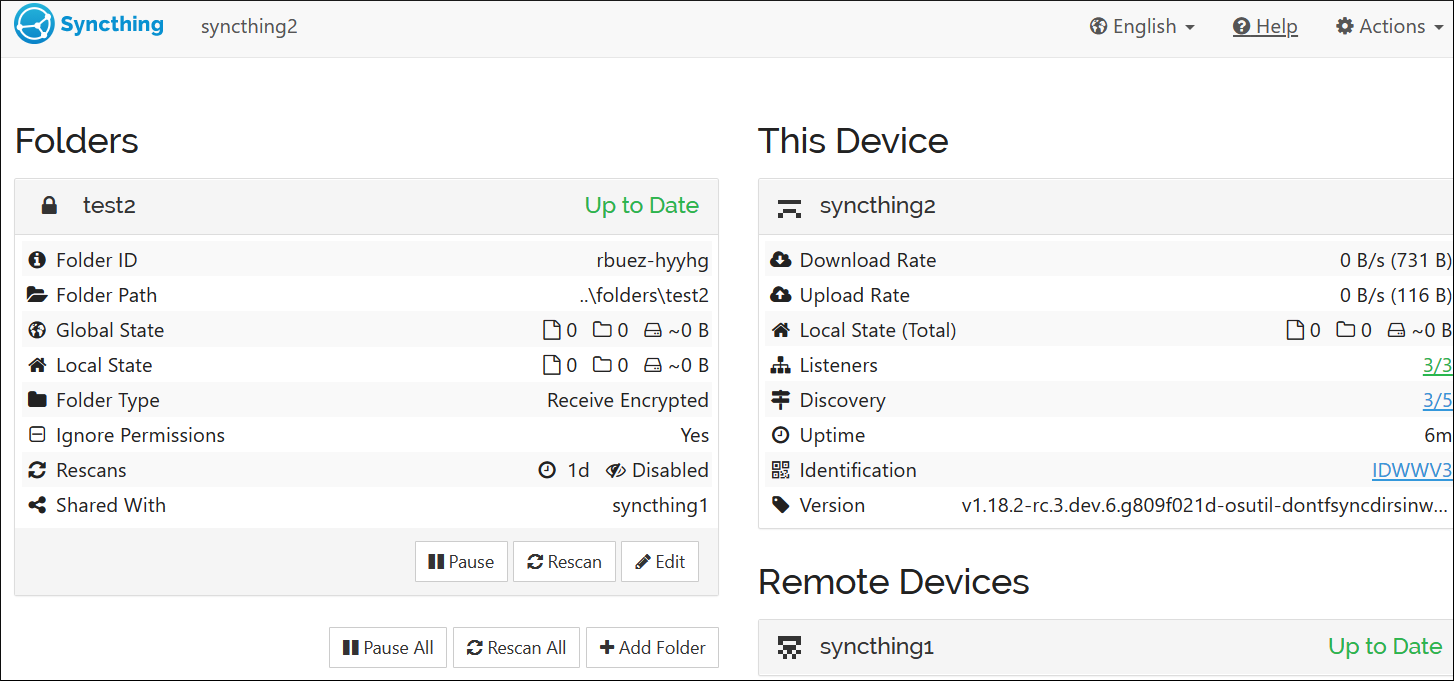
The workaround is to manually disconnect and reconnect the two devices, which will then force the folder to sync.
Edit:
I've misclicked the issue type. It should be labelled as a "bug" 😳.