Note
pgplex: The Postgres Toolchain for Humans and Agents - pgconsole · pgschema · pgtui · pgparser
Brought to you by Bytebase, open-source database governance platform.
pgschema is a CLI tool that brings Terraform-style declarative schema migration to PostgreSQL. Instead of writing migration files by hand, you declare the desired schema state and pgschema generates the migration plan automatically.
pgschema dump → edit schema.sql → pgschema plan → pgschema apply
- Dump: Extract the current database schema as SQL files
- Plan: Diff your edited schema against the live database, generate migration DDL
- Apply: Execute with concurrent change detection, transaction-adaptive execution, and lock timeout control
See more details in the introduction blog post.
Watch in action:
Why pgschema
State-based, not migration-file-based
Tools like Flyway and Liquibase require you to write and number migration files manually. pgschema works like Terraform: you declare what the schema should look like, and it figures out the SQL to get there. No migration history table, no manual sequencing.
Deep Postgres support
pgschema is Postgres-only, which means it handles Postgres-specific objects that generic tools skip: row-level security policies, partitioned tables, partial indexes, constraint triggers, identity columns, domain types, default privileges, and column-level grants. See the full list below.
No shadow database required
Most state-based tools spin up a temporary "shadow" database to validate migrations. pgschema uses an embedded Postgres instance internally and cleans up after itself — no extra infrastructure needed.
When to choose pgschema
- You want a fully free and open-source tool with no feature gating
- You want to version-control your schema as plain SQL and apply changes declaratively
- You need Postgres-specific features (RLS, partitioning, complex triggers) tracked in migrations
- You want migration validation without provisioning a separate shadow database
- You want a plan/preview step before applying changes, like
terraform plan - You're migrating from a manual SQL workflow and want structure without an ORM
How it compares
| pgschema | Flyway / Liquibase | Atlas | |
|---|---|---|---|
| Pricing | Free and open source (Apache 2.0) | Free tier; advanced features paid | Free tier; advanced features paid |
| Workflow | State-based (desired state) | Migration-file-based | State-based |
| Database support | PostgreSQL only | Multi-database | Multi-database |
| Postgres-specific objects | Auto-detected and diffed (RLS, partitioning, triggers, …) | You write the migration SQL manually | Auto-detected and diffed |
| Shadow database | Not required | Not required | Required by default |
| Migration history table | Not required | Required | Not required |
Why is it free?
Fair question. We have no current plans to charge for pgschema.
pgschema is sponsored by Bytebase, a commercial database Governance platform. Bytebase covers the needs of teams that require controls beyond schema migration — data access control, data masking, audit logging, and multi-database management across an organization.
Supported Schema Objects
pgschema covers all the schema objects developers use in real-world Postgres applications, across versions 14-18:
| Object | Key Features |
|---|---|
| Tables | Columns, identity/generated columns, partitioning (RANGE/LIST/HASH), LIKE clauses, inline and table-level constraints |
| Constraints | Primary keys, foreign keys (with ON DELETE/ON UPDATE), unique, check, NOT VALID, DEFERRABLE |
| Indexes | Regular, UNIQUE, partial, functional/expression; all methods (btree, hash, gist, spgist, gin, brin); CONCURRENTLY |
| Views | CREATE OR REPLACE, dependency-ordered migrations |
| Materialized Views | WITH [NO] DATA, indexes on materialized views |
| Functions | IN/OUT/INOUT parameters with defaults, SETOF/TABLE return types, SECURITY DEFINER, IMMUTABLE/STABLE/VOLATILE, STRICT |
| Procedures | IN/OUT/INOUT parameters with defaults, all procedural languages |
| Aggregates | SFUNC/STYPE/FINALFUNC/INITCOND, COMBINEFUNC and SERIALFUNC/DESERIALFUNC, moving-aggregate support, SORTOP, PARALLEL, ordered-set/hypothetical-set |
| Triggers | BEFORE/AFTER/INSTEAD OF, INSERT/UPDATE/DELETE/TRUNCATE, ROW/STATEMENT level, WHEN conditions, constraint triggers, REFERENCING OLD/NEW TABLE |
| Sequences | START WITH, INCREMENT BY, MINVALUE/MAXVALUE, CYCLE, CACHE, OWNED BY |
| Types | ENUM (add values in-place), composite types |
| Domains | Base type, DEFAULT, NOT NULL, named and anonymous CHECK constraints |
| Policies | Row-level security (RLS), PERMISSIVE/RESTRICTIVE, ALL/SELECT/INSERT/UPDATE/DELETE commands, USING/WITH CHECK expressions, ENABLE/DISABLE/FORCE ROW LEVEL SECURITY |
| Privileges | GRANT/REVOKE for tables (including column-level), sequences, functions, procedures, types/domains; WITH GRANT OPTION |
| Default Privileges | ALTER DEFAULT PRIVILEGES for tables, sequences, functions, types |
| Comments | COMMENT ON for tables, columns, views, materialized views, functions, procedures, aggregates, indexes |
See Unsupported for objects that are explicitly out of scope.
Installation
Visit https://www.pgschema.com/installation
Note
Windows is not supported. Please use WSL (Windows Subsystem for Linux) or a Linux VM.
Nix (flake)
nix build
nix run
To pass arguments, use --:
nix run . -- planIf the build fails with a vendorHash mismatch, update nix/pgschema.nix with the hash printed by Nix.
Getting help
Quick example
Step 1: Dump schema
# Dump current schema
$ PGPASSWORD=testpwd1 pgschema dump \
    --host localhost \
    --db testdb \
    --user postgres \
    --schema public > schema.sql
Step 2: Edit schema
# Edit schema file declaratively
--- a/schema.sql
+++ b/schema.sql
@@ -12,5 +12,6 @@
 CREATE TABLE IF NOT EXISTS users (
     id SERIAL PRIMARY KEY,
-    username varchar(50) NOT NULL UNIQUE
+    username varchar(50) NOT NULL UNIQUE,
+    age INT NOT NULL
 );
Step 3: Generate plan
$ PGPASSWORD=testpwd1 pgschema plan \
    --host localhost \
    --db testdb \
    --user postgres \
    --schema public \
    --file schema.sql \
    --output-human stdout \
    --output-json plan.json
Plan: 1 to modify.
Summary by type:
  tables: 1 to modify
Tables:
  ~ users
    + age (column)
Transaction: true
DDL to be executed:
--------------------------------------------------
ALTER TABLE users ADD COLUMN age integer NOT NULL;
Step 4: Apply plan with confirmation
# Or use --auto-approve to skip confirmation
$ PGPASSWORD=testpwd1 pgschema apply \
    --host localhost \
    --db testdb \
    --user postgres \
    --schema public \
    --plan plan.json
Plan: 1 to modify.
Summary by type:
  tables: 1 to modify
Tables:
  ~ users
    + age (column)
Transaction: true
DDL to be executed:
--------------------------------------------------
ALTER TABLE users ADD COLUMN age integer NOT NULL;
Do you want to apply these changes? (yes/no): yes
Applying changes...
Changes applied successfully!
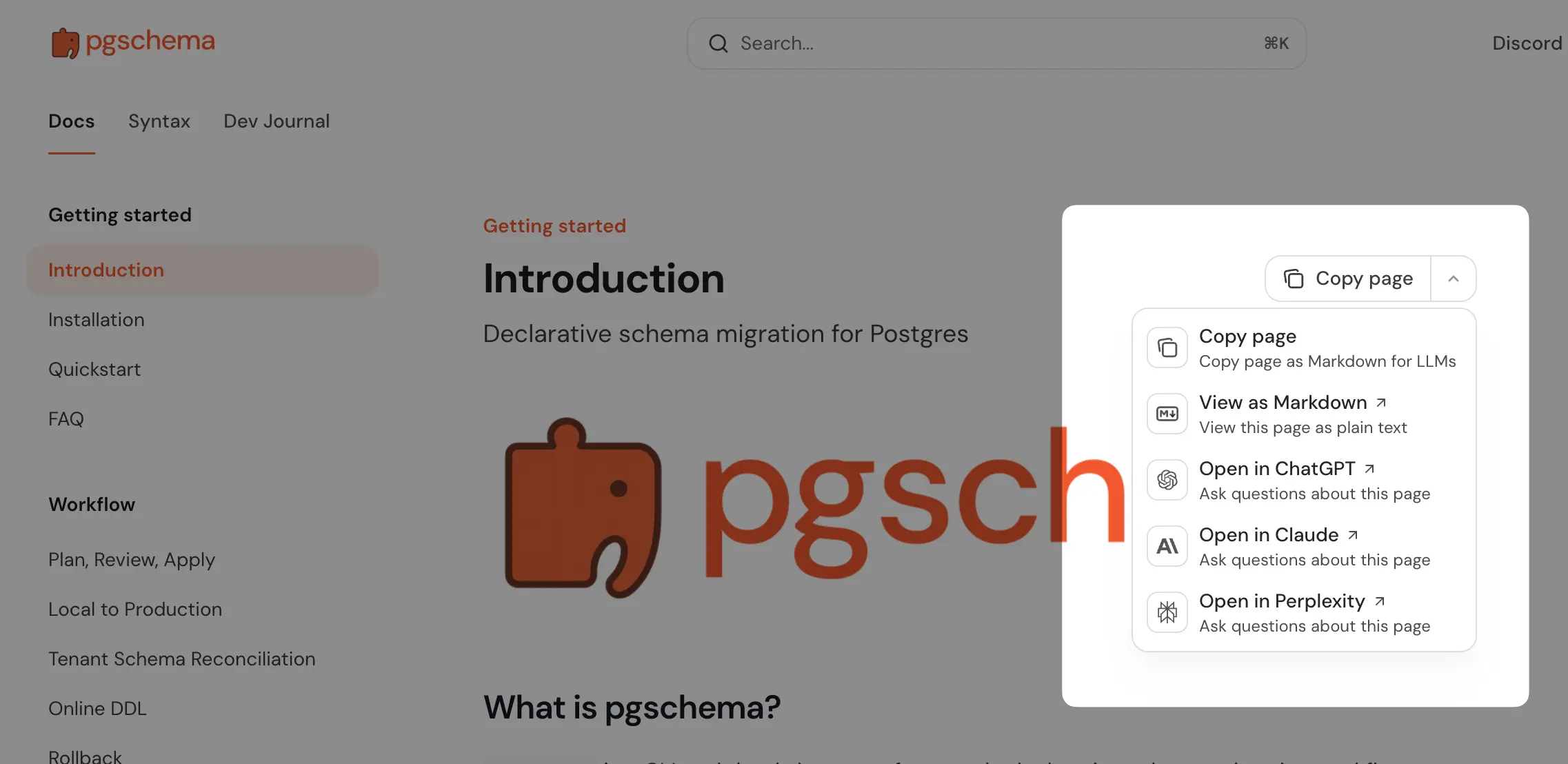
LLM / AI Integration
pgschema is designed to work well in AI-assisted workflows:
- llms.txt — concise machine-readable summary of pgschema capabilities
- llms-full.txt — full documentation in a single file optimized for LLM context windows
These files follow the llms.txt standard and are suitable for including in agent tool definitions, RAG pipelines, or system prompts when building AI-assisted database tooling.
Development
[!NOTE] > For external contributors: If you require any features, please create a GitHub issue to discuss first instead of creating a PR directly.
Build
git clone https://github.com/pgplex/pgschema.git
cd pgschema
go mod tidy
go build -o pgschema .
Run tests
# Run unit tests only
go test -short -v ./...
# Run all tests including integration tests (uses Postgres testcontainers with Docker)
go test -v ./...
Sponsor
Bytebase - open source, web-based database DevSecOps platform.