
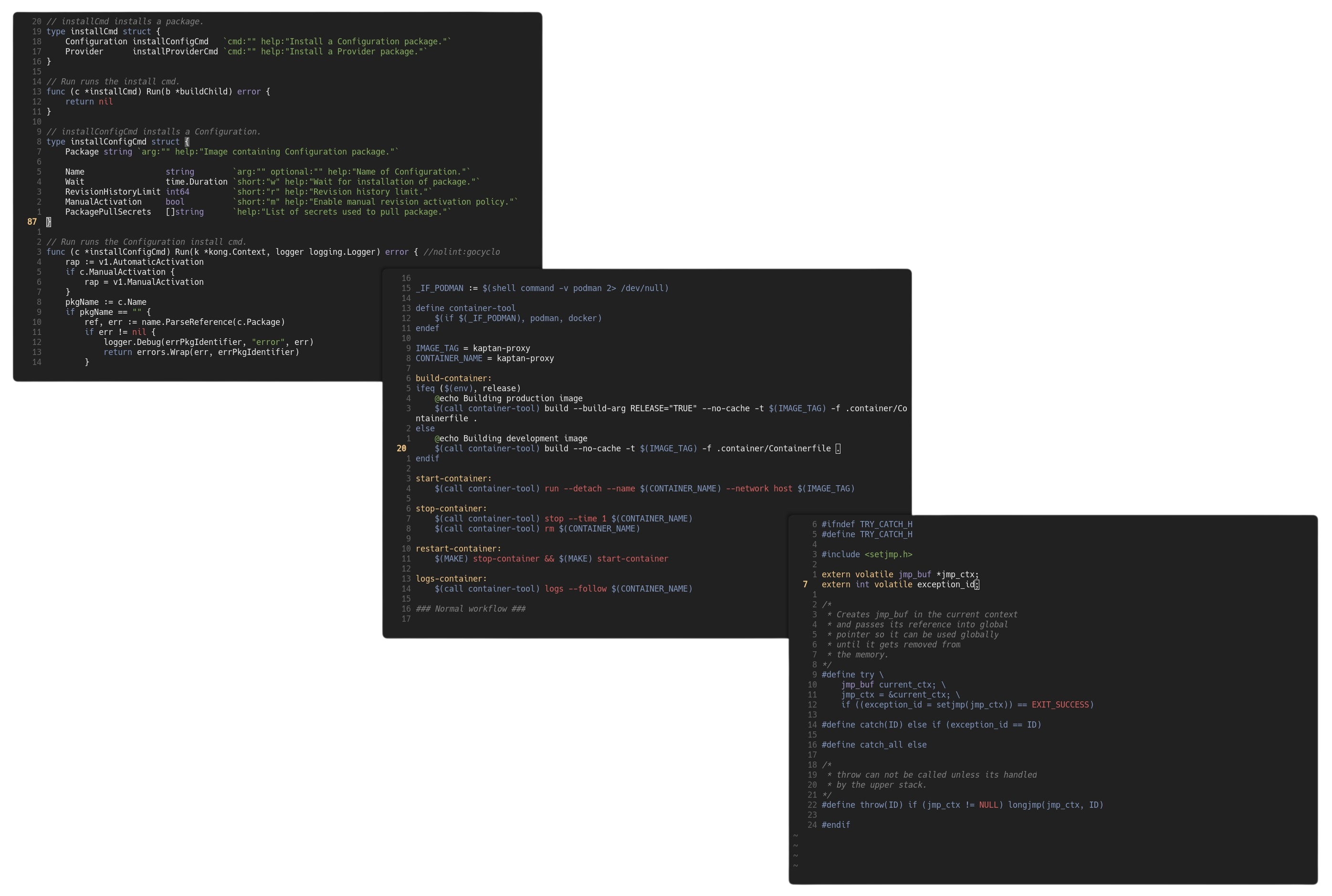
Color References


Installation
-
Install the color scheme using your Vim plug-in manager of choice (or manually, by placing
colors/nimda.vimin your~/.vim/colors/directory andautoload/nimda.vimin your~/.vim/autoload/directory.) -
If you use Vim in a terminal, the terminal 'must' support the True Color(24-bit) in order to have best experience from the color scheme. So, do the following to test whether your terminal emulator supports 24-bit/"true" color:
Note: GUI (non-terminal) Vim will always display 24-bit color regardless of the configuration done in this step.
Run the following snippet in your shell:
printf "\x1b[38;2;255;100;0mTRUECOLOR\x1b[0m\n"
-
Add the following lines to your
.vimrcorinit.vim:syntax on set termguicolors colorscheme nimda