React Native Panorama viewer for Android and iOS.
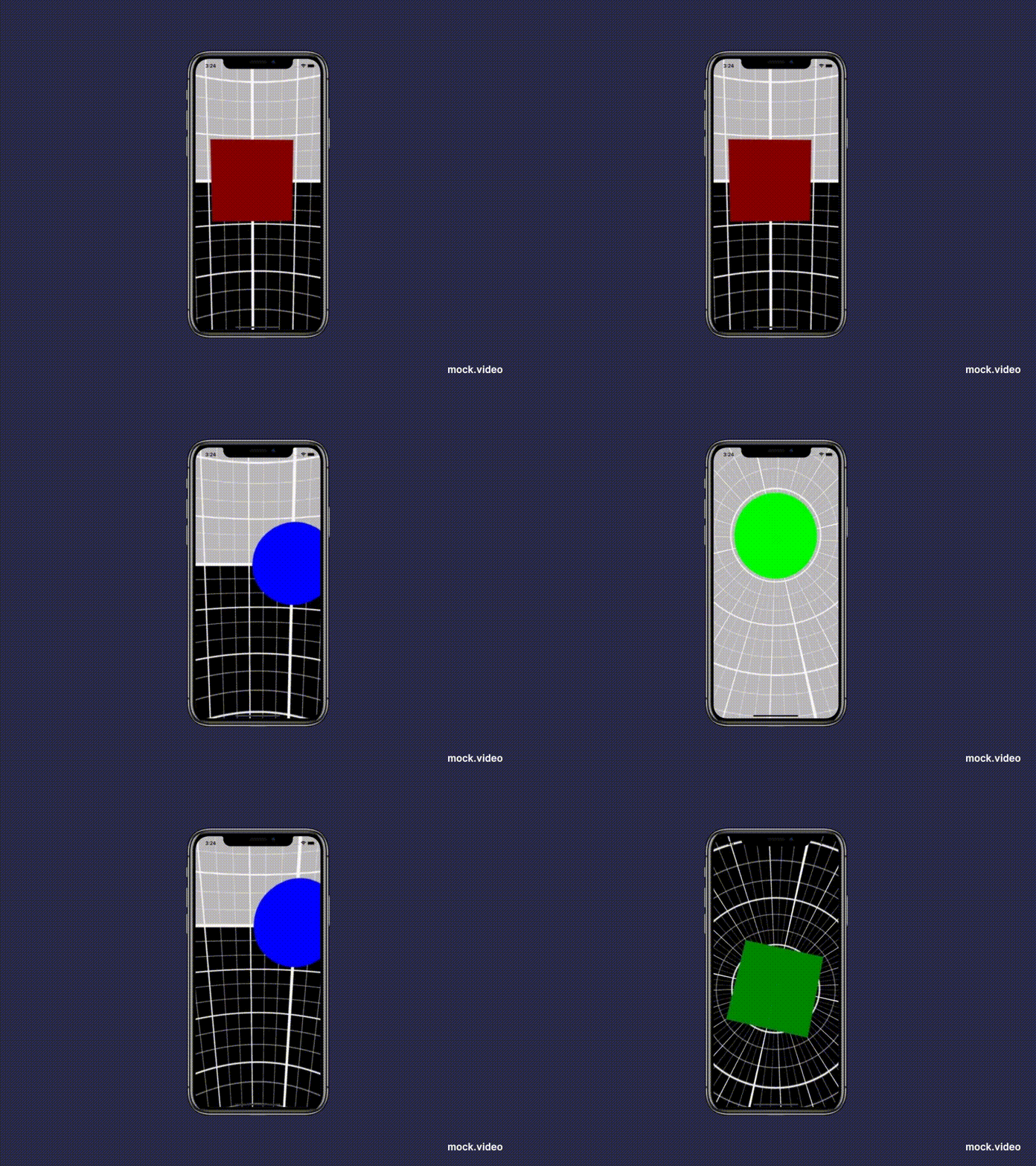
Mostly automatic installation (RN >= 0.60)
$ npm install @lightbase/react-native-panorama-view --save or
$ yarn add @lightbase/react-native-panorama-view
$ cd ios && pod install
Troubleshooting iOS
If you're app doesn't compile due to Swift or linker errors. Follow these steps.
- Make sure you have defined a
SWIFT_VERSIONin your project. - Add
/usr/lib/swiftas the first argument to your Runpath Search Paths. - Add
"$(TOOLCHAIN_DIR)/usr/lib/swift/$(PLATFORM_NAME)"to your Library Search Paths. - Add a dummy swift file on your project root and accept adding a bridging header
Usage
You can size your panorama anyway you'd like using the regular View styles.
NOTE: On android, you need to make sure the View renders at least a few pixels (not invisible / display:
none). Otherwise, the VR viewer won't fire events. You may use onImageDownloaded to lazy load the VR
renderer instead.
Here are some examples:
Embed a panorama as a part of your screen
import PanoramaView from "@lightbase/react-native-panorama-view";
const PanoramaDetails = () => (
  <View style={styles.container}>
    <PanoramaView
      style={styles.viewer}
      dimensions={{ height: 230, width: Dimensions.get("window").width }}
      inputType="mono"
      imageUrl="https://raw.githubusercontent.com/googlevr/gvr-android-sdk/master/assets/panoramas/testRoom1_2kMono.jpg"
    />
  </View>
);
const styles = StyleSheet.create({
  container: {
    flex: 1,
  },
  viewer: {
    height: 230,
  },
});
Fullscreen panorama
import PanoramaView from "@lightbase/react-native-panorama-view";
const FullScreenPanorama = () => (
  <PanoramaView
    style={{ flex: 1 }}
    dimensions={{
      height: Dimensions.get("window").height,
      width: Dimensions.get("window").width,
    }}
    inputType="mono"
    imageUrl="https://raw.githubusercontent.com/googlevr/gvr-android-sdk/master/assets/panoramas/testRoom1_2kMono.jpg"
  />
);
Props
| Name | Type | Description |
|---|---|---|
| imageUrl | string | Remote or local URI for fetching the panorama image. |
| enableTouchTracking | boolean | Enables dragging the panorama by touch when true. |
| onImageLoadingFailed | callback | Fired when something goes wrong while trying to load the panorama. |
| onImageDownloaded | callback | Fired when the image was successfully downloaded. This will fire before onImageLoaded |
| onImageLoaded | callback | Fired when the image was successfully loaded. |
| style | ViewStyle | Allows to style the PanoramaView like a regular View. |
| inputType | 'mono' or 'stereo' | Specify the type of panorama source image. Android only |
| dimensions | { height: number, width: number } |
Is used to prevent loading unnecessarily large files into memory. Currently required for Android only |