
Lektor is a static website generator. It builds out an entire project from static files into many individual HTML pages and has a built-in admin UI and minimal desktop app.
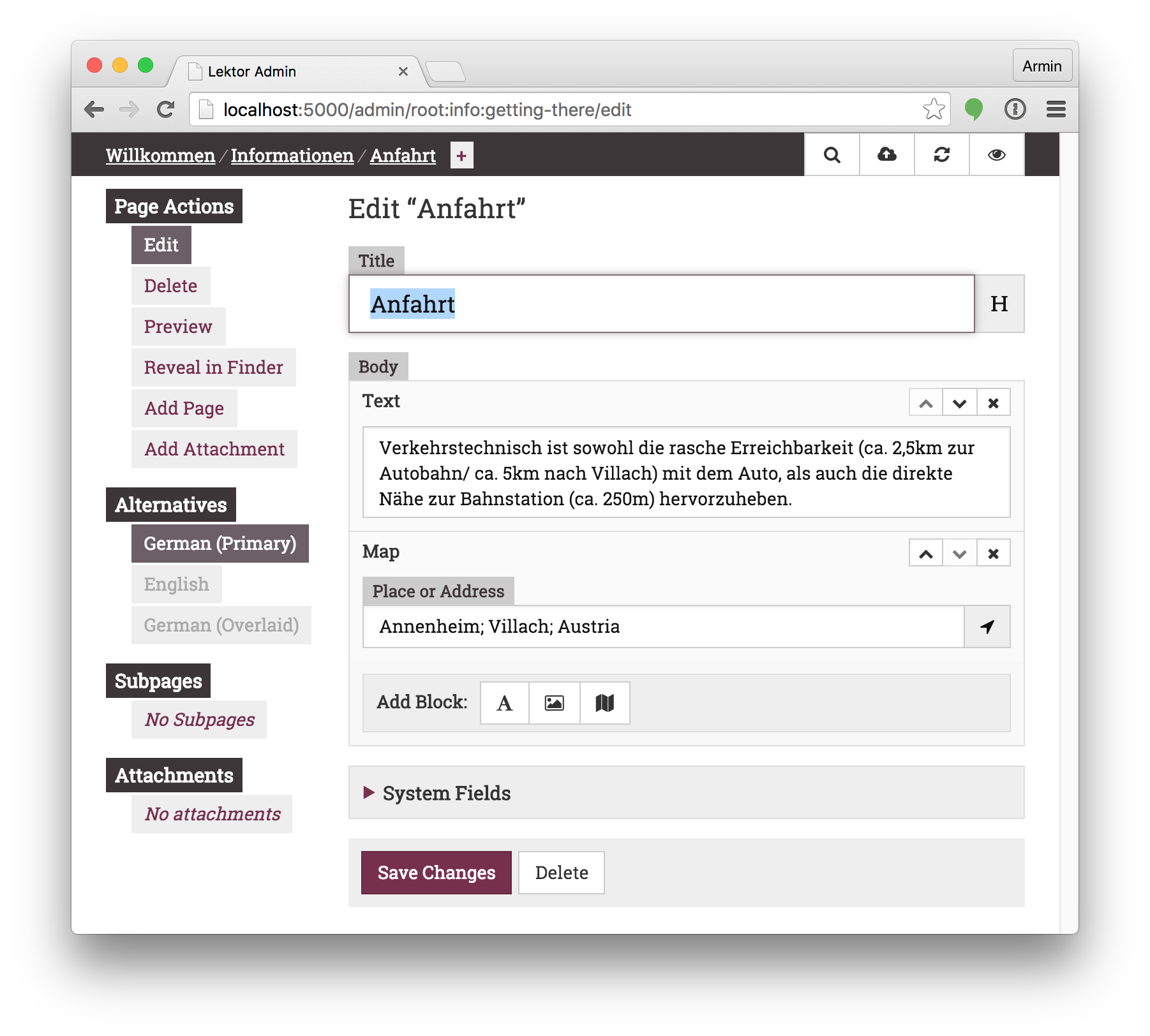
To see how it works look at the top-level example/ folder, which contains
a showcase of the wide variety of Lektor's features.
For a more complete example look at the lektor/lektor-website repository, which contains the source code for the official Lektor website.
How do I use this?
For installation instructions head to the official documentation:
Want to develop on Lektor?
This gets you started (assuming you have Python >= 3.10, npm, and uv installed):
$ git clone https://github.com/lektor/lektor
$ cd lektor
$ python -m venv _venv
$ . _venv/bin/activate
# pip>=25.1 is required for PEP 735 support
$ pip install -U "pip>=25.1"
# NB: this step requires that npm is installed (see below)
$ pip install --group dev --editable .
# If you plan on committing:
$ uv run prek install
# Run the Lektor server
$ export LEKTOR_DEV=1
$ cp -r example example-project
$ lektor --project example-project server
If you want to run the whole test suite, under various versions of python, etc. (you'll need tox installed):
$ tox
Or run the tests directly in your dev environment
$ pytest [...]
Note
The admin front-end resources (e.g. .js and .css files) in lektor/admin/static
get built as part of the python distribution build process.
This happens, e.g., when running pip install -e .
That magic may be disabled (you might want to do this if, e.g., npm is not
available in your dev environment) by setting the HATCH_BUILD_NO_HOOKS
environment variable during the build. E.g.
HATCH_BUILD_NO_HOOKS=true pip install --group dev --editable .