
A ready to go status bar for Wayland compositors.
Getting Started | Compositor Support | Configuration | Developer Guide
✨ Features
- Automatic Wayland compositor detection (compositor support)
- Multi-monitor support (all monitors, active monitor, or specific targets)
- Hot-reload configuration (changes apply automatically via file watch)
- Bar positioning (top or bottom) with configurable layer (Bottom, Top, Overlay)
- Theming: transparent (islands) or solid bar surface with custom radius, margin, colors, opacity, scale, and fonts
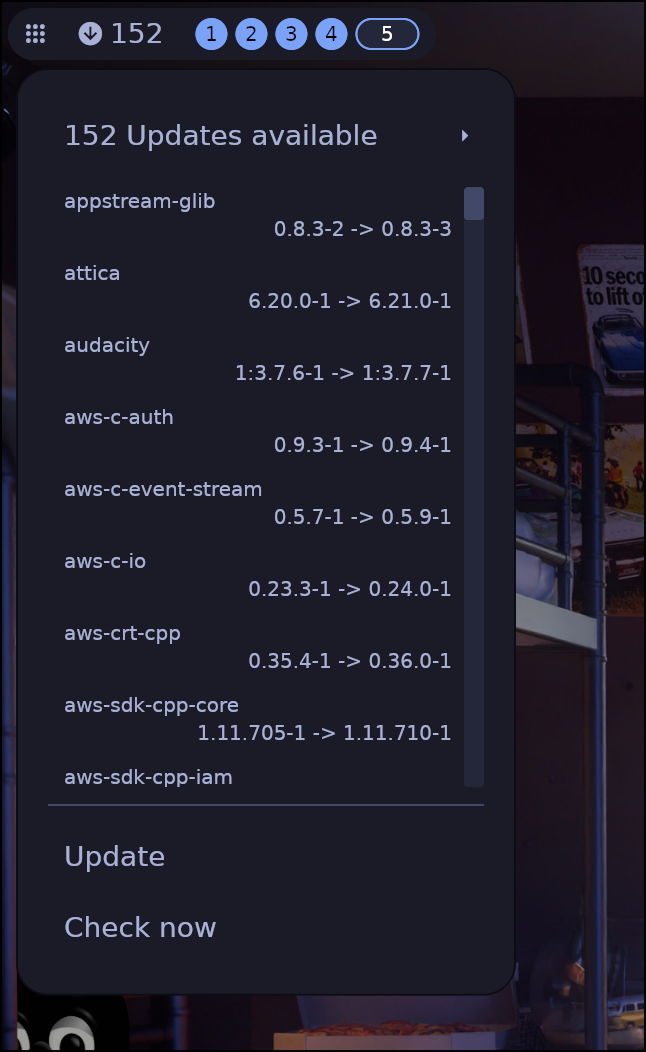
- OS Updates indicator with configurable check interval
- Active Window (title, class, or initial title/class)
- Workspaces with naming, color coding, and per-monitor visibility
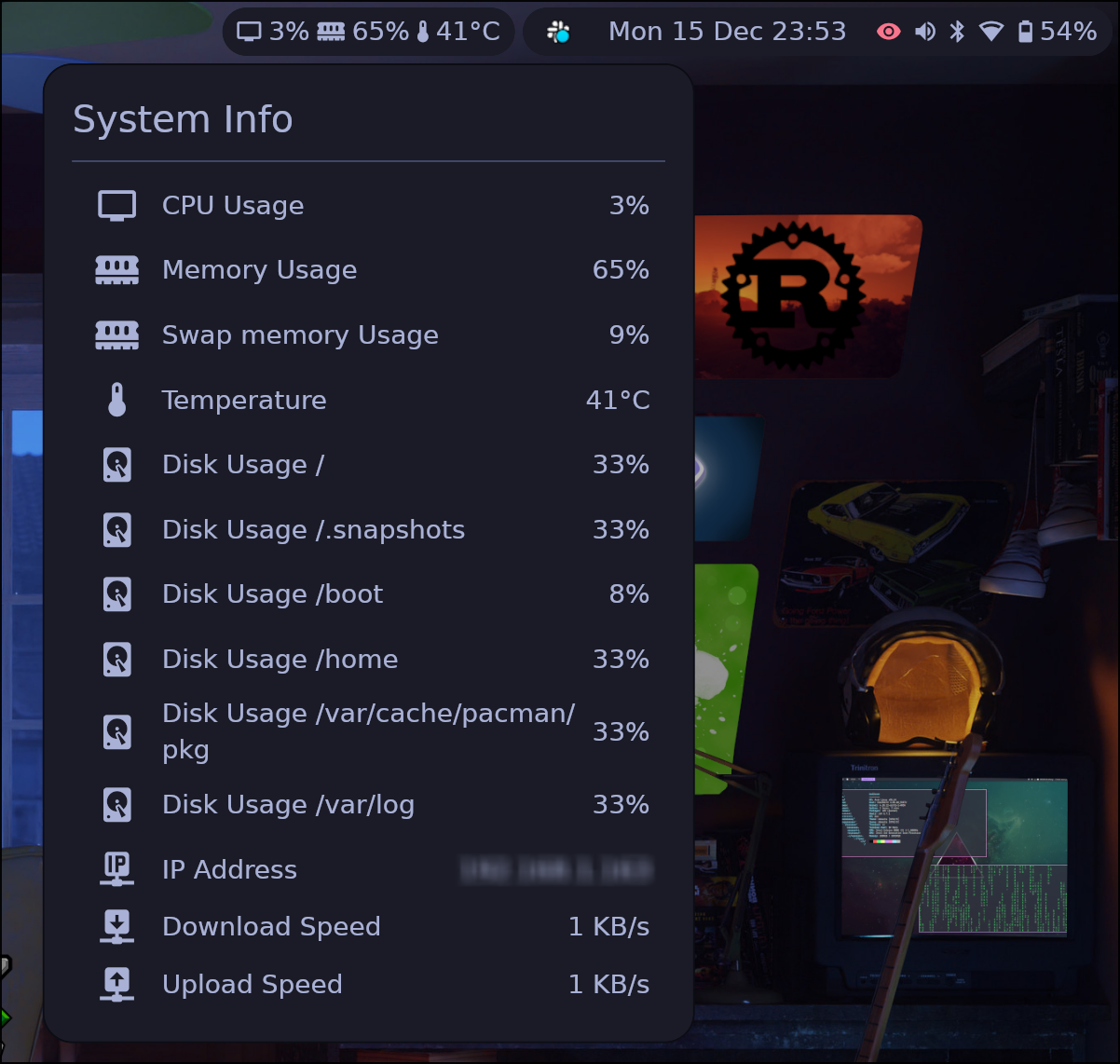
- System Information (CPU, RAM, Disk, IP address, Network speed, Temperature) with warn/alert thresholds
- Keyboard Layout with custom labels (Hyprland/Niri/MangoWC)
- Keyboard Submap (Hyprland/MangoWC)
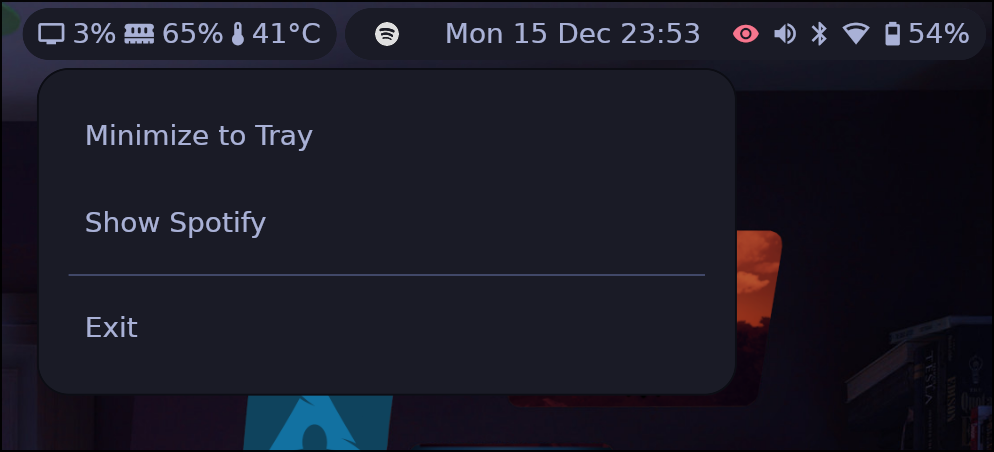
- System Tray with context menus
- Clock with calendar, weather, timezone cycling, and format cycling (Tempo)
- Privacy indicators (microphone, camera, and screenshare usage)
- Media Player with album art and track info
- Notification manager with toast popups, grouping, and urgency support
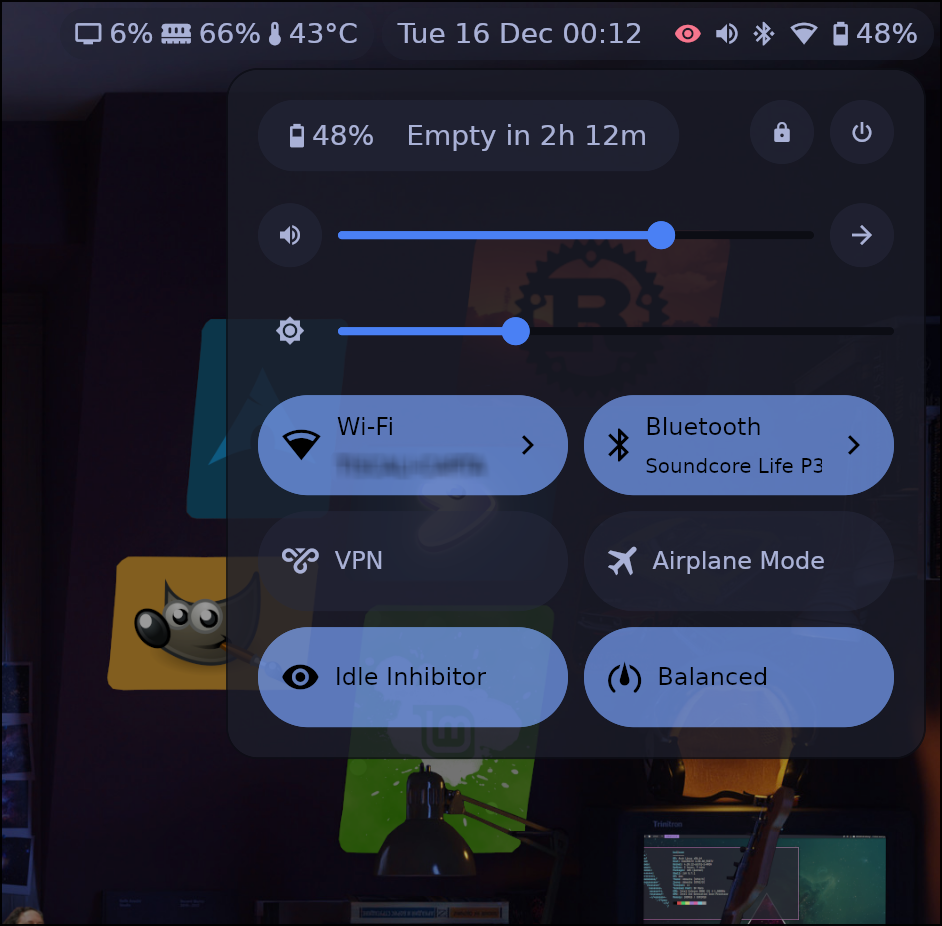
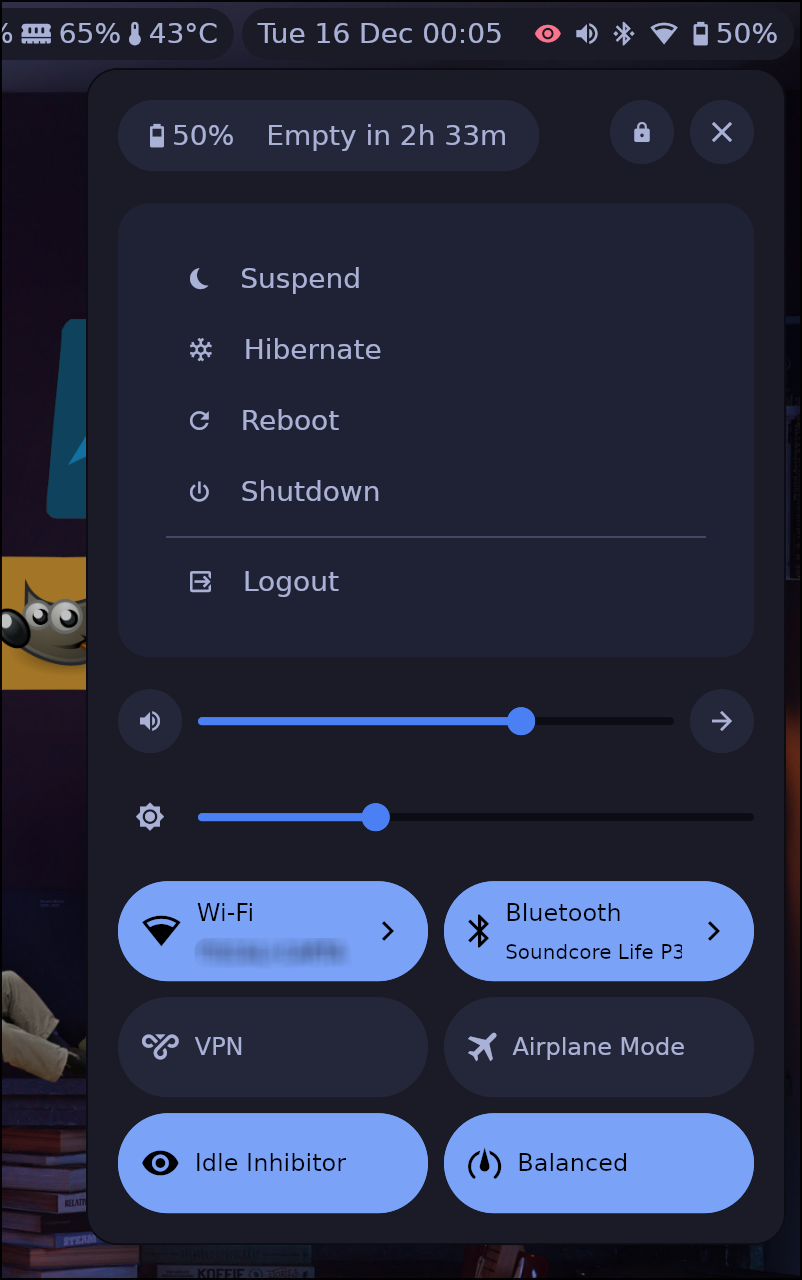
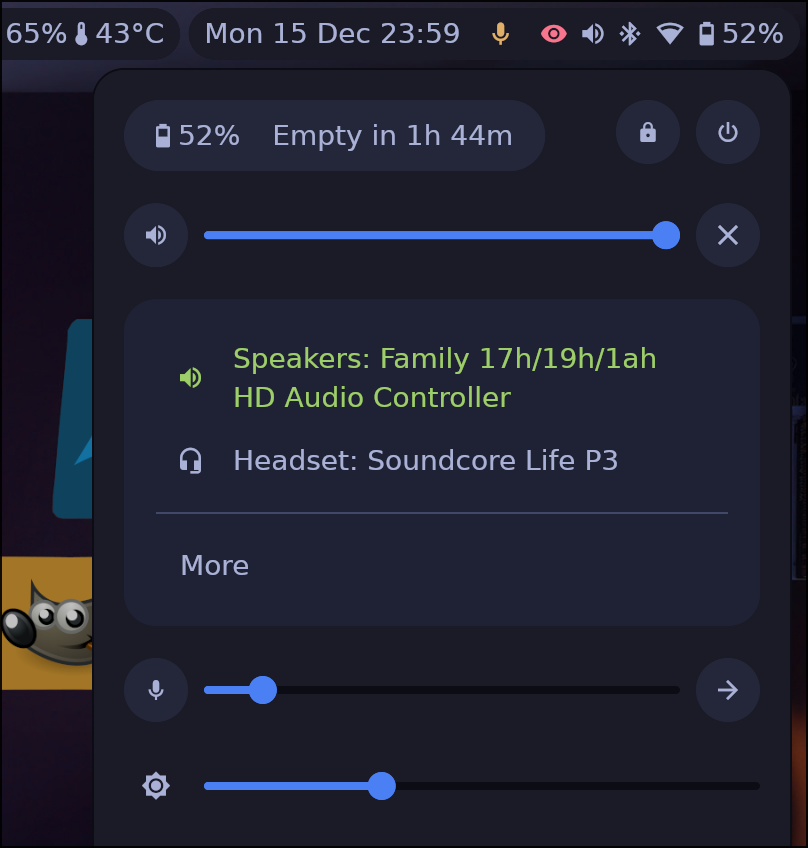
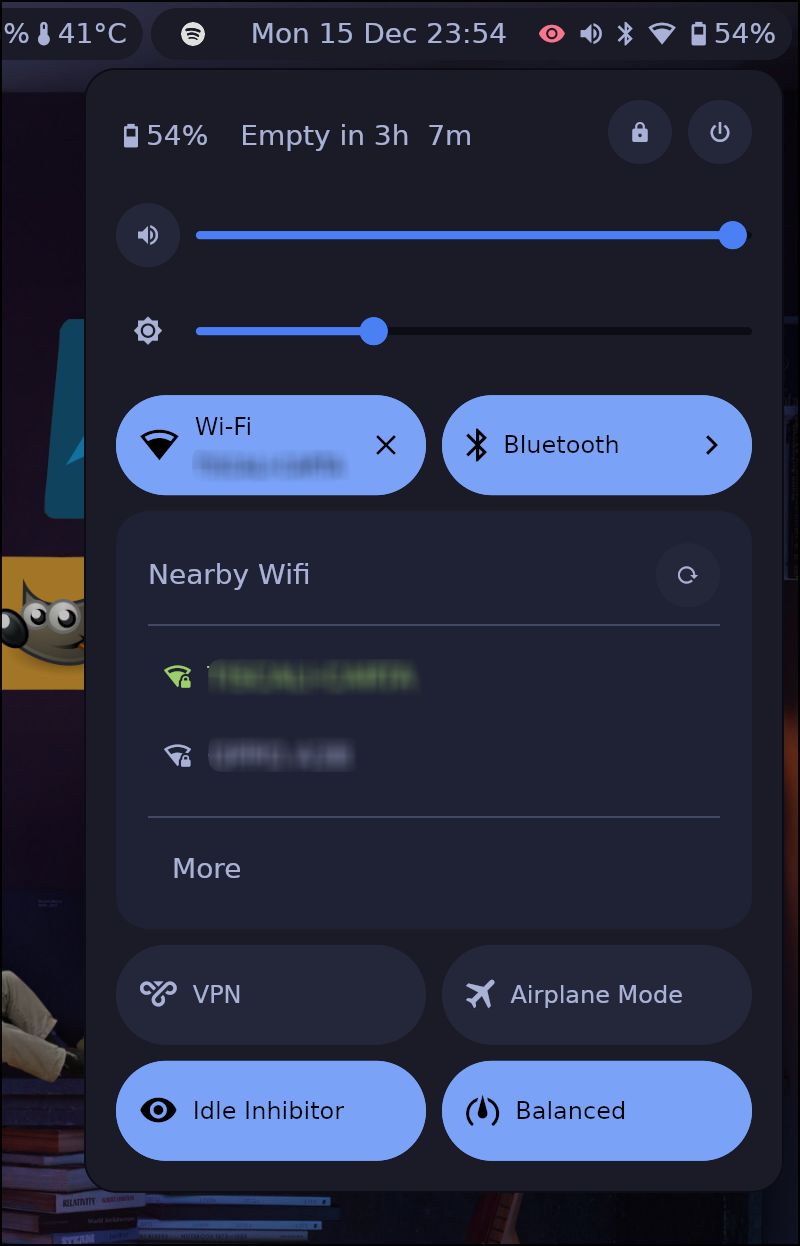
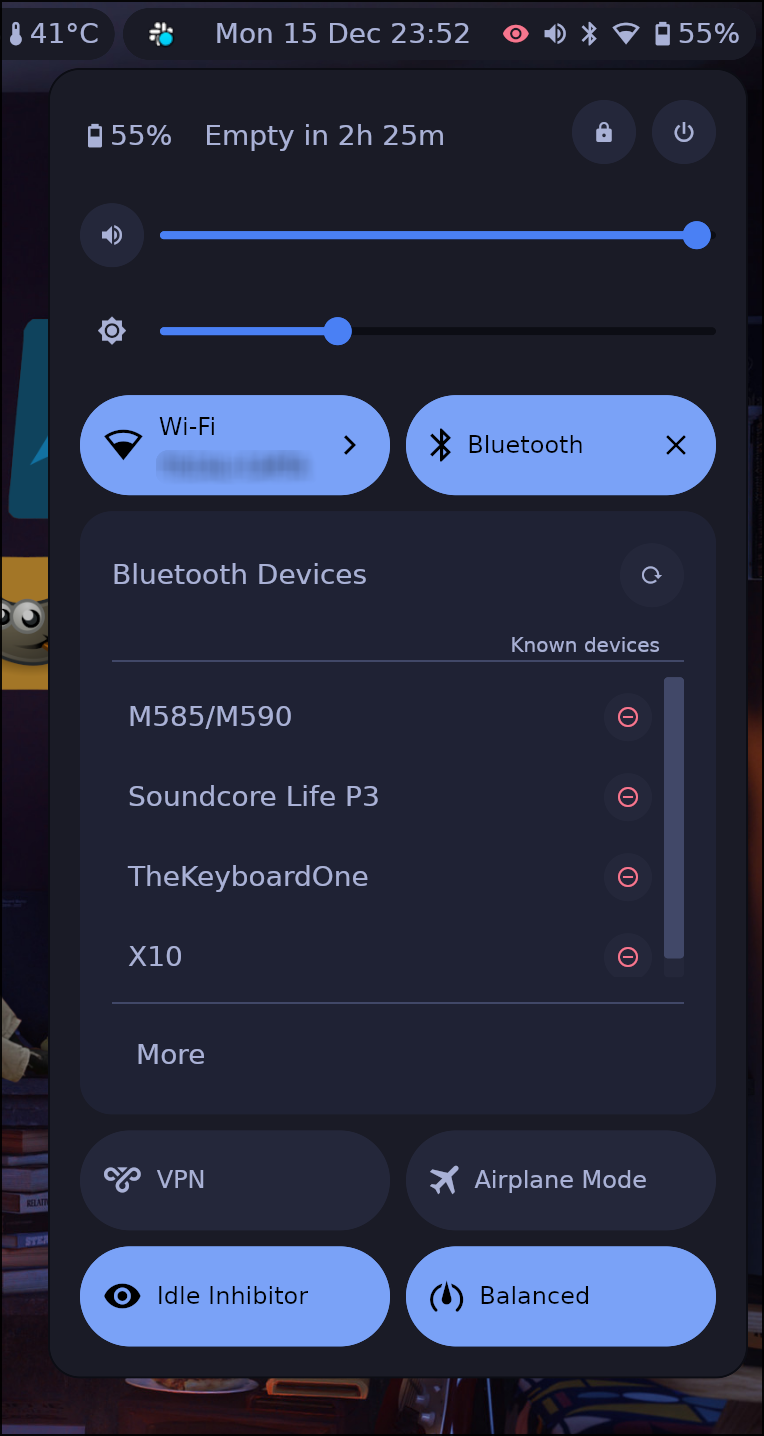
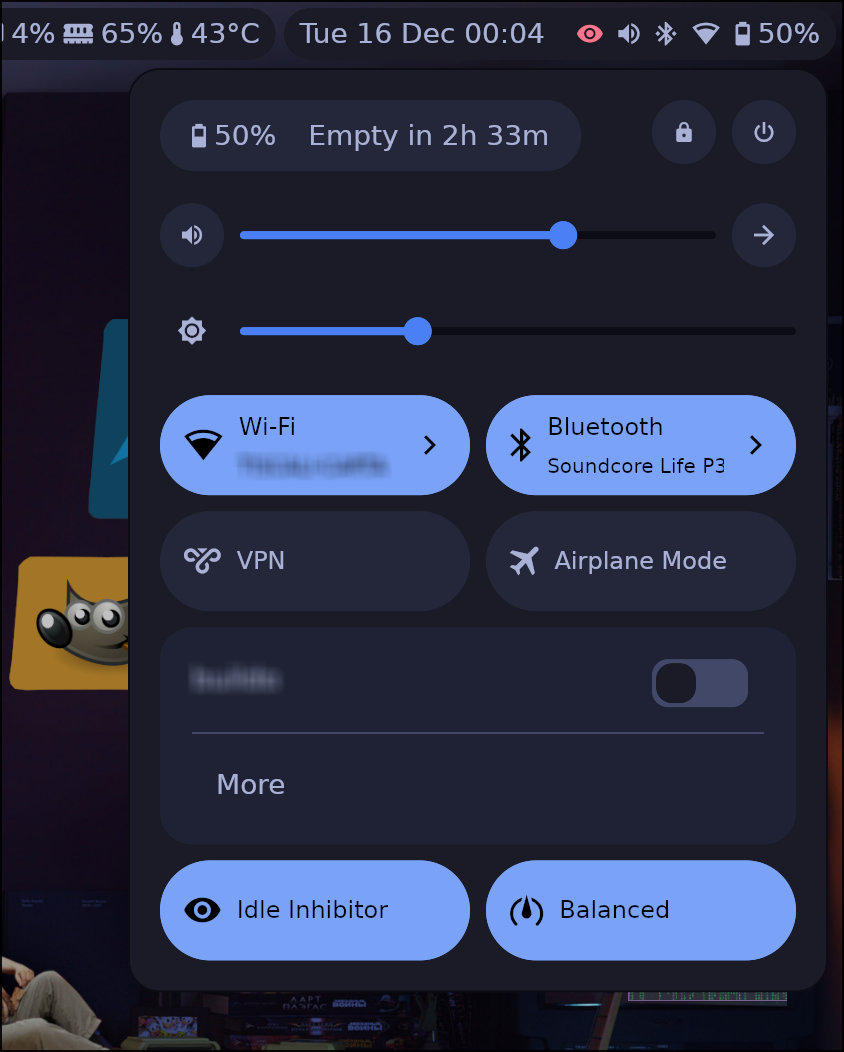
- Settings panel
- Power menu (shutdown, suspend, hibernate, reboot, logout, lock)
- Battery and peripheral battery information
- Audio sources and sinks (with microphone)
- Screen brightness
- Network (WiFi scanning, password entry; supports NetworkManager and IWD backends)
- VPN
- Bluetooth
- Power profiles
- Idle inhibitor
- Airplane mode
- Custom quick-action buttons with status commands
- IPC socket for scripting and keybindings (
ashell msg <command>) - OSD overlay for volume, brightness, and airplane mode changes
- Custom Modules
- Button (execute command on click)
- Text (display-only, update UI with command output via
listen_cmd) - Regex-based icon mapping and alert states
🛠️ Install
Refer to the Installation page for more details.
⚙️ Configuration
ashell comes with a default configuration that should work out of the box.
If you want to customize it you can refer to the Configuration page for more details.
💬 Community
Join the conversation on Matrix or open an issue on GitHub.
📖 Developer Guide
If you want to contribute or understand the codebase, check out the Developer Guide.
🤖 AI-Assisted Contributions
AI-assisted contributions are accepted — the same quality standards apply regardless of how
the code was written. You are responsible for the code you submit: review AI output carefully,
ensure make check passes, and be prepared to explain your changes.
Before working on a feature or large change, discuss it with maintainers first. Small, incremental PRs are preferred — code review is manual and remains the bottleneck.
For the full AI contribution guide, see the Developer Guide.
📷 Screenshots
I will try my best to keep these screenshots as updated as possible but some details could be different
transparent surface (default)

solid surface

opacity settings
 |
 |
|---|---|
 |
 |
 |
 |
 |
 |