

Reactjs chat elements
NOTE: this package does not support react-native anymore.
Install
npm install react-chat-elements --save
Imports
// RCE CSS
import 'react-chat-elements/dist/main.css'
// MessageBox component
import { MessageBox } from 'react-chat-elements'
Components
- ChatItem
- MessageBox
- SystemMessage
- MessageList
- ChatList
- Input
- Button
- Popup
- SideBar
- Navbar
- Dropdown
- Avatar
- LocationMessage
- SpotifyMessage
- MeetingItem
- MeetingList
- MeetingLink
ChatItem Component
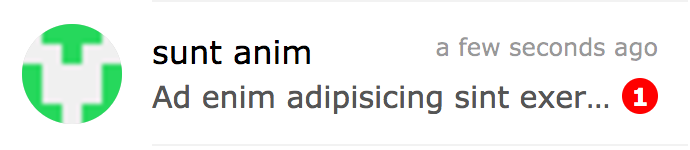
import { ChatItem } from 'react-chat-elements'
;<ChatItem
  avatar={'https://facebook.github.io/react/img/logo.svg'}
  alt={'Reactjs'}
  title={'Facebook'}
  subtitle={'What are you doing?'}
  date={new Date()}
  unread={0}
/>
ChatItem props
| prop |
default |
type |
description |
| avatar |
none |
string |
ChatItem avatar photo url |
| avatarFlexible |
false |
boolean |
flexible ChatItem avatar photo |
| alt |
none |
string |
ChatItem avatar photo alt text |
| title |
none |
string |
ChatItem title |
| subtitle |
none |
string |
ChatItem subtitle |
| date |
none |
date |
ChatItem date |
| dateString |
none |
string |
ChatItem represents dateString or timeagojs(now, date) |
| unread |
0 |
int |
ChatItem unread count |
| onClick |
none |
function |
ChatItem on click |
| onContextMenu |
none |
function |
ChatItem on context menu |
| statusColor |
none |
color |
ChatItem status color |
| statusColorType |
badge |
string |
ChatItem status color type (encircle, badge) |
| statusText |
none |
color |
ChatItem status text |
| lazyLoadingImage |
none |
image path |
lazy loading image |
| muted |
false |
bool |
chat mute info |
| showMute |
false |
bool |
chat mute button visibilty |
| showVideoCall |
false |
bool |
chat video call button visibilty |
| onClickMute |
none |
function |
mute button |
| onClickVideoCall |
none |
function |
video call button |
MessageBox Component
| file |
photo |
text |
location |
video |
audio |
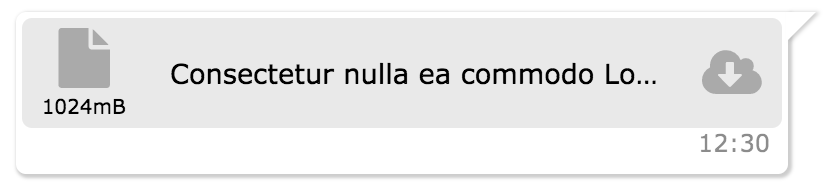 |
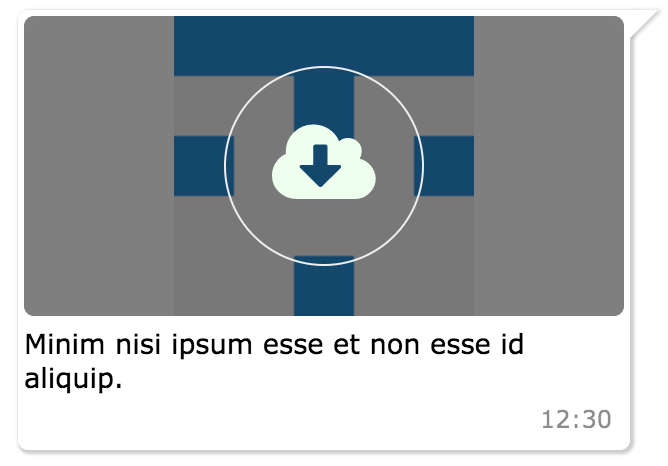 |
 |
 |
 |
 |
import { MessageBox } from 'react-chat-elements'
;<MessageBox
  position={'left'}
  type={'photo'}
  text={'react.svg'}
  data={{
    uri: 'https://facebook.github.io/react/img/logo.svg',
    status: {
      click: false,
      loading: 0,
    },
  }}
/>
MessageBox props
| prop |
default |
type |
description |
| id |
i (index) |
string |
message box id |
| position |
left |
string |
message box position |
| type |
text |
string |
message type (text, photo, file, location, spotify, video, audio) |
| text |
none |
string |
message text |
| title |
none |
string |
message title |
| titleColor |
none |
string(color) |
message title color |
| data |
{} |
object |
message data |
| date |
new Date() |
Date |
message date |
| dateString |
none |
string |
message represents dateString or timeagojs(now, date) |
| onClick |
none |
function |
message on click (message(object) is returned) |
| onOpen |
none |
function |
message on open (file or photo) (message(object) is returned) |
| onDownload |
none |
function |
message on download (file or photo) (message(object) is returned) |
| onLoad |
none |
function |
message on load photo |
| onPhotoError |
none |
function |
message on error photo |
| onTitleClick |
none |
function |
message title on click event |
| onForwardClick |
none |
function |
message forward on click event |
| onReplyClick |
none |
function |
message reply on click event |
| onMeetingMessageClick |
none |
function |
meeting message on click event |
| onMeetingTitleClick |
none |
function |
meeting title message on click event |
| onMeetingVideoLinkClick |
none |
function |
meeting video link message on click event |
| onReplyMessageClick |
none |
function |
reply message on click event |
| onRemoveMessageClick |
none |
function |
message remove on click event |
| onMeetingMoreSelect |
none |
function |
message list item onMeetingMoreSelect event, gets 3 parameters: message item, index of item, event |
| onMeetingLinkClick |
none |
function |
meeting link on click event |
| onContextMenu |
none |
function |
message contextmenu click event |
| forwarded |
none |
boolean |
message forward icon |
| replyButton |
none |
boolean |
message reply icon |
| removeButton |
none |
boolean |
message remove icon |
| status |
none |
string |
message status info (waiting, sent, received, read) |
| notch |
true |
boolean |
message box notch |
| avatar |
none |
url |
message box avatar url |
| renderAddCmp |
none |
function (component) |
adding custom components to message box |
| copiableDate |
false |
boolean |
message box date text copiable |
| focus |
false |
boolean |
used in message focus feature in MessageList component, makes style of the component focused |
| onMessageFocused |
none |
function |
makes focus value false after the message becomes focus |
| reply |
none |
object |
reply data |
| retracted |
none |
boolean |
message deleted or retracted |
| forwardedMessageText |
Forwarded |
string |
forwarded message text |
Reply Message Component
import { MessageBox } from 'react-chat-elements'
;<MessageBox
  reply={{
    photoURL: 'https://facebook.github.io/react/img/logo.svg',
    title: 'elit magna',
    titleColor: '#8717ae',
    message: 'Aliqua amet incididunt id nostrud',
  }}
  onReplyMessageClick={() => console.log('reply clicked!')}
  position={'left'}
  type={'text'}
  text={'Tempor duis do voluptate enim duis velit veniam aute ullamco dolore duis irure.'}
/>
MeetingMessage Component
import { MeetingMessage } from 'react-chat-elements'
<MeetingMessage
    subject={'New Release'}
    title={'in ullamco'}
    date={new Date()}
    collapseTitle={'Commodo aliquip'}
    participants={[
        {
            id: '1',
            title: 'Facebook',
        },
        .
        .
        .
    ]}
    dataSource={[
        {
            id: '1',
            avatar: 'https://facebook.github.io/react/img/logo.svg',
            message: 'Lorem ipsum dolor sit amet.',
            title: 'Elit magna',
            avatarFlexible: true,
            date: new Date(),
            event: {[
                title: 'Toplantı sona erdi!',
                avatars={[
                    src: 'https://facebook.github.io/react/img/logo.svg'
                ]}
            ]}
            record: {[
                avatar: 'https://facebook.github.io/react/img/logo.svg',
                title: 'Arama',
                savedBy: 'Kaydeden: Elit magna',
                time: new Date(),
            ]}
        },
        .
        .
        .
    ]} />
MeetingMessage props
| prop |
default |
type |
description |
| subject |
none |
string |
Meeting messagee |
| title |
none |
string |
Meeting title |
| date |
new Date() |
Date |
Meeting date |
| collapseTitle |
none |
string |
Meeting subtitle |
| participants |
[] |
array |
Meeting participant array |
| moreItems |
none |
array |
message more items |
| dataSource |
[] |
array |
meeting list array |
| onClick |
none |
function |
meeting message on click event (message(object) is returned) |
| onMeetingTitleClick |
none |
function |
meeting title message on click event (message(object) is returned) |
| onMeetingVideoLinkClick |
none |
function |
meeting video link message on click event (message(object) is returned) |
| onMeetingMoreSelect |
none |
function |
message list item onMeetingMoreSelect event, gets 3 parameters: message item, index of item, event |
MeetingLink Component

import { MeetingLink } from 'react-chat-elements'
;<MeetingLink meetingID='1' title='Lorem ipsum dolor sit amet.' />
MeetingLink props
| prop |
default |
type |
description |
| meetingID |
none |
string |
Meeting Link id |
| title |
none |
string |
Meeting Link title |
| onMeetingLinkClick |
none |
function |
meeting link on click event |
SystemMessage Component
import { SystemMessage } from 'react-chat-elements'
;<SystemMessage text={'End of conversation'} />
SystemMessage props
| prop |
default |
type |
description |
| text |
none |
string |
message text |
MessageList Component
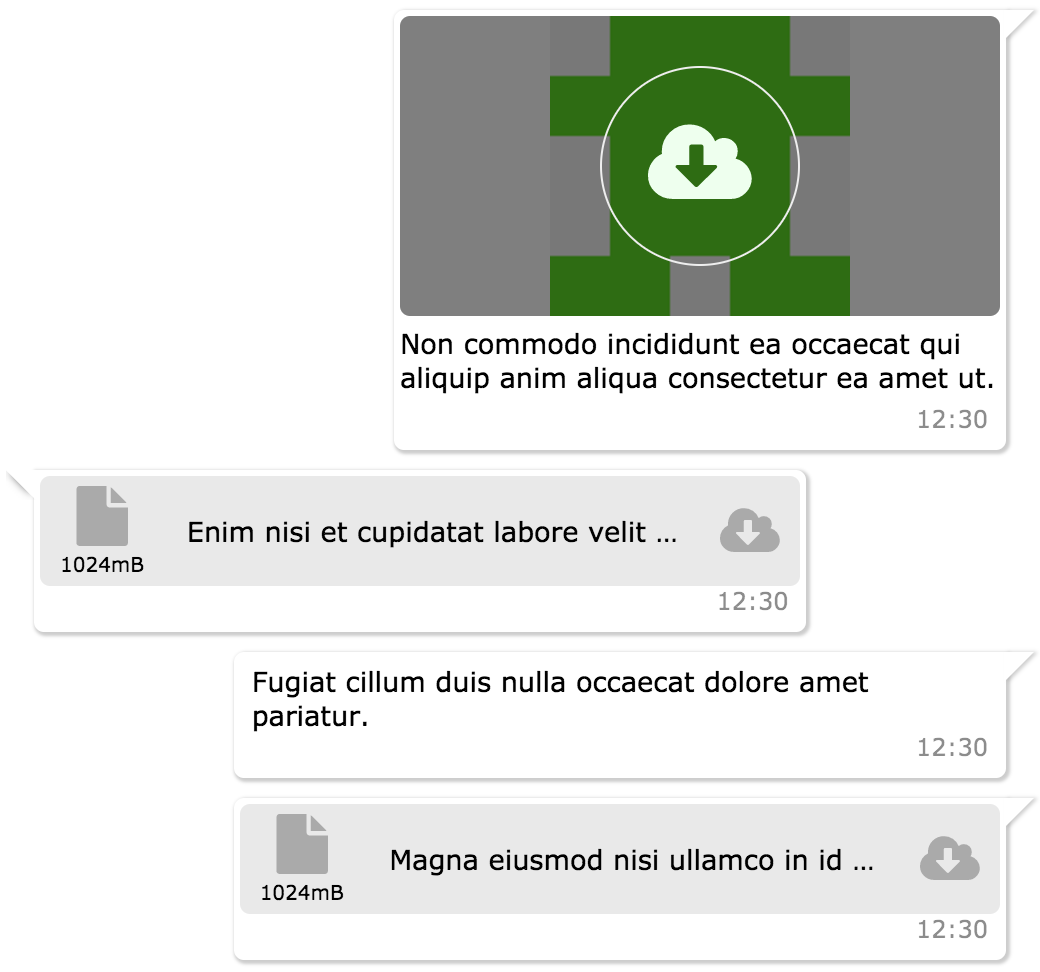
import { MessageList } from 'react-chat-elements'
messageListReferance = React.createRef();
<MessageList
	referance={messageListReferance}
	className='message-list'
	lockable={true}
	toBottomHeight={'100%'}
	dataSource={[
	    {
	        position: 'right',
	        type: 'text',
	        text: 'Lorem ipsum dolor sit amet, consectetur adipisicing elit',
	        date: new Date(),
	    },
	    .
	    .
	    .
	]} />
MessageList props
| prop |
default |
type |
description |
| referance |
none |
object |
message list ref |
| className |
none |
string |
optional message list className |
| dataSource |
[] |
array |
message list array |
| lockable |
false |
boolean |
It locks to scroll position when the dataSource has been changed |
| toBottomHeight |
300 |
int or string(only '100%') |
If the toBottomHeight property's value higher than bottom value of the scrollbar when the data source has been changed Scrollbar goes to bottom at the end of the page. If the toBottomHeight property's value has been set '100%', scrollbar goes to bottom at the end of the page when the data source has been changed. |
| onClick |
none |
function |
message list item on click (message(object) is returned) |
| onOpen |
none |
function |
message list item on open (file or photo) (message(object) is returned) |
| onDownload |
none |
function |
message list item on download (file or photo) (message(object) is returned) |
| onScroll |
none |
function |
message list onScroll event |
| onForwardClick |
none |
function |
message list item onForwardClick event |
| onReplyClick |
none |
function |
message list item onReplyClick event |
| onReplyMessageClick |
none |
function |
message list item onReplyMessageClick event |
| downButton |
true |
boolean |
message list scroll to bottom button |
| downButtonBadge |
none |
boolean |
message list downButton badge content |
| onDownButtonClick |
none |
function |
message list onDownButtonClick |
| onContextMenu |
none |
function |
message list item onContextMenu event, gets 3 parameters: message item, index of item, event |
| onPhotoError |
none |
function |
message list item on error photo |
ChatList Component
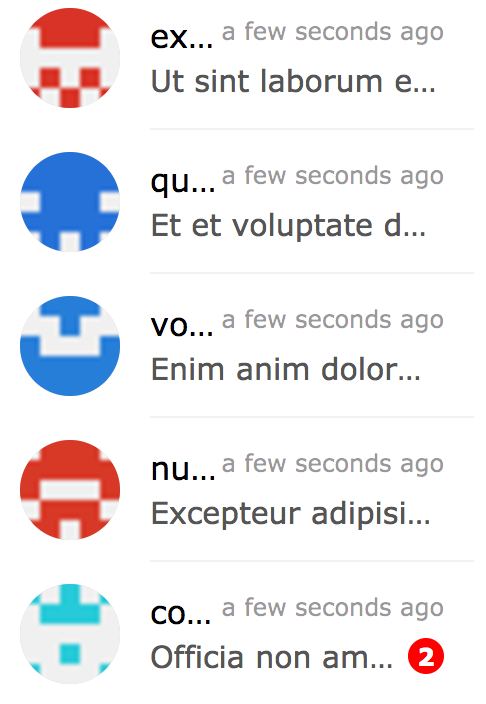
import { ChatList } from 'react-chat-elements'
<ChatList
    className='chat-list'
    dataSource={[
        {
            avatar: 'https://facebook.github.io/react/img/logo.svg',
            alt: 'Reactjs',
            title: 'Facebook',
            subtitle: 'What are you doing?',
            date: new Date(),
            unread: 0,
        },
        .
        .
        .
    ]} />
ChatList props
| prop |
default |
type |
description |
| className |
none |
string |
optional chat list className |
| dataSource |
[] |
array |
chat list array |
| onClick |
none |
function |
chat list item on click (chat(object) is returned) |
| onContextMenu |
none |
function |
chat list item on context menu (chat(object) is returned) |
| onAvatarError |
none |
function |
chat list item on error avatar img |
| lazyLoadingImage |
none |
image path |
lazy loading image |
Input Component
"import { Input } from 'react-chat-elements'
inputReferance = React.createRef()
;